Where this cable management family fits
Play&Work 2.0 Cable Management is suited to office workstation planning where cables need to be managed horizontally within a coordinated Nowy Styl furniture environment. It can be considered for individual desk settings, shared work areas and project-based fit-outs when the selected component matches the desk configuration and the required width.
The collection is also useful when appearance matters alongside cable routing. The colour range allows the cable management element to remain discreet in black or grey, or to become a more visible part of a branded, creative or collaborative workplace scheme.
How to choose between the models
Choose the modular format
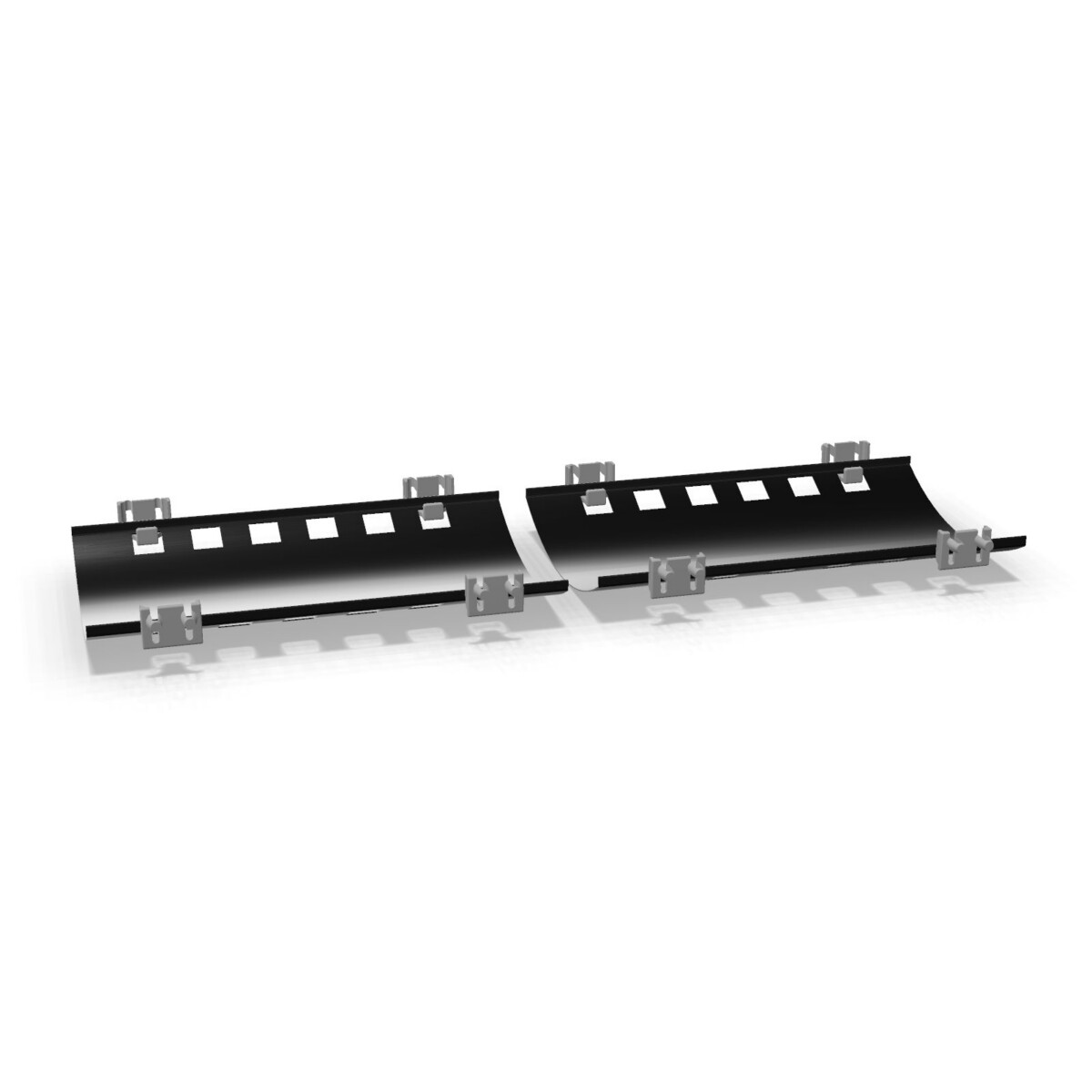
The horizontal modular component is a logical choice when you want a direct, structured cable management solution and a clean component-based appearance. It may be appropriate where the cable management should blend into the workstation system without adding an upholstered finish.
Choose the upholstered format
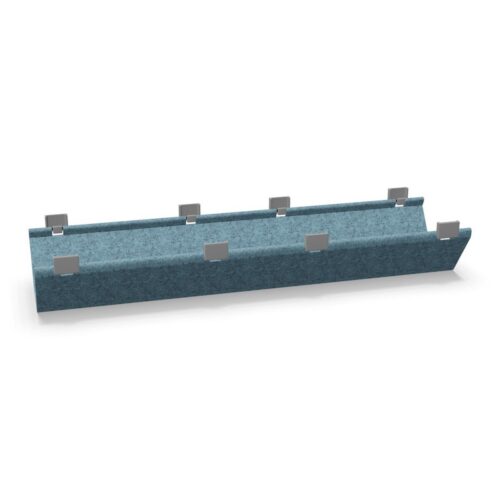
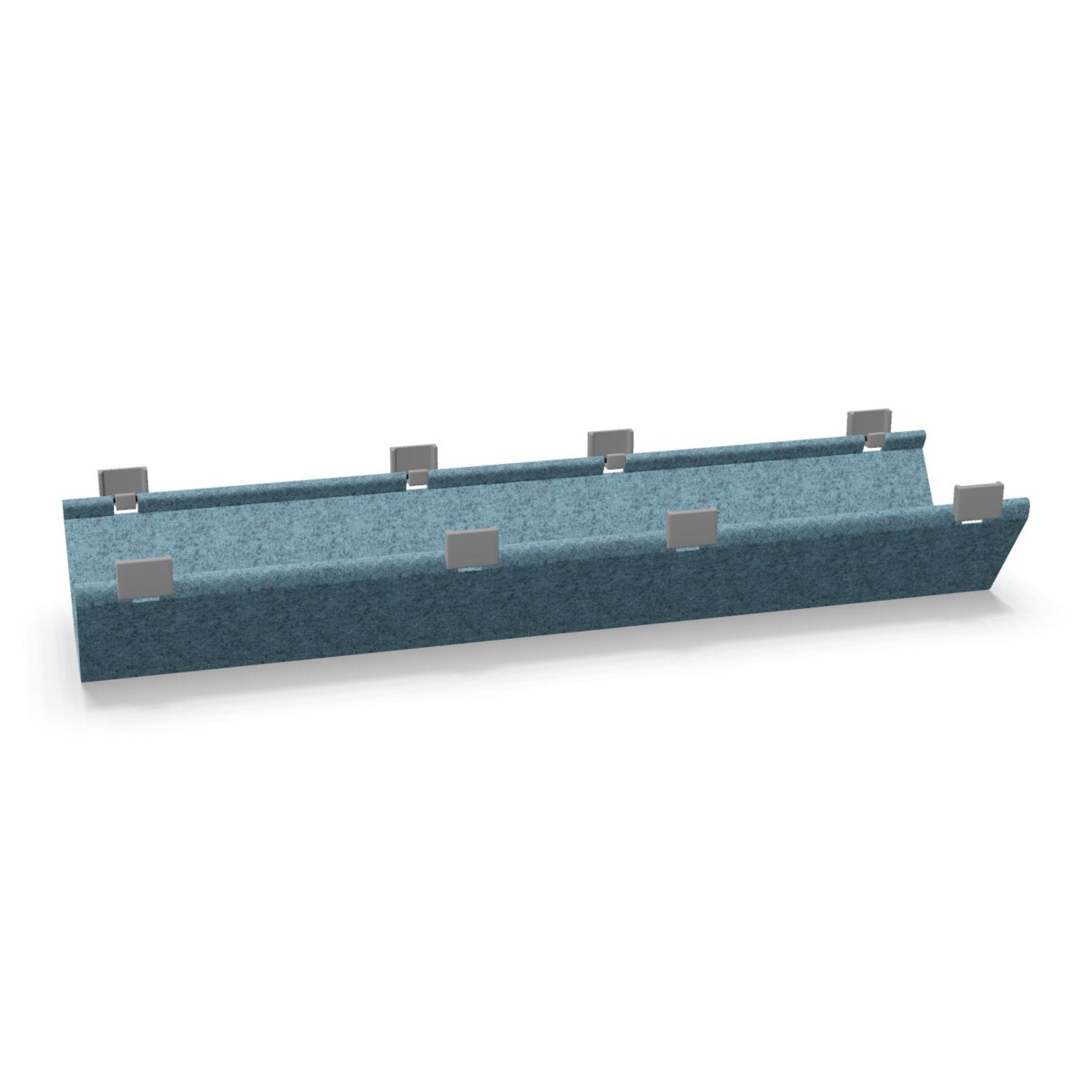
The upholstered horizontal component is worth considering when a softer visual treatment is preferred. Its upholstered finish can help the cable management element sit more comfortably within interiors that already use fabric, colour or acoustic-style details. Confirm how its finish aligns with the rest of the planned workstation before ordering.
Check width, colour and configuration
Width is one of the first practical checks. The available listed widths are 38 cm and 87 cm, so compare the chosen option with the relevant desk or workstation arrangement rather than selecting by appearance alone. If the product is being used across a multi-position layout, review whether the same width is needed consistently or whether different positions call for different components.
Next, select the finish from the available colours: black, grey, yellow, green, blue, brown, gold, orange, pink, purple or red. Neutral shades can support a restrained office scheme, while brighter colours may help define zones or reinforce an interior palette. The available product facts also identify the components as circular, and origin is listed as on request.
What to confirm before specifying
- Which Play&Work 2.0 workstation or desk configuration the component will be used with.
- Whether the modular or upholstered horizontal format better suits the intended appearance.
- Whether 38 cm or 87 cm is the correct width for the planned installation.
- Which colour should be specified across the project, or whether a mixed colour approach is intentional.
- Whether the required origin and configuration need to be confirmed on request.
Once these points are clear, compare the selected SKU with the project requirements and confirm compatibility with the rest of the Play&Work 2.0 arrangement. Myntwork offers these Nowy Styl products on a monthly lease, allowing them to be considered within a broader workplace furniture plan.
Frequently asked questions about Nowy Styl Cable Management Play&Work 2.0
What is included in the Nowy Styl Play&Work 2.0 Cable Management collection?
The collection contains two horizontal cable management components: a modular version and an upholstered version. Both are part of the Play&Work 2.0 family.
How do the modular and upholstered versions differ?
The modular option has a component-based horizontal format, while the upholstered option adds an upholstered finish. Choose according to the required appearance and how the component should coordinate with the workstation.
What widths are available in this collection?
The listed widths are 38 cm and 87 cm. Check the selected product configuration and compare the width with the intended Play&Work 2.0 workstation arrangement.
Which colours can be specified?
Available colours are black, grey, yellow, green, blue, brown, gold, orange, pink, purple and red. Confirm the colour against the selected component and the wider interior scheme.
How should I choose the right cable management component?
Start by confirming the workstation configuration, then choose the modular or upholstered format, the required width and the desired colour. If the application or origin is not clear, request confirmation before specifying.