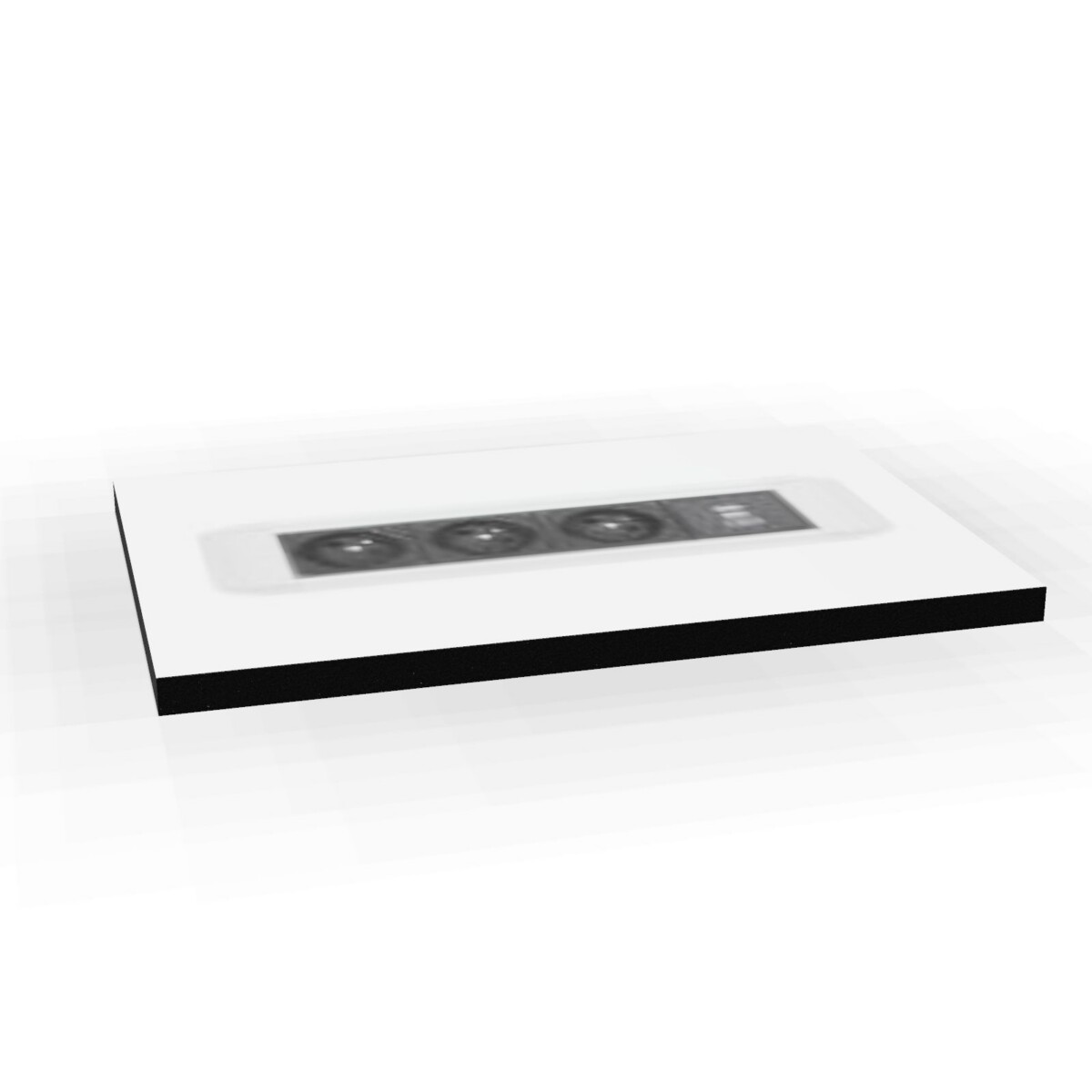
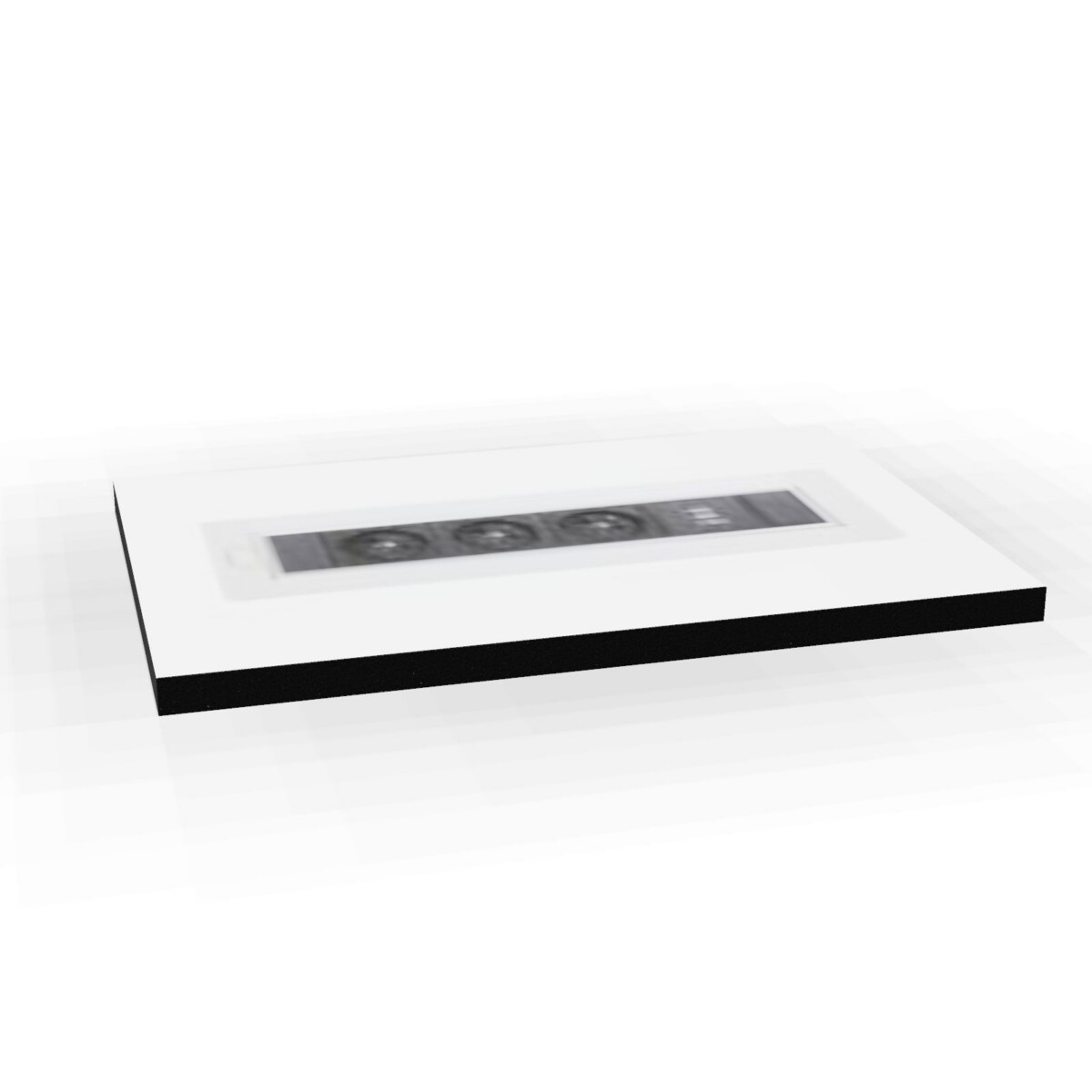
Where Media Porty modules can be used
These desk power modules are practical wherever people need to connect laptops, displays, chargers or other everyday equipment close to the work surface. Tabletop units can suit meeting tables, shared desks and collaborative zones where access to power needs to remain visible and convenient. Built-in options are better suited to desks or tables prepared for an integrated installation.
The collection can also support changing workplace layouts. A compact module may be useful for an individual workstation, while a model with more sockets or additional charging can serve a shared table or meeting setting. Check the furniture design and intended number of users before choosing.
How to choose between the models
Start with the mounting format
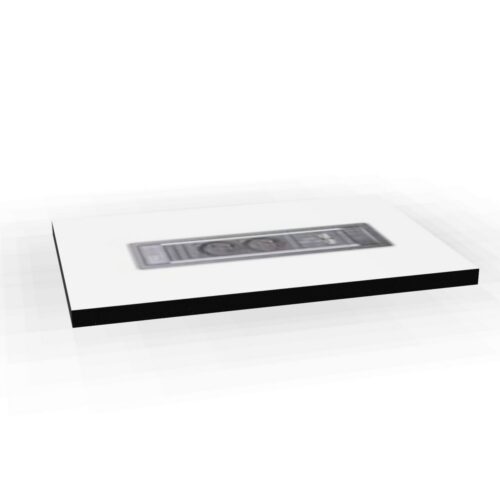
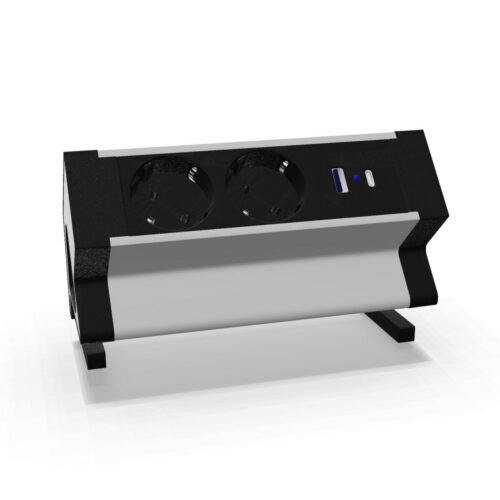
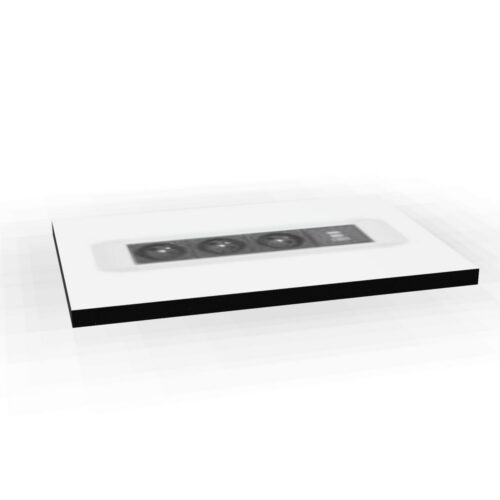
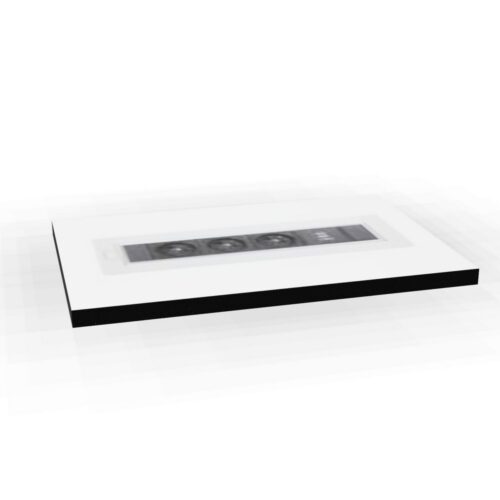
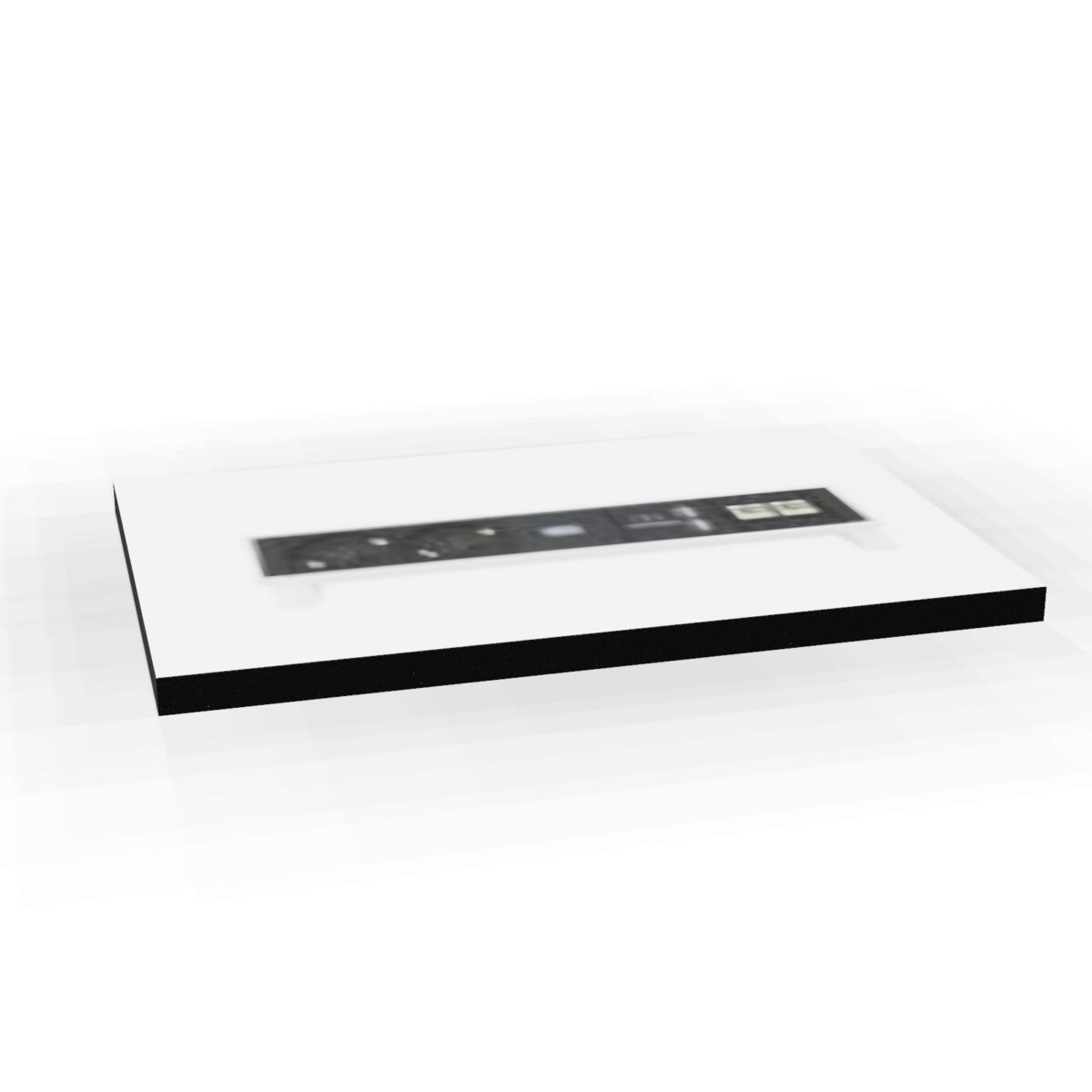
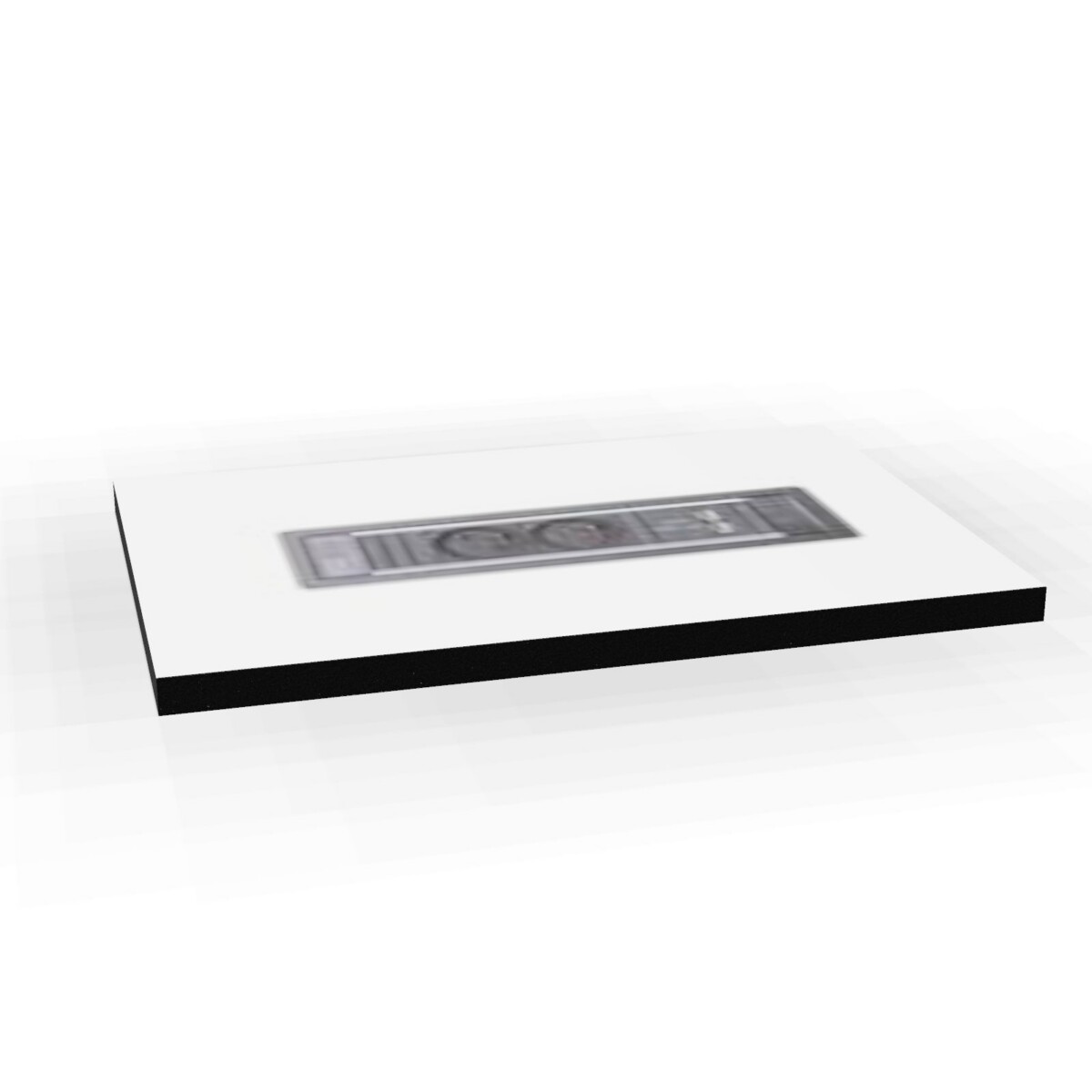
Decide whether the unit should sit on top of the desk or be installed into it. Tabletop-mounted choices include the Desk2, Pixel 1, Power Frame, Mediaport Streamline and Netbox Turn Comfort models. The Netbox Line is a built-in desk module. Confirm that the selected format matches the available surface and any installation requirements.
Match power and charging needs
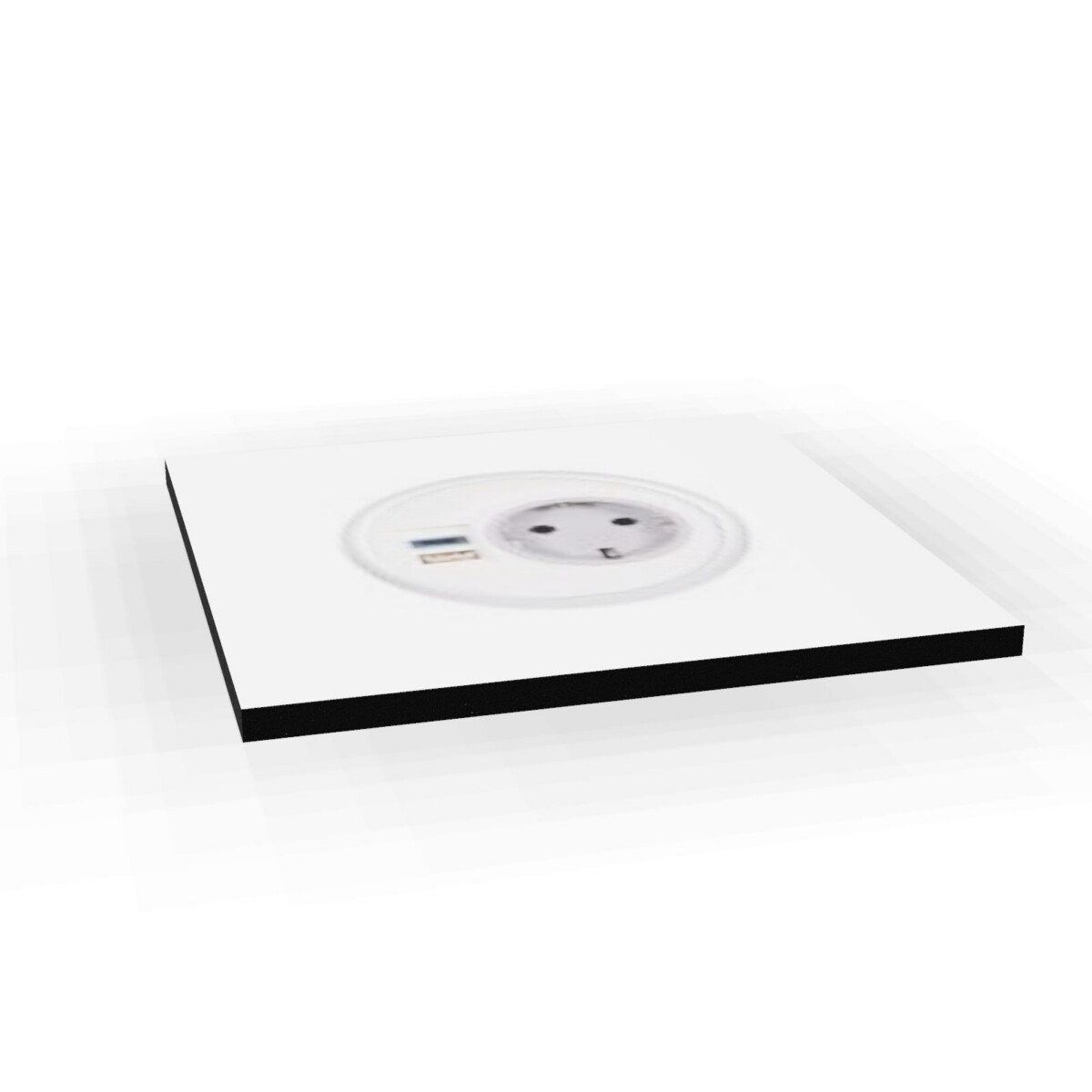
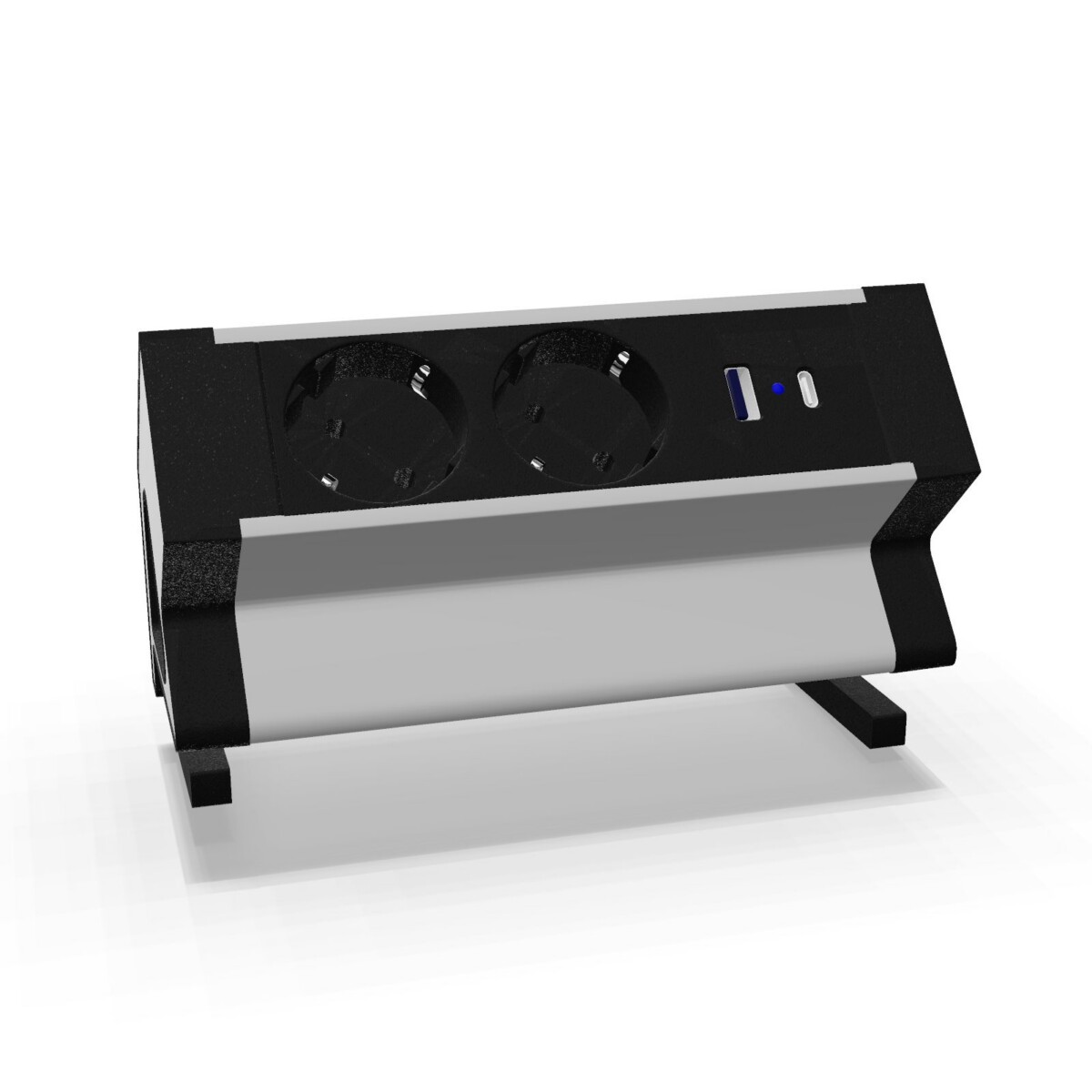
For a smaller setup, the Pixel 1 provides one power socket. Desk2 options provide two power sockets, while several other collection members combine power access with USB or USB-C charging. The Mediaport Streamline includes two German power sockets, double USB charging and a 2000 mm cable. Review the product facts for the exact socket and charging configuration rather than assuming every Media Porty unit has the same connections.
Check size and finish
Compare the listed width and depth before specifying a module. The family includes dimensions from 24 to 33 cm in width and from 7 to 11 cm in depth. Colour options across the collection include black, silver, white and grey. Select a finish that works with the desk, tabletop or wider office palette.
What to check next
Before ordering, confirm the number of users, equipment to be connected, socket type, charging requirement and preferred mounting method. It is also worth checking cable routing, the available desk surface and whether a built-in module can be accommodated. If the furniture layout may change, compare the installation implications of tabletop and built-in models.
Myntwork offers the Nowy Styl Media Porty collection on a monthly lease, helping businesses specify desk power alongside a broader workplace furniture plan. Review the individual model details for the precise configuration, dimensions and finish available for your project.
Frequently asked questions about Nowy Styl Desk Power Module Media Porty
Are all Nowy Styl Media Porty modules mounted in the same way?
No. The collection includes tabletop-mounted modules and a built-in desk option. Choose the format that matches the table construction, available surface and installation plan.
Which Media Porty model is suitable for a smaller power requirement?
The Pixel 1 module has one power socket and may suit a compact individual setup. Desk2 models provide two power sockets when more than one connection is required.
Do the Media Porty modules include USB or USB-C charging?
Several models include USB or USB-C charging, but the configuration differs between products. Check the individual facts for the exact charging type and socket arrangement.
What dimensions should I compare before choosing a module?
The listed collection dimensions include widths of 24, 27 and 33 cm and depths of 7, 8 and 11 cm. Confirm the exact measurements of the selected model against the desk or table.
Can these desk power modules be leased?
Yes. Myntwork offers the Nowy Styl Media Porty collection on a monthly lease. The appropriate model can be selected according to mounting format, connections, dimensions and finish.