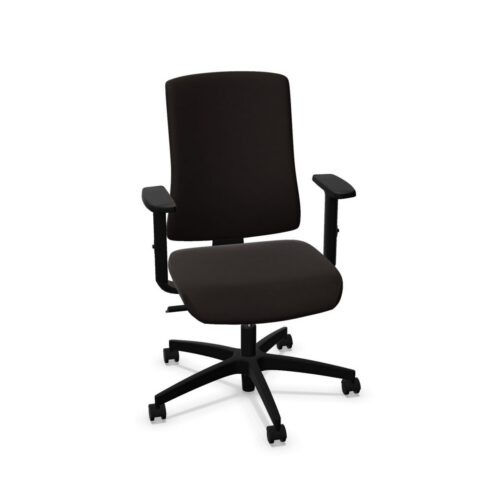
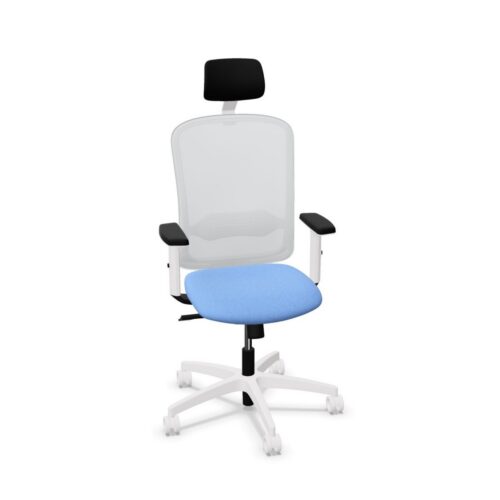
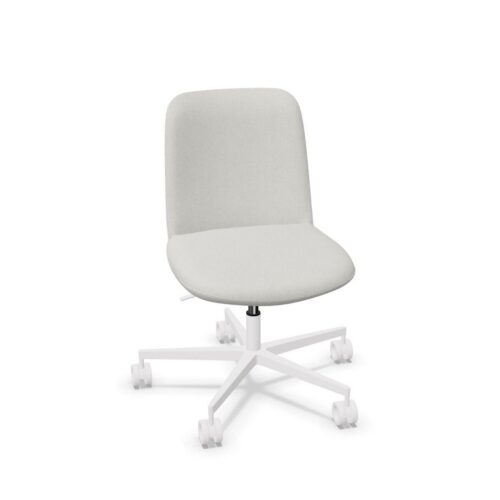
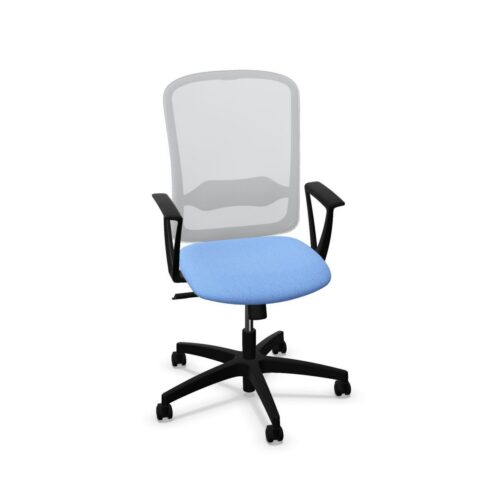
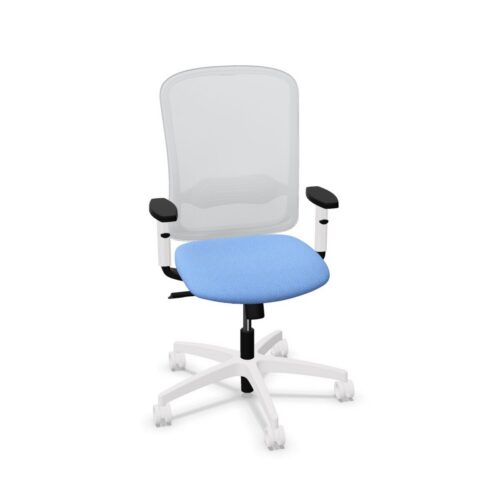
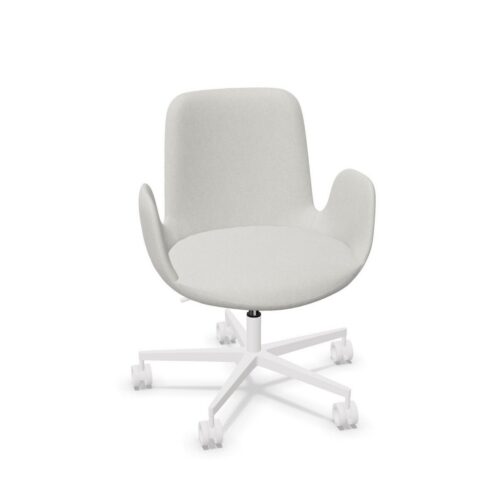
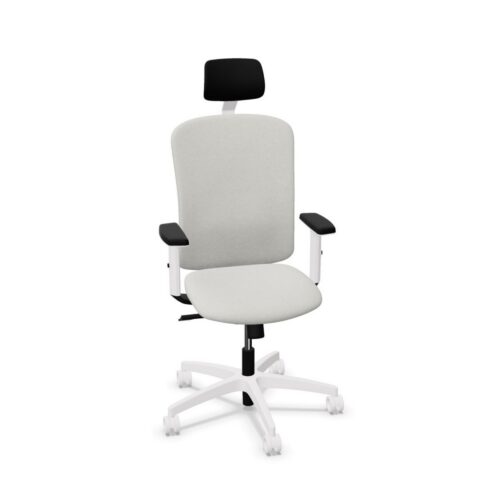
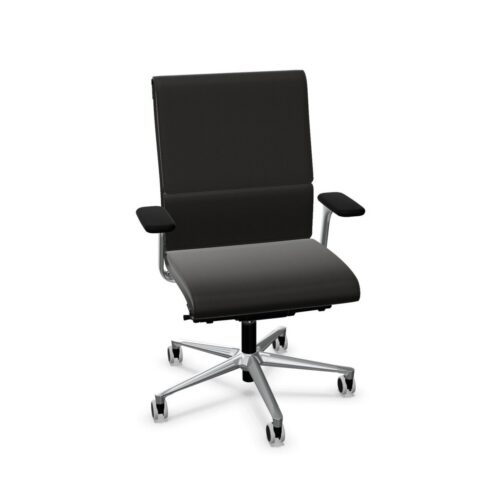
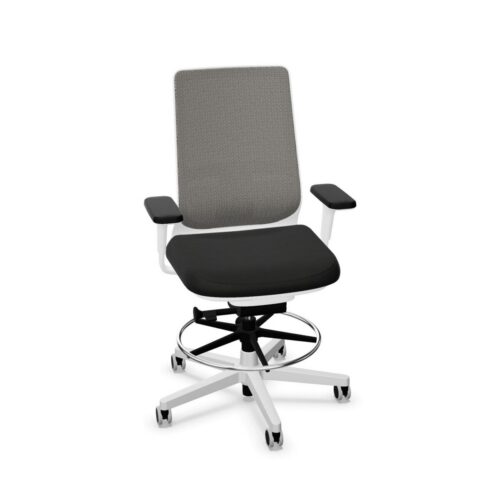
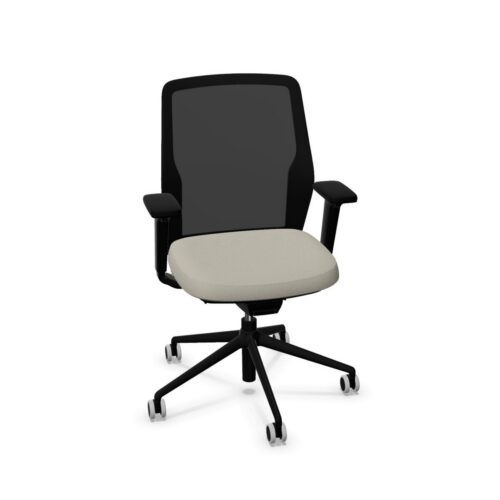
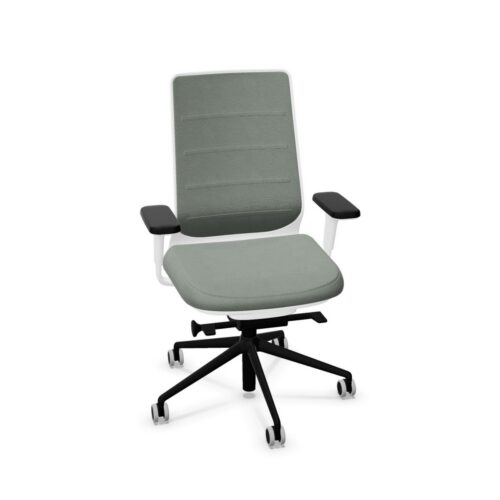
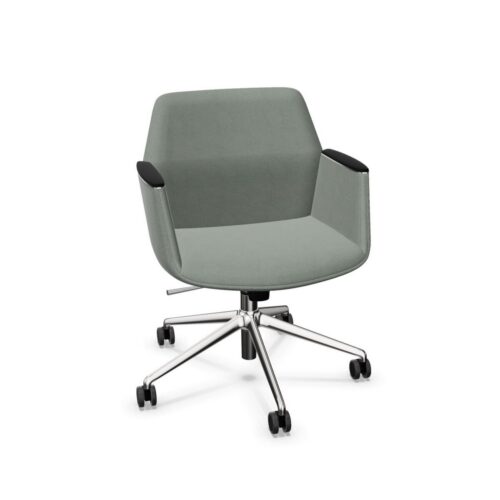
Office chairs with synchronous mechanisms coordinate movement of the seat and backrest as a person reclines. The two parts move together rather than leaving the seat fixed while only the back tilts. Exact movement, tension controls and lock positions vary by chair. This feature is most relevant at workstations where users change posture through the day, but it should be assessed with the whole sitting position.
Feel the coordinated movement
When the user leans back, the backrest and seat change angle in a linked way. The relative movement is determined by the selected mechanism, so do not assume one chair behaves like another. Sit in the chair and move from upright work to a more reclined position. Notice whether the back remains supportive and the seat stays comfortable beneath the thighs.
Office chairs with synchronous mechanisms may offer a free-moving setting, several lock points or another control arrangement. Check the product’s instructions for the exact functions. Even a chair with a good movement concept still needs accessible controls that a user can find and understand.
Set tension for the user
Some mechanisms let the user change the resistance felt while leaning back. A setting that is too firm may make movement difficult; one that is too light may feel unstable. Test the available range with the person who will use the chair. In a shared office, consider how easily different users can reset it.
The tension setting is distinct from seat height or depth. Establish a useful desk position first, then refine the recline response. A synchronous action should allow posture changes without pulling the person away from the work surface in an awkward way.
Check upright and reclined work
Typing and mouse use often happen in a more upright position. Reading or listening may permit a more reclined one. Try both in the intended workstation. A chair that feels pleasant when reclining should also let the user return to focused work with the screen and keyboard at a practical distance.
Office chairs with synchronous mechanisms may have a backrest lock or a free-floating mode. Decide which positions are useful for the task rather than treating more settings as automatically better. The control should hold or release as expected and allow natural changes of posture.
Look at the other adjustments
Seat height, depth, lumbar support and armrests all influence how the mechanism feels. If the seat is too deep, a user may lose back contact before the recline starts. If arms collide with the desk, the chair may be kept too far away. Set these features together and reassess movement after each significant change.
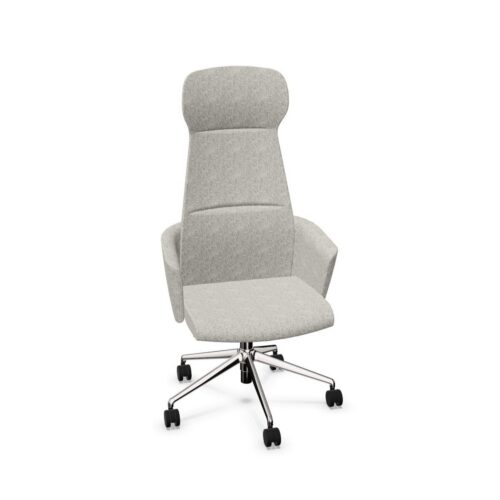
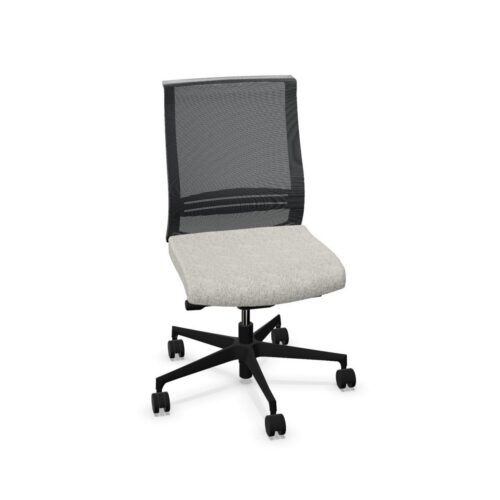
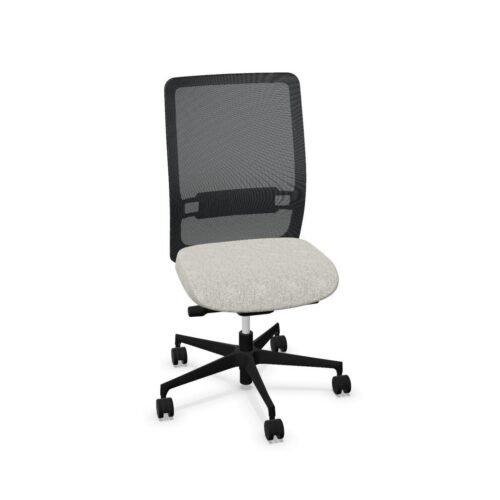
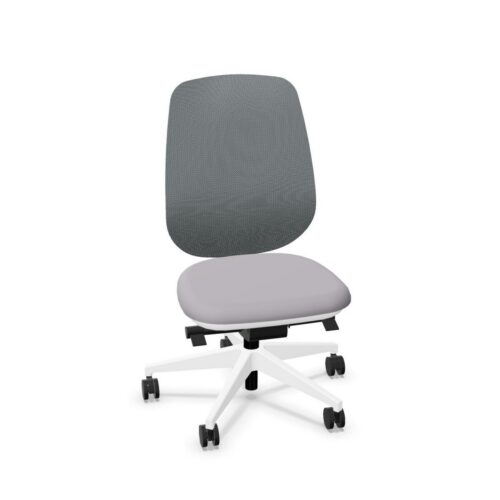
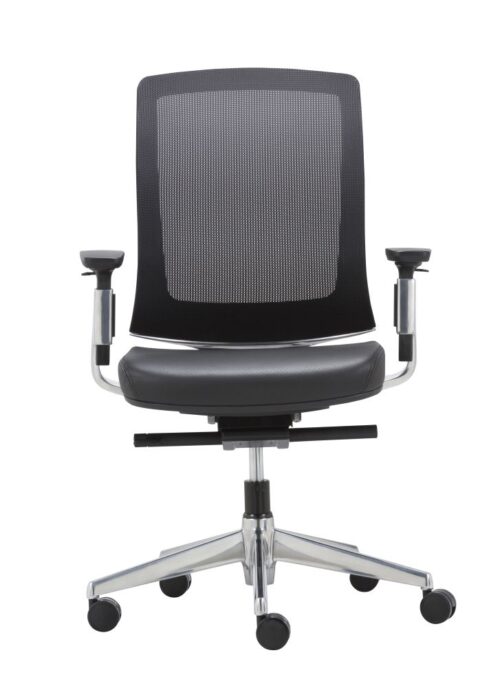
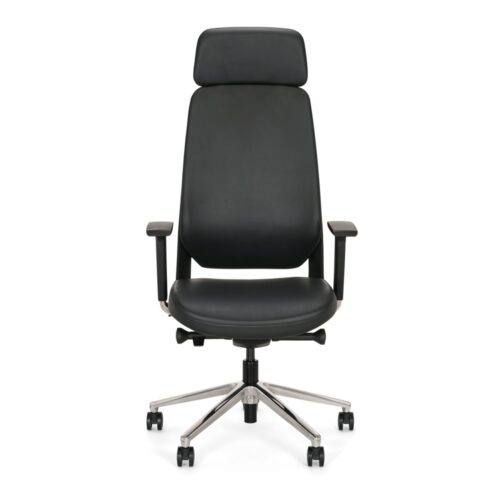
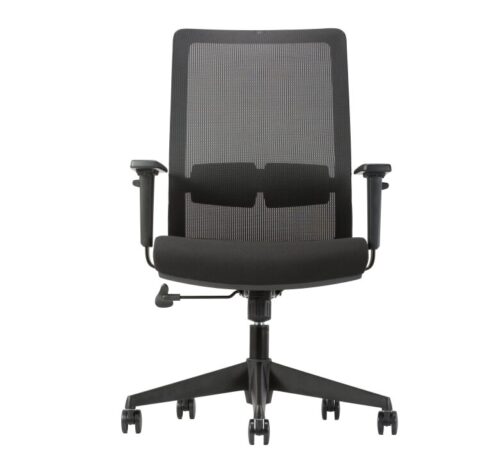
Mesh and upholstered backs can respond differently as the user leans. Compare the actual back shape and support at the positions people use. A headrest, where supplied, should be evaluated within the same movement rather than as an isolated feature.
Fit the chair to the room
A reclining chair needs space behind it. Check nearby walls, storage and colleagues’ workstations, especially in a dense desk layout. A five-star base and castors should suit the floor and leave enough room to move back and stand.
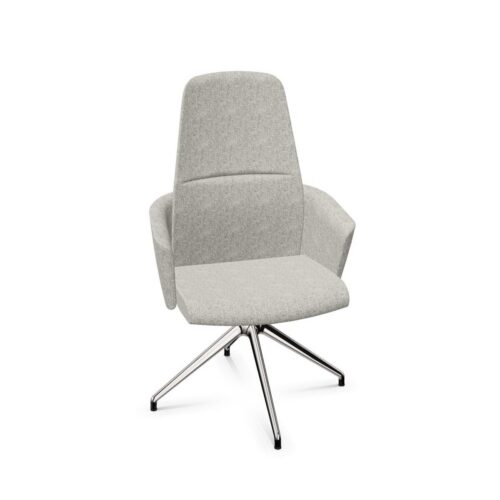
Office chairs with synchronous mechanisms can also appear at counter-height work positions or in shared task areas. The desk or counter, foot support and chair height should still make a workable complete station. The movement feature does not replace those basic checks.
Try a working session
Use the chair for ordinary typing, reading and short conversation. Adjust the controls and notice whether the transition between positions feels smooth, comfortable and predictable. A brief showroom recline may reveal the mechanism, but the full workstation shows whether it serves daily work.
Choose office chairs with synchronous mechanisms when their coordinated movement fits the user’s tasks and body. Confirm the exact control functions, then review the seat, back, arms and desk together. The result should support useful movement without making the chair difficult to operate.



Myntwork
Myntwork
Myntwork