Plan cable management around the workstation
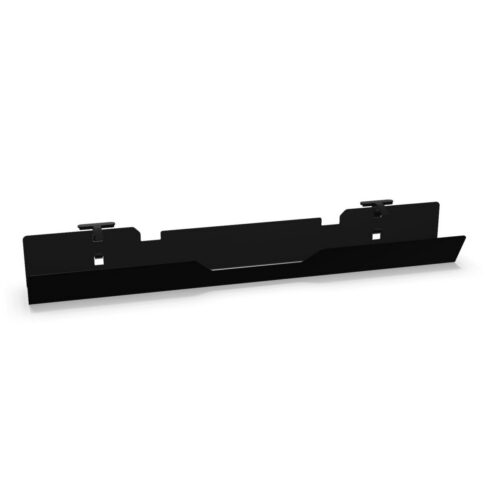
Start by looking at where cables need to travel and how visible they will be during everyday use. A horizontal trunking component can support cable routing along the desk, while vertical products can help guide cables between the work surface and the floor or nearby connection points. The right combination depends on the desk arrangement, equipment position and whether the workspace is assigned or shared.
For individual desks and workbenches
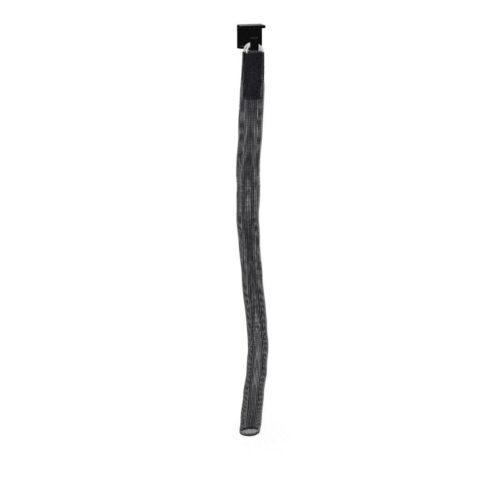
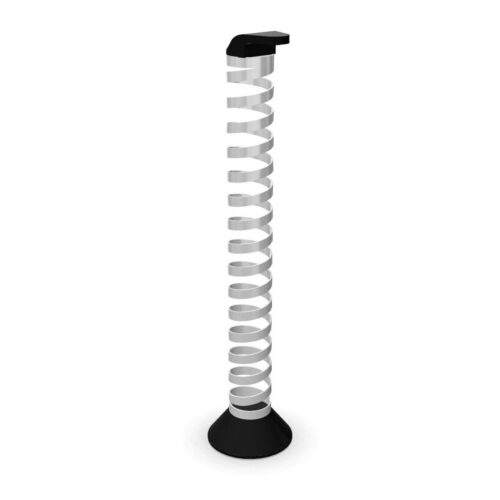
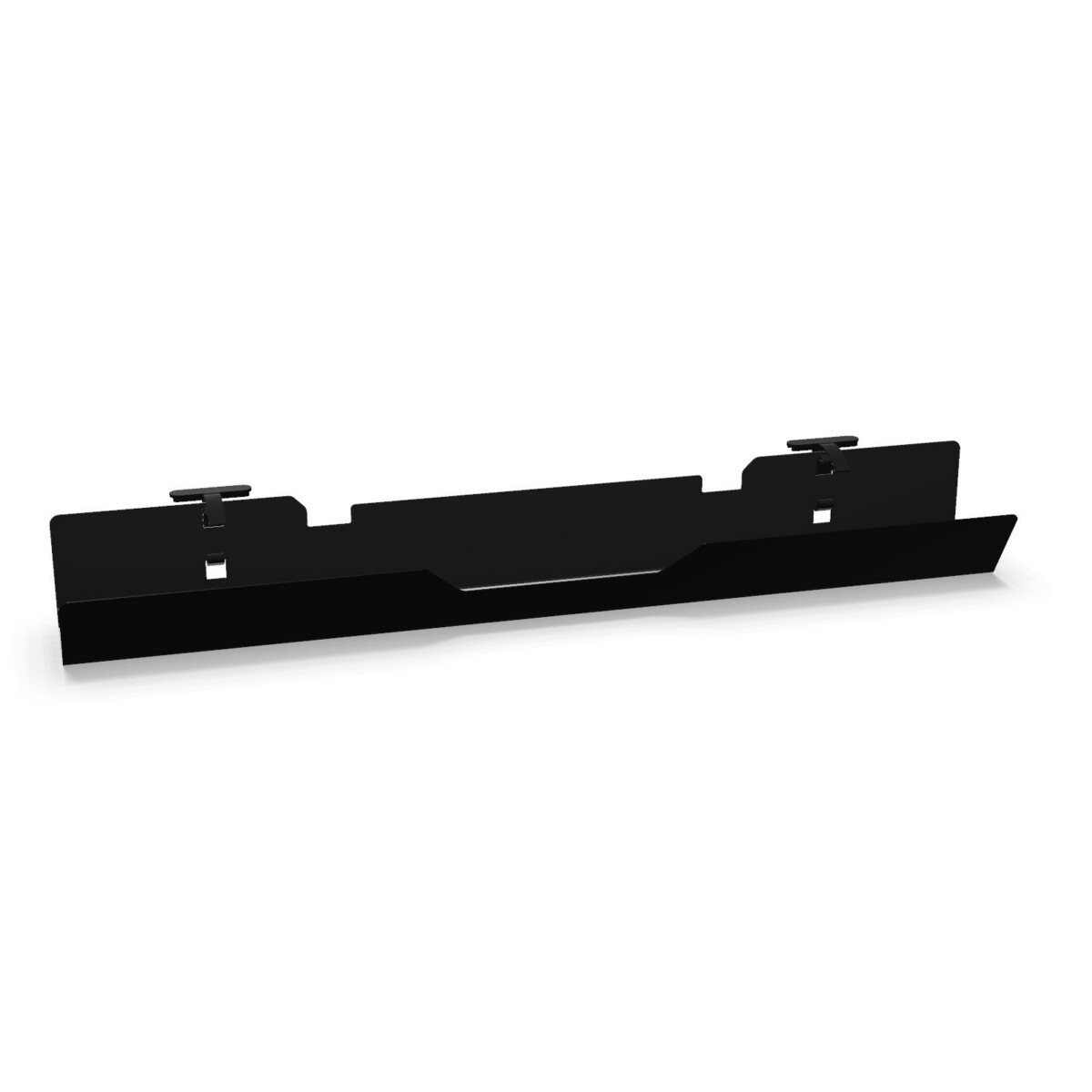
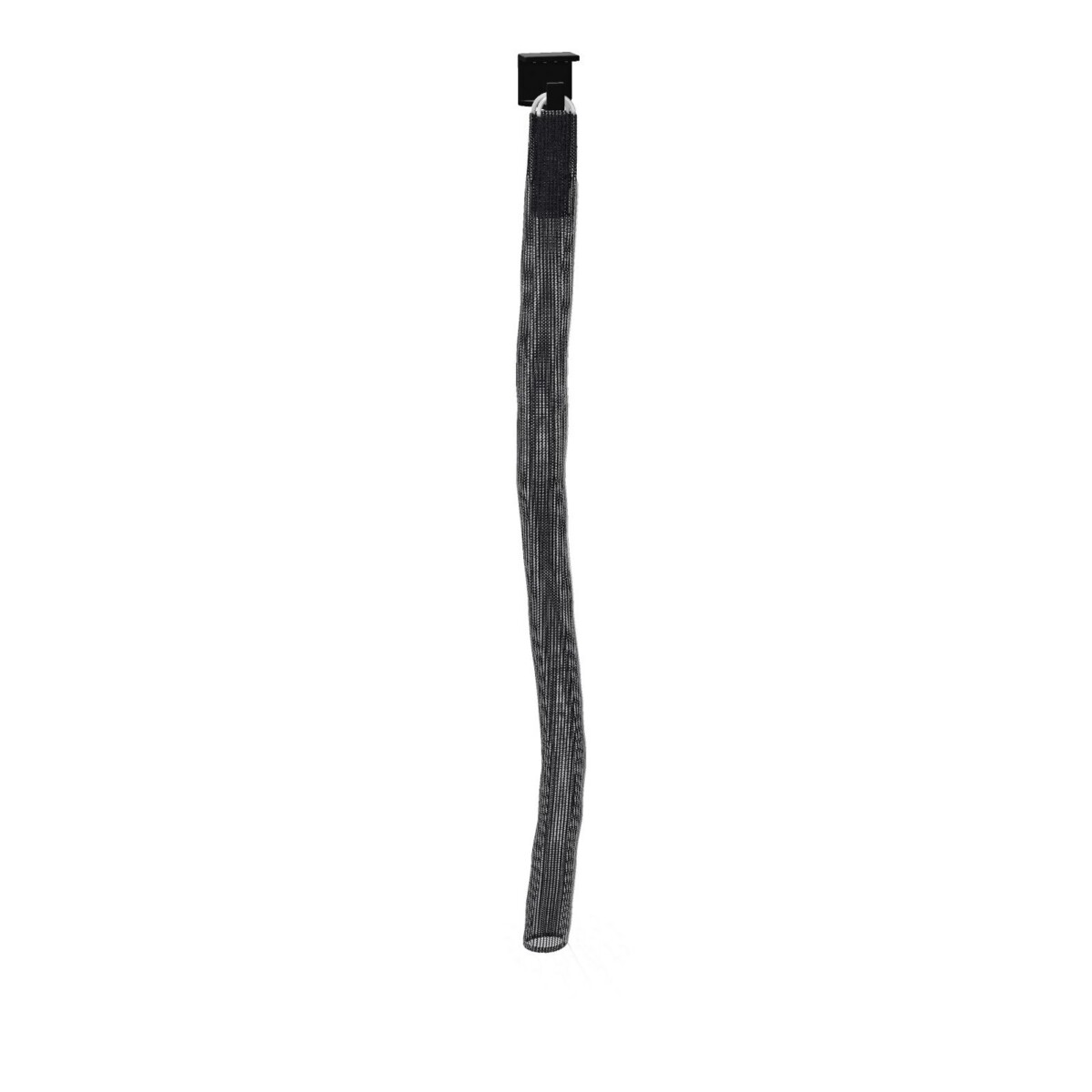
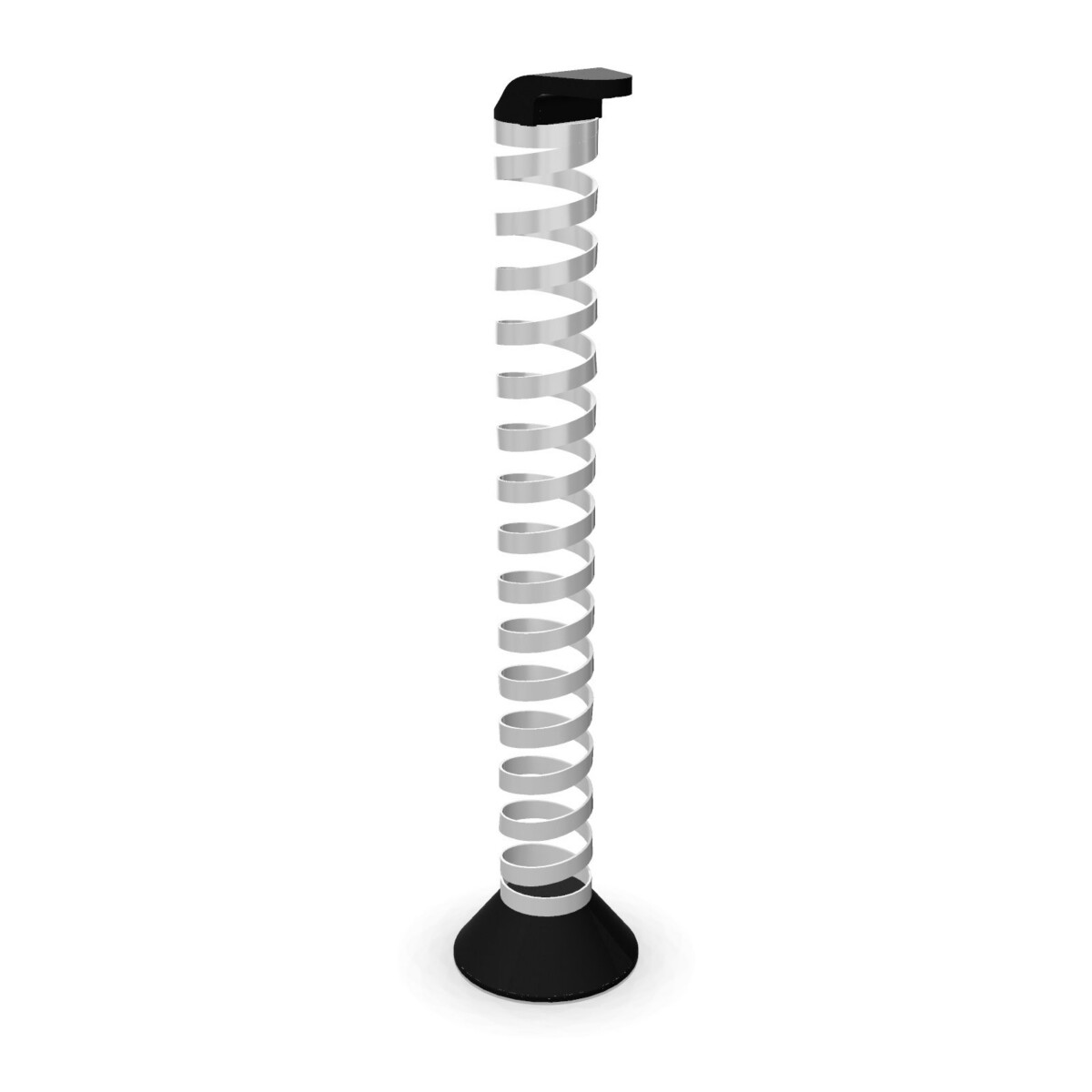
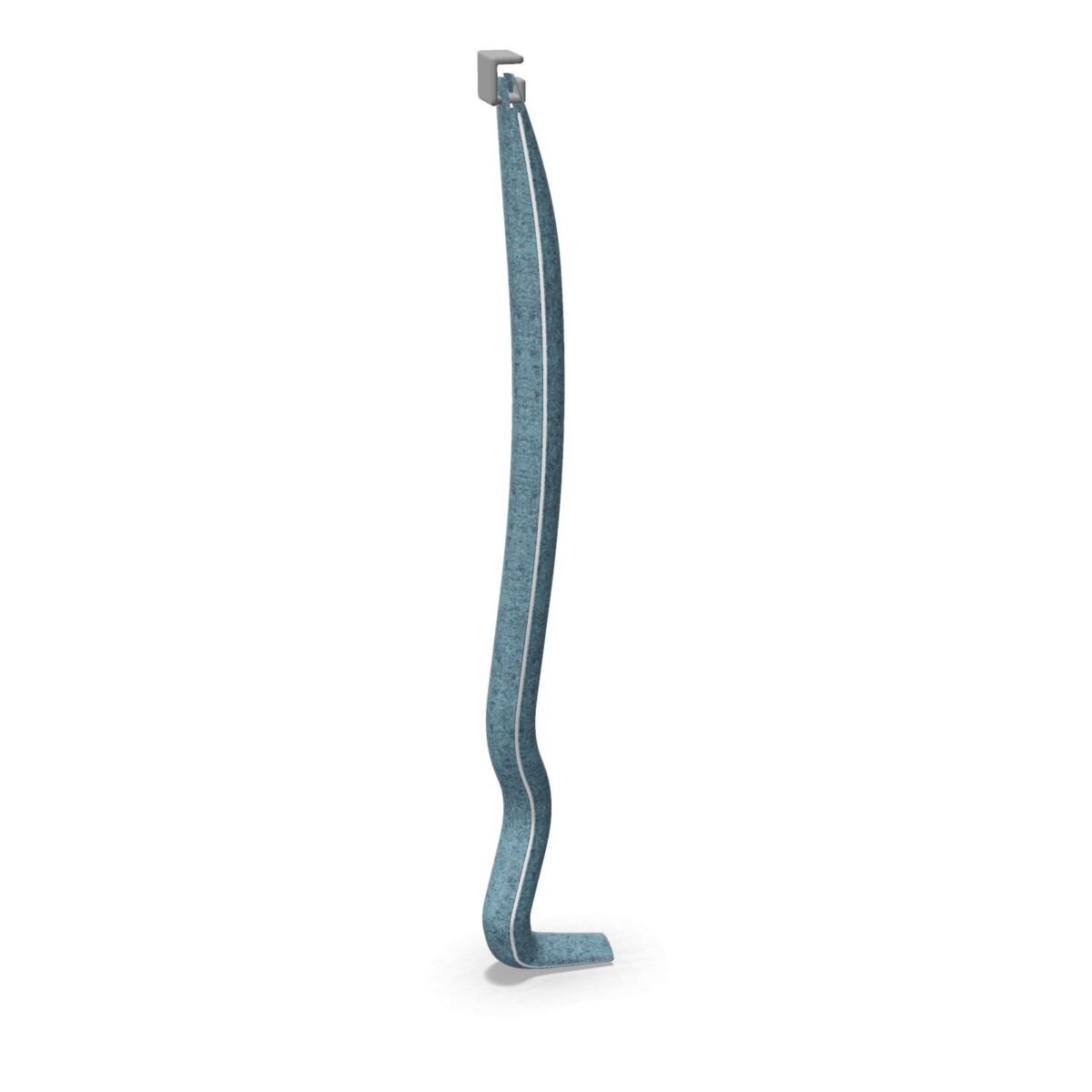
Use the horizontal metal hinged trunking where the cable route needs to follow the desk structure. Its foldable format is relevant when access or repositioning is part of the working routine. For a vertical route, compare the net mesh, flexible plastic spring and upholstered options according to the desired visual effect and the surrounding furniture.
For collaborative and changing layouts
Shared work areas often benefit from a cable solution that is easy to understand and visually controlled from different viewpoints. The vertical mesh has a more technical appearance, the flexible plastic spring offers a lightweight approach, and the upholstered component can provide a softer finish alongside upholstered workplace elements. Check the exact mounting position and cable path before selecting a component for a larger layout.
How to choose between the options
- Decide on the route. Establish whether the primary requirement is horizontal desk integration, vertical cable guidance or both.
- Match the construction to the setting. Metal, mesh, plastic and upholstered options offer different visual and tactile qualities. Select the style that fits the desk, screens and other workplace accessories.
- Confirm the available finish. The collection includes a broad colour range in its attributes, including black, grey, silver, white, transparent, green, blue, brown, gold, orange, pink, purple and red. Confirm which finish applies to the component you need.
- Check dimensions and compatibility. Confirm the product record, desk configuration and cable requirements before ordering. The upholstered component is listed with a 38 mm diameter and 1500 mm total length, while the collection attributes also list 98 cm width, 16 cm depth and 20 cm height; verify how these values apply to the selected item.
Specification and leasing support
The collection facts identify circular attributes and list Blue Angel and PEFC Certified information. Treat these as specification points to verify against the individual product and project requirements. Origin is available on request, and a colours and materials PDF can support finish coordination.
Myntwork offers these Nowy Styl eUP Prime cable-management products on a monthly lease, which can help businesses equip or refresh workstations without treating every component as a one-off purchase. Before requesting a proposal, prepare the desk or workbench type, quantity, preferred cable route, finish direction and any required documentation. This makes it easier to compare suitable members of the family and build a coherent workplace specification.
Frequently asked questions about Nowy Styl Cable Management eUP Prime
What types of cable management are included in the eUP Prime collection?
The family includes one horizontal metal wire-trunking component and three vertical options: net mesh, flexible plastic spring and upholstered cable management. Together, they cover different routing and appearance requirements for eUP Prime desks and workbenches.
How do I choose between horizontal and vertical cable management?
Choose horizontal trunking when the main route follows the desk structure. Choose a vertical component when cables need to be guided between the work surface and a lower connection point. Some layouts may require both approaches.
Which material or style should I select?
Metal and mesh provide a more technical workplace appearance, flexible plastic offers a lightweight spring format, and the upholstered option gives a softer visual treatment. Compare the selected component with the desk and surrounding furniture.
Are multiple colours available for this cable-management family?
The collection attributes list black, grey, silver, white, transparent, green, blue, brown, gold, orange, pink, purple and red. Confirm the available colour for the specific component and consult the colours and materials guide.
What should I confirm before leasing these components?
Confirm the eUP Prime desk or workbench configuration, cable route, quantity, preferred component type, finish and relevant dimensions. Also check any certification or material documentation needed for your project.