Where Play&Work 2.0 desks fit
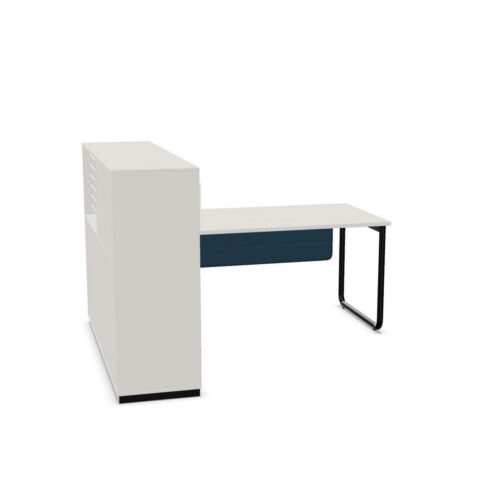
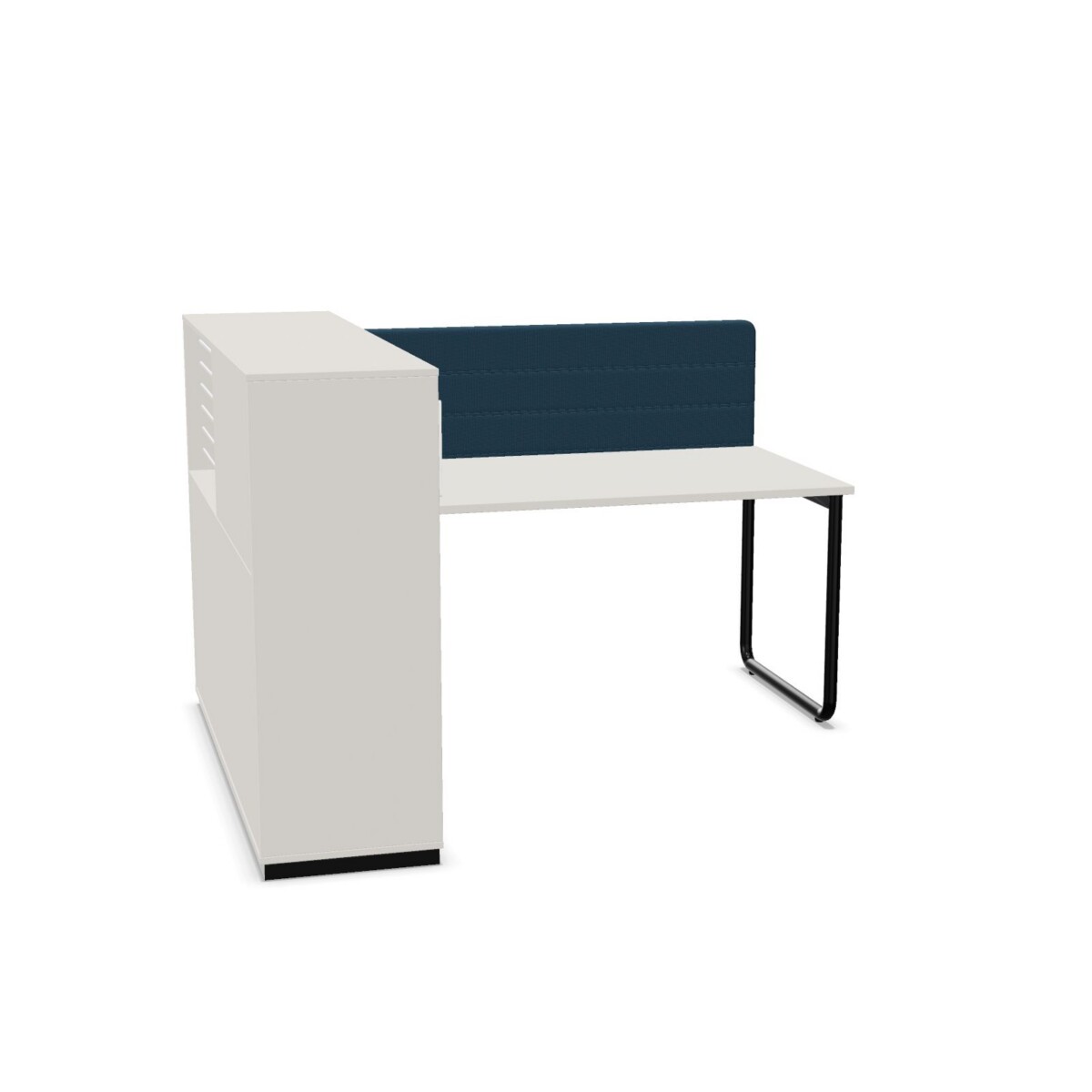
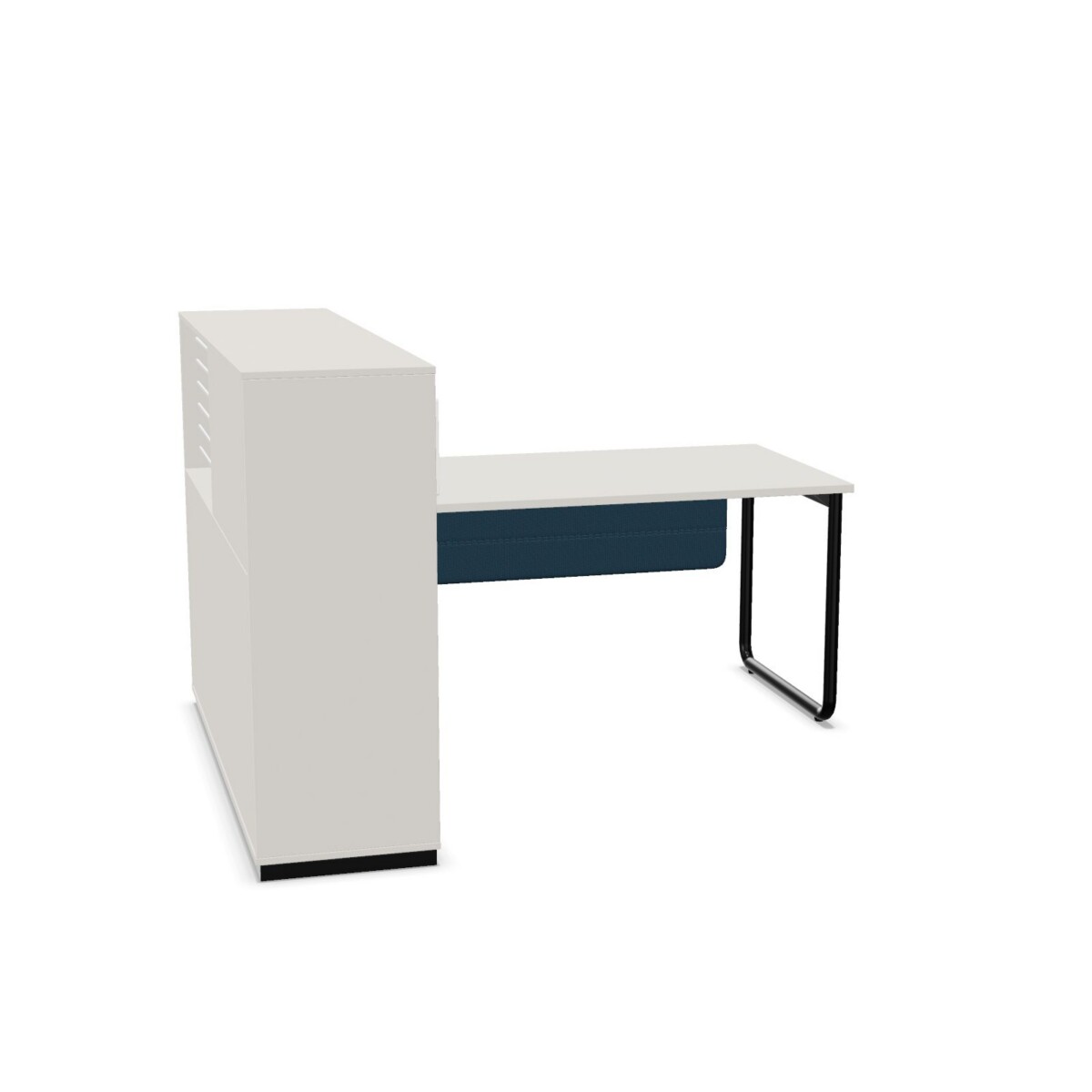
These desks work well wherever a single user needs a defined place to concentrate, write, use a computer or manage documents. The integrated cabinet makes the family useful for offices that want storage built into the workstation rather than arranged as a separate piece. It can also suit home offices, study areas and compact team environments where a consistent visual language matters.
Because the desks are fixed-height and not adjustable, they are best suited to settings where the working height does not need to change between users or tasks. The collection is not linkable, so each desk should be planned as an individual workstation rather than as a system for joining multiple desks together.
How to choose between the models
Start with the available space
Check the product card for the exact width and depth before selecting a configuration. The family includes widths of 140, 185, 205 and 225 cm, with listed depths of 80 and 160 cm. Allow additional room for chair movement, access to the cabinet and cable routing. A larger option may provide more usable work surface, while a smaller footprint can be easier to place in a compact room.
Compare the shape and frame
Choose between a rectangular top and a top rounded on both sides according to the look and circulation needs of the workspace. Frame options include continuous legs and straight legs. These are visual and structural distinctions within the family, so compare the product images and specifications when consistency across several workstations is important.
Materials, colours and cable planning
Every listed configuration uses a melamine tabletop with a thickness of 25 mm and a steel base. Surface colours include beige, black, blue, brown, grey, white and wood. Base colours include black, grey, beige, blue, brown, green, purple, red, silver, white and yellow. Availability can depend on the selected configuration, so confirm the chosen finish before ordering or leasing.
The desks are suitable for a cable tray, but no cable tray is included. Plan power and data access early, then confirm whether a separate tray or another cable-management solution is needed for the intended equipment.
What to check next
Before making a decision, confirm the required width, depth, top shape, leg style, surface colour and base colour. Also check the exact cabinet arrangement shown for the selected SKU, as the collection contains two configurations. The desks carry a two-year warranty and are marked as circular in the available product information.
Myntwork offers these Nowy Styl Play&Work 2.0 products on a monthly lease, helping businesses equip individual workstations without treating every desk as a separate long-term purchase. Review the configuration details and workspace requirements first, then request the option that matches your layout.
Frequently asked questions about Nowy Styl Desk with integrated cabinet Play&Work 2.0
Are Play&Work 2.0 desks suitable for one person?
Yes. The collection is specified for one person and combines an individual work surface with an integrated cabinet. It is intended for focused workstation use rather than linking several desks together.
Are the Play&Work 2.0 desks height adjustable?
No. The available configurations are fixed-height desks. Choose them when a consistent working height is suitable for the intended user and workspace.
What dimensions are available in this desk family?
The listed widths are 140, 185, 205 and 225 cm, while listed depths are 80 and 160 cm. Check the individual product card for the exact dimension combination of the configuration you select.
Can I choose different top and base colours?
The family includes several surface and base colour options. Surfaces include beige, black, blue, brown, grey, white and wood; bases include black, grey, beige, blue, brown, green, purple, red, silver, white and yellow. Confirm availability for the selected configuration.
Do these desks include cable trays?
No. The desks are suitable for a cable tray, but the tray is not included. Plan cable management separately and confirm which solution fits the selected workstation.