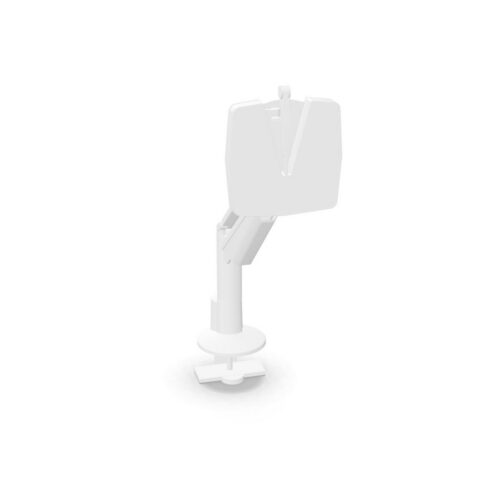
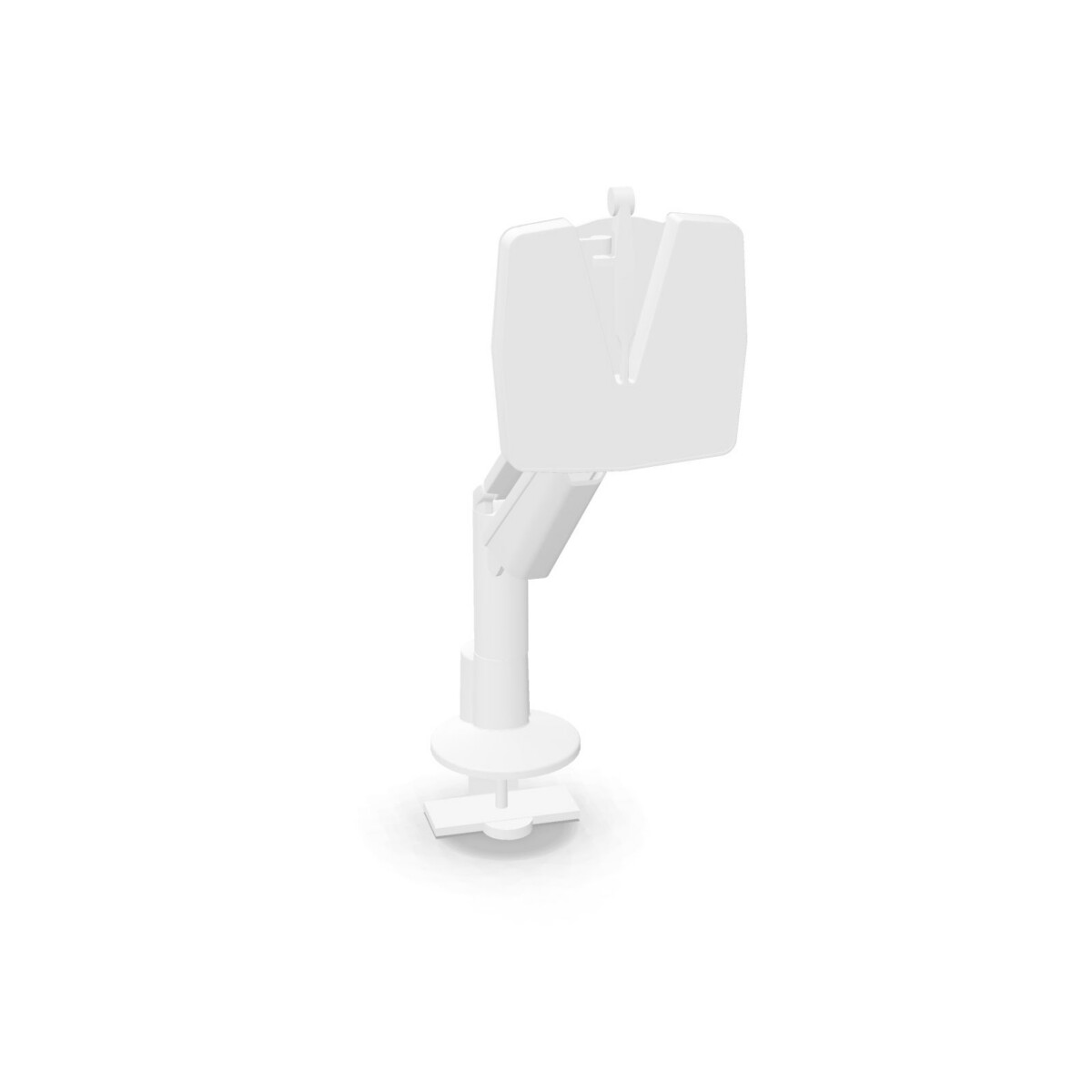
Where the XIO 2.0 family fits
These monitor arms are a practical option for organisations that want more control over screen placement across different workstations. A single arm can suit individual desks, reception or administration areas, and compact work points where one display is sufficient. It can also help create a more open desk surface by lifting the monitor away from its usual footprint.
The dual arm is more relevant to roles that work across two screens, such as finance, planning, design coordination, customer support or operational monitoring. It keeps the two-display requirement within one product family, which can make workstation planning more consistent across a department.
How to choose the right XIO 2.0 model
Start with the number of screens
Choose the Single With Gas Spring model when the workstation uses one monitor or when future expansion is not part of the brief. Select the Clu Duo With Gas Spring model when two monitors are required at the same desk. This is the clearest distinction between the two members of the collection and should be decided before comparing finishes or desk layouts.
Consider how the workstation will be used
Gas-spring adjustment is useful where users may change the position of a display during the day. Think about whether screens need to be moved for collaboration, focused work, shared desks or different user heights. For a standard one-user desk, a single arm may provide enough flexibility; for information-heavy work, the dual option may be more appropriate.
Check the visual fit
Colour is another consideration when specifying the family. The available collection information includes black, silver and white, while the dual product is identified as white. Confirm the finish attached to the configuration you want so the arm works with the desk, monitor and wider office palette.
What to check before leasing
Before requesting a quote, confirm how many monitors each workstation needs, which XIO 2.0 configuration is suitable, and whether the available colour matches your furniture plan. It is also sensible to review the selected monitor setup and desk arrangement with your workplace or IT team, especially when standardising several desks.
Myntwork offers Nowy Styl XIO 2.0 monitor arms through a monthly leasing model. If you are unsure whether the single or dual version is the better fit, share the number of screens, intended work area and preferred finish when making an enquiry. Origin information is available on request, so this can also be clarified as part of the specification process.
Frequently asked questions about Nowy Styl Monitor Arm XIO 2.0
What is the main difference between the Nowy Styl XIO 2.0 models?
The Single With Gas Spring model is intended for one monitor, while the Clu Duo With Gas Spring model is designed for a dual-monitor workstation. Both belong to the XIO 2.0 family and use gas-spring support.
Which XIO 2.0 monitor arm should I choose for a standard desk?
Choose the single model when the desk uses one screen and there is no current requirement for a second display. It is the more direct fit for a conventional one-monitor workstation.
When is the dual XIO 2.0 arm more suitable?
The dual model is more suitable when users work with two monitors at the same desk, particularly in roles that compare information, monitor multiple applications or need a wider digital workspace.
What colour options are available in the collection?
The collection information lists black, silver and white colour options. The dual product is described as white, so confirm the finish for the exact configuration before placing a leasing enquiry.
Can businesses lease the Nowy Styl XIO 2.0 monitor arms?
Yes. Myntwork offers these products on a monthly lease. When enquiring, provide the number of monitors, required configuration and preferred colour so the specification can be checked.