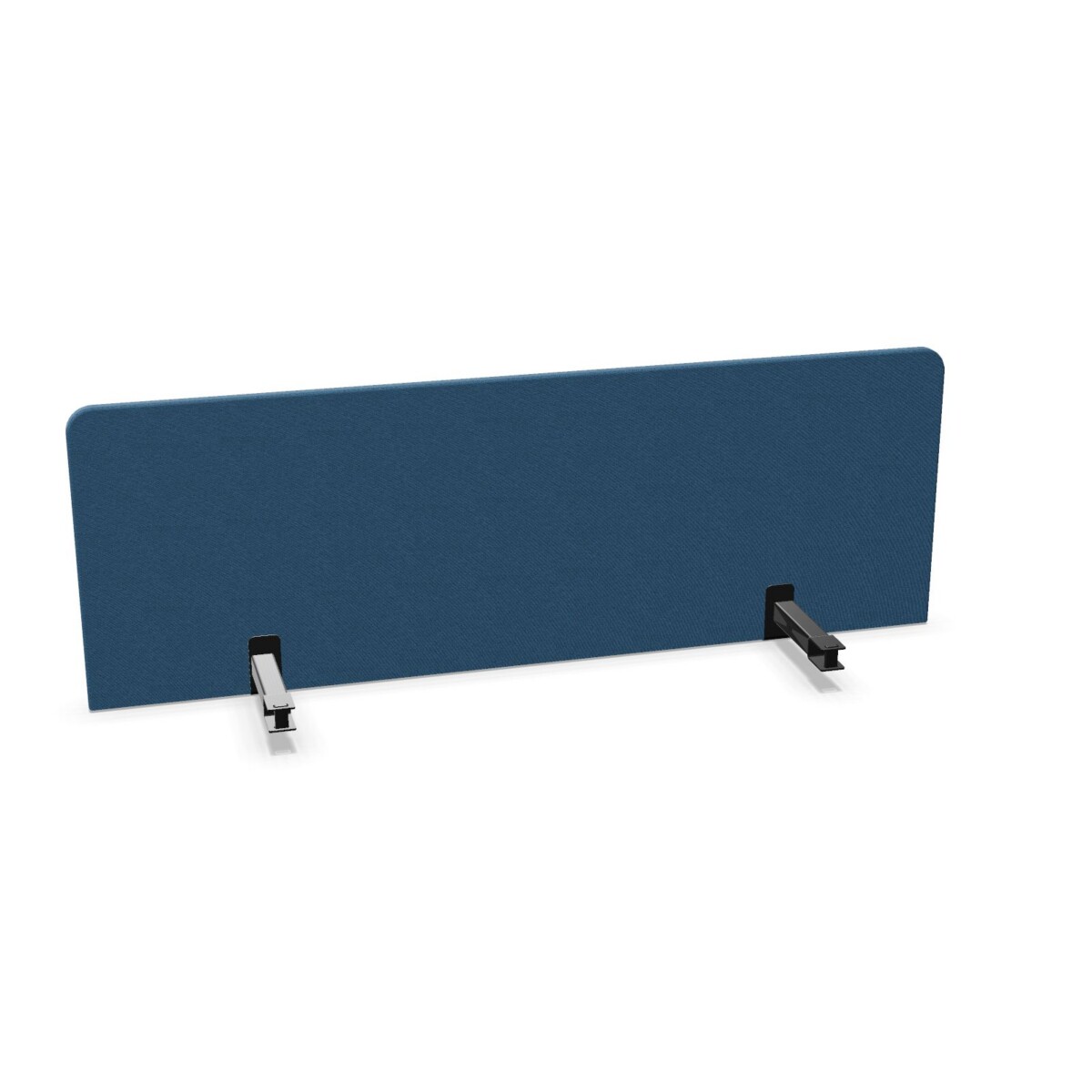
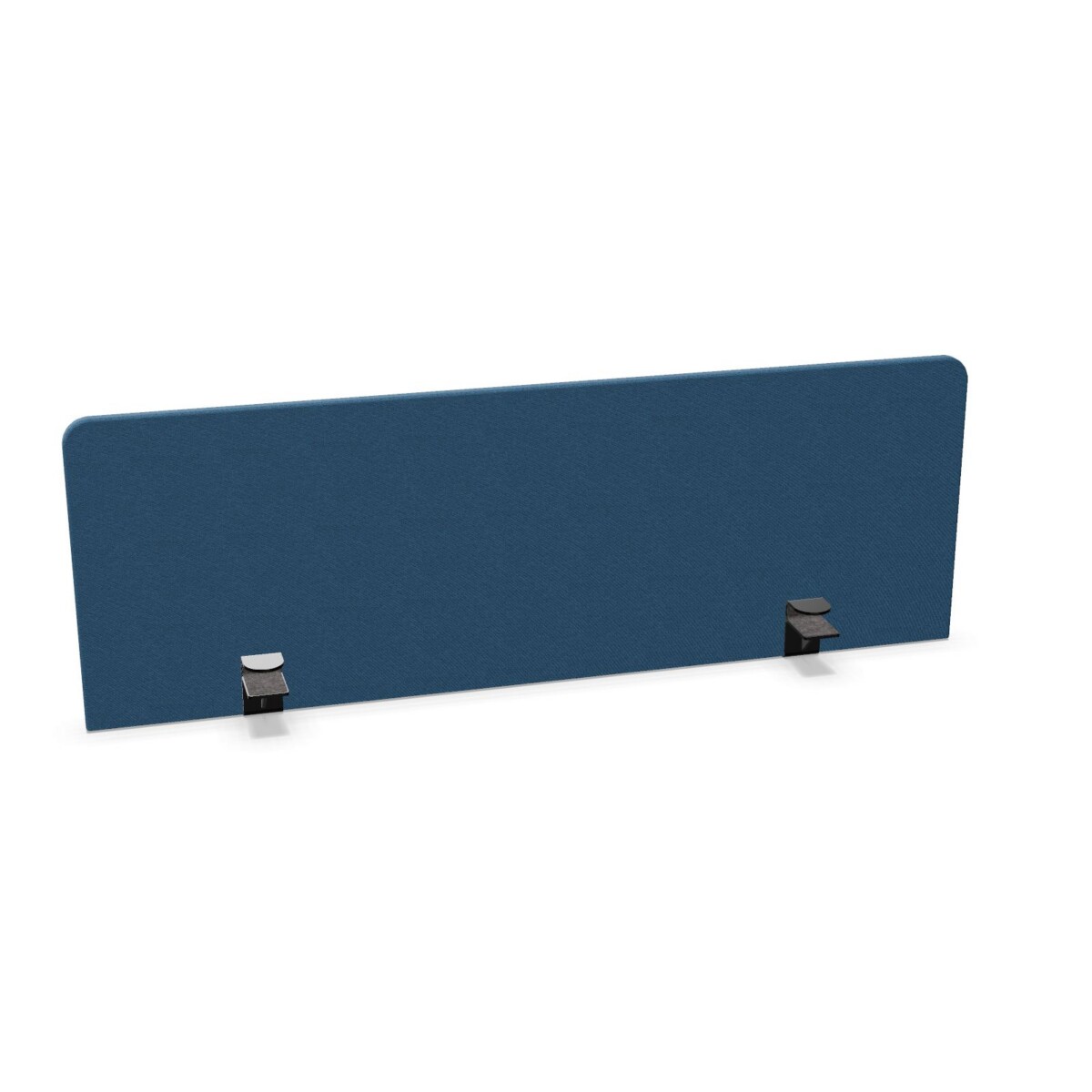
Where Play&Work 2.0 desk screens fit
These screens are a practical choice when a workspace needs a defined desk setting without changing the wider furniture family. Use them when planning rows of workstations, team areas or mixed office layouts built around Nowy Styl Play&Work 2.0 desks. The upholstered construction also gives the collection a softer visual character than a plain hard panel, making it easier to coordinate with an office colour scheme.
Because the collection includes both upper and front panel descriptions, it can support different positions within a desk setup. The right choice depends on the role the panel needs to play, the available desk width and the height required by the overall plan.
How to choose between the models
Start with the panel position
First decide whether you need an upper desk panel or a front panel. The CS 3 listing is described as an upholstered upper desk panel, while CS 7 is described as an upholstered front panel for Play&Work 2.0 desks. The CS 9 listing is also presented as an upholstered front option. Use the product name and SKU to confirm the intended position against your furniture specification.
Check width and height
Review the desk layout before selecting a size. Available widths are 140, 160 and 180 cm, with heights of 37 and 48 cm. Match the screen dimensions to the relevant desk length and planned position rather than choosing by colour alone. If you are furnishing several workstations, keeping the same width and height combination can help maintain a consistent appearance.
Choose an upholstery colour
The colour range includes neutral choices such as beige, grey, black, white and silver, alongside stronger shades including green, blue, orange, pink, purple, red and yellow. Brown and gold are also listed. Use a restrained colour for a consistent office scheme, or compare contrasting options when different teams or zones need visual distinction. Colour availability should be checked as part of the final request.
What to confirm before leasing
Before placing a request, record the desk family, required panel role, SKU, width and height. It is also useful to note whether every workstation needs the same configuration or whether the project combines upper and front panels. This information helps Myntwork assess the intended collection match more accurately.
Myntwork offers these Nowy Styl products on a monthly lease, giving businesses a way to plan workspace furniture as an ongoing operational requirement. Confirm the selected colour, dimensions and origin details on request, then check the final specification for the complete quantity and layout before proceeding.
Frequently asked questions about Nowy Styl Desk Screen Play&Work 2.0
What types of panels are included in the Play&Work 2.0 collection?
The collection includes upholstered upper desk panel and front panel variants. CS 3 is described as an upper desk panel, while CS 7 and CS 9 are listed as front panel options. Check the product name and SKU against your desk plan.
Which widths and heights are available?
The listed widths are 140, 160 and 180 cm. The available heights are 37 and 48 cm. Select the dimensions that correspond to the desk arrangement and panel position you are planning.
What colours can I choose for these desk screens?
Listed colours include beige, black, green, grey, blue, brown, gold, orange, pink, purple, red, silver, white and yellow. Confirm the required colour when requesting the final specification.
How do I choose between CS 3, CS 7 and CS 9?
Begin with the panel role: CS 3 is identified as an upper panel, while CS 7 and CS 9 are identified with front panel descriptions. Then compare the required width, height and upholstery colour with your Play&Work 2.0 layout.
Can these Nowy Styl desk screens be leased?
Yes. Myntwork offers the Play&Work 2.0 desk screen collection on a monthly lease. Confirm the selected model, dimensions, colour and quantity when making your request.