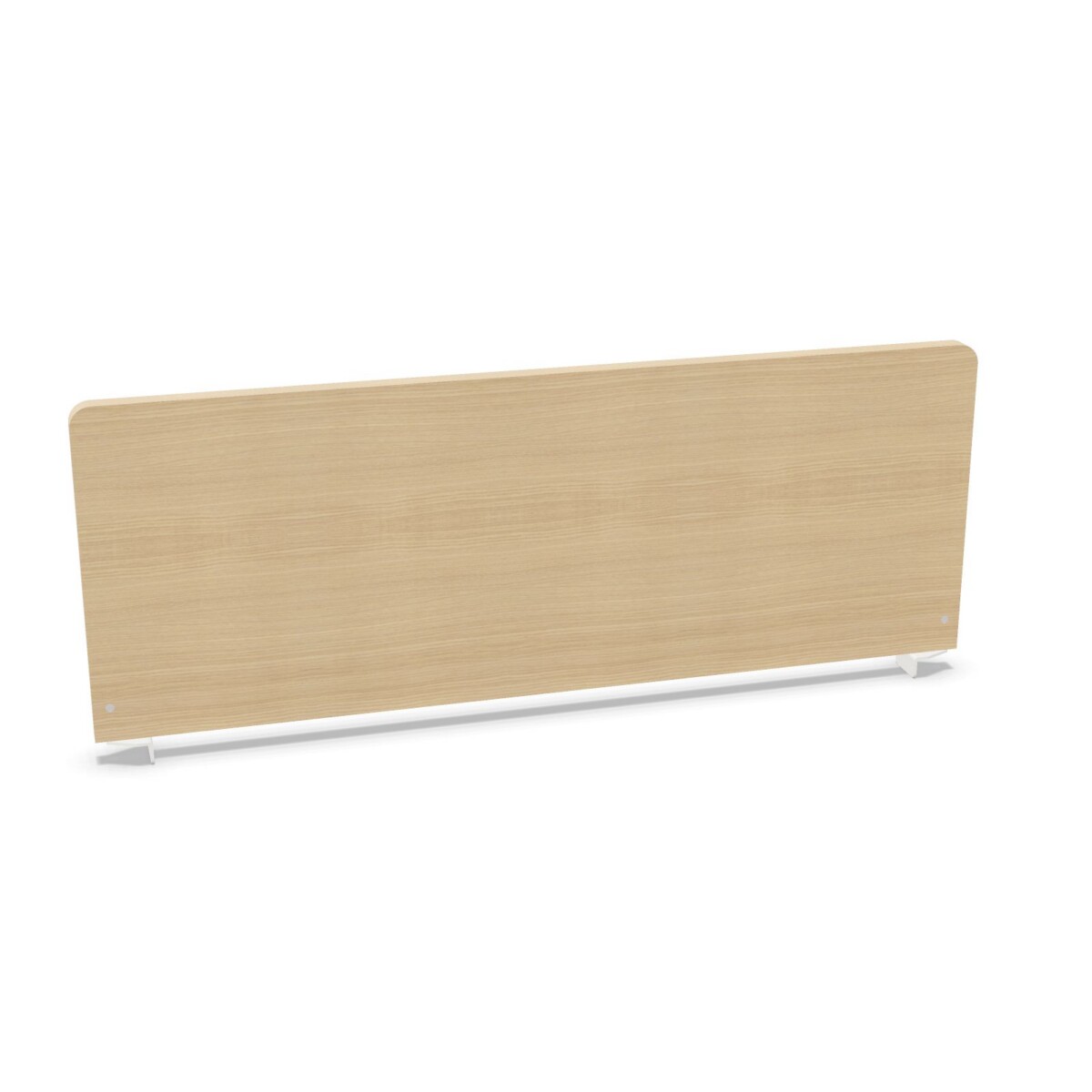
Where the Bralco WH4 collection fits
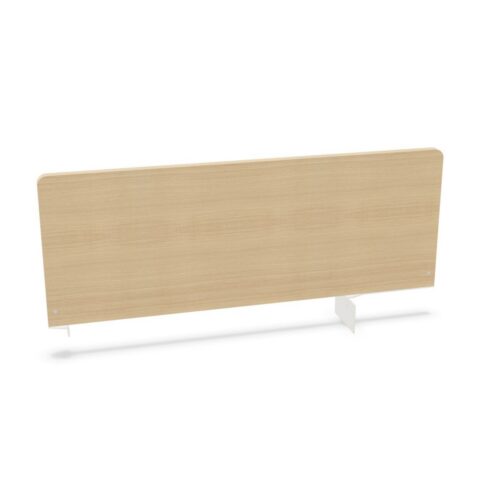
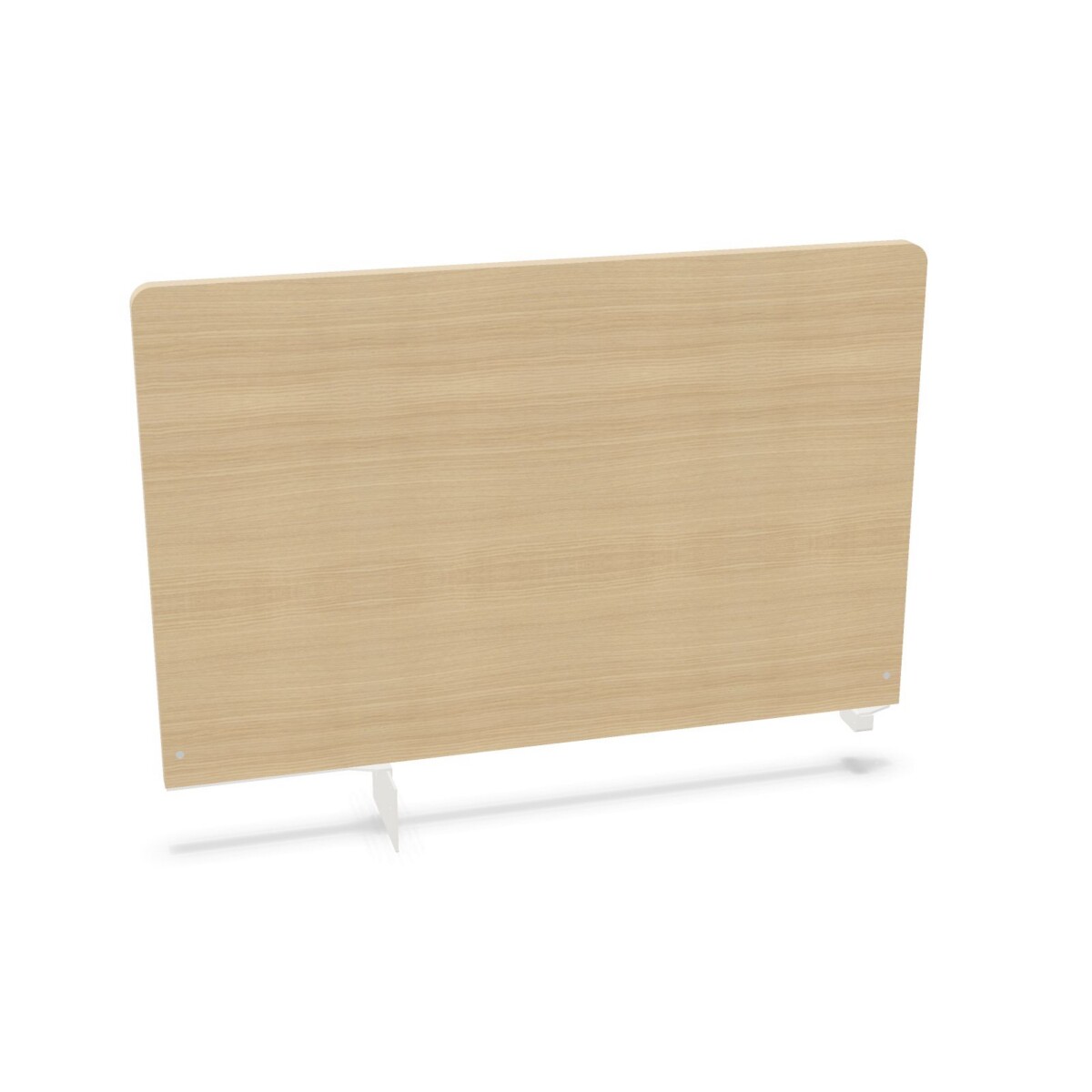
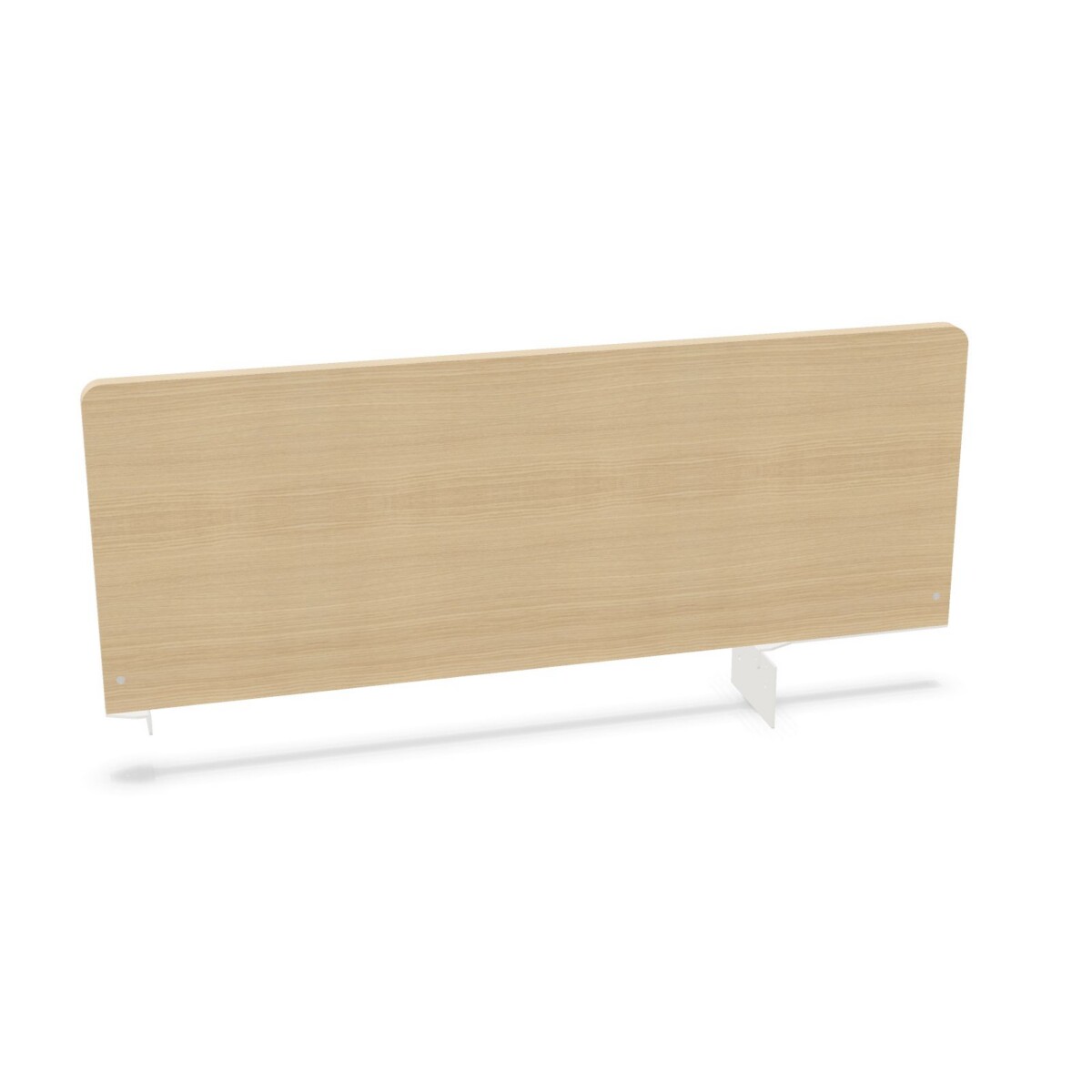
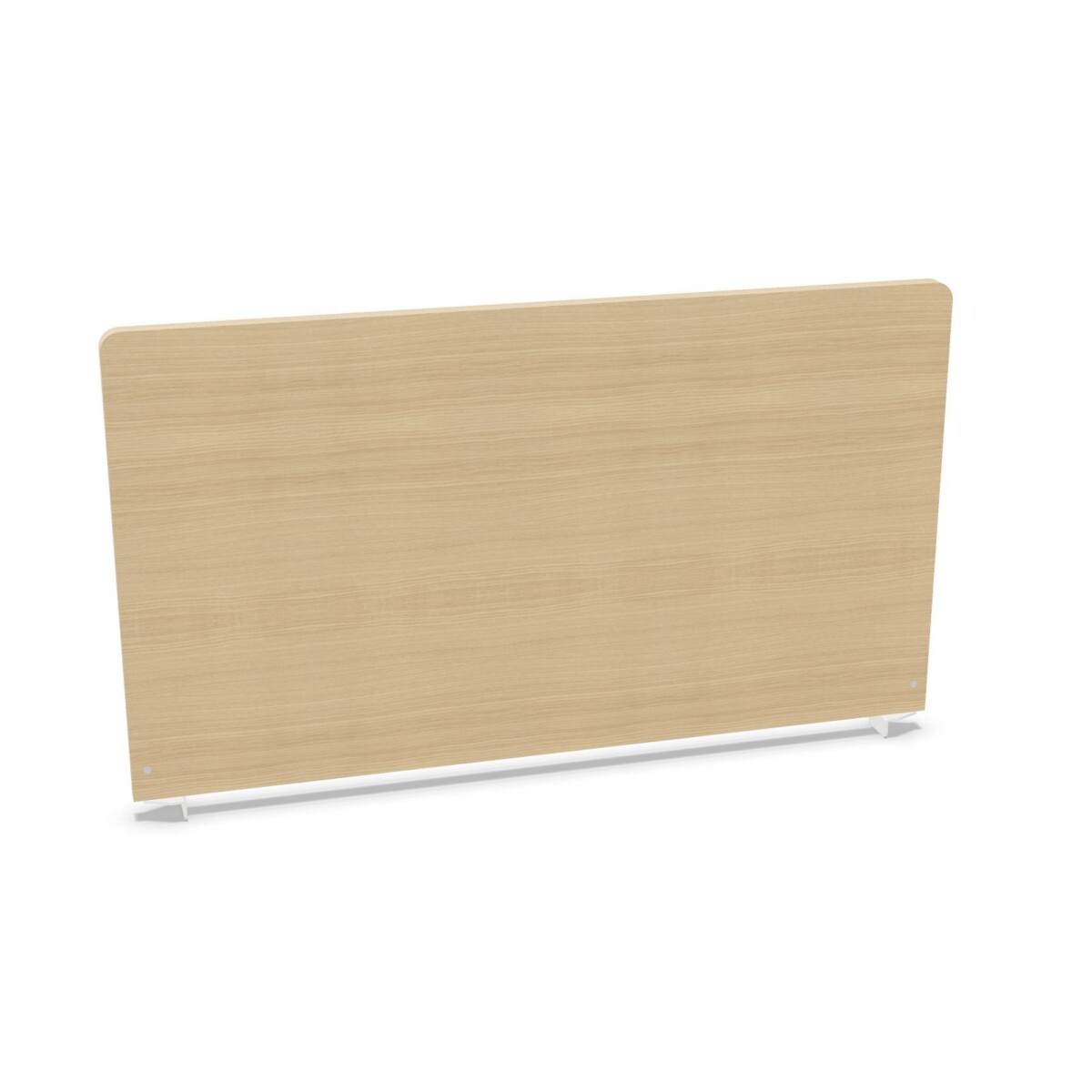
The WH4 family is suited to offices that need practical workstation separation without selecting a single, fixed screen format for every desk. Desk-mounted models can be considered for individual or shared workstations, while the freestanding modesty panel may suit layouts where the screen needs to stand independently of a desk-mounted bracket. The sit-stand model is a useful direction for workstations used both seated and standing.
Because the collection includes several widths, it can also support different desk proportions. The available dimensions include 135, 155, 175, and 195 cm widths, so the desk size and intended coverage should be checked before selecting a model.
How to choose between WH4 models
Start with the mounting format
Decide whether the screen should attach to the desk, stand as a freestanding panel, or accommodate a sit-stand working pattern. The height-adjustable brackets model is the most relevant choice when the screen position needs to be raised or lowered. A standard desk-mounted model may be preferable when a simpler, fixed arrangement is enough.
Check the dimensions and proportions
Review both the width and height listed for the specific item rather than assuming that all WH4 screens share the same dimensions. The collection includes height options of 57, 58, 86, and 87 cm. Match the screen to the desk width, the desired visual separation, and any equipment that must remain accessible along the work surface.
Review finish and colour details
Melamine is a recurring surface material in the family, paired with painted metal construction or bracket details. A natural oak melamine finish appears on one desk-mounted design, while other models are listed in beige, white, black, or brown; red is also represented in the collection attributes. Check the individual product details if a particular finish or colour is important.
What to check before selecting
- Confirm the required desk width and compare it with the available 135, 155, 175, and 195 cm options.
- Check the listed height and whether a fixed, freestanding, or height-adjustable format suits the workstation.
- Review the mounting arrangement and the space available around the rear or edge of the desk.
- Confirm the melamine finish, painted metal detail, and colour shown for the specific model.
- Ask about origin details where relevant, as the collection lists origin as available on request.
Myntwork offers Bralco WH4 desk screens through a monthly lease, allowing businesses to assess the collection as part of a wider workspace furnishing plan. Use the product details to narrow the format first, then confirm dimensions, finish, and installation requirements for the selected screen.
Frequently asked questions about Bralco Desk Screen WH4
What types of desk screens are included in the Bralco WH4 collection?
The collection includes desk-mounted screens, a desk-mounted model with height-adjustable brackets, a freestanding modesty panel, and a sit-stand desk screen.
Which WH4 desk screen should I choose for a sit-stand workstation?
Start with the Bralco WH4 Sit-Stand Melamine Desk Screen. It is the collection option specifically identified for sit-stand use. Confirm its dimensions and finish against the workstation before ordering.
What widths are available across the WH4 family?
The collection attributes list widths of 135, 155, 175, and 195 cm. Check the individual model listing because not every width applies to every screen.
Are Bralco WH4 screens available in different colours and finishes?
Yes. The family includes melamine and painted metal details, with listed colours including beige, black, brown, white, and red. A natural oak melamine finish is also specified for one desk-mounted model.
When is a height-adjustable bracket screen the right choice?
Choose the height-adjustable bracket format when the screen position needs to change or when a workstation requires more flexibility than a fixed desk-mounted arrangement. Check the listed height range or adjustment details for the specific item.