Where eModel modesty panels fit
These panels are useful when a fixed desk needs a defined front edge without changing the main work surface. They can help give a row of desks a more coordinated appearance in open-plan offices, project rooms, reception-adjacent work areas and home-office setups using a compatible fixed desk.
For a larger office, matching panel widths to desk widths can create a consistent run of workstations. For a single desk, the choice is more about finish, tabletop compatibility and the visual character you want at the front of the workstation.
How to choose between the models
Choose the finish
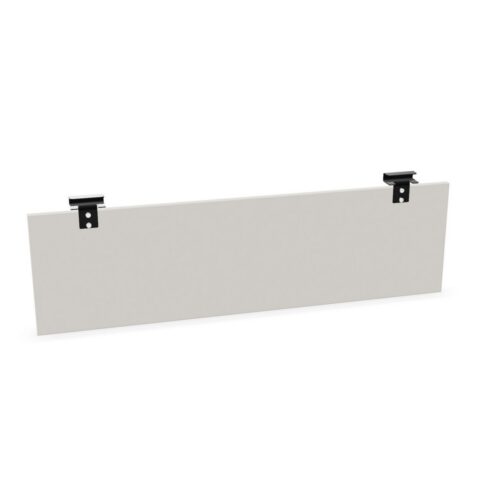
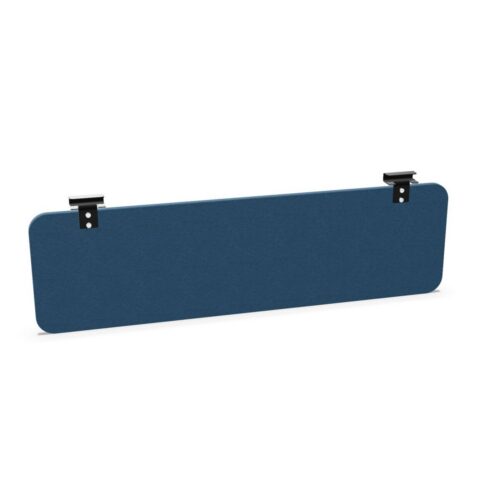
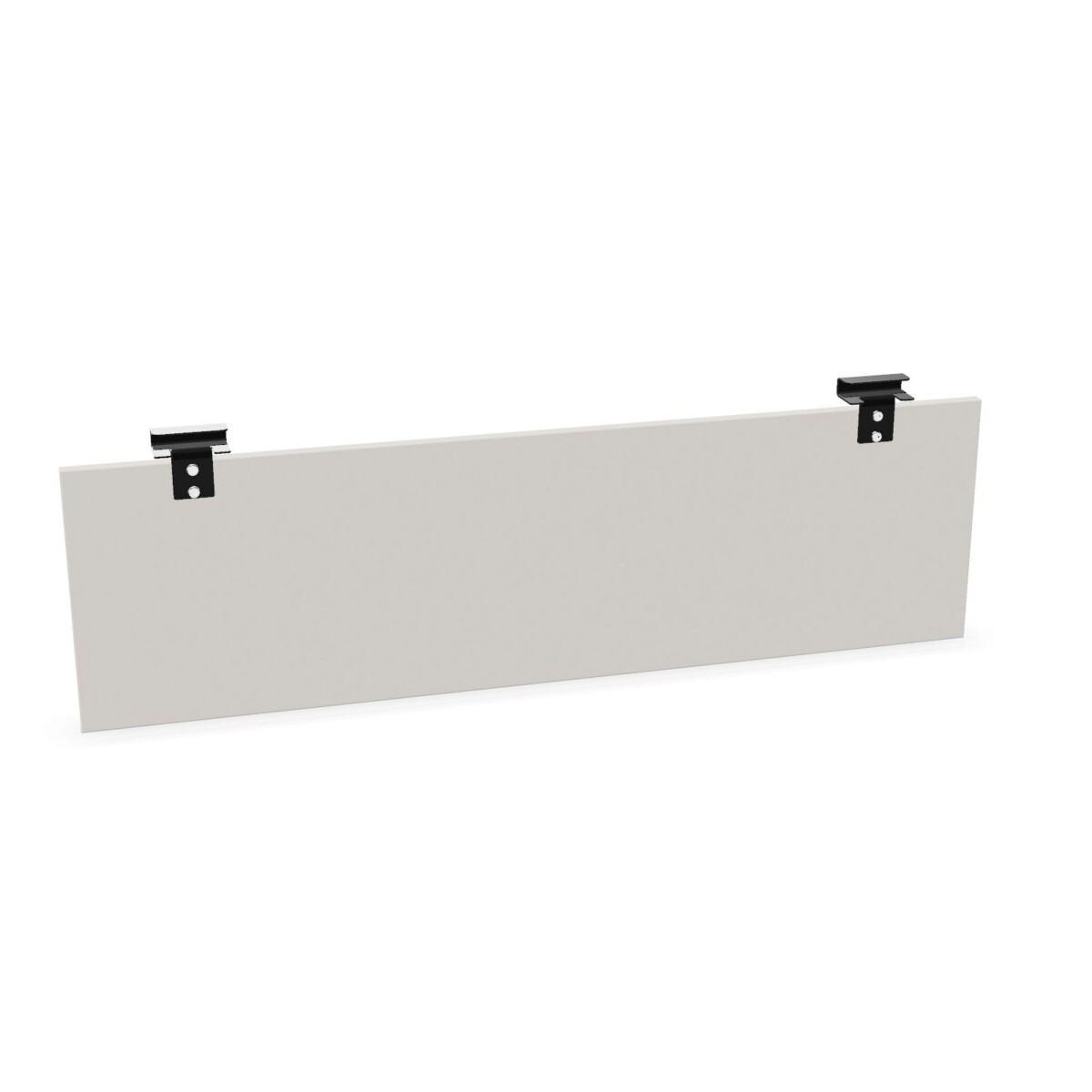
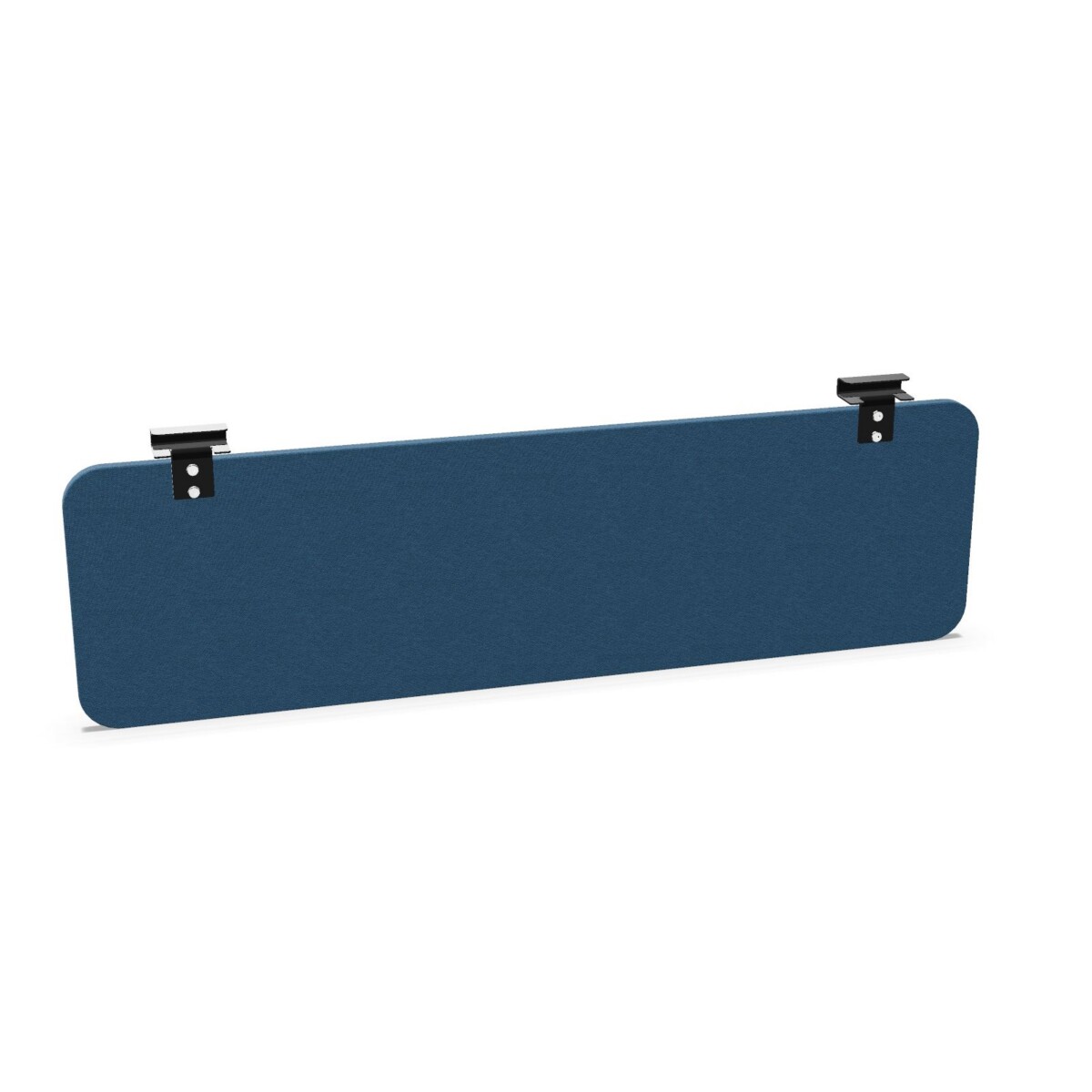
Select a fully upholstered model if you prefer a soft, fabric-covered appearance. The eModel 2.0 front upholstered panel and eModel 3.0 upholstered panel are both listed as fully upholstered, while the eModel 3.0 version is distinguished by rounded corners. The melamine and upholstered model combines an 18 mm melamine panel with upholstered detailing, offering a different balance of hard-wearing board and softer finish.
Check the desk and tabletop fit
Confirm that the panel is intended for your fixed desk and check the tabletop detail before ordering. One eModel fixed front panel is listed with 19 mm tabletop compatibility, while the melamine option is specified as an 18 mm panel with metal bracket assembly. These details matter for mounting and should be compared with the desk construction, rather than selected by appearance alone.
Match the width and colour
Available widths are 120, 140, 160, 180 and 200 cm. Choose the width that corresponds to the desk or workstation run you are screening. The listed colour range includes beige, black, green, grey, blue, brown, gold, orange, pink, purple, red, silver, white, yellow and wood, so colour coordination can be handled alongside the technical checks.
What to confirm before specifying
- Measure the fixed tabletop and compare it with the relevant compatibility information.
- Confirm the required panel width: 120, 140, 160, 180 or 200 cm.
- Choose between fully upholstered, melamine or mixed-finish construction.
- Check whether straight or rounded-corner detailing suits the desk layout.
- Confirm the required colour and any availability noted as on request.
Myntwork offers the Nowy Styl eModel collection on a monthly lease, making it possible to plan desk accessories as part of a wider workplace furnishing requirement. Before proceeding, verify the selected model, mounting details, dimensions and finish against the desk it will be used with.
Frequently asked questions about Nowy Styl Desk Modesty Panel eModel
Are Nowy Styl eModel modesty panels suitable for fixed desks?
Yes. The listed eModel modesty panels are designed for fixed desk or fixed tabletop applications. Check the individual model details for the relevant tabletop compatibility and mounting arrangement.
What widths are available in the eModel modesty panel family?
The collection includes listed widths of 120, 140, 160, 180 and 200 cm. Select the width that matches the desk or workstation run you want to screen.
What is the height of these desk modesty panels?
The collection attributes list a 34 cm height. Individual product information should still be checked before specifying a panel for a particular desk.
Should I choose an upholstered or melamine eModel panel?
Choose a fully upholstered panel for a softer fabric-covered appearance. The melamine option uses an 18 mm board with metal bracket assembly, while the mixed-finish model combines melamine with upholstery.
Do all eModel panels have the same corner design?
No. The eModel 3.0 upholstered panel is listed with rounded corners, while other family members are described as front or rectangular panels. Compare the product details if corner styling is important.