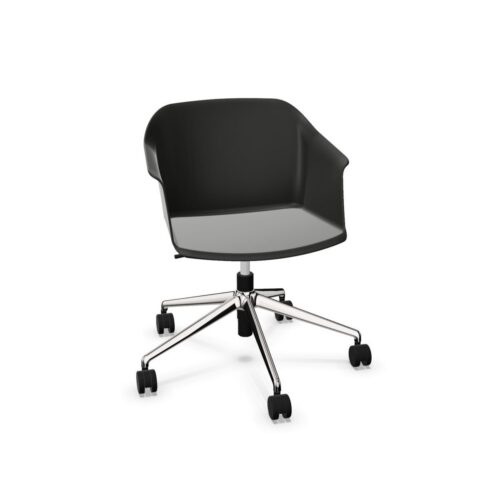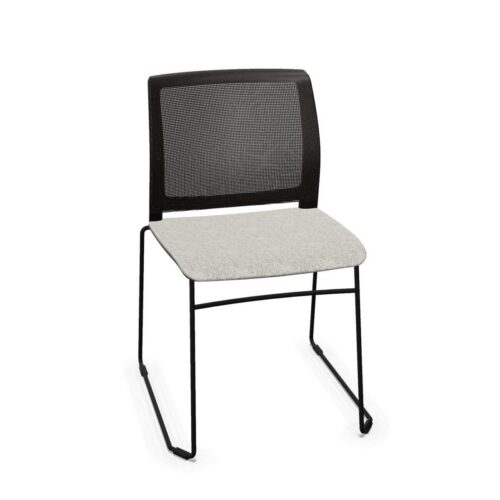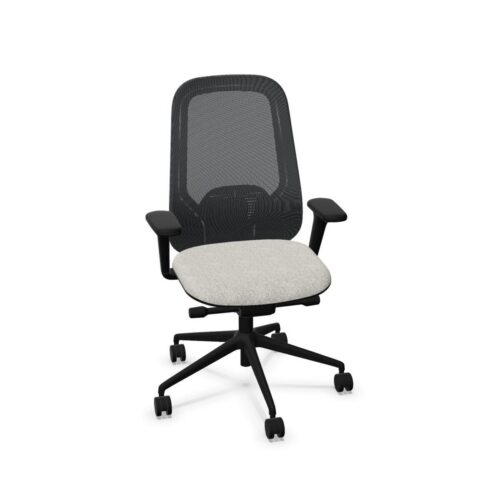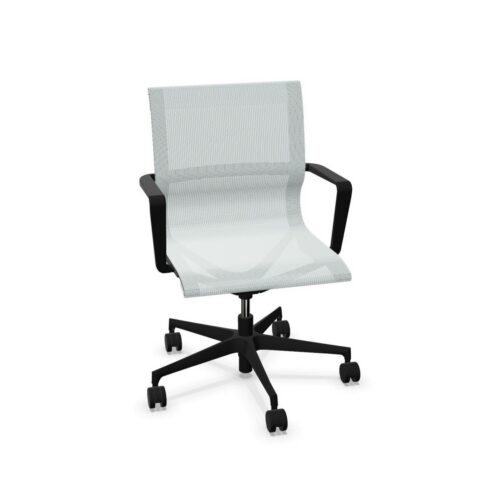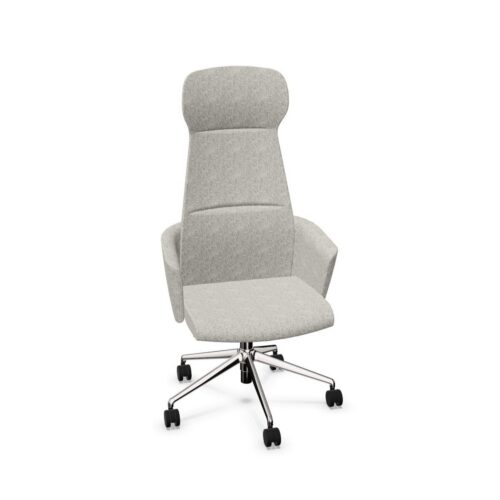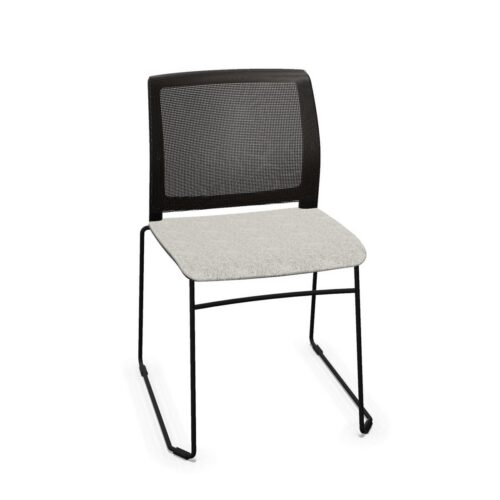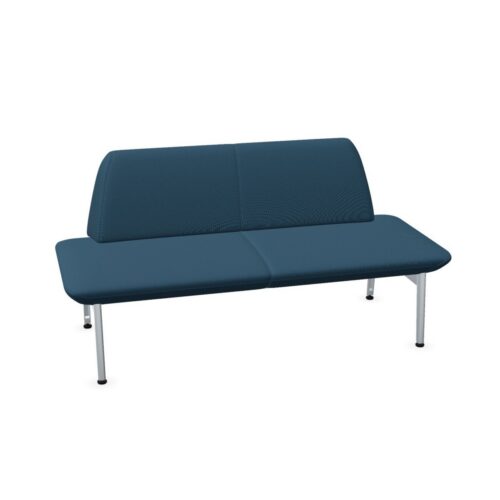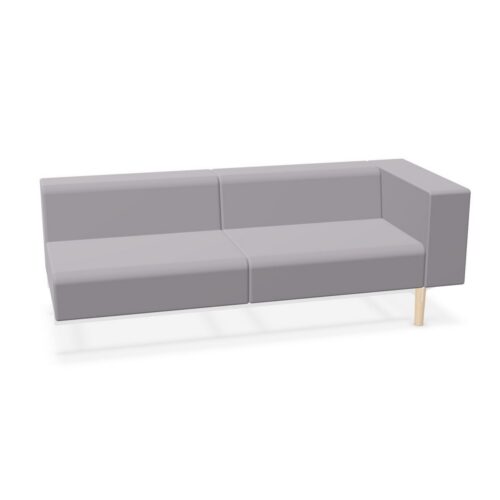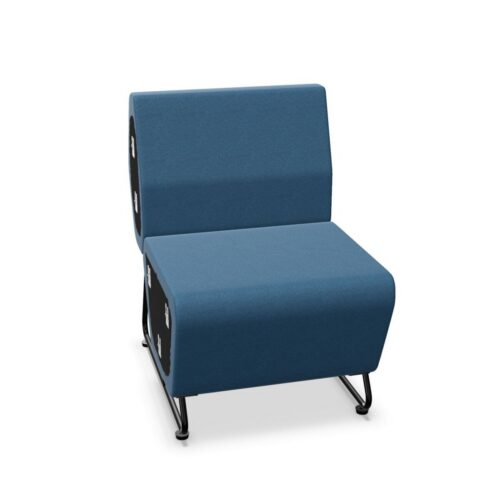
Office chairs with armrests provide support for the user’s arms and forearms while seated. Depending on the chair, the armrests may be fixed or adjustable and can vary considerably in height, width, shape, padding and available movement.
Armrests are commonly found on ergonomic task chairs, executive seating, meeting chairs and visitor chairs. Their suitability depends on the intended use of the chair, the user’s body dimensions and how the chair interacts with the desk or table.
Why choose an office chair with armrests?
Armrests can provide additional support during seated work and may help users keep their shoulders and arms in a relaxed position when adjusted or positioned correctly.
Potential benefits include:
Support for the forearms during seated work
Greater comfort during prolonged sitting
Additional support when sitting down or standing up
More flexibility for different working activities
Available in both fixed and adjustable configurations
Useful for task, meeting and executive office chairs
How should office chair armrests be positioned?
Armrests should generally support the forearms without forcing the shoulders upward. The user should be able to remain relaxed while still moving comfortably and reaching the keyboard, mouse or work surface.
The armrests should also allow the chair to move sufficiently close to the desk. If they are too high or extend too far forward, they may collide with the tabletop and cause the user to sit further away than intended.
For task chairs, armrest position should therefore be considered together with seat height, desk height and the position of the keyboard and mouse.
Read our ergonomic workstation setup guide for more information about adjusting the complete workstation.
Fixed vs adjustable armrests
Office-chair armrests can range from simple fixed supports to highly adjustable systems.
Fixed armrests
Fixed armrests remain in one position and cannot be changed by the user. They can be suitable for meeting rooms, visitor chairs and assigned seating where extensive individual adjustment is unnecessary.
Adjustable armrests
Adjustable armrests can be repositioned to better suit the user and workstation. Depending on the model, they may offer height, width, depth or angle adjustment.
Adjustability is particularly useful for task chairs and shared workstations where several different employees may use the same chair.
Different types of adjustable armrests
Manufacturers commonly describe adjustable armrests according to the number of adjustment directions they provide.
Height-adjustable armrests
These allow the user to raise or lower the arm supports. Height adjustment can help align the armrests with the user’s elbows and desk height.
2D and 3D armrests
2D and 3D armrests provide additional adjustment directions beyond height, such as width, depth or rotation. The exact combination differs between manufacturers.
4D armrests
4D armrests generally provide four adjustment directions, often including height, width, depth and angle. They are commonly used on highly adjustable ergonomic office chairs.
Because manufacturers may define the number of adjustment dimensions differently, always check the actual product specification rather than relying only on terms such as 2D, 3D or 4D.
Armrests for computer work
For prolonged keyboard and mouse work, armrests can support the forearms while helping the user maintain a relaxed shoulder position.
The keyboard and mouse should remain comfortably within reach. The user should not need to stretch forward or raise the shoulders in order to use them.
If the armrests prevent the chair from moving close enough to the desk, adjustable models may allow the user to lower or move them backward.
Armrests in shared and hybrid workplaces
Shared workstations place greater demands on chair adjustability because the same chair may be used by people with different body dimensions.
An armrest position that works well for one employee may be too high, low, wide or narrow for another. Adjustable armrests can therefore provide additional flexibility in hot-desking and hybrid workplaces.
For shared task chairs, armrests are most useful when combined with features such as:
Adjustable seat height
Adjustable seat depth
Adjustable lumbar support
Backrest adjustment
A suitable reclining or synchronous mechanism
Simple and intuitive controls
Read our guide to ergonomics for shared workstations for more information.
Office chairs with armrests for meeting rooms
Armrests are also common on meeting and conference chairs. In these environments, the primary purpose may be general comfort rather than precise ergonomic adjustment.
Fixed armrests can be entirely suitable for shorter meetings, while adjustable armrests may be useful in rooms used for longer sessions or multiple activities.
When selecting meeting chairs, also consider the width of the chair and whether the armrests fit comfortably beneath or alongside the meeting table.
Armrests and accessibility
Armrests can provide additional support when a user sits down or stands up. This may be useful for some employees and visitors, although individual accessibility requirements vary.
The height, strength, spacing and shape of the armrests should therefore be considered alongside the overall chair dimensions and intended users.
Where specific accessibility or medical requirements apply, individual assessment may be necessary rather than relying solely on a standard chair specification.
Armrest materials and comfort
Arm pads can be manufactured from different materials, including plastics, polyurethane, upholstered surfaces and softer-touch materials.
For chairs used throughout the working day, consider the size and feel of the contact surface as well as the adjustment range. A wide adjustment range provides limited benefit if the arm pads themselves are uncomfortable or unsuitable for the intended use.
Are armrests always necessary?
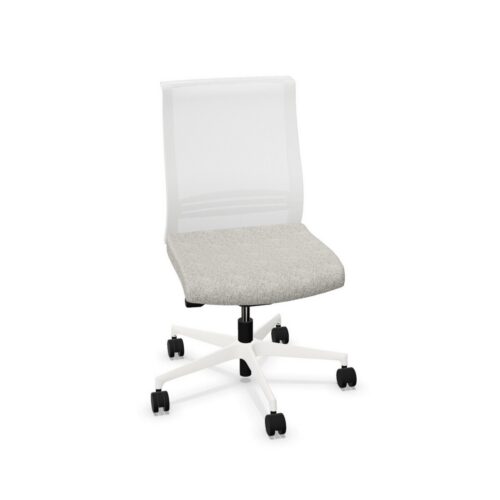
Not every office chair needs armrests. Office chairs without armrests can provide greater freedom of movement, reduce the overall chair width and fit more easily around certain tables.
The decision should depend on the application rather than assuming that one configuration is always better.
Armrests may be particularly useful when:
The chair is used for prolonged desk work
Forearm support is desirable
The user regularly works with a keyboard and mouse
The chair provides suitable armrest adjustment
The user benefits from additional support when sitting down or standing up
An armless chair may be suitable when:
Maximum freedom of movement is required
The chair must fit beneath a table with limited clearance
Space between chairs is restricted
The chair is mainly used for short meetings or visitors
The work surface provides sufficient forearm support
Armrests are only one part of an office chair
Armrests can improve adaptability and comfort, but they should not be considered in isolation. The complete chair must suit the intended users, tasks and duration of use.
Other relevant office-chair characteristics include:
Seat-height adjustment
Seat-depth adjustment
Backrest height and movement
Lumbar support
Chair mechanism
User weight range
Seat and backrest materials
Applicable office-chair standards
Warranty and availability of replacement parts
Read our guide to choosing an office chair for a broader overview of office-chair selection.
Questions to consider
Will the chair be used for desk work, meetings or visitors?
How many hours per day will users typically sit in the chair?
Are the armrests fixed or adjustable?
Which adjustment directions are available?
Can the user’s shoulders remain relaxed?
Can the chair move close enough to the desk?
Are the arm pads comfortable for prolonged use?
Will the chair be assigned to one person or shared?
Which other ergonomic adjustments does the chair provide?
Explore office chairs with armrests at Myntwork
Office chairs with armrests are available in configurations ranging from simple fixed supports to highly adjustable 4D systems. The right choice depends on the intended users, working activities, desk configuration and required level of individual adjustment.
Explore our office chairs or browse the complete Myntwork office furniture collection.



Bralco