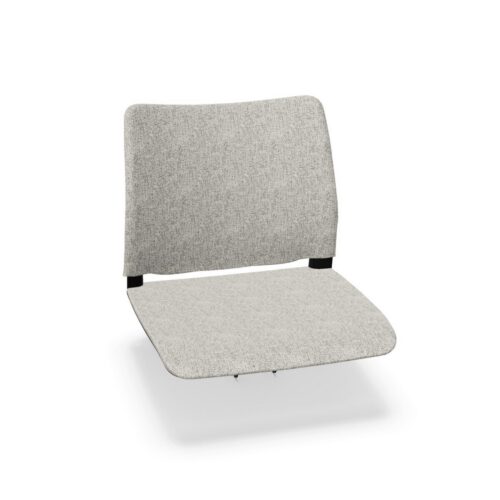
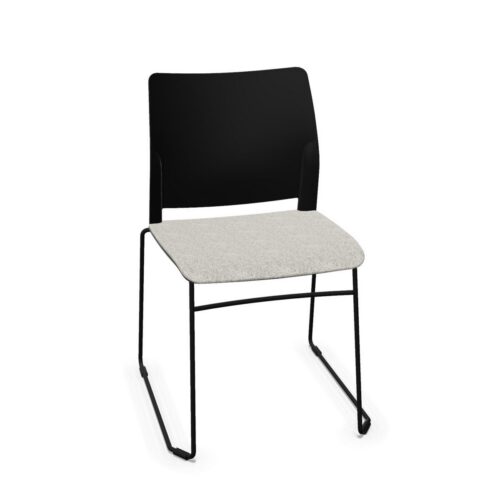
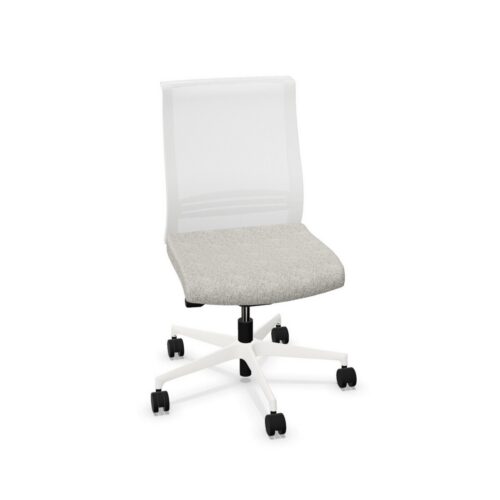
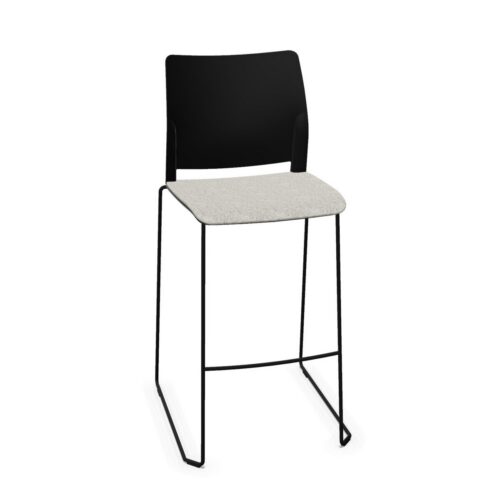
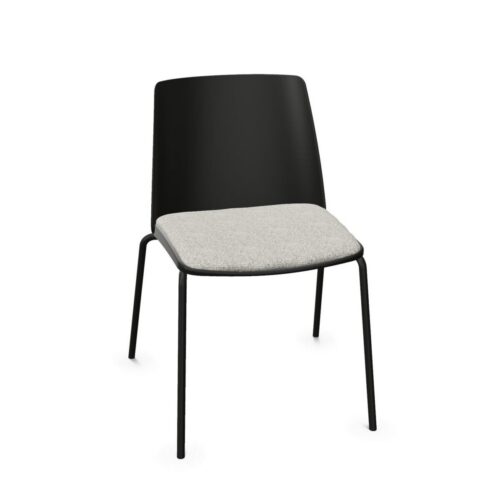
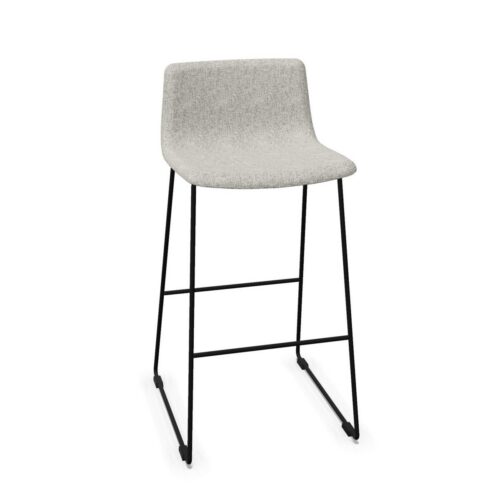
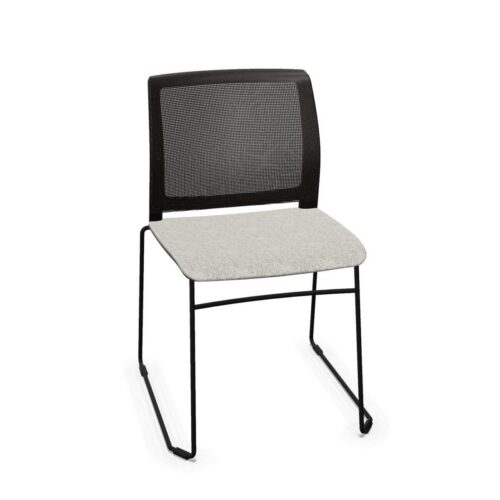
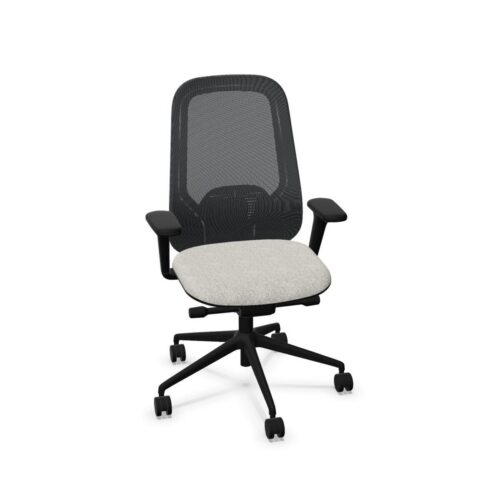
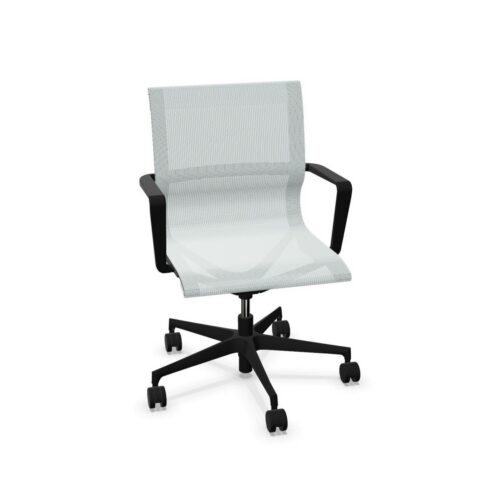
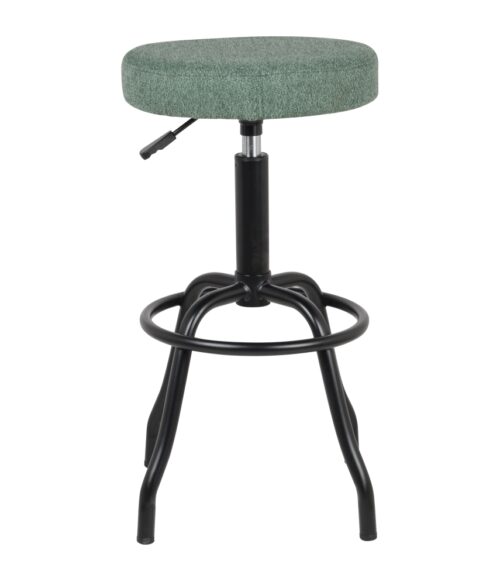
Office chairs without armrests provide an open seating position without fixed or adjustable arm supports at the sides of the chair. This can offer greater freedom of movement, reduce the overall chair width and make the chair easier to position close to certain desks, tables or work surfaces.
Armless office chairs are commonly used in meeting rooms, training spaces, visitor areas, collaborative environments and selected workstation applications where arm support is unnecessary or where space efficiency and freedom of movement are more important.
What is an office chair without armrests?
An office chair without armrests has no dedicated side supports for the user’s arms or forearms. The chair may still provide other ergonomic features such as adjustable seat height, seat depth, lumbar support, backrest adjustment or a reclining mechanism.
The absence of armrests should therefore not be interpreted as an indication that the chair is basic or unsuitable for professional use. It describes one specific part of the chair configuration.
Benefits of office chairs without armrests
Choosing a chair without armrests can provide several practical advantages:
- Greater freedom of arm and upper-body movement
- Easier access to desks and tables
- Reduced overall chair width
- Potentially more chairs around meeting or training tables
- No armrests that can collide with the work surface
- Simple and uncluttered chair design
- Suitable for a wide range of meeting, visitor and collaborative environments
When is an office chair without armrests suitable?
Armless chairs can be particularly useful in environments where users regularly move in and out of the chair or where the furniture needs to fit closely around a table.
Typical applications include:
- Meeting and conference rooms
- Training rooms
- Visitor seating
- Reception areas
- Collaborative workspaces
- Touchdown workstations
- Flexible and multi-purpose rooms
- Compact office environments
Office chairs without armrests for desk work
An armless office chair can also be used at a workstation. In this situation, the desk or work surface may provide support for the forearms instead of chair-mounted armrests.
The user should still be able to position the keyboard and mouse comfortably without reaching too far forward or raising the shoulders.
For prolonged computer work, consider whether the lack of armrests is appropriate for the individual user and whether the rest of the chair provides sufficient adjustment.
Read our ergonomic workstation setup guide for more information about coordinating the chair, desk, screen, keyboard and mouse.
Greater freedom of movement
One of the main reasons to choose an office chair without armrests is the additional freedom around the sides of the chair.
Users can move their arms more freely, turn sideways and approach the work surface without arm supports getting in the way. This can be useful for creative, collaborative and task-based activities that involve frequent movement.
Armless chairs can also be easier to move between different types of tables or work settings.
Armless chairs for meeting and conference rooms
Office chairs without armrests can be particularly practical around meeting and conference tables.
Because the chair is generally narrower, more seating positions may fit around a table without the armrests of adjacent chairs touching each other.
Users can also enter and leave the table more easily, particularly in compact meeting rooms.
When planning the room, consider chair width, table dimensions and circulation space together. Read our meeting room planning guide for more information.
Office chairs without armrests in training rooms
Training environments often need flexible furniture that can be moved, stacked or reconfigured quickly. Armless chairs can be useful because they typically require less lateral space and allow users to move more freely.
Depending on the chair design, other useful characteristics for training spaces can include:
- Stackability
- Low chair weight
- Castors or glides
- Durable upholstery or shell materials
- Easy cleaning
- Compatibility with different table layouts
Office chairs without armrests in shared workplaces
In shared offices, armless chairs remove one component that would otherwise need to accommodate users of different shoulder widths and arm lengths.
However, the rest of the chair still needs to suit a sufficiently broad range of users. Features such as adjustable seat height, seat depth and lumbar support may therefore remain important.
For highly shared workstations, compare an armless configuration with chairs using adjustable armrests. The most suitable choice depends on how the workstation is used and the amount of individual adjustment required.
See our guide to ergonomics for shared workstations for more information.
Office chairs with vs without armrests
The choice between an armless chair and an office chair with armrests depends on the application rather than one configuration being universally better.
Office chairs without armrests may be suitable when:
- Freedom of movement is important
- The chair needs to fit closely beneath a desk or table
- Space between chairs is limited
- The chair is mainly used for meetings, visitors or training
- The work surface can provide forearm support
- A clean and minimal chair design is preferred
Office chairs with armrests may be preferable when:
- The chair is used for prolonged desk work
- Additional forearm support is desirable
- The user benefits from support while sitting down or standing up
- The chair provides suitable armrest adjustment
- Individual ergonomic configuration is important
Armless chairs and desk clearance
Removing the armrests can make it easier to position a chair beneath a desk or table. This is useful where the underside of the tabletop, frame or cable-management system limits available clearance.
It can also allow the user to sit closer to the work surface without having armrests collide with the table edge.
Always check the complete chair and desk dimensions, as the seat, backrest or chair base may still affect how far the chair can move beneath the table.
Do office chairs need armrests for ergonomic use?
Armrests are not the only way to support the arms. Depending on the workstation, users may rest part of their forearms on the desk surface while working.
An ergonomic workstation should be assessed as a complete system. Seat height, seat depth, back support, desk height, screen position and input devices can be just as important as the presence or absence of armrests.
For some users, armrests provide valuable support. Others may prefer the additional movement available with an armless chair.
Other features to consider
When comparing office chairs without armrests, also evaluate the rest of the chair specification:
- Seat-height adjustment
- Seat-depth adjustment
- Seat width and shape
- Backrest height and design
- Lumbar support
- Chair mechanism
- User weight range
- Upholstery or shell material
- Base and castor configuration
- Stackability where relevant
- Applicable office-chair standards
- Warranty and replacement-part availability
Read our guide to choosing an office chair for a broader overview of office-chair selection.
Questions to consider
- Will the chair be used for desk work, meetings, training or visitors?
- How many hours will users typically remain seated?
- Is forearm support available from the work surface?
- Would armrests restrict movement or desk access?
- Does the chair need to fit beneath a table?
- Is overall chair width important?
- Will the chair be assigned to one person or shared?
- Which other ergonomic adjustments does the chair provide?
- Would fixed or adjustable armrests offer a useful advantage for the intended application?
Explore office chairs without armrests at Myntwork
Office chairs without armrests provide a flexible seating option for meeting rooms, training spaces, visitor areas and selected workstations. Their open design can provide more freedom of movement and make it easier to position chairs around desks and tables.
The best choice depends on the intended activity, duration of use, available space and the remaining chair specifications.
Explore our office chairs or browse the complete Myntwork office furniture collection.
Abstracta

Abstracta
Myntwork
Myntwork
Myntwork
Myntwork
Myntwork