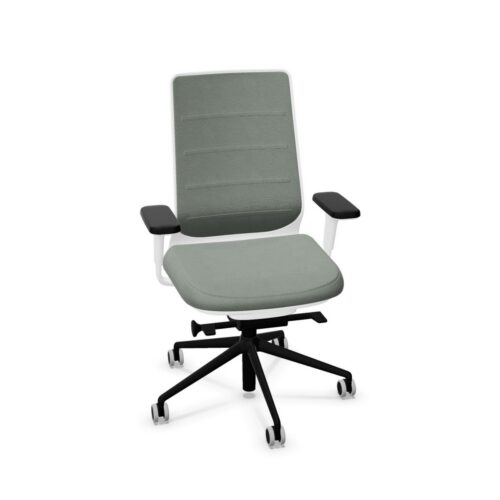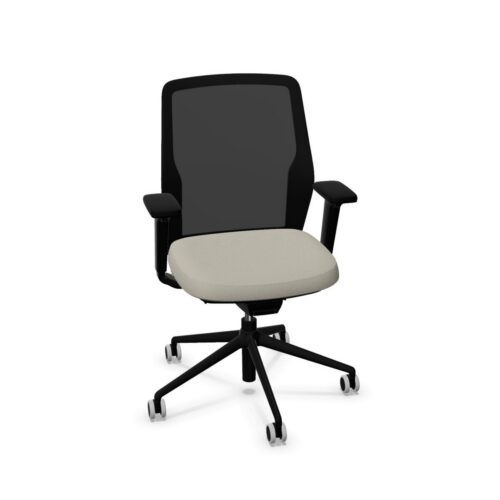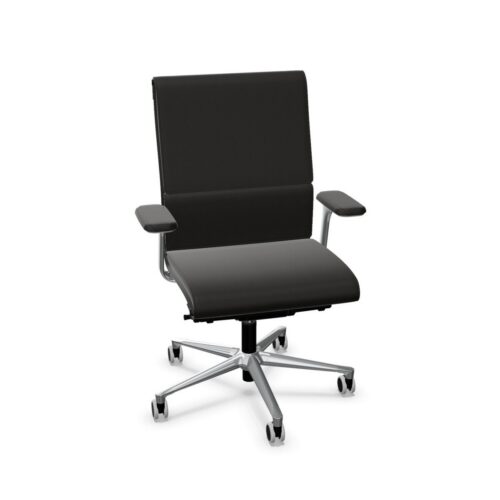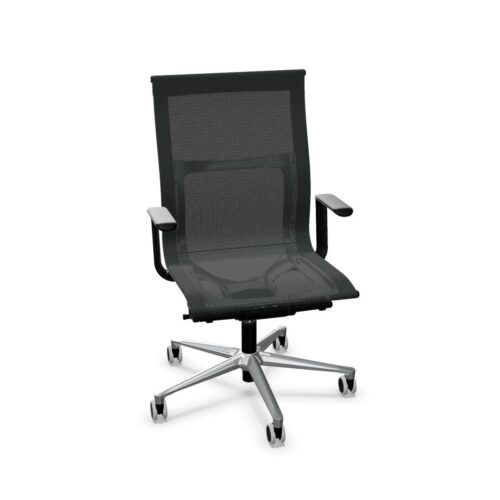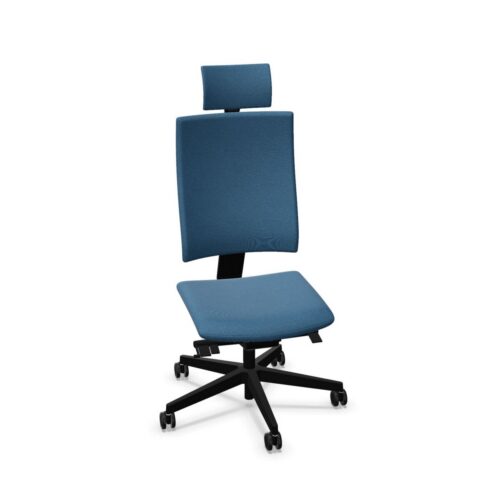
Ergonomic office chairs are designed to support a more considered seated working posture through adjustable features and proportions suited to regular desk use. For organisations furnishing offices, project spaces or home-working setups, this chair type can help accommodate different users and working patterns without treating every workstation as identical.
An ergonomic chair is not defined by one mechanism or a single visual style. It is typically a task chair with a combination of adjustment options, including seat height, back support, armrests, tilt or recline settings and, on some models, adjustable lumbar support. The specification should be reviewed alongside the needs of the people and spaces it will serve.
What is an ergonomic office chair?
An ergonomic office chair is intended to allow the sitter to set up the chair around their body, desk and activity. It is commonly used for individual workstations where people may spend prolonged periods reading, typing, meeting online or moving between focused tasks.
Features vary between products. A chair may have a height-adjustable seat and swivel base as standard, while others add adjustable arm pads, seat depth, headrests, back-height adjustment or synchronised movement. These controls can support a practical sitting position, but they should be selected according to the anticipated user group rather than assumed to be necessary in every setting.
Why ergonomics matter in office planning
Workplace furniture has to work across people, roles and schedules. Ergonomic seating gives facilities, procurement and workplace teams more scope to provide a usable setup for a mixed workforce, particularly where desks are shared or teams use a space over long stretches of the day.
- Adjustable seat height can help align the chair with the desk and the user’s preferred working position.
- Back and lumbar settings may allow the backrest to be positioned more appropriately for different body shapes.
- Adjustable armrests can be useful where arm support is required without obstructing access to the desk.
- Tilt and recline mechanisms can introduce movement during desk-based work rather than fixing the chair in one posture.
- Seat-depth adjustment can be relevant when a chair will be used by people of noticeably different statures.
Ergonomic specification is one part of a broader workstation approach. Desk height, monitor position, keyboard placement, available space and employee guidance all affect how a seated workplace performs in practice.
Where ergonomic office chairs are commonly used
These chairs are a natural fit for assigned workstations, but are also widely considered for shared office floors, management offices and project rooms. They can suit environments where users undertake concentrated computer work, frequent calls or document-based tasks.
In hybrid workplaces, ergonomic chairs can be particularly useful at bookable desks because the same position may be used by several people during the week. A chair with straightforward, clearly accessible controls can make adjustment easier between users. In contrast, short-stay touchdown areas or informal meeting spaces may call for a simpler chair type where intensive adjustability is not the priority.
Chair types and specifications to compare
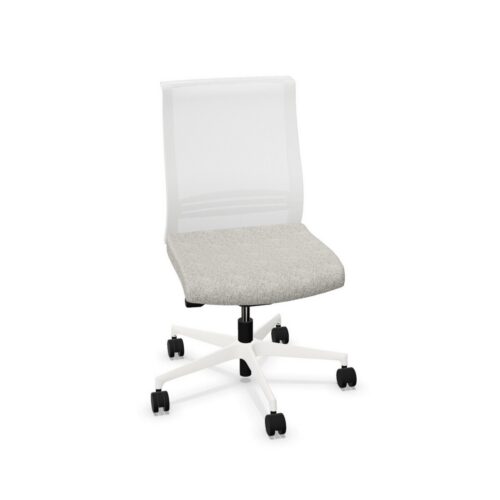
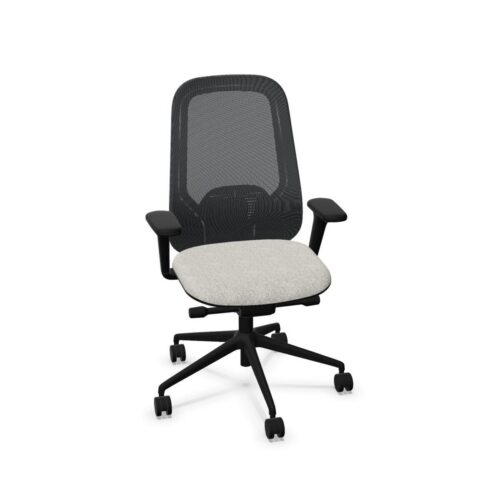
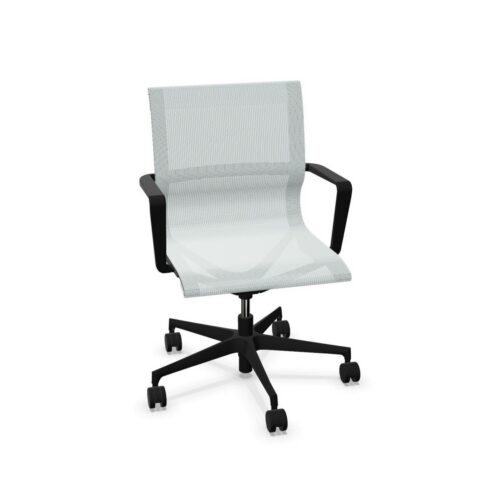
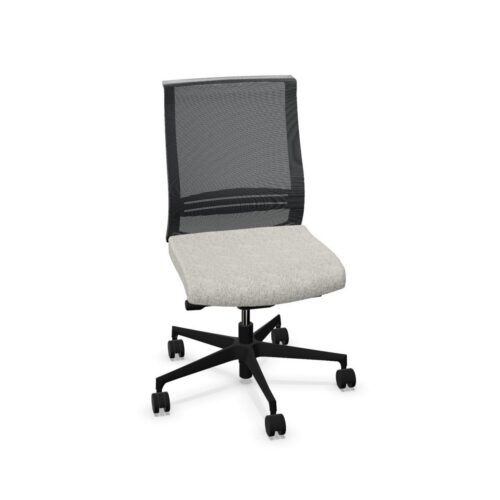
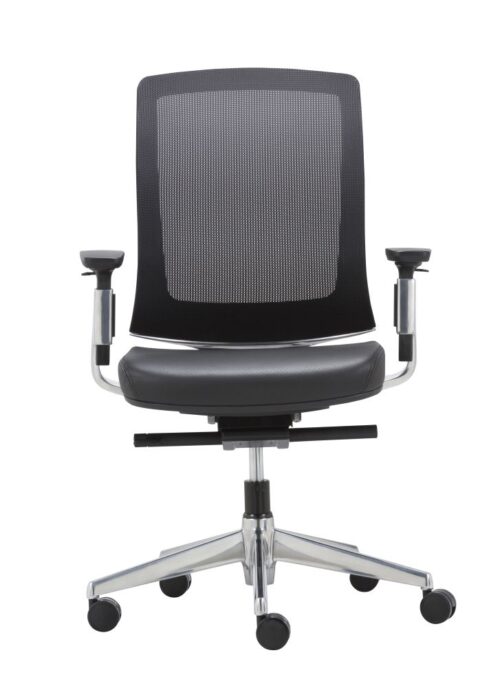
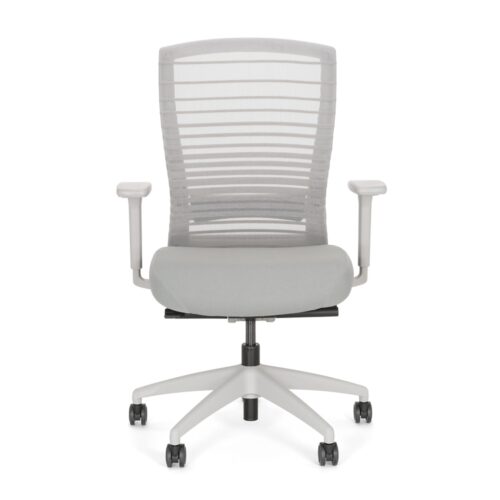
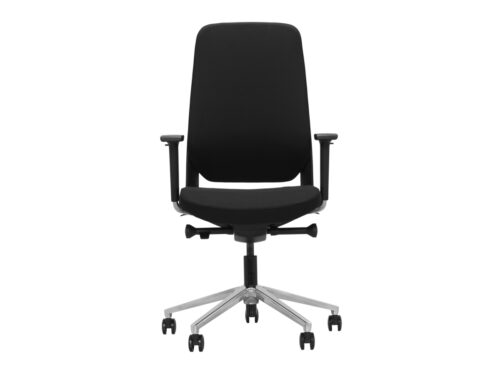
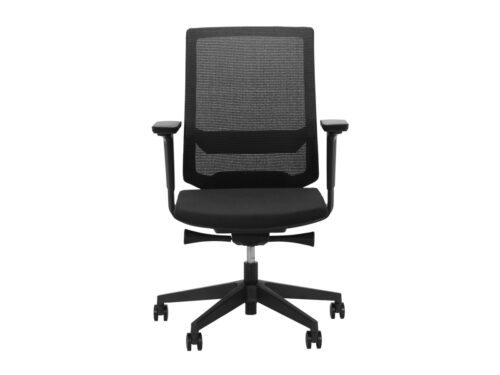
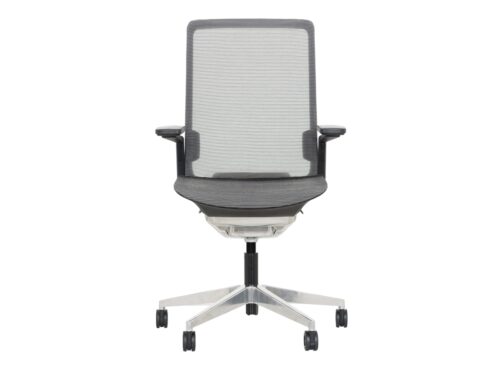
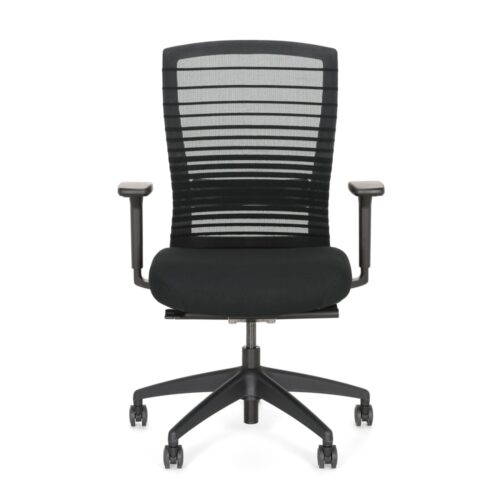
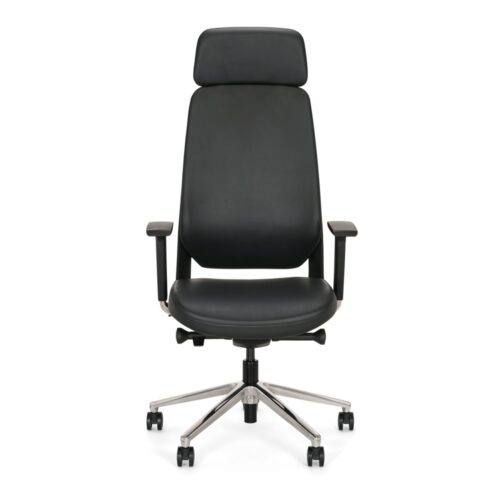
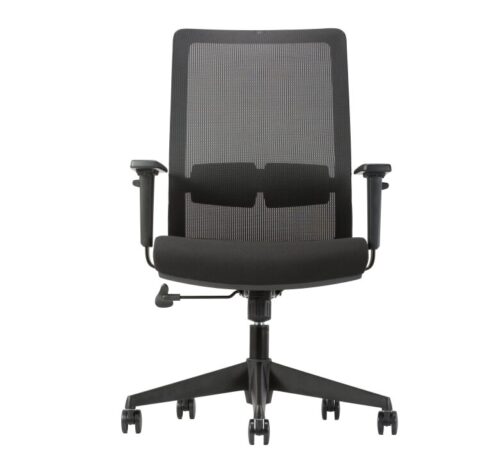
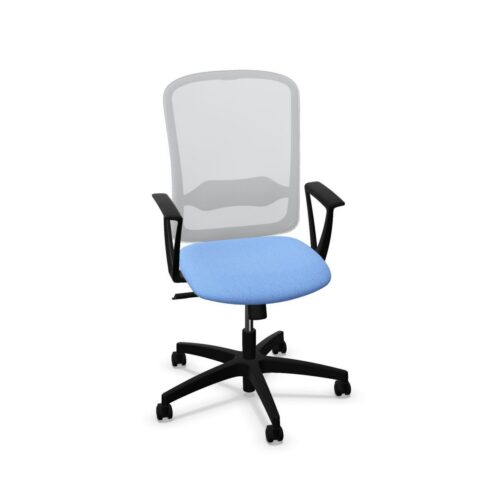
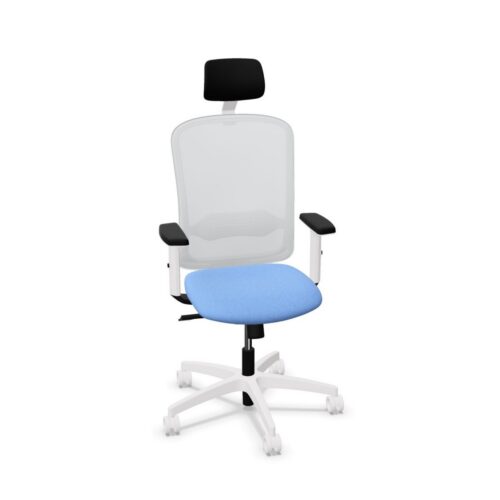
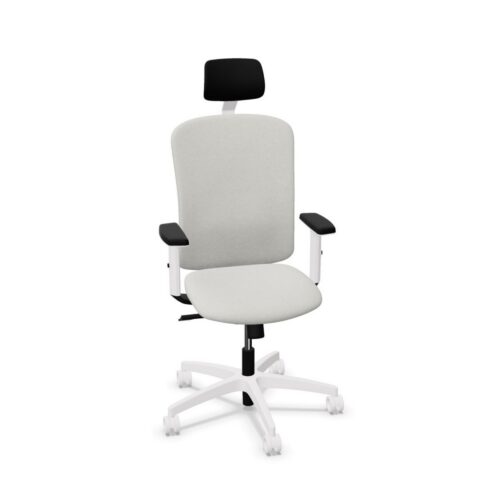
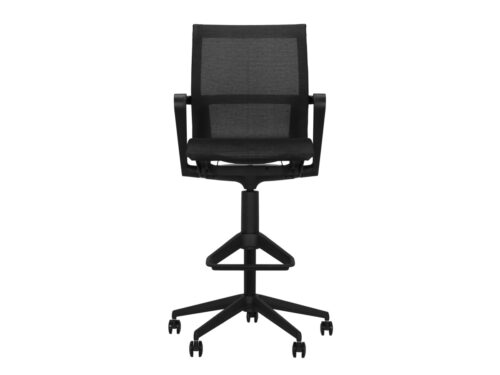
The ergonomic label covers a broad range of seating. Mesh-backed task chairs can offer a lighter visual profile and are often selected for open-plan settings. Upholstered task chairs may be chosen where a more padded seat or a particular finish is required. Some ergonomic models include a headrest, while many are designed without one for everyday desk work.
When comparing products, look beyond the overall silhouette and identify the controls and dimensions provided on each model. Consider the following points in a procurement schedule:
- seat-height range and whether it suits the workstations in question;
- backrest design, including any lumbar adjustment or back-height control;
- seat width, depth and any sliding seat mechanism;
- armrest type, adjustment range and whether arms are required;
- tilt mechanism and the way it can be tensioned, locked or released;
- base, castors and suitability for the intended floor surface;
- upholstery, mesh or other finish options required for the scheme.
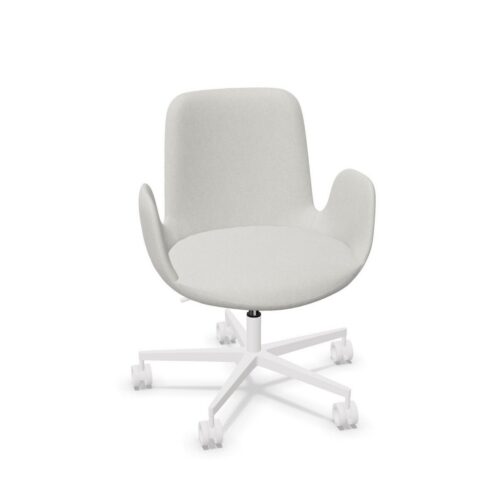
It is also useful to distinguish between a chair designed for desk work and seating intended principally for meeting rooms, visitors or occasional use. The right typology helps maintain a coherent balance between function, maintenance and appearance across the workplace.
How to choose for a team or project
Start with the work being done and the expected duration of use. A role involving sustained screen work may benefit from a wider adjustment range than a room used mainly for brief discussions. For a large installation, decide whether one adaptable chair model can serve most users or whether different zones need different specifications.
Shared spaces need particular care. Simple controls and a robust, understandable setup can be more useful than features that are unlikely to be adjusted. For assigned seating, the requirements of the individual user and any workplace assessment processes should inform the final choice. Finishes also matter: select materials and colours that sit comfortably with desks, storage and the wider interior without confusing upholstery colour with the finish of the chair base.
Questions to consider
- Who will use the chair, and is the workstation assigned or shared?
- How many hours of desk-based work is it likely to support on a typical day?
- Which adjustments are genuinely needed for the user group and work setting?
- Will the chair be used with fixed-height or height-adjustable desks?
- Are there site requirements around floor type, cleaning or visual consistency?
- Does the proposed specification work across the full quantity required for the project?
Planning ergonomic seating alongside desks
An ergonomic chair should be assessed with the desk rather than in isolation. Check clearances for armrests beneath the worktop, the available legroom, the position of screens and accessories, and circulation around occupied desks. In benching layouts, chair width and movement space can influence how comfortably adjacent positions function.
For projects combining individual workstations with collaboration areas, using ergonomic task chairs at primary desks and a different seating type elsewhere can make the purpose of each zone clearer. This approach can also help procurement teams create a consistent furniture schedule while matching seating to likely use.
Related Myntwork seating ranges
Browse Myntwork’s wider selection of office chairs to compare ergonomic task seating with other chair types for workspaces, meeting settings and flexible areas. For further guidance on assessing adjustments, desk compatibility and intended use, see our resource on how to choose an office chair.
Myntwork
Myntwork
Myntwork
Myntwork
Myntwork
Myntwork
Myntwork
Myntwork

Myntwork