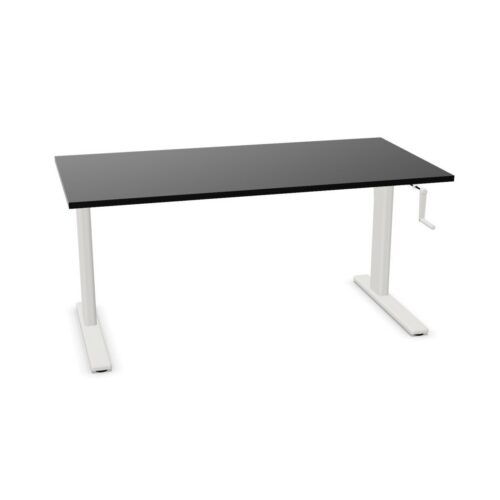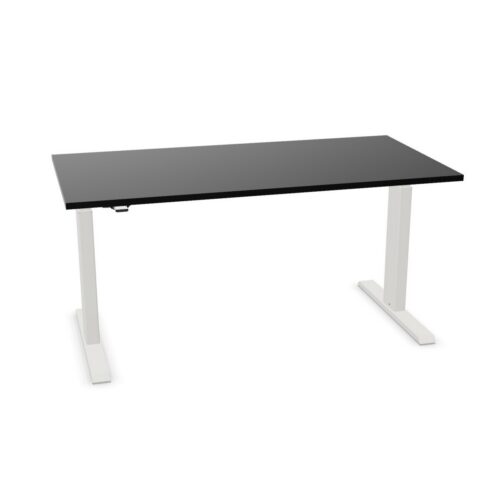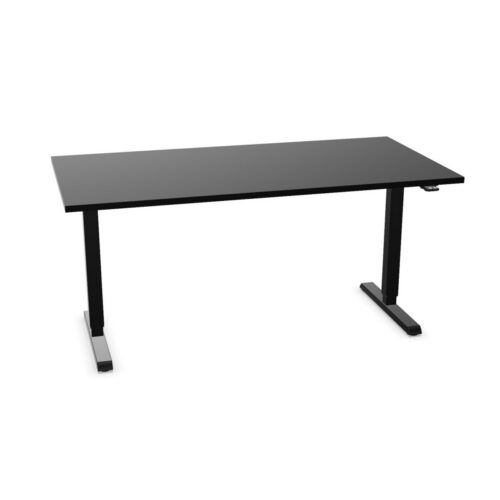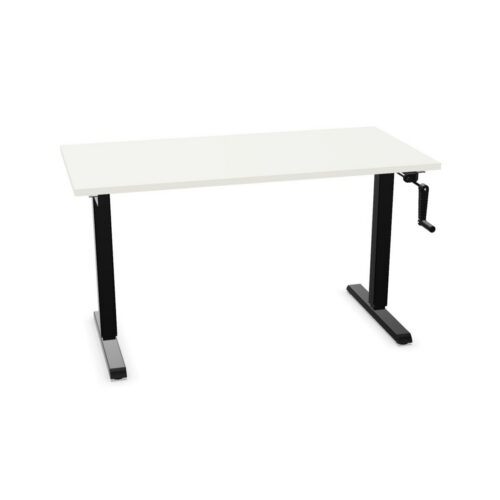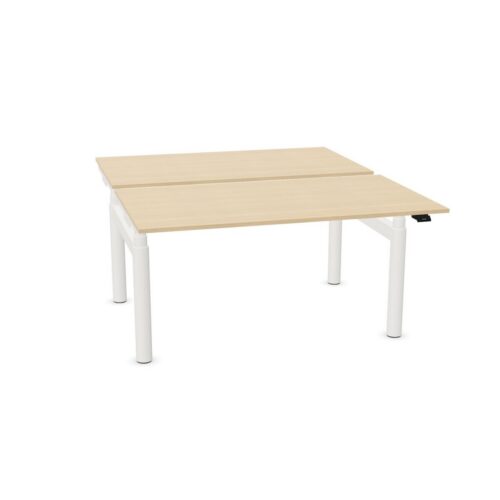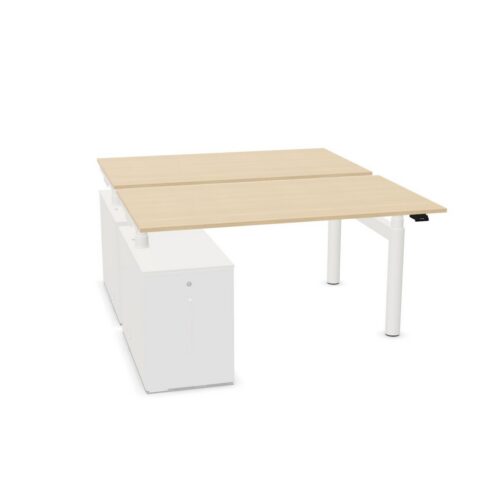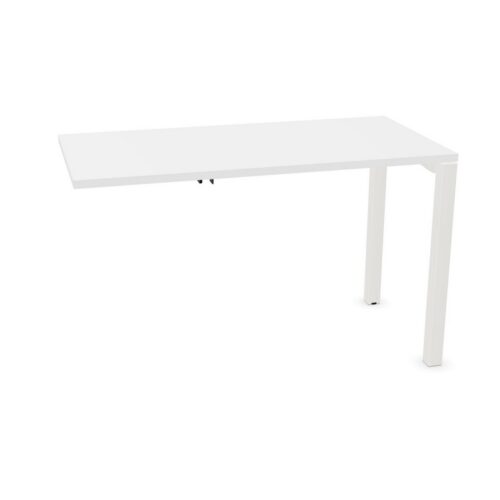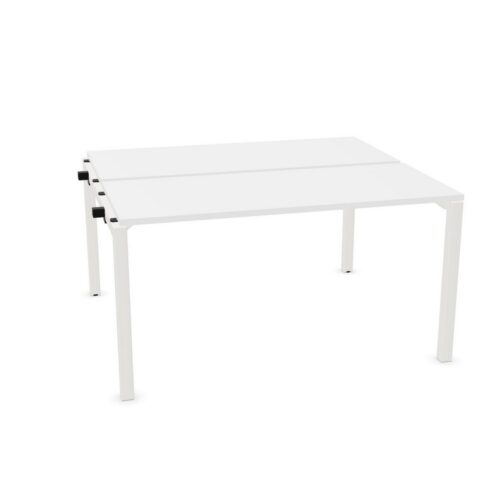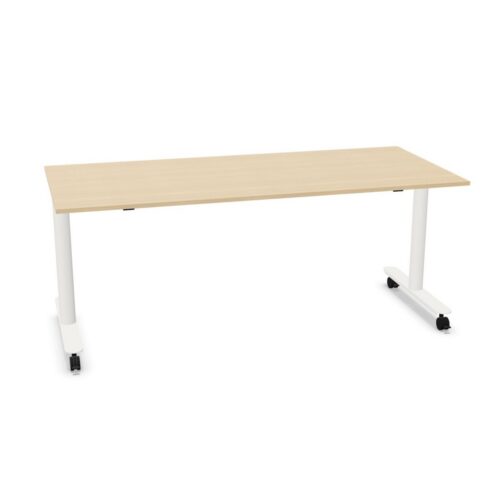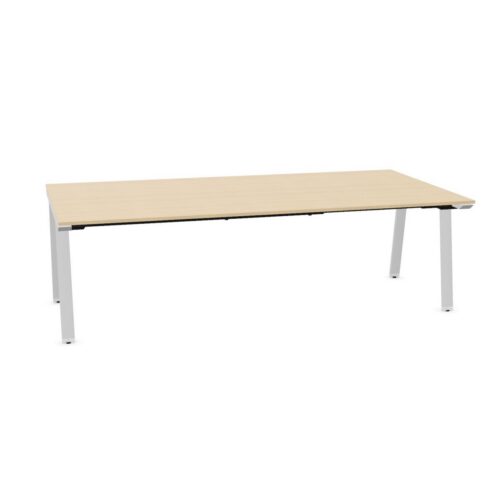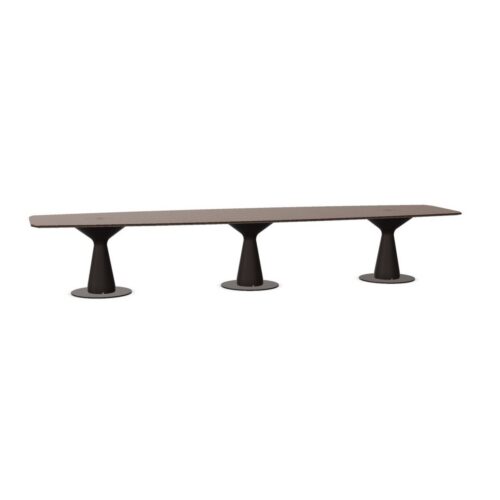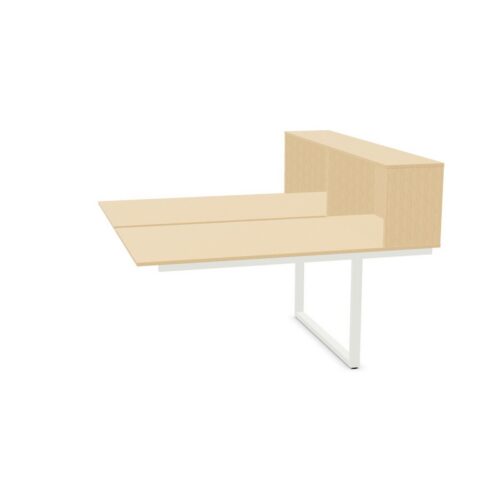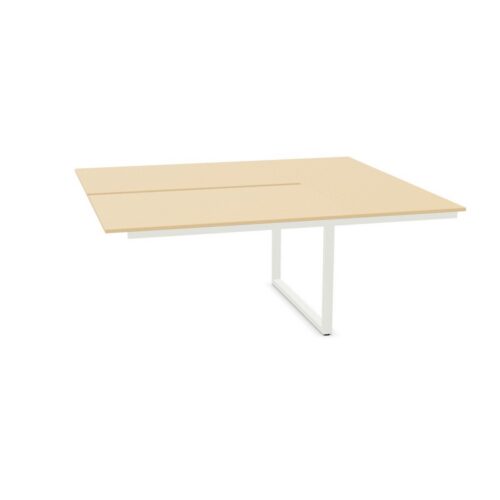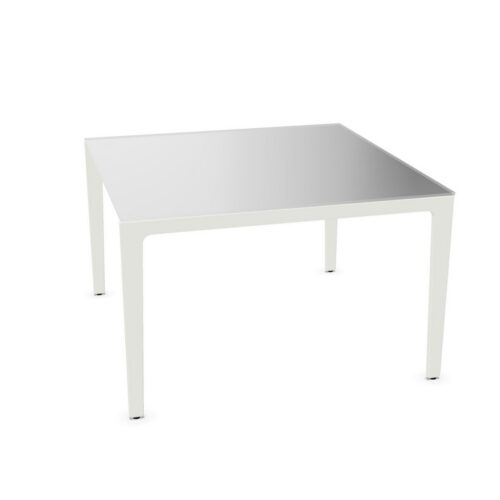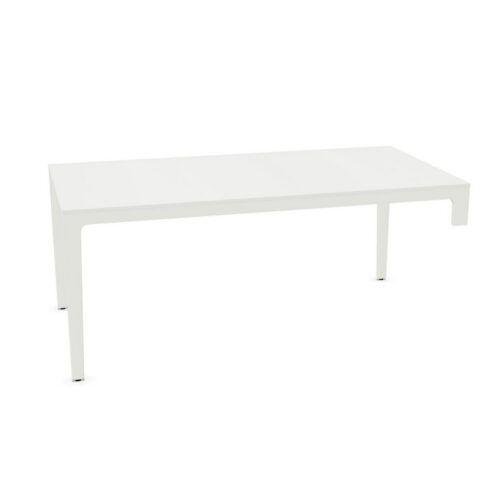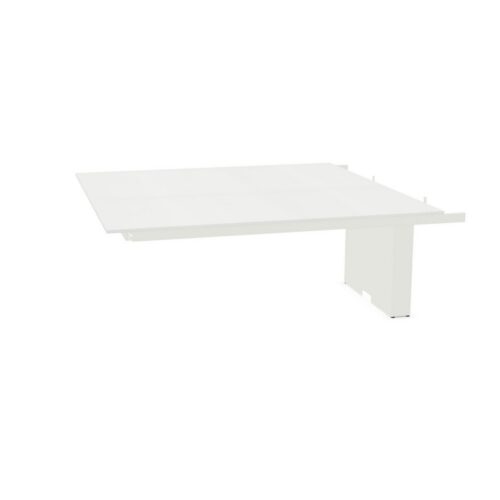
Office desks and tables with an included cable tray provide a practical starting point for organising power and data cables beneath the work surface. The tray is supplied as part of the desk or table specification, helping procurement teams compare furniture that is ready to support a tidier workstation installation.
This filter covers products where a cable tray is included, rather than available only as an optional extra. A cable tray can create a dedicated route for leads associated with monitors, docking stations, desktop equipment and power connections, while keeping them away from the most visible parts of the workspace.
What does an included cable tray mean?
A cable tray is a fitting positioned beneath or alongside a desk or table top to hold and guide cables. On products in this selection, that component is included with the furniture. Its precise form, location, capacity and method of fitting can differ between models, so the individual product description remains the right place to check the details.
The presence of a tray does not necessarily mean that every cable-management accessory is included. Items such as desktop power modules, cable spines, floor boxes, monitor arms and additional cable ports may be specified separately depending on the product and the planned installation.
Why cable trays matter in workplace planning
Modern workstations often need to accommodate a combination of mains leads, charging cables, display connections and network cables. Without a planned route, these can gather beneath desks, cross leg space or remain visible around the edges of the workstation. A built-in tray gives installers and users a more defined place to manage that cabling.
- It can help keep cables raised from the floor beneath the desk.
- It supports a cleaner visual finish around individual and shared workstations.
- It may make day-to-day cleaning around desk legs and under-desk areas more straightforward.
- It provides a considered route when configuring desks for screens, laptops and docking equipment.
- It can help maintain clearer leg room by containing loose leads beneath the worktop.
For facilities and procurement teams, selecting furniture with a supplied tray can also simplify specifications. It reduces the need to identify a compatible tray as a separate line item for every applicable desk or table, while still allowing the wider cable-management plan to be assessed on its own requirements.
Where desks with cable trays are commonly used
Included cable trays are relevant in many professional settings, particularly where users work with more than one device or where workstations are arranged in visible shared spaces. They can suit individual desks as well as longer bench-style arrangements and meeting tables, subject to the product design.
- Open-plan offices with banks of workstations.
- Assigned desks used with monitors and docking stations.
- Hot-desking areas where a consistent workstation set-up is required.
- Project rooms and team spaces with temporary or permanent technology.
- Meeting and collaboration areas that use screens, laptops or conferencing equipment.
- Homeworking or satellite-office spaces where a neat under-desk set-up is preferred.
In each case, the tray should be considered alongside the position of wall sockets, floor boxes and any required data connections. Furniture can provide the route at desk level, but the room layout determines how cables reach it.
Desk and table formats to consider
This attribute may apply to a variety of furniture types. A single desk might use a compact tray beneath the rear edge of the top, while a bench desk can incorporate cable management for multiple users. Tables intended for meetings may also include a tray to help organise leads running from a central power or connectivity point.
When comparing options, first establish how the furniture will be used. A workstation for one person has different cable demands from a shared bench or a boardroom table. The number of users, monitors, devices and accessible power points all influence the most appropriate format.
How to choose furniture with an included cable tray
Start with the cable load expected at each position. A laptop-only desk may require little capacity, whereas a fixed workstation with dual displays, a dock, telephone and charging equipment may need more room. Consider both the cables needed now and any likely changes to the technology set-up over the life of the furniture.
Check the dimensions and configuration of the desk or table as well as the tray itself. Leg position, modesty panels, storage pedestals and under-desk equipment can affect access to the tray and available space. For height-adjustable desks, it is particularly important to consider how cabling will move safely with the worktop.
Questions to consider before specifying
- What devices will normally be connected at each workstation?
- Will power and data arrive from the floor, wall or a nearby service point?
- Is access to the tray needed for regular changes or occasional maintenance?
- Does the desk layout require cable management across a run of linked workstations?
- Are separate power modules, cable risers or desktop access units needed?
- Will users need clear space beneath the desk for seating, storage or mobility needs?
Included tray versus a complete cable-management scheme
An included cable tray is one useful part of a broader workplace infrastructure plan. It manages cables at furniture level, but it does not replace the need to assess electrical provision, data access, equipment placement and safe routes through the room. A well-planned scheme connects these elements so that cables can move from the building service point to the workstation with minimal disruption.
For larger projects, it is helpful to map workstation positions before finalising desk sizes and configurations. This can reveal where shared services are needed, whether cable access should be central or rear-facing, and how meeting-room technology will connect to displays or conferencing equipment.
Co-ordinating desks with the wider office layout
Cable trays are most effective when they are selected as part of the furniture layout rather than added after desks have been positioned. Consider circulation routes, the orientation of desks, access to sockets and the relationship between adjacent workstations. A consistent approach can make the finished office easier to use and maintain while preserving the intended appearance of the space.
Browse the wider range of office desks for different workstation formats and sizes. For guidance on layout, services and selecting furniture around the needs of a project, see our resource on planning furniture for a new office.