

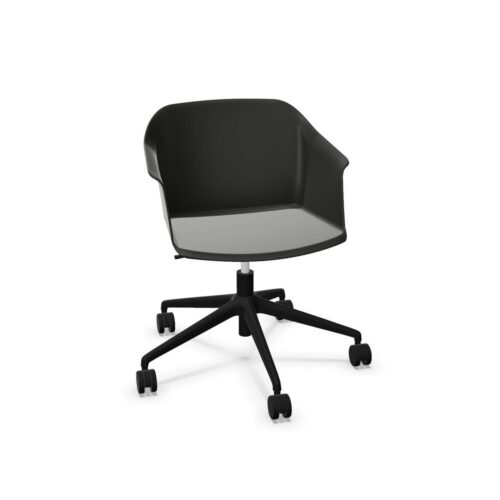
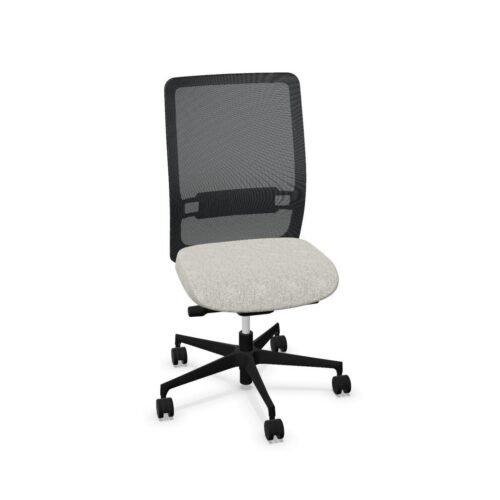
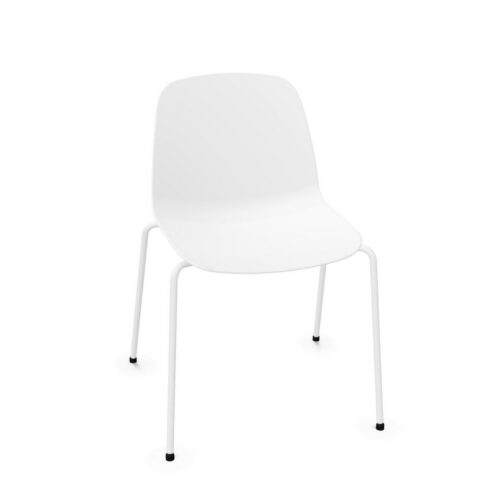
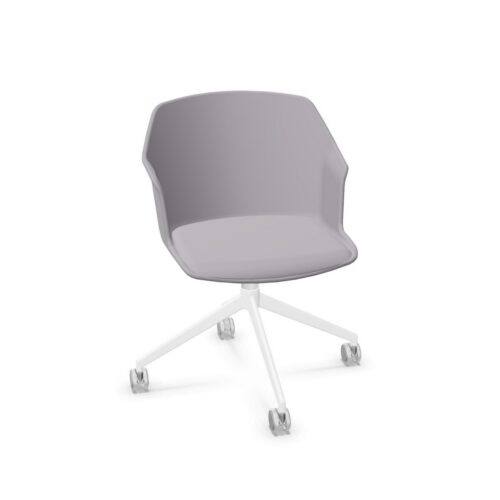
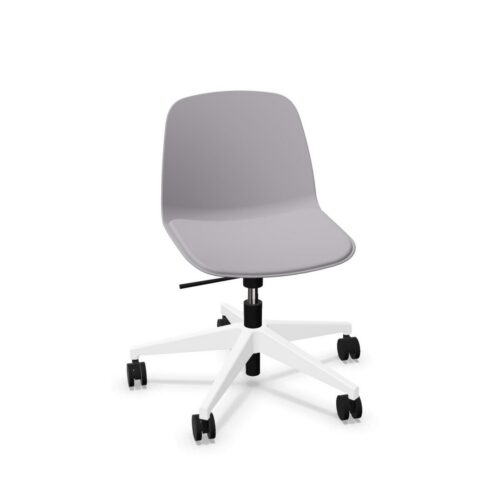

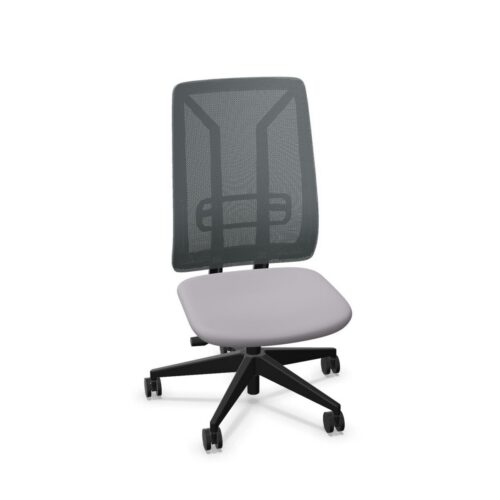
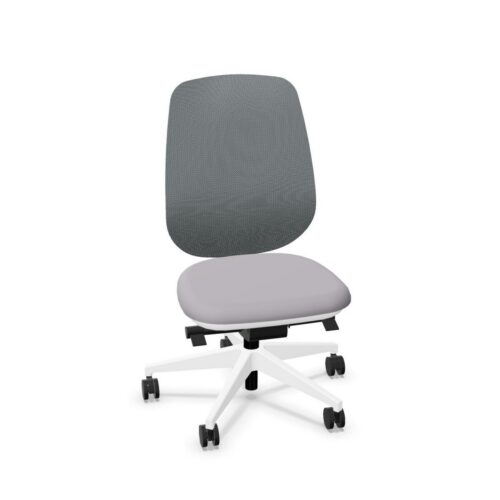
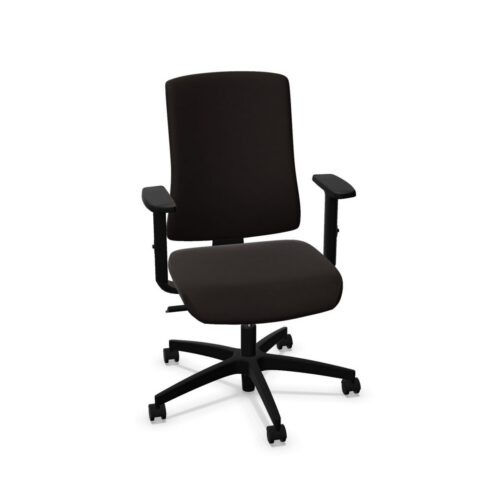
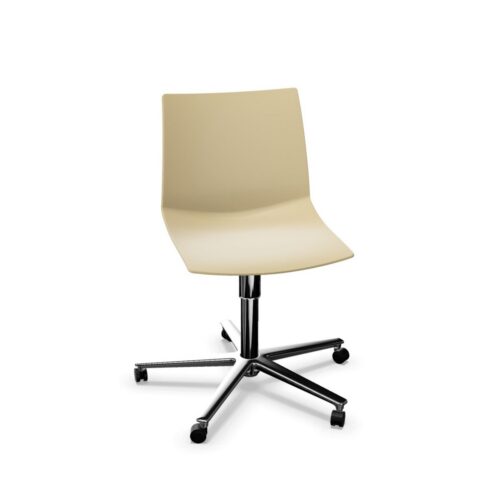
Open-Sided Seating For Office Spaces

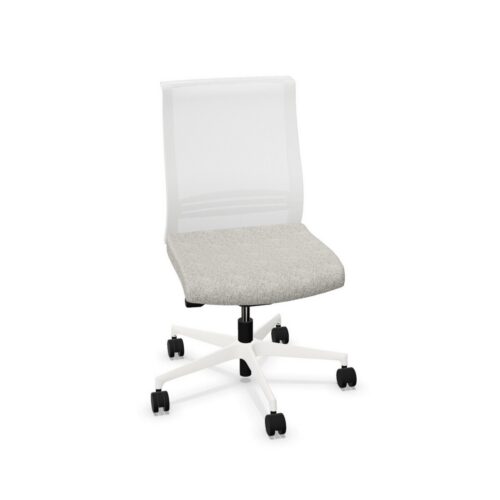
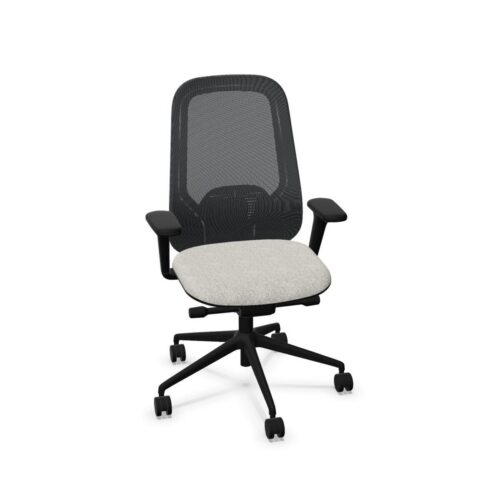
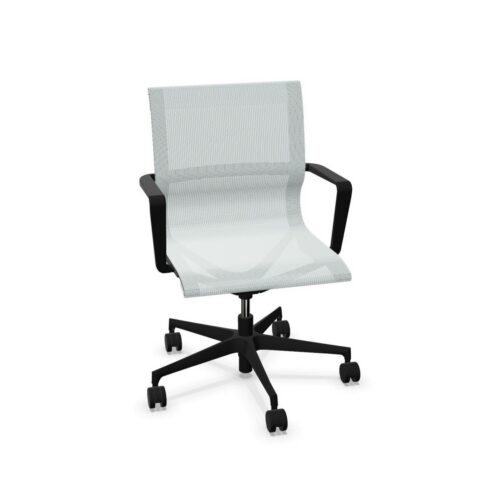
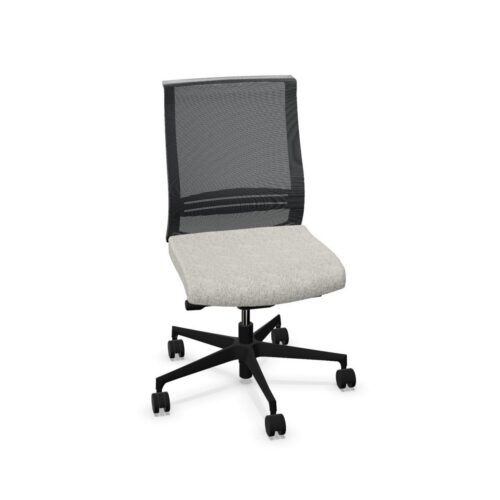
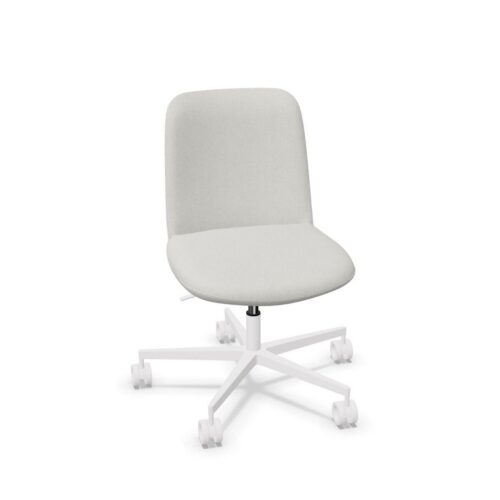
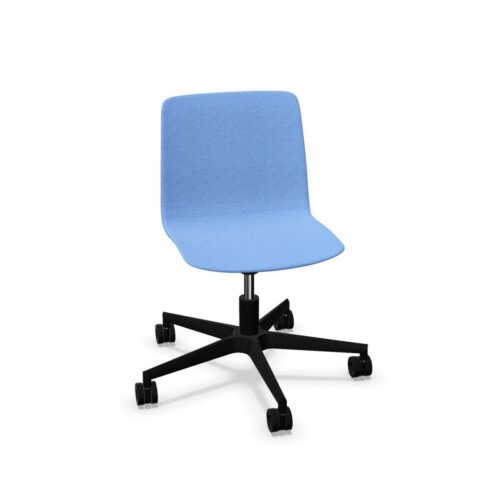
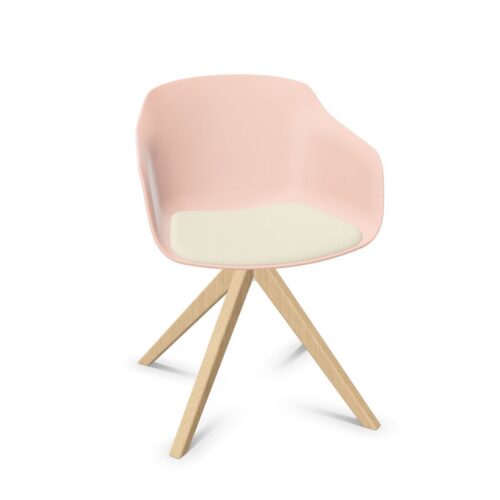
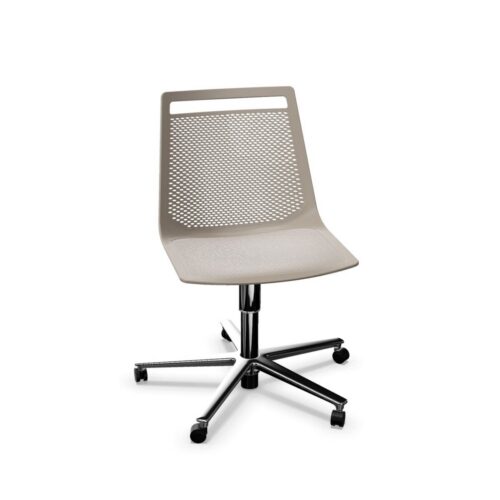
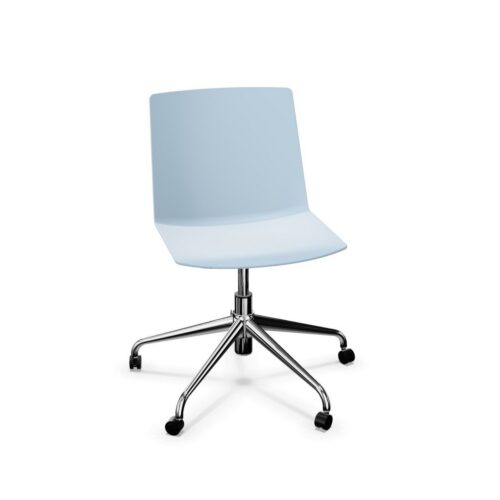
An office chair without armrests leaves the sides of the seating position open and provides no fixed or adjustable arm supports. That changes the starting point for a seating assessment: the user, seat, backrest and work surface need to be considered without relying on chair-mounted forearm support. Whether that arrangement is suitable depends on the activity and the individual.

This selection covers a broad range of office roles, including task, meeting, visitor, operator and drafting seating, as well as stools. The absence of armrests does not define the rest of the chair. Height adjustment, seat depth adjustment, back height adjustment, lumbar support and headrests can all vary. An office manager should compare those features with the intended room and users, paying attention to the whole seating position rather than assuming that an open-sided design guarantees a particular size or use.

2 models
From AED 62.55 p/m
10 models
From AED 42.48 p/m
9 models
From AED 42.48 p/m
5 models
From AED 14.70 p/m
2 models
From AED 32.66 p/m
2 models
From AED 15.11 p/m
2 models
From AED 72.94 p/m
AED 35.10 p/m
4 models
From AED 22.08 p/m
10 models
From AED 30.57 p/m
13 models
From AED 21.40 p/m
6 models
From AED 26.69 p/m
AED 31.30 p/m
3 models
From AED 17.79 p/m
2 models
From AED 44.24 p/m
4 models
From AED 25.36 p/m
4 models
From AED 26.85 p/m
5 models
From AED 26.36 p/m

Start With Activities That Use The Open Sides

Describe how people will use the chair during the relevant task. Consider where they place their arms, how they approach the seat and which changes of position are part of the activity. An armless design provides an open seating position at the sides, but it does not establish the chair's overall width or the space needed around it. Check actual dimensions when planning the room. During a practical trial, ask users to carry out representative activities so that the assessment reflects their working arrangement rather than an assumed benefit of the design.

Examine The Relationship With The Work Surface

Without chair-mounted arm supports, the desk or table relationship deserves direct attention. Assess the user's position at the intended surface and ask whether the arrangement suits the activity. Seat height adjustment may help establish a different position where it is included, but some configurations have fixed height. Confirm the actual arrangement before making the comparison. Check the space beneath and around the surface using the chair's dimensions, rather than assuming that removing armrests guarantees clearance. Include any equipment or furniture that forms part of the normal working position during the assessment.

Give The Seat And Back Their Own Assessment

Seat depth and back height adjustment are available on some chairs in this group and absent on others. Dedicated lumbar support and headrests also vary. Assess how these features fit the intended user once the chair is positioned at the workstation. Mechanisms can include manual height adjustment, coordinated synchronous movement or no integrated mechanism. These distinctions affect what the user can change, independently of the absence of armrests. For a shared chair, have each person establish a position and identify whether the available settings meet their own requirements before comparing the results.

Make Room-Specific Material Decisions

The selection includes fabric, mesh, PU leather, plastic and unupholstered configurations, with a range of colours and base constructions. Obtain the appropriate care instructions and decide whether they suit the room's planned maintenance routine. Review any standard, fire resistance designation or environmental document required for that location on its own terms. Such evidence varies between chairs and is not implied by the armless design. Two-year and five-year warranties occur within the group, alongside a stated maximum user load of 135 kg. Confirm applicable conditions and evidence for the precise configuration being considered for each seating role.

Questions About Armless Office Chairs

Does having no armrests make a chair compact?

It creates an open seating position at the sides, but overall dimensions still need to be checked. Compare the stated width and surrounding clearance with the intended location before treating the chair as suitable for a restricted space.

Can armless chairs include lumbar support?

Yes. Dedicated lumbar support is present on some configurations and absent on others. The same variation applies to headrests and several adjustments, so confirm each feature separately when assessing the complete chair for a user.

What should users try during an assessment?

They should sit at the intended work surface, perform representative tasks and test the available adjustments. Include how they position their arms, change posture and enter or leave the seat when judging whether the arrangement suits the activity.

Explore related selections