






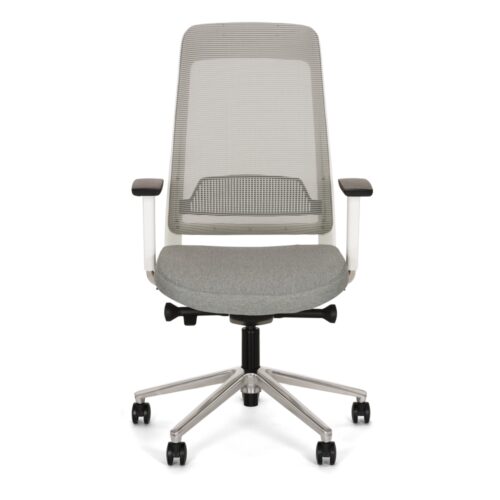
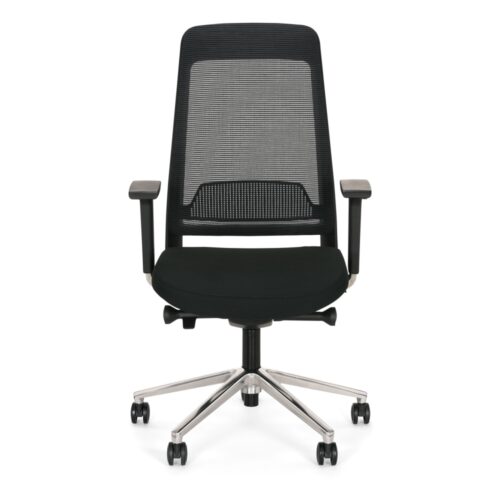
Map the Available Armrest Movements
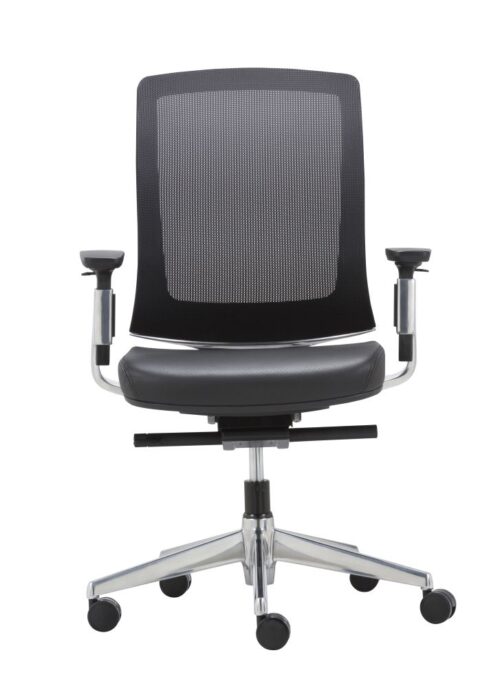
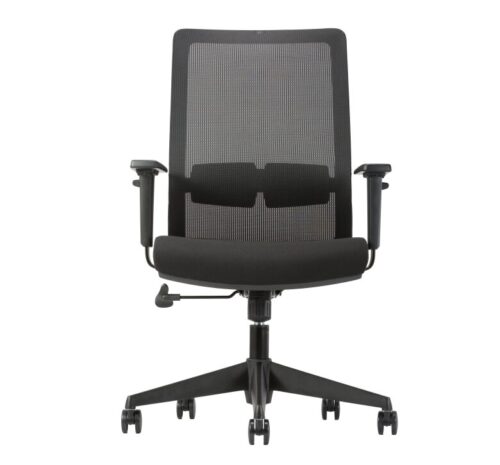
Office chairs with 4D armrests without headrests should be assessed through the actual adjustment mechanism. Ask for a demonstration of each available movement, then let users operate it themselves. Confirm the directions and limits rather than assigning a standard set of movements to the term 4D. Note whether changing one position affects another and how the chosen setting is retained. These observations establish what the armrests offer in practice. They also give the office manager a clear basis for comparing alternatives whose adjustment descriptions may sound similar but require separate verification before their practical differences can be understood.
Connect Arm Settings to Desk Tasks
Once the movements are understood, try them during the work the chair is intended to support. Compare arm position for keyboard use, pointing-device work and document handling where relevant. Check desk approach after each meaningful change, because an armrest position useful for one task may meet the worktop differently. Ask users to identify settings they would actually use, rather than exploring every possible position without a purpose. Record useful settings in terms people can recognise, and observe whether they can return to them after standing, changing activity or allowing a colleague to use the workstation.