

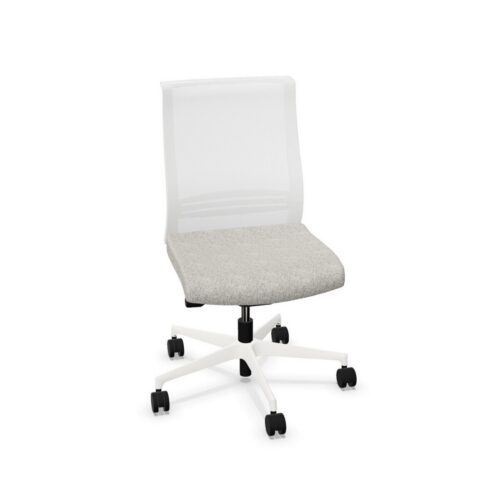
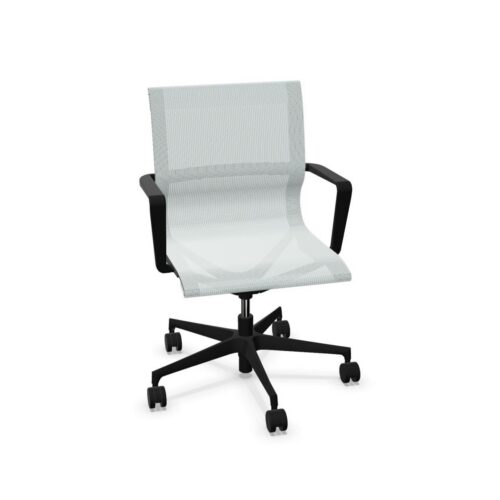
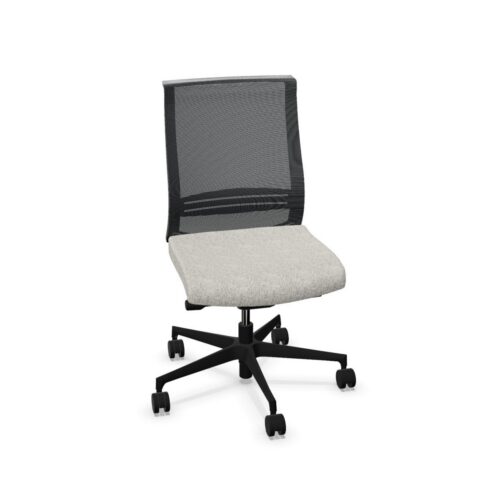
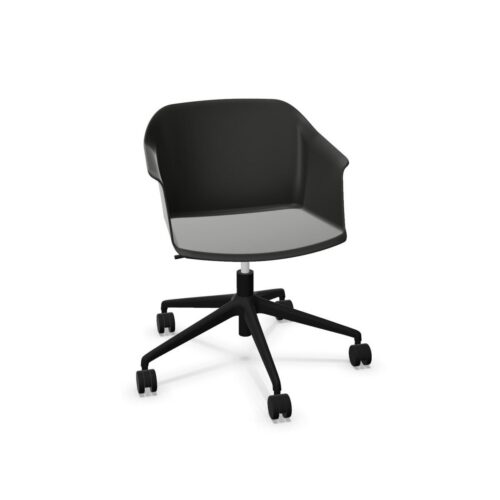
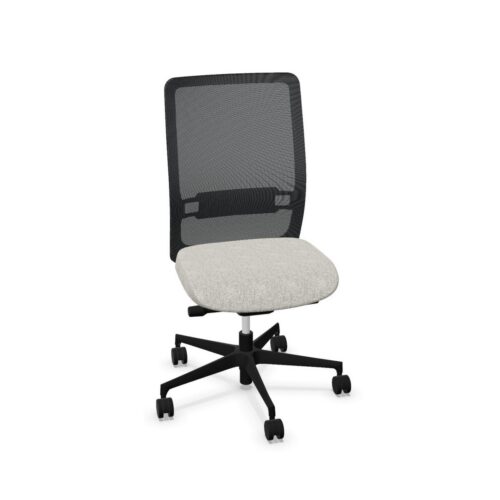
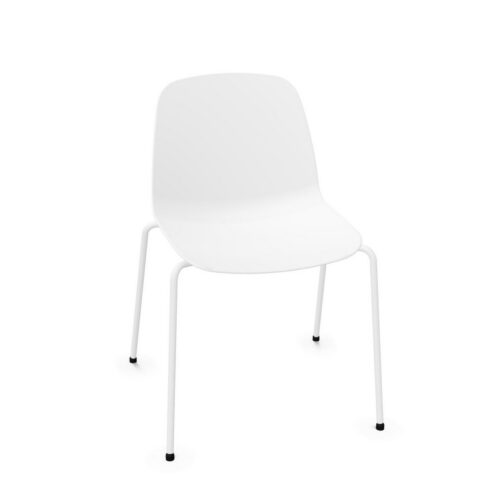
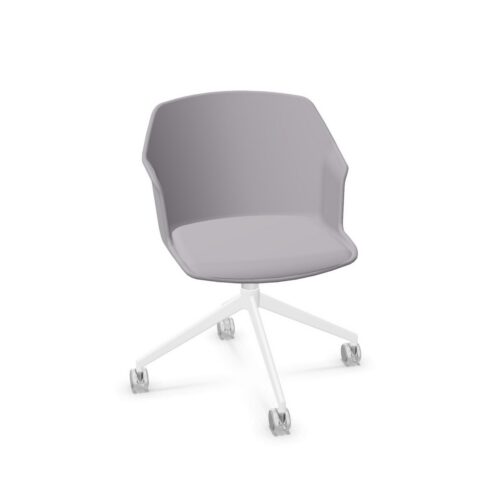
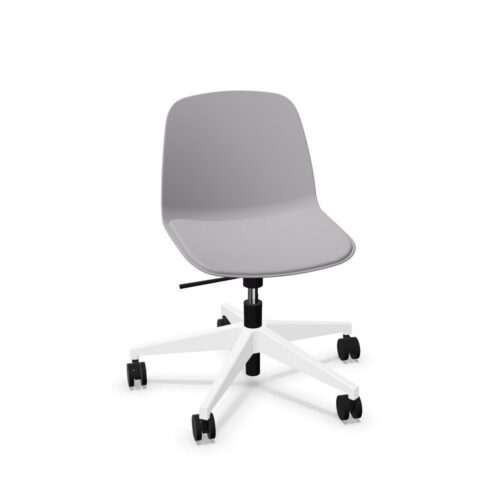

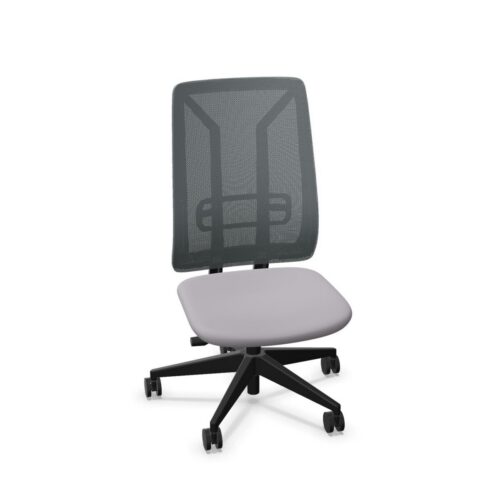
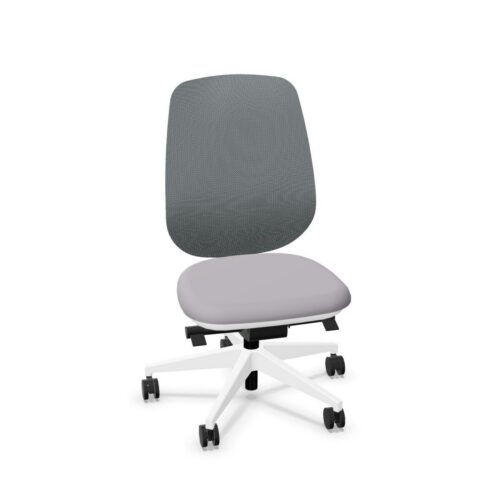
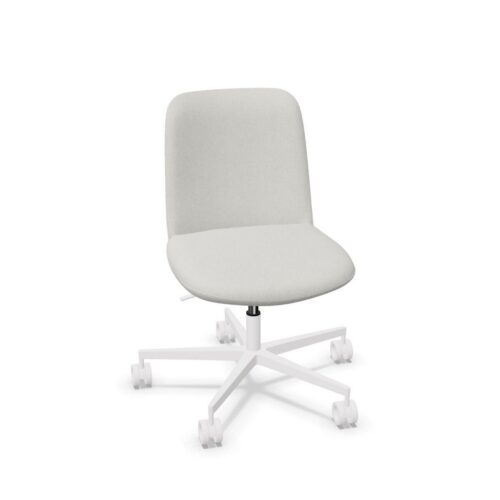
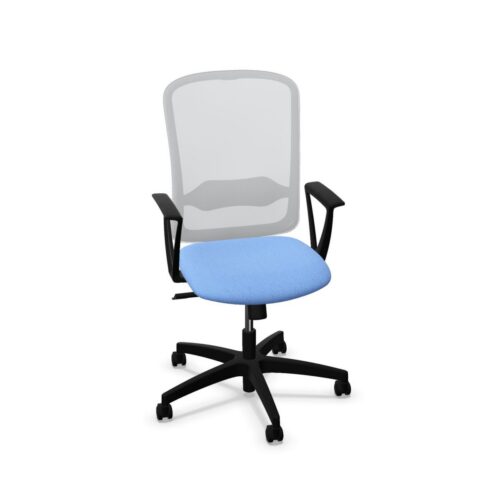
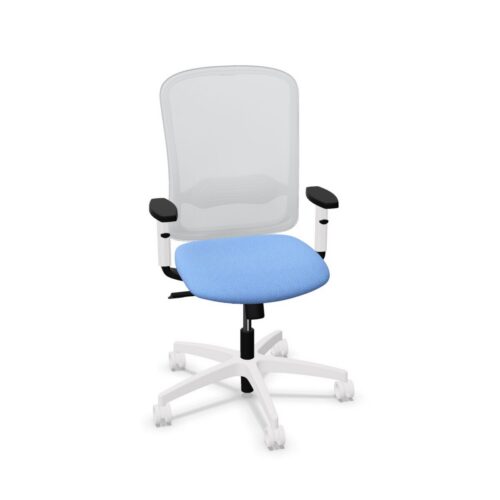
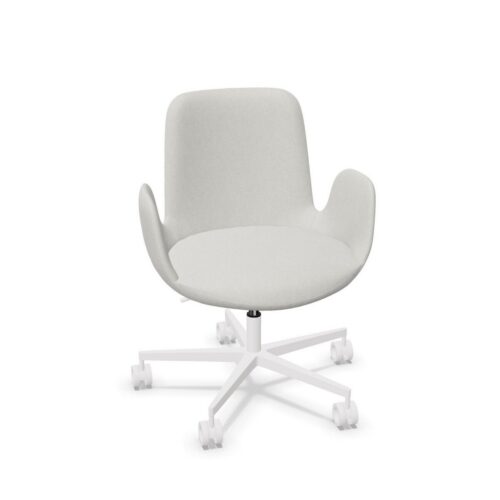
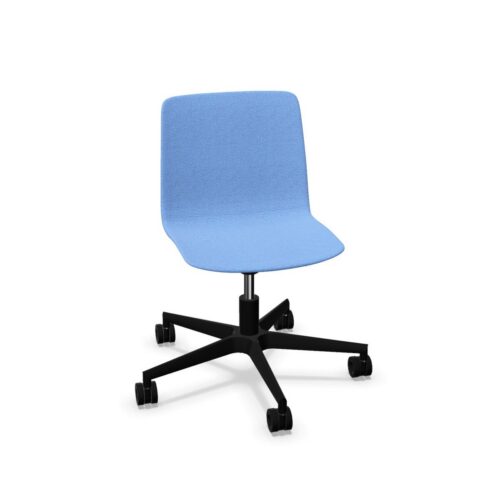
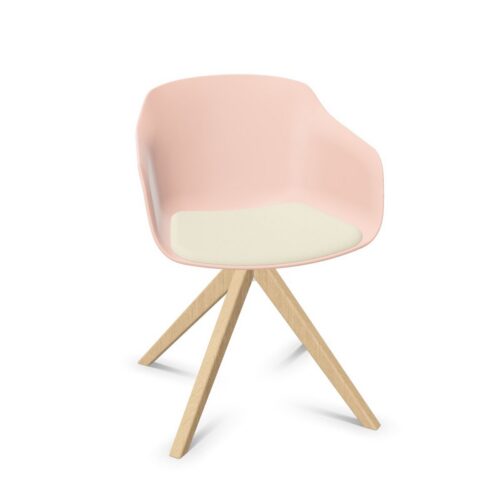
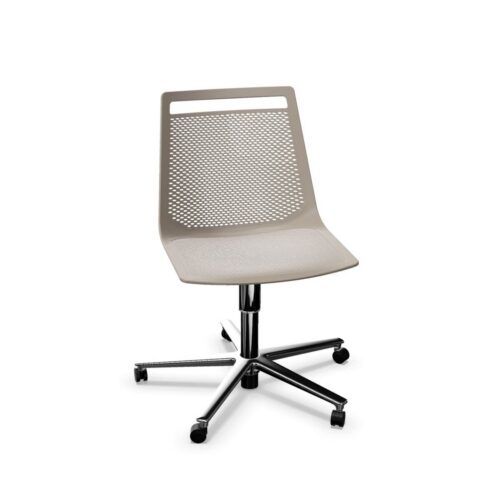
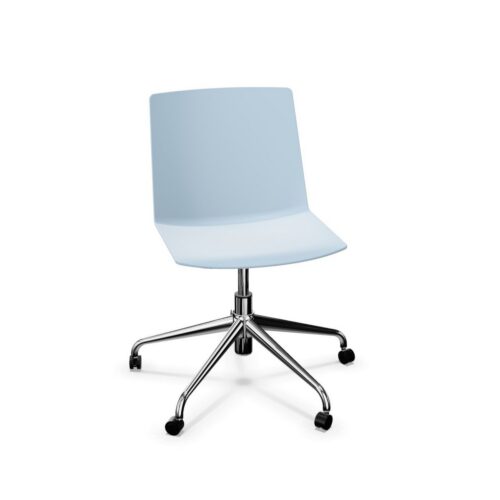
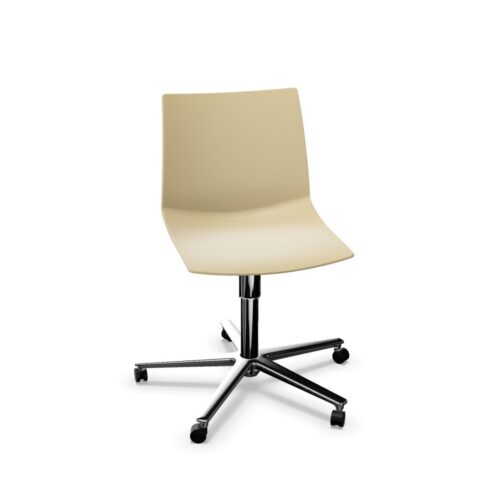
Armless Office Chairs Without Headrests

Armless office chairs without headrests place the emphasis on the seat, backrest and surrounding workspace. There are no armrests to position beside the body and no separate headrest to assess. For an office manager, this makes desk access and the person’s relationship with the remaining support surfaces central to the comparison. It does not establish the chair’s overall width, adjustment options or suitability for a particular task.

Consider how people enter the seat, turn towards colleagues and position their arms while working. Without chair armrests, the relationship between the user and the work surface deserves direct observation. Without a headrest, backrest shape and height should be evaluated independently. The combination can be assessed across individual desks and shared rooms, provided each setting receives its own practical check. A clear assessment describes where support comes from, how movement is accommodated and whether the available space works for the people using it during their expected office activities.

2 models
From $24.11 p/m
10 models
From $16.38 p/m
9 models
From $16.38 p/m
5 models
From $5.66 p/m
2 models
From $12.59 p/m
2 models
From $5.82 p/m
2 models
From $28.13 p/m
4 models
From $8.51 p/m
10 models
From $11.79 p/m
13 models
From $8.26 p/m
6 models
From $10.29 p/m
3 models
From $6.87 p/m
2 models
From $17.06 p/m
4 models
From $9.78 p/m
4 models
From $10.35 p/m
5 models
From $10.17 p/m

Plan movement around the whole chair

Start with the route into and out of the seat. Armless office chairs without headrests have no armrests alongside the user, but their overall footprint still needs checking. Measure the available space between desks, nearby furniture and any circulation route. Observe a person pulling the chair out and returning it to a working position. Include bags, desk pedestals and other objects normally present in the room. This turns a general impression of openness into a practical assessment of access, while avoiding assumptions about chair width based solely on the absence of arms.

Locate support during desk work

Ask users where they place their forearms while typing, reading or writing. With no chair armrests, that position depends on the person and the workstation arrangement. Assess the distance to the keyboard, the usable desk surface and the position of the shoulders during ordinary tasks. Office chairs should be evaluated with the equipment people actually use, including any items that occupy the front of the desk. A clear desktop in a demonstration may create a different impression from a working desk with documents, input devices and personal equipment in regular use.

Give the backrest a separate assessment

For armless office chairs without headrests, backrest fit deserves more attention than a simple description of the upper outline. Establish how its shape and height relate to the user, and check any available movement directly. The absence of a headrest does not establish where the backrest supports the torso. Ask people to perform their normal tasks and describe the contact they experience. Include moments of reading or discussion as well as keyboard work. Keep these observations distinct from opinions about appearance, so practical fit remains clear in the final comparison record.

Compare rooms through their actual activities

A chair used beside a shared worktable may face different demands from one assigned to an individual desk. Assess the expected activities in each room before applying the same conclusion everywhere. Consider how often users change, where their arms rest and how much space they need to approach the table. Office chairs also need an assessment of seat depth and usable seating space. Record these factors alongside the room layout. The result should explain the relationship between people, furniture and tasks instead of relying on the absence of accessories as proof of suitability.

Questions about seating without arms or headrests

Does an armless chair always need less space?

No. Missing armrests do not establish the chair's full dimensions or the space needed for movement. Check the complete footprint, the desk opening and the room required to enter and leave the seat. Observe those movements with a person using the chair.

Where should users rest their arms?

Assess the natural arm position during the tasks involved and the relationship with the work surface. There is no single arrangement established by the absence of armrests. Check reach, desk space and the person's experience together before judging the suitability of the workstation.

What matters most in the final assessment?

Evaluate armless office chairs without headrests through seat fit, backrest contact, usable desk access and task requirements. Include representative users where seating is shared. These observations provide a stronger basis for comparison than assumptions about flexibility, comfort or room suitability from the missing features alone.

Explore related selections