

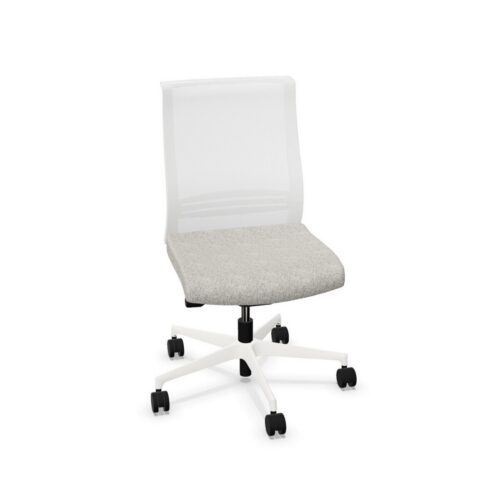
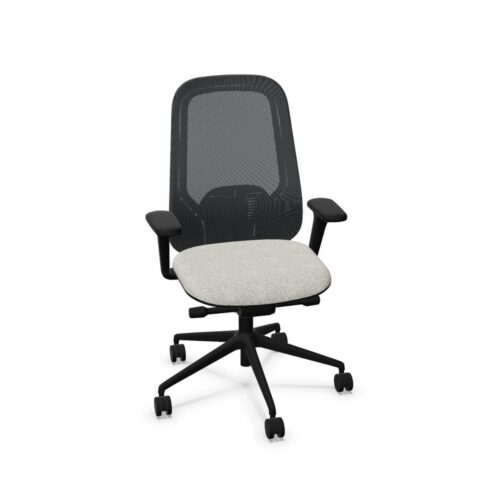
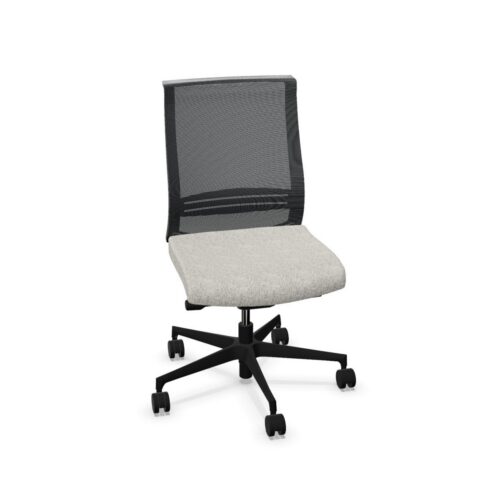
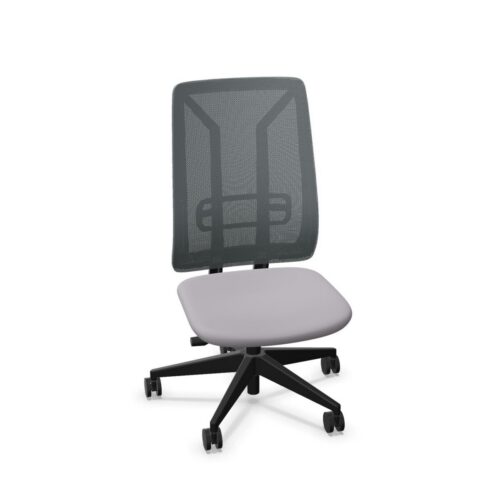
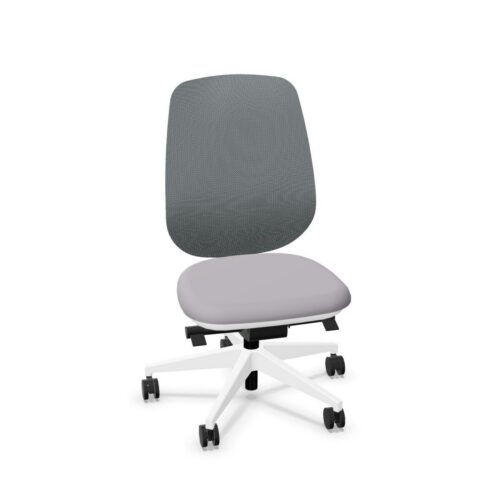
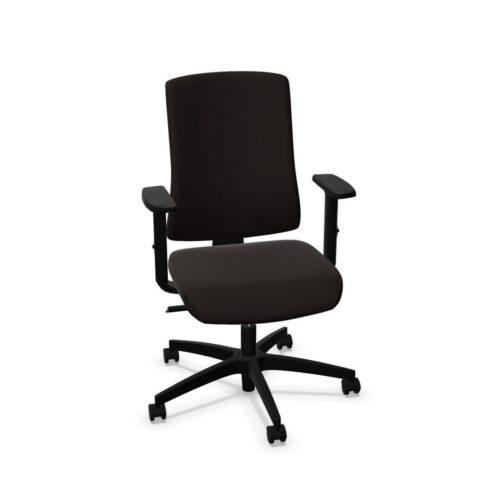
Armless Office Chairs With Headrests

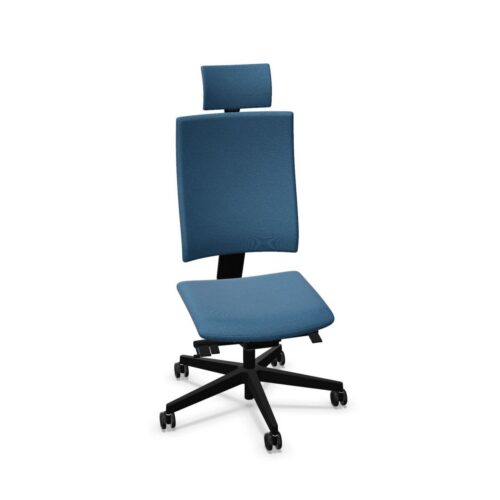
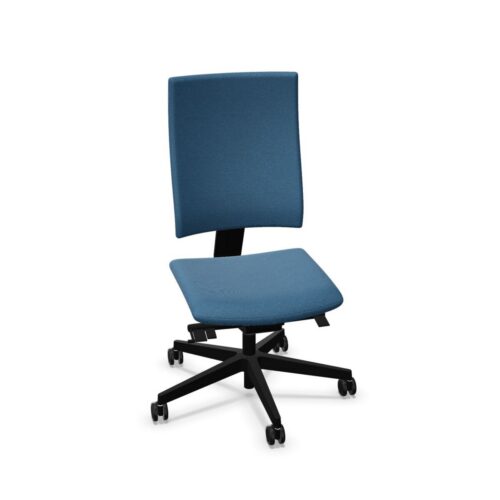
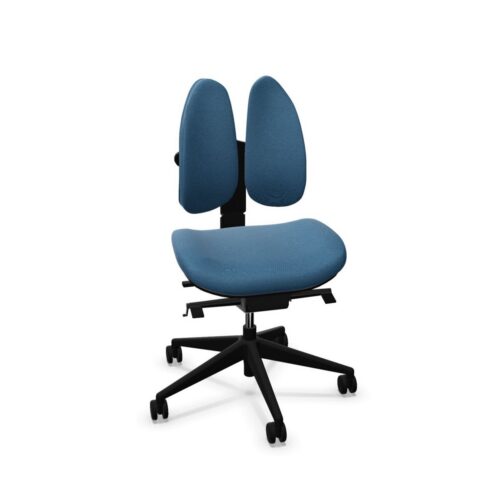
Armless office chairs with headrests combine a separate upper contact point with an absence of armrests beside the seat. That pairing calls for a careful look at how someone works: the headrest needs to suit their position, while the arms need an appropriate relationship with the desk or task. Neither feature establishes the chair’s dimensions, movement or overall fit. Each remains part of a wider seating assessment.

An office manager can approach the comparison by following the user’s changes of activity. Observe focused screen work, reading, turning towards another person and returning to the desk. Ask when the headrest makes contact and where the forearms rest at each stage. Check entry and exit around the entire chair rather than assuming an armless design has a particular footprint. This connects the two defining features to everyday use and provides a clear basis for discussing differences between people, workstations and the activities planned for each room.

2 models
From $24.11 p/m
9 models
From $16.38 p/m
2 models
From $12.59 p/m
2 models
From $28.13 p/m
10 models
From $11.79 p/m
13 models
From $8.26 p/m
18 models
From $24.99 p/m
3 models
From $48.44 p/m
14 models
From $45.65 p/m
3 models
From $62.26 p/m
4 models
From $21.87 p/m
2 models
From $27.06 p/m
2 models
From $23.92 p/m
2 models
From $24.91 p/m
6 models
From $16.89 p/m
3 models
From $26.06 p/m
2 models
From $17.40 p/m
8 models
From $10.07 p/m
3 models
From $10.29 p/m
4 models
From $12.87 p/m

Follow the transition between working positions

Observe how a person moves from desk work to reading or conversation. Armless office chairs with headrests should be assessed across those transitions, since headrest contact and arm position may change with the activity. Ask users to describe when the headrest is useful and whether it influences where they sit. Check any available headrest adjustment directly. Avoid asking people to adopt an unfamiliar posture simply to make contact with it. The comparison should establish how the feature relates to their work, including the positions they naturally return to during a typical session.

Trace arm position back to the workstation

The absence of armrests leaves the workstation arrangement especially relevant to forearm placement. Look at the desk edge, keyboard location and space used for documents or other equipment. Ask users to demonstrate their normal tasks rather than holding a pose for inspection. Office chairs need to be assessed at the distance from the desk that people actually use. Record whether they can reach comfortably and where their arms rest. Include the effect of desk obstructions or restricted access, because those conditions can change the seating position during everyday work in the room.

Check upper contact without assuming adjustability

Headrest presence gives one definite fact: a headrest is included. It does not establish its height, angle, shape or movement. When comparing armless office chairs with headrests, examine how that contact point relates to people with different proportions. Consider the relationship with the backrest as well, including whether the person sits against it during relevant activities. Ask for observations about location and contact rather than a simple preference for having a headrest. This produces useful evidence even when users have different expectations about how they would like to sit at work.

Test access and support as separate questions

Assess entry, exit and movement around the seat independently from the headrest assessment. A chair can offer open space beside the body while still requiring a particular amount of room around its full footprint. Measure that space at the intended workstation. Office chairs also need a direct check of seat depth, seating width and backrest fit, none of which follows from this feature combination. Keep the results together in a comparison record, but identify the source of each restriction. This helps an office manager distinguish a room layout problem from an individual fit issue.

Questions about armless seating with headrests

Does the headrest support the user's arms?

No. A headrest and arm support concern different contact points. With no chair armrests, assess where the forearms rest during the task and how the desk accommodates them. Evaluate headrest contact separately, then consider the person's complete working position across their expected activities.

Is the headrest always in contact?

That depends on its position, the user and the activity. Establish what happens during normal work instead of assuming continuous contact. If adjustment is available, test it directly and check whether the resulting positions are useful for the people who will use the seating.

How can an office manager compare users?

Assess armless office chairs with headrests using the same workstation and task sequence for each person. Record headrest contact, arm placement and access around the seat. Differences in those observations reveal which aspects need closer attention before deciding on suitability for individual or shared use.

Explore related selections