Choosing a Bralco Gate CPU holder
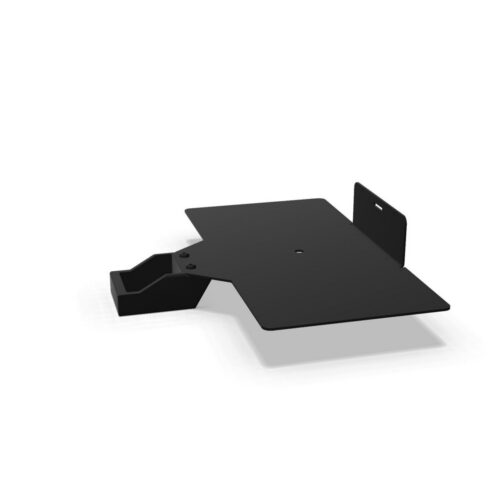
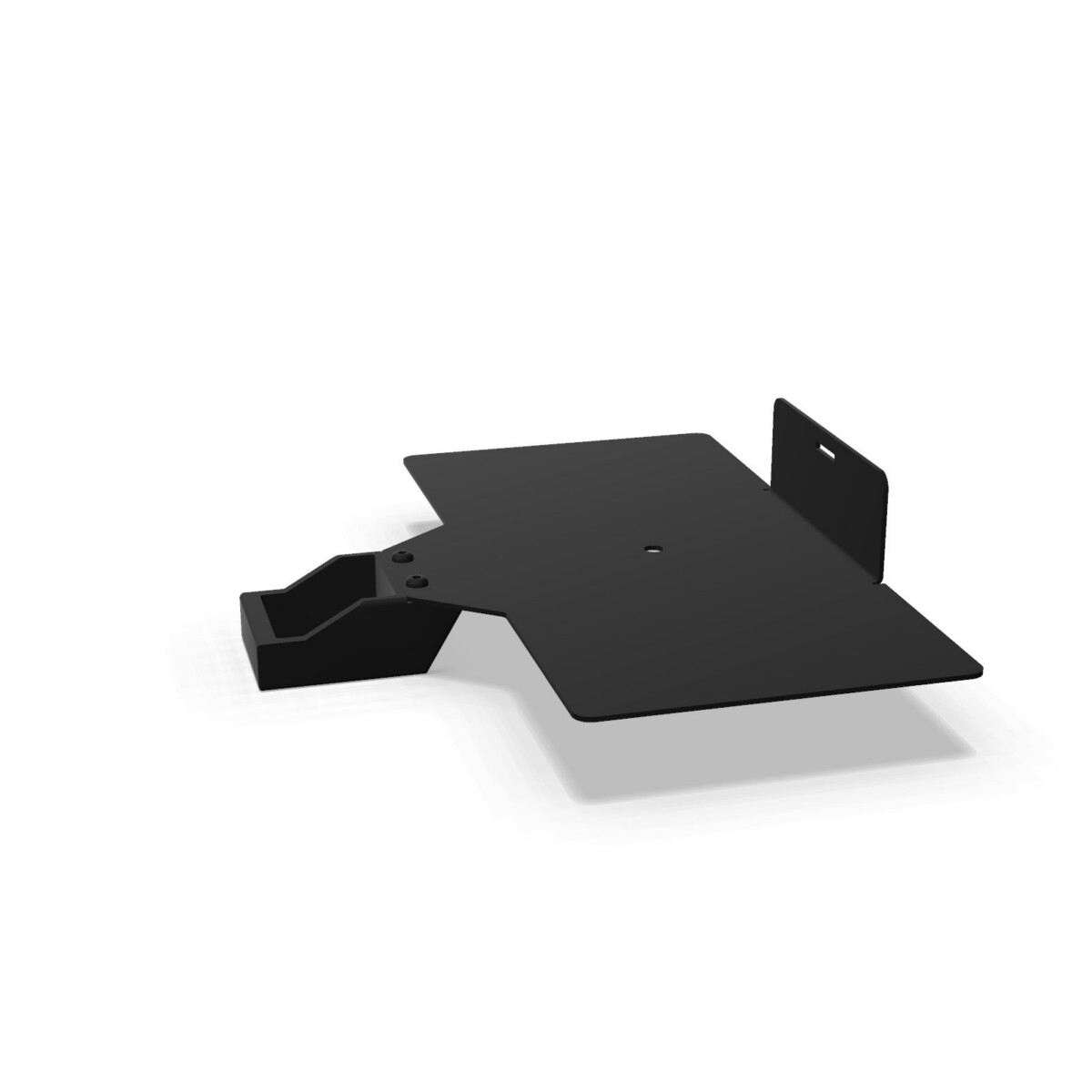
Start by deciding how the CPU should sit in relation to the workstation. The right-hand AC model is the more targeted choice when the holder needs to be positioned on the right side and aligned with the Outline Series. It can suit a desk plan where the computer is kept close to the user while remaining separate from the main work surface.
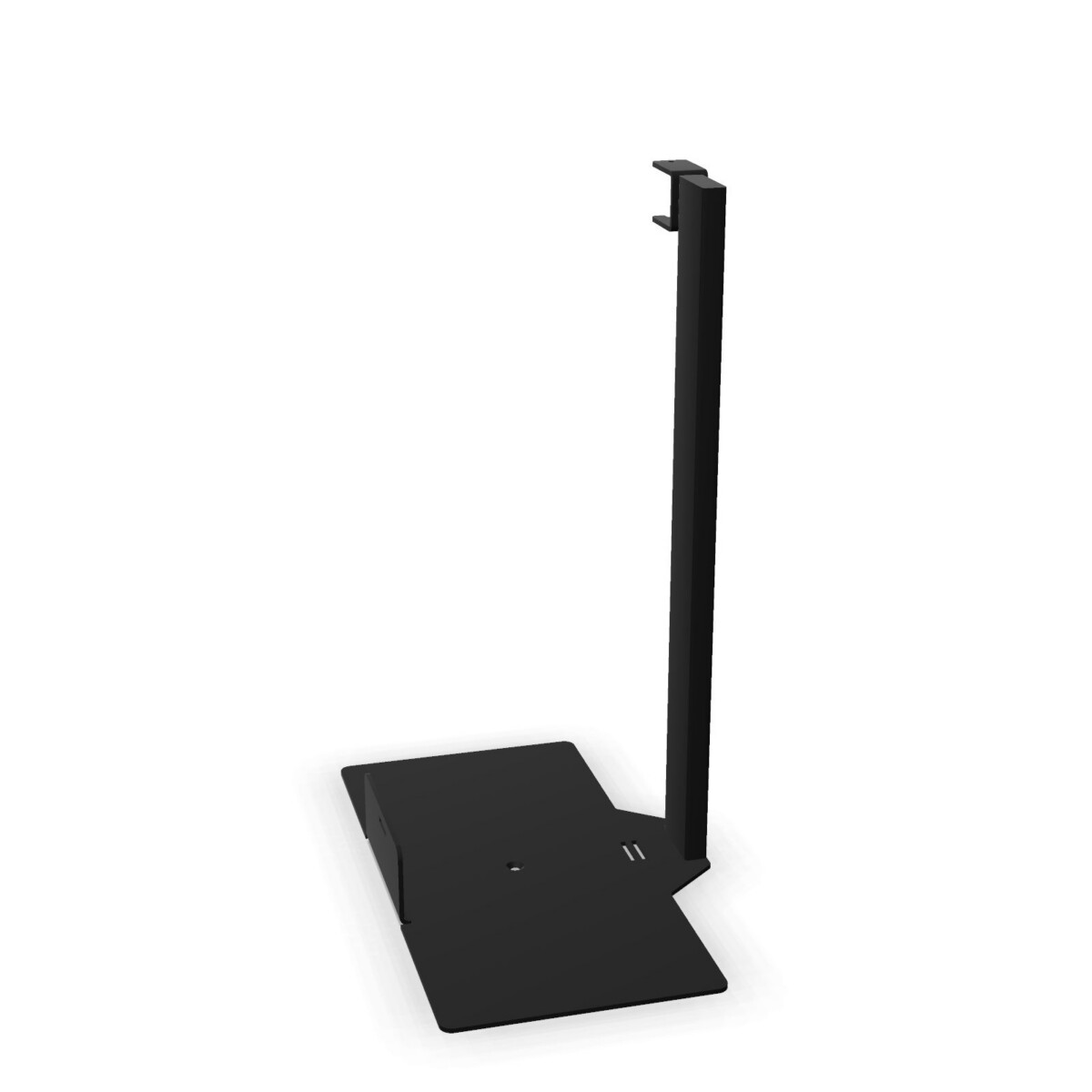
The floor-standing model is the alternative when a freestanding support is more appropriate. Its painted metal frame and polycarbonate construction provide a different installation approach from the right-hand holder, so it is worth checking the available floor area and the relationship between the CPU, desk and surrounding circulation space.
Materials and finish options
Material information is an important point of comparison within this family. The right-hand Gate AC model is specified with epoxy-painted aluminium and polycarbonate, while the floor-standing Gate model is described as painted metal with polycarbonate. These details can help you align the holder with the construction language of the wider workstation scheme.
For colour planning, the collection attributes list black, silver and white. The floor-standing model is specifically noted as available in white or black. Confirm the finish shown for the exact SKU before completing a multi-desk specification, particularly when matching frames, screens or other office furniture.
Where the collection can be used
- Individual workstations: choose the format that best supports the intended CPU position beside the desk.
- Open-plan offices: compare floor-standing and right-hand placement according to circulation, access and visual consistency.
- Workplace rollouts: use the shared Gate family as a starting point while checking the exact model, finish and dimensions for each area.
- Refurbishment projects: review the existing desk layout before selecting a holder format or colour.
What to check before specifying
Confirm whether the project requires a right-hand or floor-standing solution, then review the individual listing for the relevant construction and colour. The supplied collection information lists dimensions of 28 cm wide, 47 cm deep and 7 cm high, but these should be checked against the selected product and the available workstation space rather than applied automatically to both models.
It is also useful to check access to the CPU, cable routing requirements and clearance around the desk. If the collection is being used across several rooms, record the selected SKU for each area so the finish and installation approach remain consistent. Bralco Gate CPU holders are available through Myntwork on a monthly lease, which can support a planned workplace furnishing programme without treating the accessory as an isolated purchase.
Frequently asked questions about Bralco CPU Holder Gate
What is the difference between the two Bralco Gate CPU holders?
The Gate AC CPU Holder is a right-hand model associated with the Outline Series and uses epoxy-painted aluminium with polycarbonate. The Gate Floor-Standing Metal Frame CPU Holder is freestanding and uses painted metal with polycarbonate.
Which Bralco Gate CPU holder should I choose for a right-side setup?
The right-hand Gate AC CPU Holder is the relevant option when the CPU needs to be positioned on the right side of the workstation. Check the individual product information and desk layout before specifying it.
When is the floor-standing Gate model more suitable?
Choose the floor-standing model when a freestanding CPU support fits the room layout better than a right-hand workstation position. Confirm that there is sufficient floor space and clearance around the desk.
What colours are available in the Gate CPU holder collection?
The collection attributes list black, silver and white. The floor-standing model is specifically noted as available in white or black, so confirm the exact finish for the selected SKU.
What dimensions should I check before ordering?
The collection information lists a width of 28 cm, depth of 47 cm and height of 7 cm. Verify these measurements against the individual product listing, CPU size and workstation clearances before finalising the specification.