How to choose an S4S table
Start with the room and meeting size
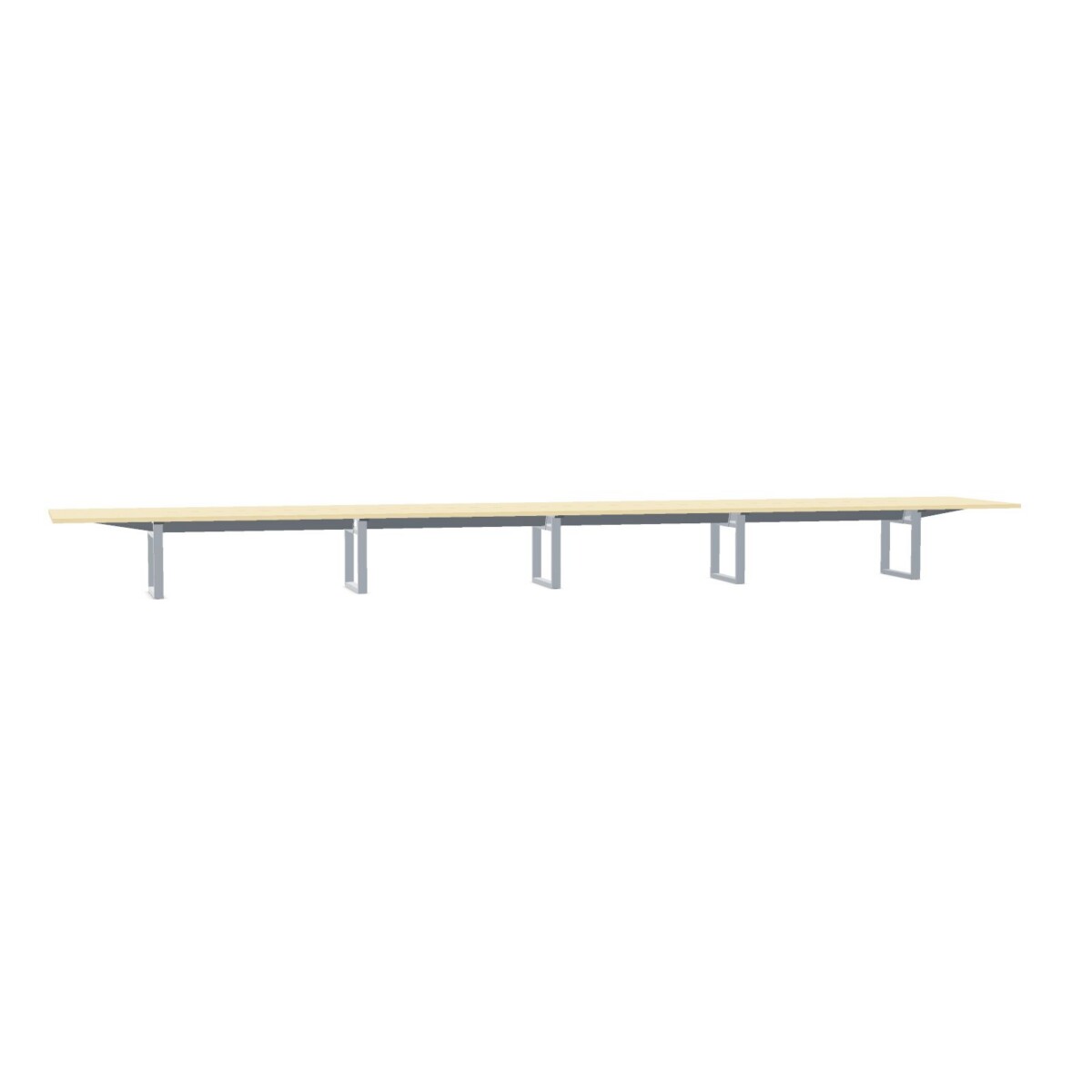
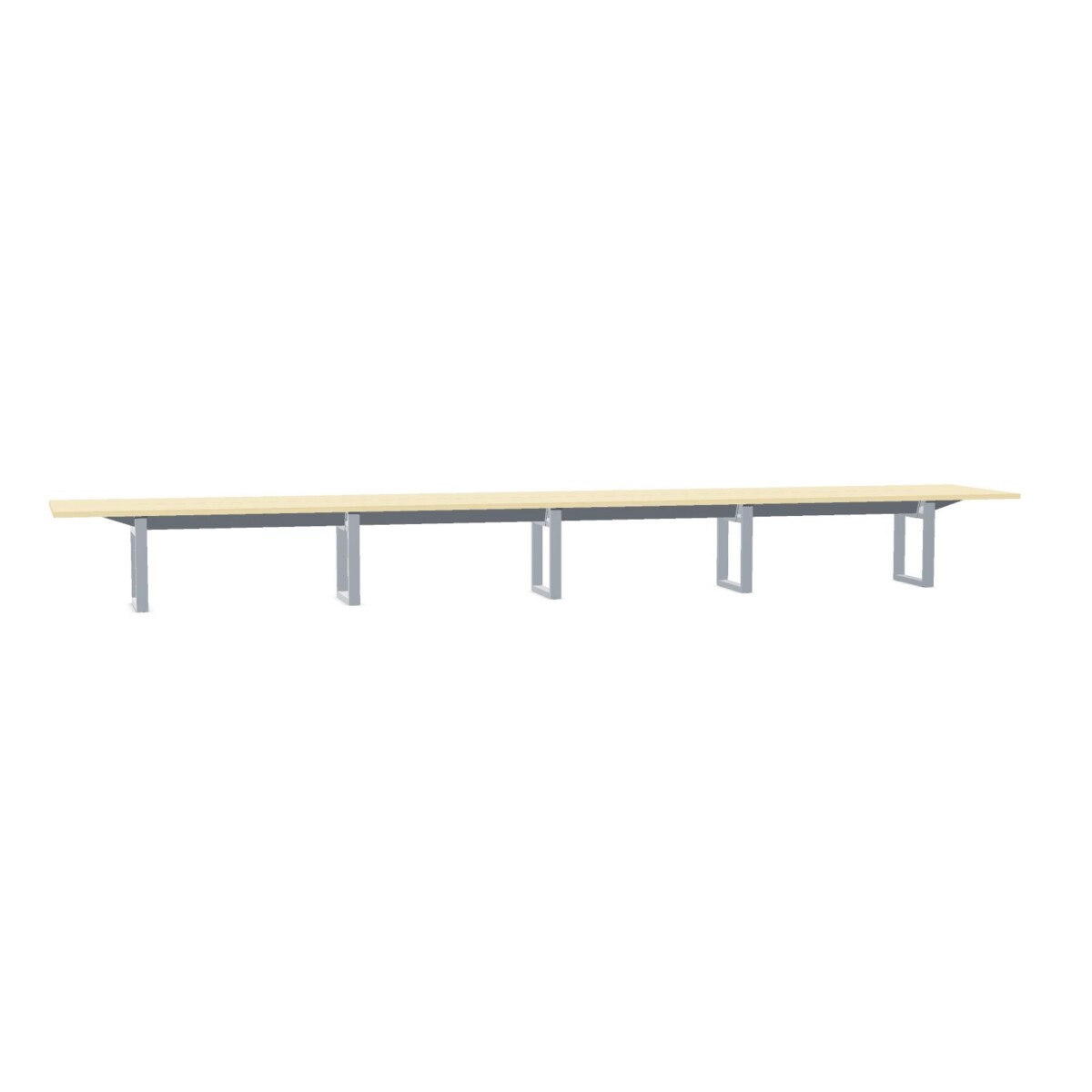
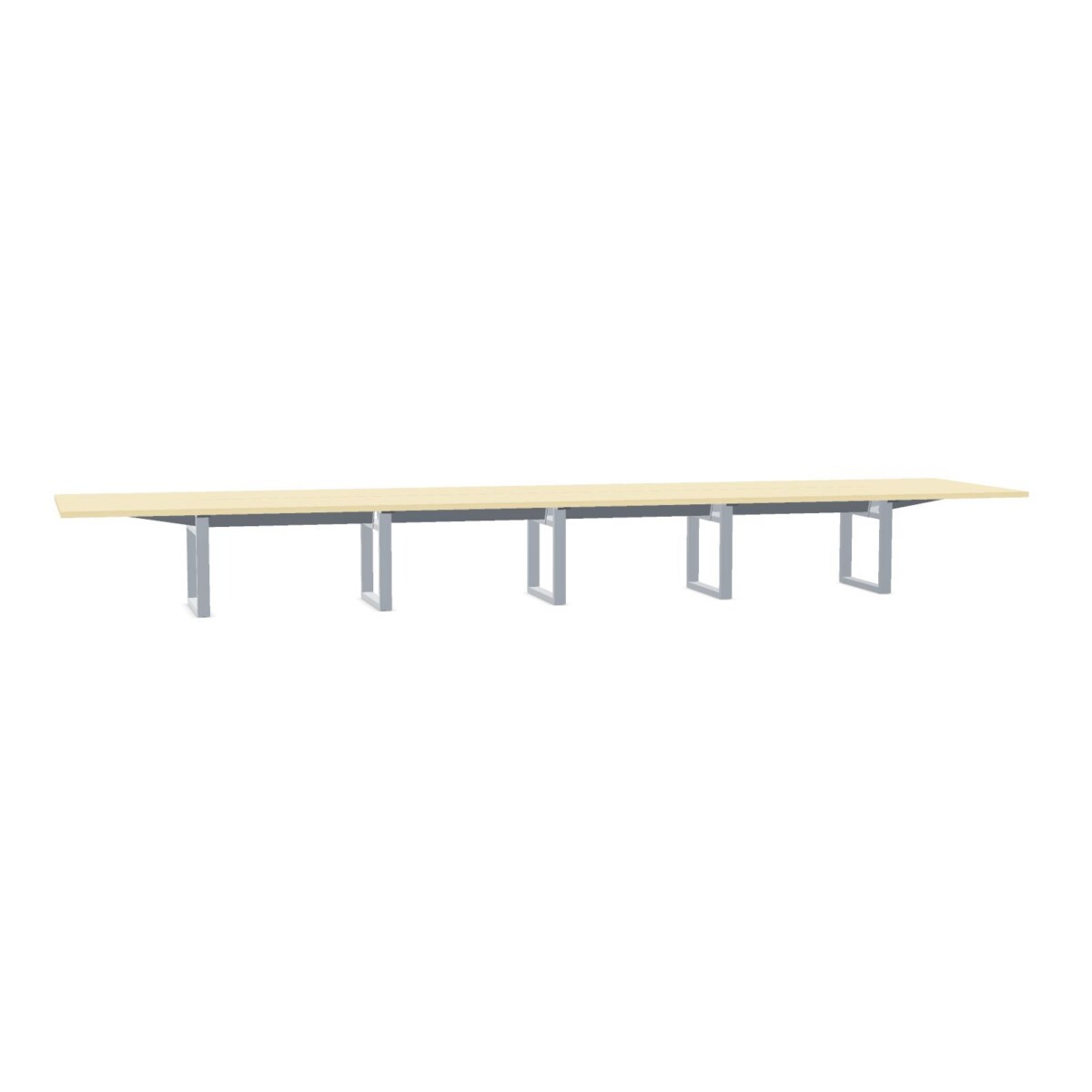
Measure the usable meeting area before comparing models, including clearance for chairs and comfortable movement around the table. The collection lists widths and depths of 120 and 150 cm; check the exact dimensions of each model, as well as its stated seating capacity, rather than assuming all S4S tables have the same footprint. The range includes tables described for four or five people.
Consider how the table will be used. A regular team meeting may call for a simple, uncluttered surface, while a room used for laptop-based presentations may benefit from a model with flaps and a compatible cable tray. These tables are not adjustable, so choose a height and layout appropriate for the intended seating and work setup.
Compare cable access and tabletop details
Flaps can provide access to cable routing on selected designs. Cable-tray compatibility is indicated for the collection, but a tray is not included, and features differ by model. Confirm the chosen table’s flap arrangement and whether you need to source a tray separately. If cable access is not a priority, compare the models without flaps as well.
Tabletop materials listed for the range include HPL and melamine, and bases are listed as metal or steel. Color options across the collection include wood tones and a selection of other finishes. Availability depends on the specific model, so use the product details to verify its surface and base choices before deciding.
Plan the final fit and next steps
Check the table dimensions against your room plan, paying attention to doorways, circulation routes and the space needed for chairs. The S4S tables are listed as non-linkable, so plan your layout around the individual table rather than expecting to connect units into a larger arrangement. Base styles also differ across the collection; review the selected model’s details to ensure its leg design works with your seating and room layout.
Once you have narrowed the options, confirm the exact finish, size, seating information and cable features for the model you intend to use. Myntwork offers these Inno tables on a monthly lease, which can be considered when planning furniture for a workplace. Review the individual listing for the specific configuration and leasing information before proceeding.
Frequently asked questions about INNO INTERIOR Table S4S
Which S4S table should I choose for my meeting group?
Compare the stated seating capacity and dimensions of each model with your usual group size and room layout. Collection listings include four- and five-person configurations.
Do all Inno S4S tables have opening flaps?
No. The collection includes models with opening flaps and models with a standard tabletop. Check the chosen model’s details for its specific design.
Is a cable tray included with an S4S table?
No cable tray is listed as included. Some models are suitable for a cable tray, so confirm compatibility and any accessory requirements for the table you select.
What tabletop and base options are available?
The collection lists HPL and melamine tabletops, metal or steel bases, and multiple surface and base colors. Options vary by model; verify the exact finishes in its listing.