Plan the workstation around its use
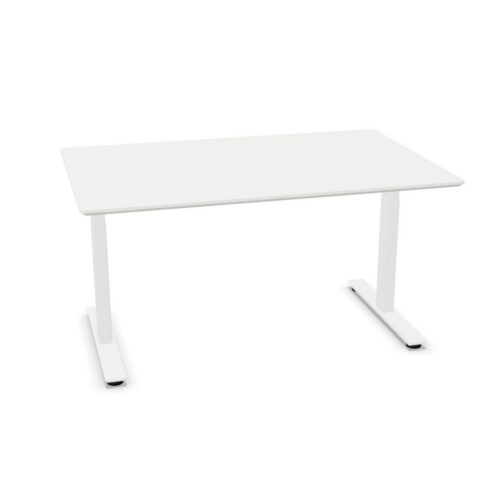
Start with the way the desk will be used and the space it needs to occupy. For a general-purpose workstation, a straight rectangular top is a clear place to begin. UP models are listed in widths from 120 to 200 cm, with depths that include 80, 90 and 100 cm as well as other dimensions. Measure the available floor area and allow room for the chair, movement and nearby storage before settling on a size.
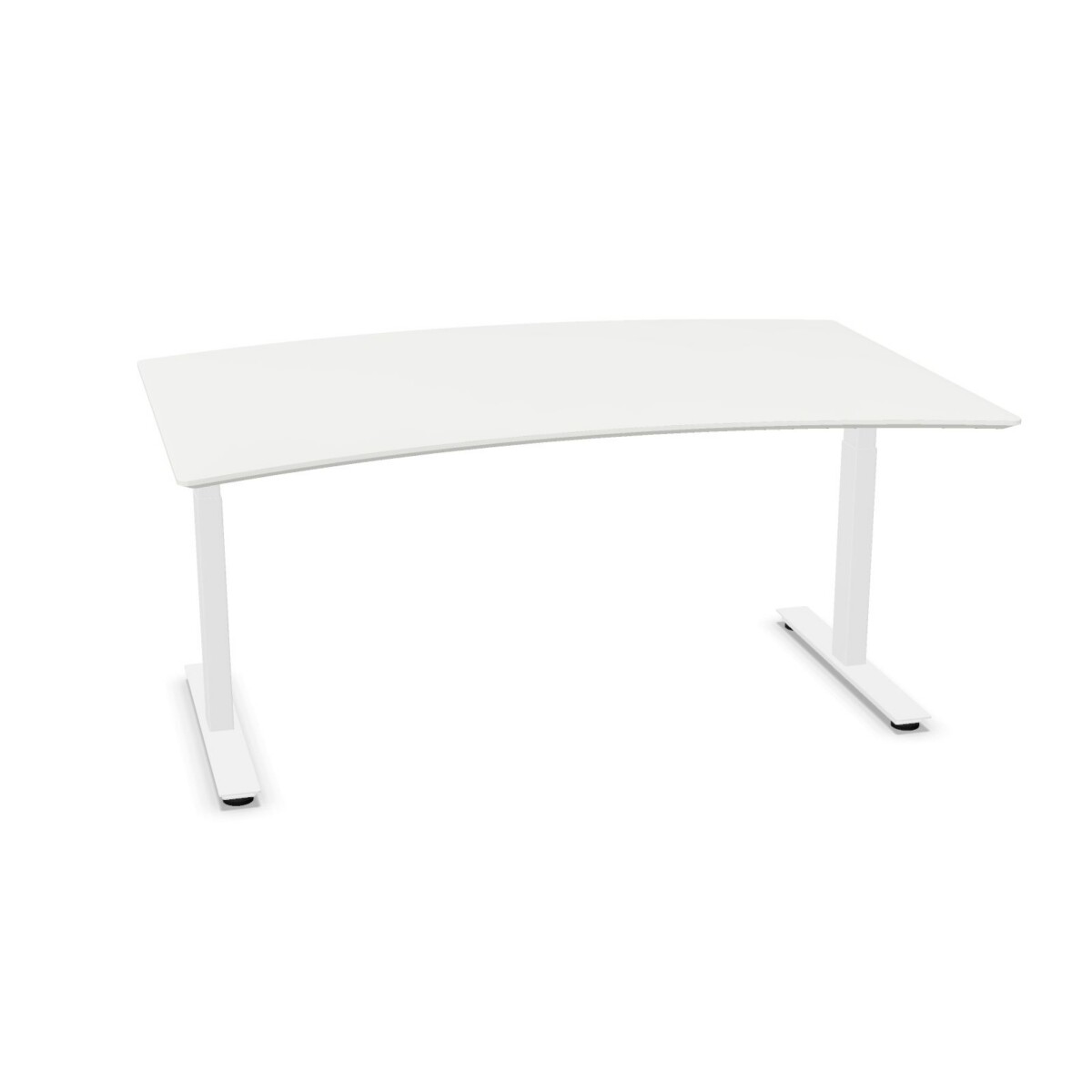
Cut-out designs offer another way to match the desktop to a working position. The collection includes belly and user cut-outs, including left- and right-side versions and curved or conference-shaped forms. If the user has a preferred approach direction, or the desk will sit beside other furniture, check the cut-out’s location and shape in the product specifications rather than choosing by name alone.
Compare the construction and options
HPL is the tabletop material listed for this family, and steel is used for the base. Frame styles include four-leg, T-leg and column designs. The collection has multiple tabletop forms, from rectangular to rounded, oval, corner and trapezium shapes, though not every model comes in every combination. Surface colors listed across the family include neutral tones as well as blue, green and red; base colors include black, silver and white. Confirm the available colors and frame for the specific desk you are considering.
Some UP models are presented in cluster formats, while others are individual desk designs. A cluster-format name may help you identify a layout-oriented option, but check the dimensions and intended arrangement against your floor plan. Cable trays are supported on the desks, but a tray is not included with every model. The listing also identifies whether a cable tray is supplied.
Check details before choosing
Compare the height information for each model, especially if the desk will be shared or needs to suit a particular working setup. Although the family is described as sit-stand, specifications can differ between products, so use the individual listing or manual for the exact desk rather than assuming one height range or control feature applies to all. The collection indicates no Bluetooth control.
It can also help to check warranty details, as the family includes listings with different warranty periods. Once you have shortlisted options, review the product dimensions, tabletop shape, frame, color and cable-management details together. Myntwork offers Cube Design UP desks on a monthly lease, giving businesses a way to consider the collection for their workplace furniture needs.
Frequently asked questions about Cube Design Desk UP
How do I choose between a rectangular UP desk and a cut-out model?
Consider how the desk will be used and positioned. A rectangular top offers a straightforward work surface, while cut-out designs vary in shape and position. Check the specific model details against the user's preference and surrounding furniture.
Are all Cube Design UP desks the same size?
No. The family includes different widths and depths, and the dimensions depend on the model. Compare the exact measurements with the available floor space, chair clearance and any nearby furniture before choosing.
Do UP desks include a cable tray?
Cable-tray arrangements vary by model. The collection includes desks where a tray is listed as included and others where it is not. Check the individual listing to confirm what comes with your selected desk.
What should I check about sit-stand functionality?
Review the selected model's specifications for its height details and controls. The family is presented as sit-stand, but you should use the individual product listing or user manual for the exact desk's information.
Can I select different colors and frame styles in the UP collection?
The family includes several tabletop and base colors, plus four-leg, T-leg and column frame styles. Availability depends on the model, so confirm the options shown for each desk rather than assuming every combination is offered.