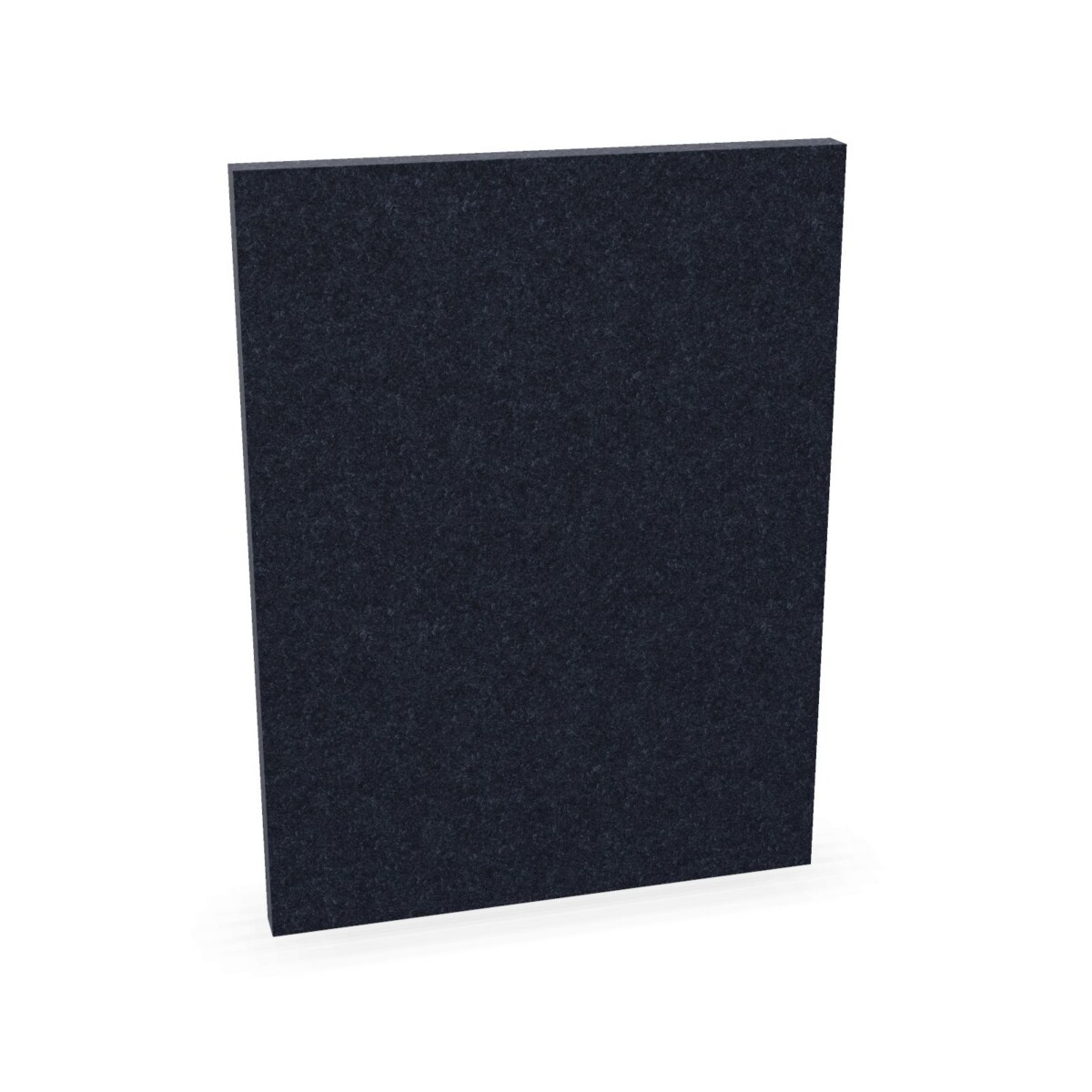
Plan the screen arrangement around the workspace
Start by considering where people need a visual boundary: between adjacent desks, along the side of a workstation or within a shared team area. The Extend 3D range has a main panel and side-panel options, so identify the role each panel needs to play before deciding how many to include. Check the product information to confirm how the available panels are intended to be combined and whether they suit your desk setup.
For a consistent scheme, warm grey is the shared colour available for both the main and side panels. If you want more colour variation, the listed side panels also come in marine blue, mint green and black. As the main panel is listed in warm grey, treat the colour options as specific to each panel type rather than assuming every component is available in every colour.
How to choose between the options
Consider panel type first
Choose the main panel when your plan calls for the main-screen option in the collection. Side panels can be considered where a workstation layout calls for side coverage. Review the individual product details for dimensions, fit and any installation requirements before finalising a configuration; these specifications are not provided in the collection information.
Match colour to the furniture plan
Warm grey can support a restrained, coordinated look across main and side panels. Marine blue, mint green or black side panels offer alternatives when you want to distinguish a desk area or bring another colour into the workspace. Consider the existing desks and surrounding furniture, and decide whether screens should blend in or stand out. The listed material is felt; no further material construction or performance details are specified here.
Check the details before arranging a lease
Confirm the number and type of panels required for each workstation, and verify that the selected options fit the intended arrangement. The collection lists origin and warranty as available on request, so ask for those details if they are important to your purchasing decision. Do not assume acoustic performance or other technical specifications unless they are stated for the individual item.
Myntwork offers these products on a monthly lease for businesses. When planning a project, gather the panel choices and quantities you need, then check the current product information and ask Myntwork about the details relevant to your workspace.
Frequently asked questions about apto plus Desk Screen Extend 3D
What types of panel are included in the Extend 3D collection?
The collection includes one warm grey felt main panel and four felt side-panel options. The side panels are available in warm grey, marine blue, mint green and black.
Are the main and side panels available in the same colours?
Warm grey is listed for both panel types. Marine blue, mint green and black are listed for side panels; the main panel is listed in warm grey.
How do I decide how many panels to select?
Plan around the desk layout and the boundaries you want to create, then check the product details for panel dimensions, fit and installation requirements. The collection information does not state a standard quantity for a workstation.
Does the collection specify acoustic performance?
No acoustic rating or sound-reduction specification is included in the available collection details. Check the individual product information if performance specifications are needed.
Can businesses lease Extend 3D desk screens through Myntwork?
Yes. Myntwork offers the products on a monthly lease. Confirm the selected panel types and quantities and ask Myntwork for the relevant leasing details.