Plan the screen around the desk layout
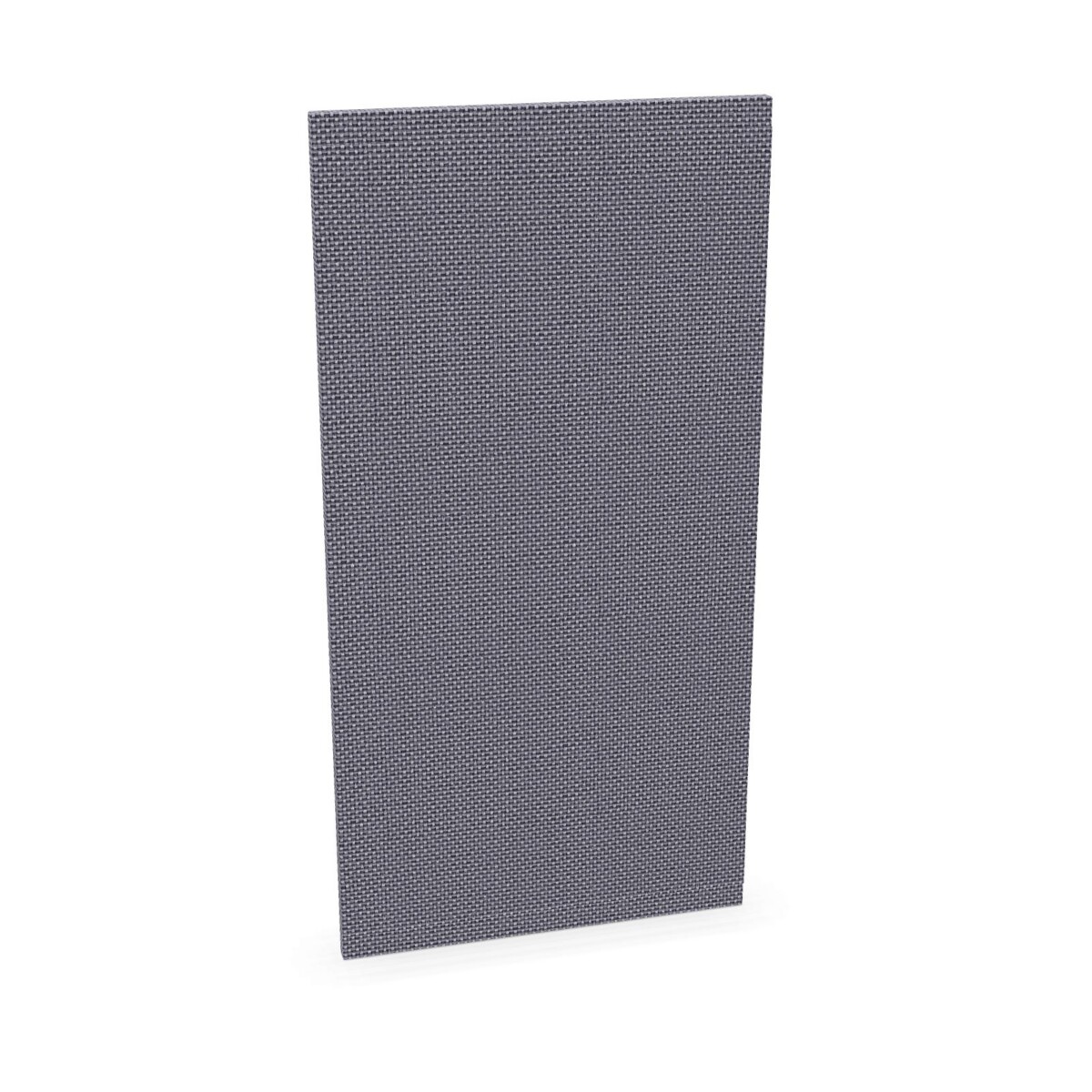
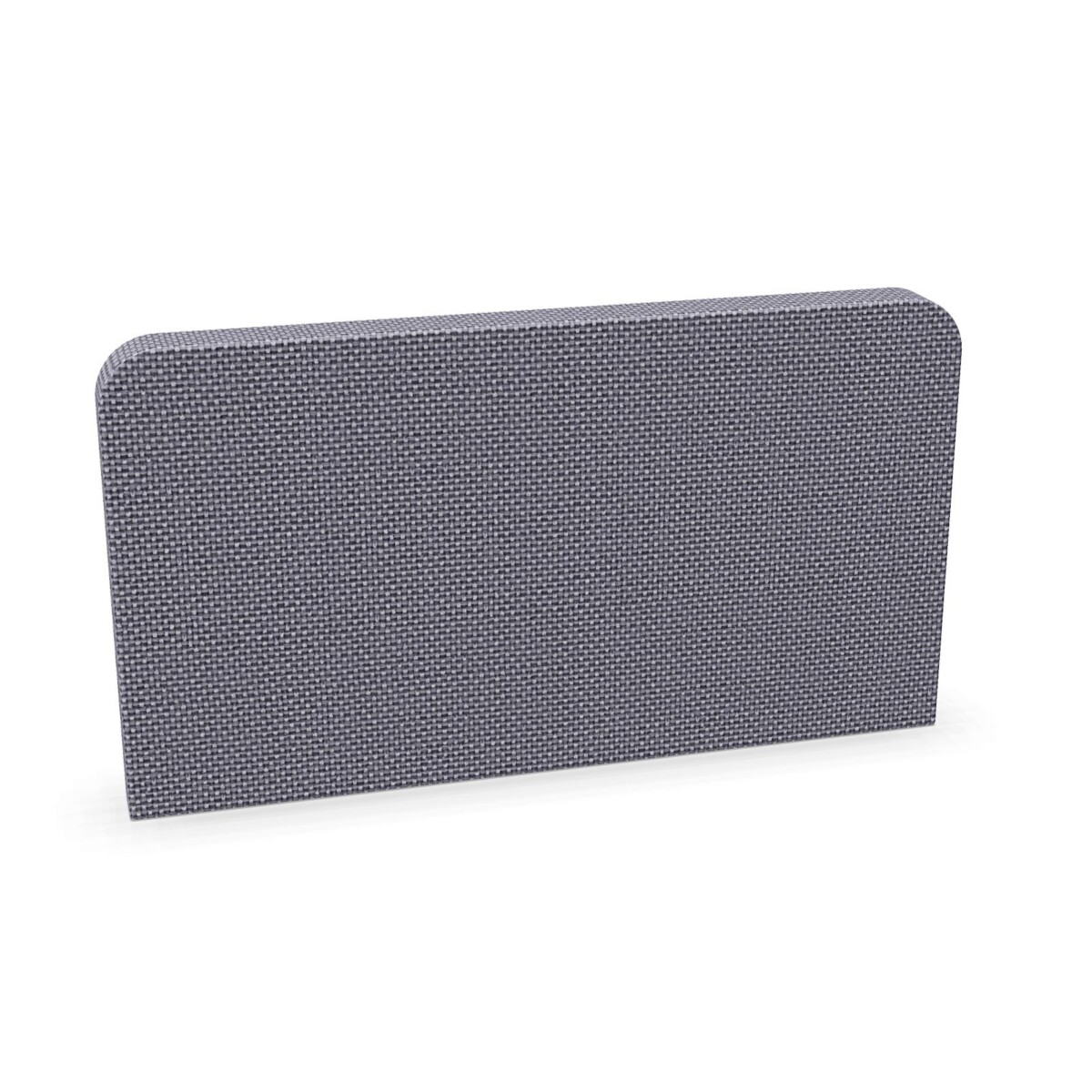
Start by identifying where a screen needs to sit: at the side of a desk, between users, or along the back. Side screens can help define an individual workstation or create separation between adjacent desks. Middle screens are intended for positions across the desk, making them useful when two work areas share a run of furniture. The collection also includes a back desk screen, so check the product description to confirm the intended placement.
For a single workstation, consider which edge needs definition and whether a side panel is enough. For a row or bank of desks, think about how screens will align across neighboring work surfaces. In collaborative areas, you may prefer a layout that provides boundaries while keeping the arrangement connected. Sketching the desk positions and noting which sides need screens can make it easier to compare models.
Choose dimensions and upholstery carefully
Match width and height to the task
The Aqustic models have different dimensions, so compare the measurements on each listing with the desk and the intended position. The range includes examples such as a 60 cm-wide, 32 cm-high middle screen, 180 cm-wide middle screens in 32 cm and 42 cm heights, and side screens in widths such as 56, 66, 68 and 78 cm. The Aqustic 40 is described as a back screen measuring 40 cm wide and 78.4 cm high. These are examples, not a guarantee that every size is offered in every screen format.
Before selecting, measure the available desk edge and check that the screen’s width and height suit the workstation. Consider sightlines, monitor placement and how the desk is used. If you are furnishing multiple desks, compare the selected products together so that the layout and screen positions remain consistent where needed.
Review upholstery and color options
Upholstery is a feature of several models, and the product details identify Opal upholstery on selected screens. Color attributes for the collection include beige, black, green, grey, blue, brown, orange, pink and red. Do not assume that every color is available for every model; verify the individual listing and finish before making a selection. If the screens will sit alongside existing office furniture, compare colors in the context of the room palette and the other finishes already in use.
What to check before choosing
- Confirm whether the screen is a side, middle or back format and where it will sit on the desk.
- Check the exact width, height and product configuration for each model you are considering.
- Verify upholstery and color availability on the relevant product listing.
- For a multi-desk order, map the required screen positions and quantities before finalizing the selection.
- Origin and warranty information are listed as available on request, so check these details if they matter to your purchasing decision.
Once you have a layout and shortlist, compare the individual Aqustic products against your measurements and finish requirements. Myntwork offers these products on a monthly lease, providing a leasing option for businesses planning workplace furniture. Confirm the details that apply to your selection as you review the collection.
Frequently asked questions about Mebelux Desk Screen Aqustic
How do I choose between a side screen and a middle screen?
Choose based on the desk edge that needs a boundary. Side screens are intended for the side of a workstation, while middle screens are positioned across a desk. Check each listing for its format and dimensions.
Are all Aqustic screens the same size?
No. The collection includes different widths and heights. Compare the measurements on each model with your desk rather than relying on the model family name alone.
Which upholstery and colors can I choose?
Selected models are upholstered, and Opal upholstery is identified on some products. Collection color options include beige, black, green, grey, blue, brown, orange, pink and red; verify availability for the specific model.
Can I use Aqustic screens across a row of shared desks?
The range includes middle and side formats that can be considered for shared desk layouts. Plan the screen positions, measure each desk and check product dimensions to determine a suitable combination.
What should I confirm before placing an order?
Check the screen format, exact dimensions, upholstery and color on each product listing. If origin or warranty details are important, request them, as the collection information lists these as available on request.