Choosing the right Atreo cable accessory
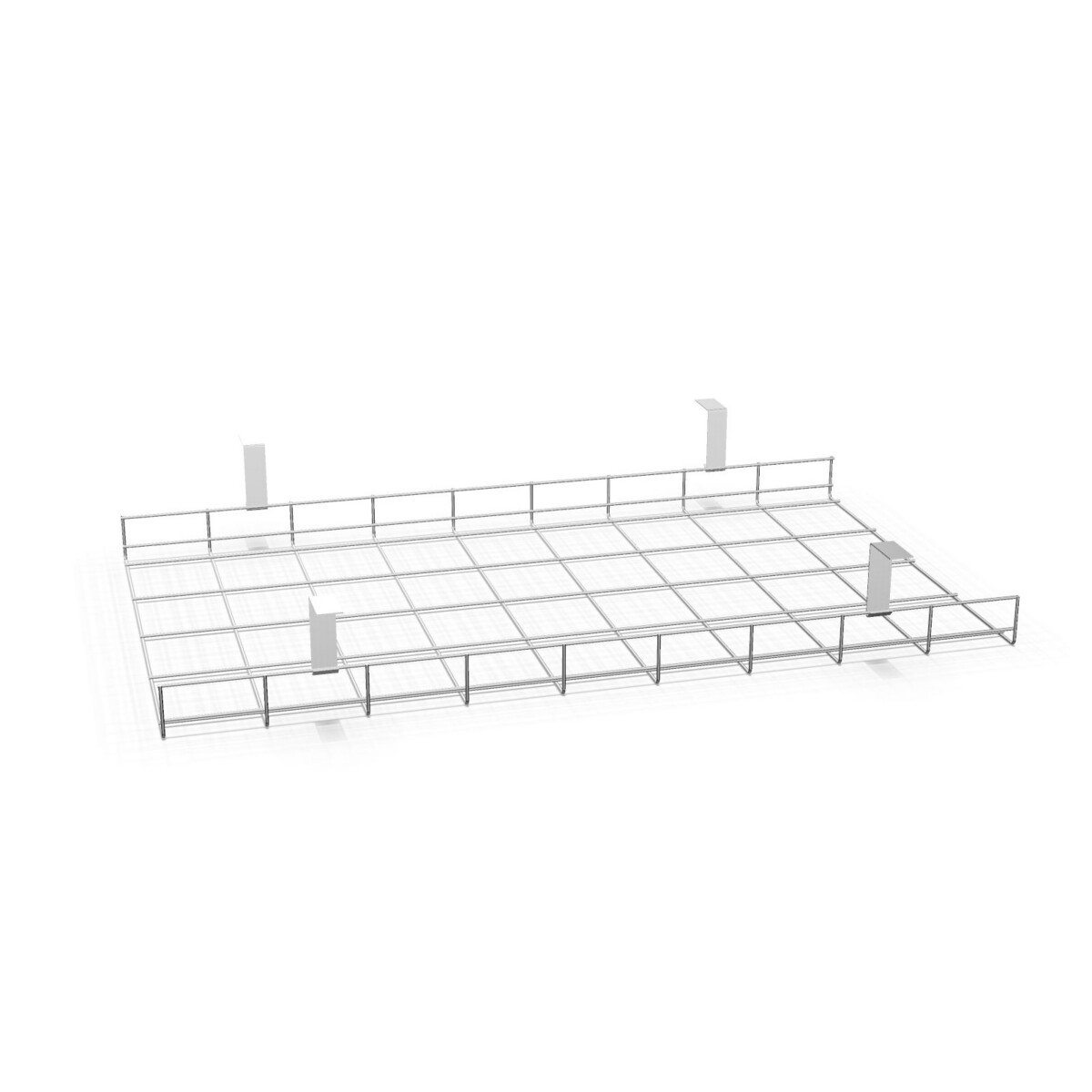
Start with the workstation you are equipping. If you are planning a bench, compare the double baskets and double trays by their listed width and overall dimensions. The baskets have a stated 41 cm depth and 12 cm height; the trays are listed at 42 cm deep and 13 cm high. Those measurements can help narrow the options, but they do not confirm compatibility with a particular bench. Check the furniture configuration and the accessory’s exact product details before ordering.
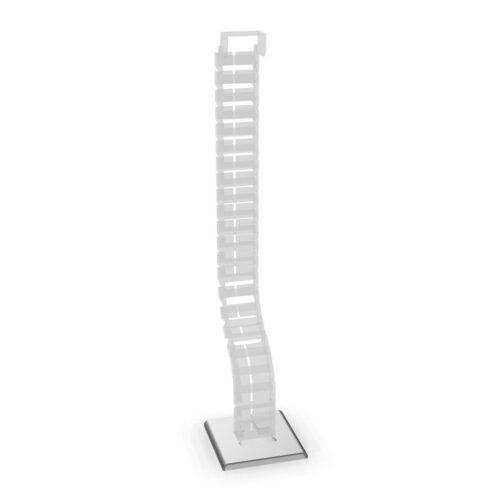
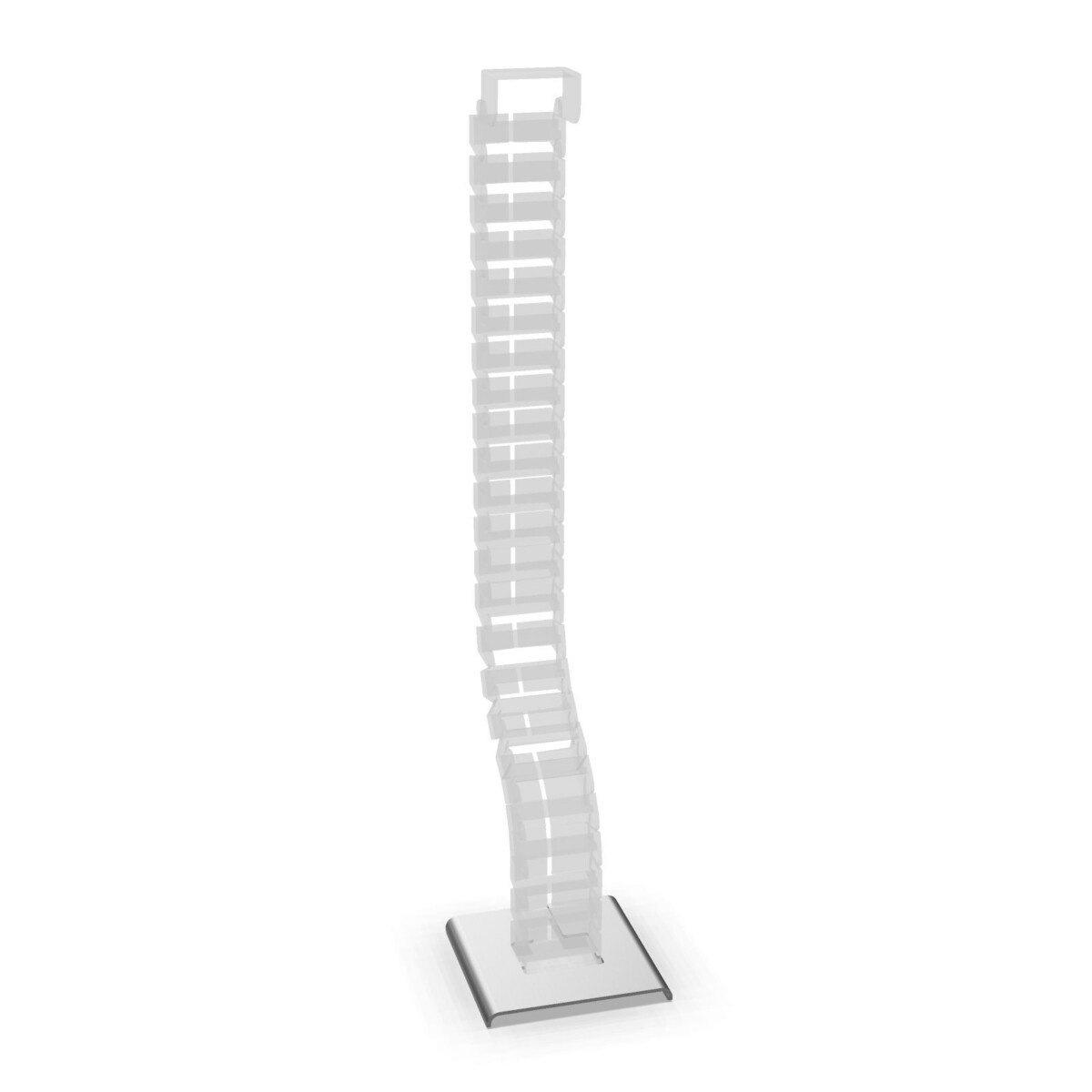
For an individual workstation, consider the cable tray listed for a single desk. If your priority is gathering cables into a sheath rather than choosing a rigid basket or tray, review the Atreo cable management mesh. The available facts identify it as black; they do not specify its dimensions or a particular installation method, so verify those details for your setup.
Match the accessory to the workspace
For a continuous bench run
Measure the relevant bench section and consider how many work positions the cable arrangement needs to serve. The listed bench basket widths are 71, 95, 135 and 150 cm. The bench tray widths are 74, 94, 114, 134 and 154 cm. Choose based on the actual space and the cable layout, not width alone. When a bench has multiple sections, check each section separately and confirm the selected accessory is intended for that configuration.
For a single desk or flexible cable grouping
Use the single-desk tray listing as the starting point for an individual workstation, and compare its product details with the desk. The mesh may suit a different cable-management approach, but the supplied information does not describe its capacity or attachment. If these details matter to your project, confirm them before finalising the specification.
What to check before selecting
- Measure the bench or desk area where the accessory is intended to sit.
- Confirm whether you need a bench basket, bench tray, single-desk tray or mesh.
- Compare the exact product dimensions and intended furniture type; do not infer fit from a similar width.
- Check any project requirements for color, finish, installation and cable routing with the product information. The collection facts do not assign the listed color choices to each accessory.
Myntwork offers Alea products on a monthly lease. For a workspace project, confirm the selected model and its compatibility with your furniture before arranging the wider specification.
Frequently asked questions about Alea Atreo Cable Management
How do I choose between an Atreo cable basket and cable tray?
Both are listed for bench use, and the bench baskets and trays are described as double. Compare their dimensions and the exact furniture configuration, then choose the format that suits your cable layout. The available information does not establish that the two formats are interchangeable.
Which widths are available for the Atreo bench baskets?
The listed bench basket widths are 71, 95, 135 and 150 cm. The stated depth is 41 cm and the height is 12 cm. Check the product details and measure your bench before choosing a width.
What sizes are available for the Atreo bench cable trays?
The listed widths are 74, 94, 114, 134 and 154 cm. Bench trays are stated as 42 cm deep and 13 cm high. Confirm the dimensions of the specific tray against the bench section you are equipping.
Is there an Atreo cable management option for a single desk?
Yes. The collection includes a cable tray for a single desk. Check its product information and compare it with your desk configuration, since dimensions are not provided in the supplied collection facts.
What is the Atreo cable management mesh?
It is an accessory described as a black sheath for gathering cables. The supplied facts do not state its dimensions or installation details, so check the product information if those are important to your workspace.