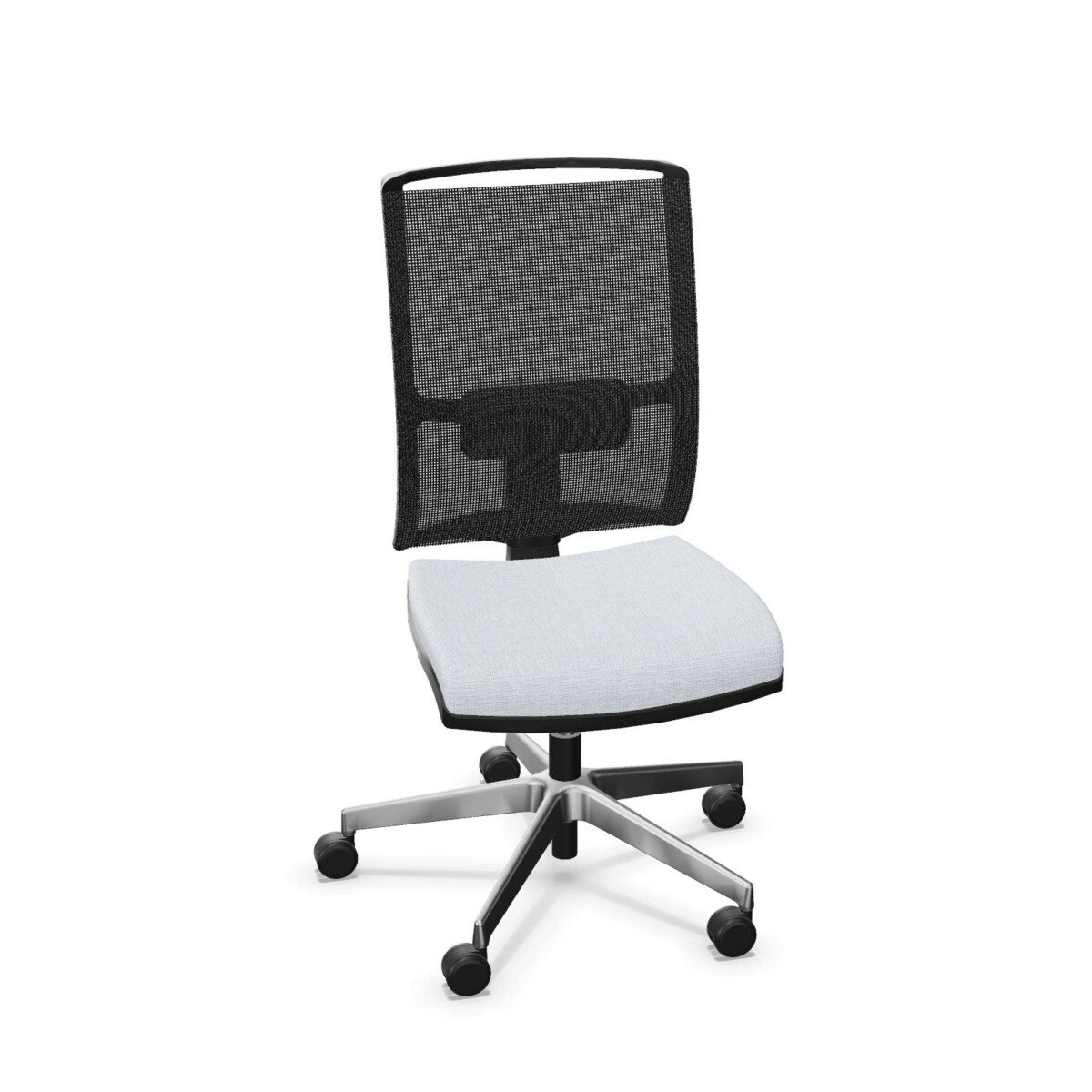
Choose a DIVA configuration for the workstation
For a desk used by different people, adjustable seat height is a practical feature to compare first. The DIVA models in this collection include seat-height adjustment, but their listed height ranges can differ. Review the dimensions for the exact version and check that the adjustment suits the intended desk and users.
Next, consider whether armrests are wanted. Some DIVA chairs are described with armrests, while task versions are available without them. An armless chair may be a better fit where users need to move close to a desk or where the workstation layout calls for a simpler profile. If armrests are important, confirm that the selected model explicitly includes them.
Compare support and mechanism
The family includes task chairs with synchronous mechanisms. Several versions also specify lumbar support, while other listings do not identify it as a feature. If lumbar support is a requirement, choose a model whose product details name it rather than relying on the collection name alone. Similarly, compare the mechanism and adjustment information on each listing when selecting chairs for a team.
Model names and descriptions distinguish some configurations by base and feet. The range includes five-star-base swivel chairs, versions with an aluminium base, and a chair described with plastic feet. Use the specific product details to confirm the base style and material you need; do not assume they are shared across all DIVA models.
Upholstery and appearance
Choose upholstery with the room and day-to-day use in mind. The family’s listed material options include fabric, Era, leather, PU leather, mesh and upholstered versions, with Berta fabric named on selected chairs. The available color listings span neutral and brighter choices, including beige, black, blue, green, grey, orange and red. These are collection-level options, so verify which materials and colors apply to the model you are considering.
For a multi-chair order, compare the specified upholstery and base color across the selected configurations to keep the workspace visually consistent. If chairs are being assigned to different desks or teams, record the chosen model features as well as the color so that armrest, support and base requirements are not mixed up.
What to check before selecting
Use the product listings to confirm the chair’s dimensions, seat-height range, armrests, lumbar support, upholstery and base. Check whether a particular model’s description matches the intended workstation, especially if you are ordering several configurations for one office. Product details can vary within the DIVA family, so treat each model as its own specification.
Myntwork offers Narbutas DIVA chairs on a monthly lease. Once you have narrowed down the configurations, compare the listed specifications for each chair and choose the models that fit your workspace plan.
Frequently asked questions about Narbutas DIVA Office Chair
Do all Narbutas DIVA chairs have armrests?
No. The collection includes models described with armrests and armless task-chair versions. Check the individual chair details to confirm the configuration.
Which DIVA chairs include lumbar support?
Lumbar support is specified for selected models, while other listings do not identify it. Look for lumbar support in the exact model description if it is needed.
Are DIVA chairs height-adjustable?
Adjustable seat height is listed across the family. The specified height range can vary, so compare the dimensions for the particular model you are considering.
What upholstery can I choose for the DIVA collection?
Collection listings include fabric, Era, leather, PU leather, mesh and upholstered options. Berta fabric is named for selected models; confirm the materials and colors available on each chair listing.
Do the DIVA models all use the same base?
No single base should be assumed across the family. Listings describe five-star bases, aluminium bases and plastic feet on different configurations. Check the chosen model’s details.