Choose a layout that fits the workday
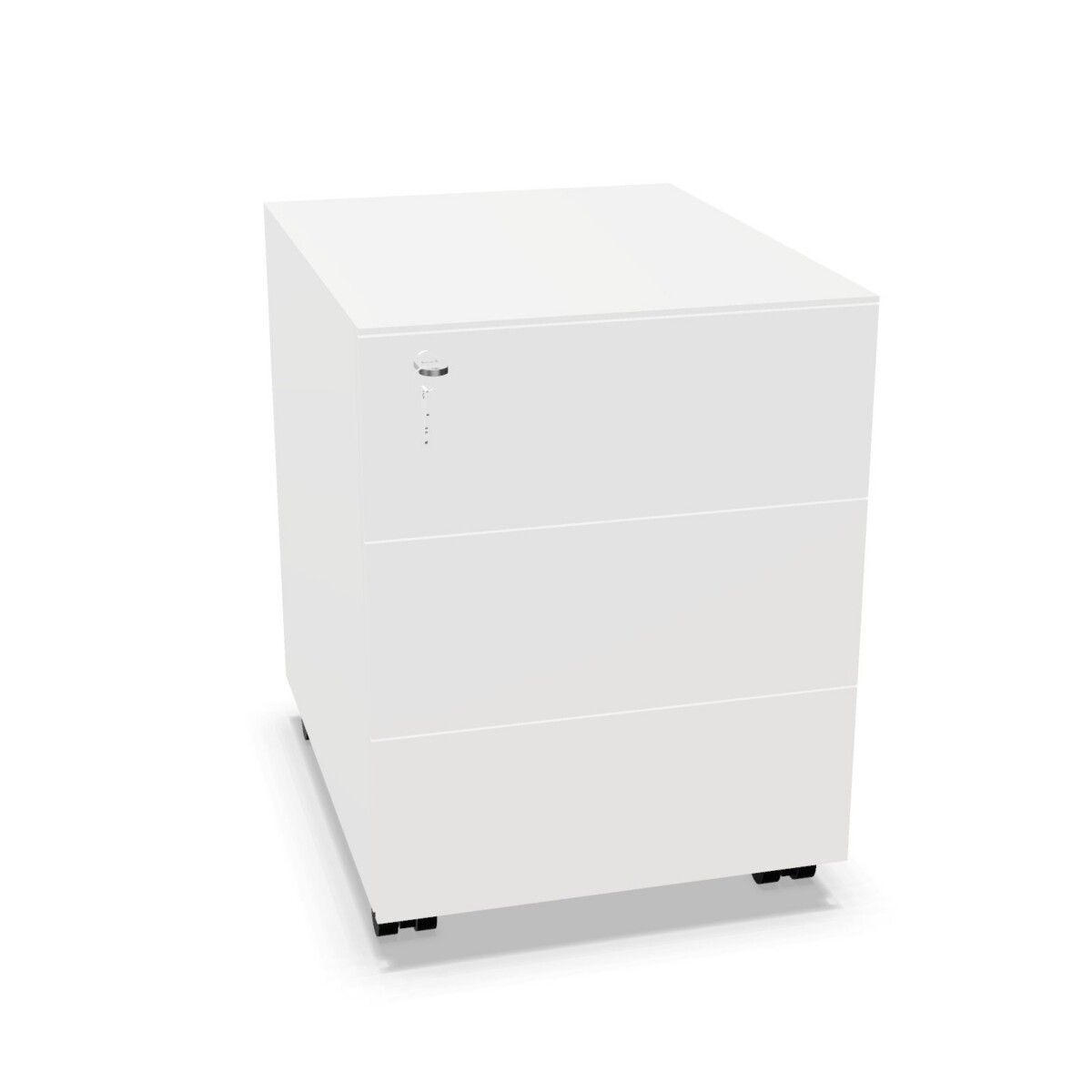
Think about what the cabinet will hold before comparing individual models. A unit with several drawers can help separate stationery, accessories and other small items. For a combination of paperwork and general storage, look at models with a filing drawer alongside a standard drawer, such as the Alea Mobile 1 Drawer Pedestal Cabinet or Alea Wood Mobile Drawer Filing Pedestal Cabinet. The Alea Metal Mobile 1 Drawer Pedestal Cabinet also combines these drawer types.
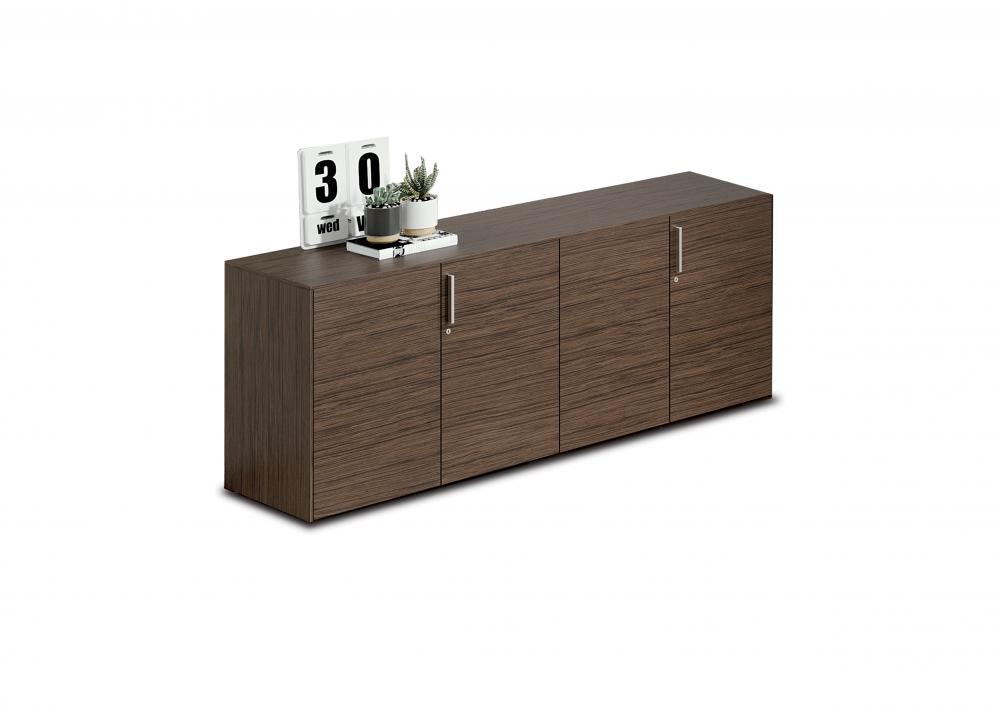
If you need space for items that do not suit a drawer, consider a door-and-drawer configuration. The Alea Mobile Door Storage Cabinet has a door and three drawers, while the Alea Mobile With Castors Storage Cabinet models include either one or two doors alongside drawers. For a wider storage role, the Alea Mobile Doors Sideboard offers two doors and three drawers. These examples show the range of layouts; check each listing for its exact configuration.
Decide between mobile and stationary models
Castors can be useful when a cabinet needs to move between nearby work areas or be repositioned during a room change. Feet may be a better fit when you expect the cabinet to remain in one place. Consider where it will sit, how often it needs to move and whether its footprint works alongside the desk or other furniture. Confirm the dimensions on the specific product page rather than relying on the family name.
Check materials, finish and practical details
Products in this family are described with metal, melamine and wood construction. Choose based on the appearance and feel that suit your workplace, then verify the material and color available for your selected model. The collection-level color information spans several choices, but it does not mean every color is offered on every cabinet.
Some product information lists a cylinder lock, while the family attributes indicate no hanging folder frames. If securing contents or storing particular document formats matters, check the individual listing and confirm that its lock and drawer arrangement meet your needs. Likewise, check whether shelves are included: listed configurations range from no shelves to two shelves.
What to confirm before selecting
- Measure the intended position and compare it with the model’s listed width, depth and height.
- Match the number and type of drawers, doors and any open storage to the items you plan to keep inside.
- Confirm castors or feet, material, color and lock details for the exact model.
- Review whether the storage arrangement suits your paperwork, especially if you need hanging-file support.
Once you have narrowed the choice to a layout and size, compare the product listings for their exact specifications. Myntwork offers Alea products on a monthly lease, giving businesses a way to furnish workspaces through leasing rather than purchasing outright.
Frequently asked questions about Alea Pedestal
Which Alea pedestal layout should I choose for documents?
Compare the drawer arrangement first. Several listed models combine a standard drawer with a filing drawer, while others provide multiple standard drawers or door storage. Check the individual listing for the drawer details and whether it suits your document format.
Are all Alea pedestal cabinets mobile?
No. The collection includes mobile products with castors as well as models described with feet. Check the specific listing to confirm how the cabinet is supported and whether it can be repositioned.
What materials and colors are available?
Listed construction includes metal, melamine and wood, and the collection information includes a range of colors. Availability can vary by model, so confirm the exact material and finish on the product listing.
Do the filing drawers include hanging folder frames?
The collection attributes specify no hanging folder frames. If you need hanging-file storage, check the selected product’s details and confirm compatibility before choosing.