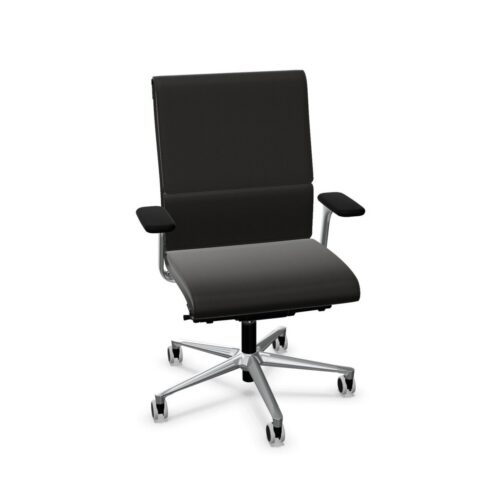
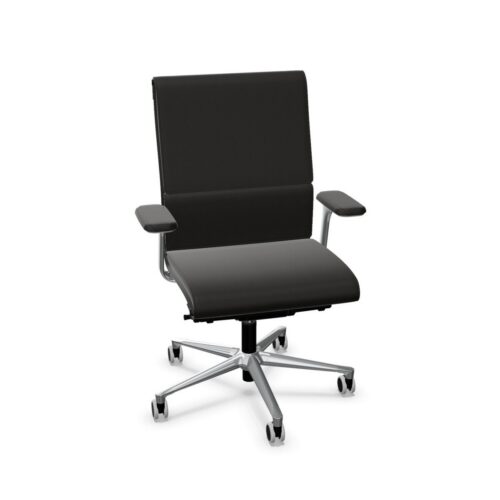
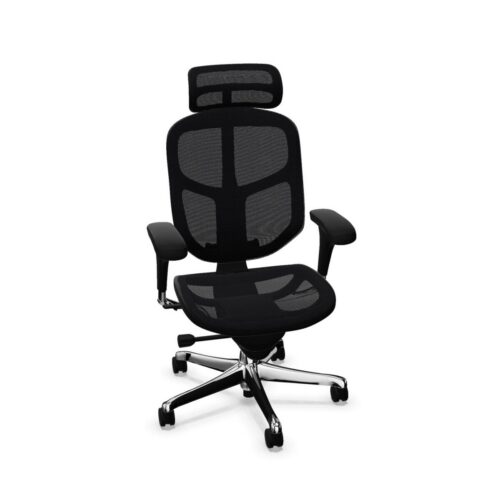
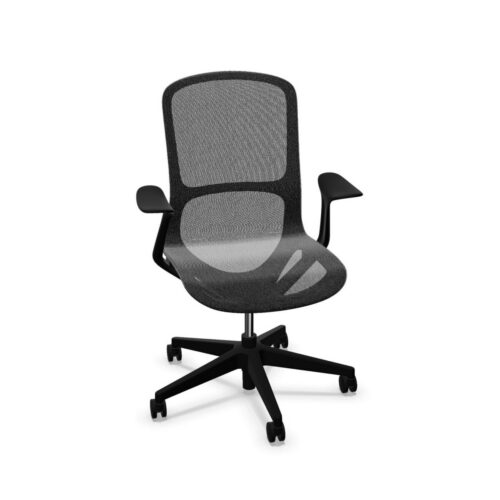
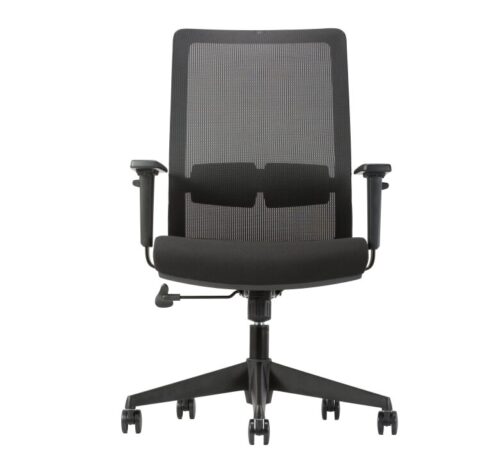
Office chairs with 4D armrests offer several directions of armrest adjustment, typically involving height, width, depth and the angle of the top pad. The exact controls vary by chair, so check the selected design. This range can help different users position forearms while working at a desk. The armrests should support the task without forcing the shoulders upward or preventing the chair from reaching the work surface.
What the movements are for
Height changes where the elbows meet the pad. Width can bring the arms closer to or farther from the body. Front-to-back movement changes how far the pad extends toward the desk, while pivot can follow a different forearm angle. Each movement is useful only if it helps the person work comfortably with their keyboard, mouse or other tools.
Office chairs with 4D armrests may use different control designs. Some pads slide or pivot with a light push; others have release buttons. A feature that is hard to set or shifts accidentally may frustrate shared users. Try the controls and check that the chosen positions remain stable during normal work.
Set the desk relationship first
Position the chair so the person can reach the work surface and place their feet securely. Then adjust the arms to meet relaxed elbows. If the desk is too high, raising the armrests alone will not correct the whole posture. If the arms strike the tabletop, moving them inward or backward may help, but the chair and desk combination still needs checking.
Thick pads can feel supportive yet occupy valuable space beneath a table. Compare their full shape with desk edges, drawers and cable trays. A person should be able to move close enough to work without leaning forward simply to clear the arms.
Support different tasks
Typing, using a mouse, reading and joining a video call place the arms in different positions. A useful setting can reduce the need to hold the forearms in the air during pauses. When precise input work is underway, ensure the pad does not push the elbows into an awkward path or block access to the devices.
Office chairs with 4D armrests can suit desks shared by people with different builds and working habits. They also appear on chairs intended for longer sessions. The adjustability gives options, but users still need to choose a position that suits their body and equipment rather than leave the arms wherever a previous user set them.
Consider the rest of the chair
Seat height, depth, back angle and lumbar support affect where a person’s elbows fall. Set the chair to support the body before fine-tuning the arm pads. If the seat is too deep or the backrest is unused, even carefully placed armrests may not create a good sitting position.
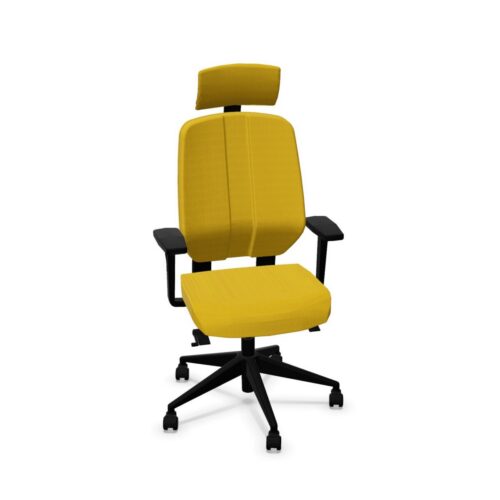
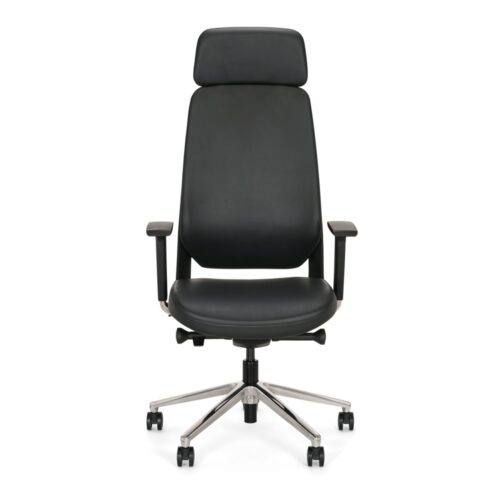
A chair with a headrest or different back construction may encourage another posture. Check arm support in that position too. Try reaching the desk, turning to a colleague and rolling away from the workstation. The arms should not make ordinary movements cumbersome.
Plan around the chair footprint
Office chairs with 4D armrests can project farther outward than a fixed-arm chair. At tightly spaced desks, consider the clearance between neighbouring seats. Check the widest setting as well as the normal one, especially if people will share the chairs. Leave room to stand and move without bumping storage or screens.
Pad material matters for touch and upkeep. A soft surface may feel different from a hard one, and repeated contact calls for appropriate cleaning. Review the finish and replacement guidance supplied for the chosen model. The pad is a frequently used part, not merely a visual detail.
Check the setting in real work
Ask a user to set the chair, work at the desk and change between common activities. Notice whether the arms can be positioned naturally and whether they stay clear of the table. A quick demonstration can reveal more than a list of adjustable directions.
Choose office chairs with 4D armrests when the added movement solves a real fit need. Combine the pad settings with a suitable seat, back and desk arrangement. The result should make arm support available without dictating an uncomfortable posture.



Myntwork
Myntwork
Myntwork