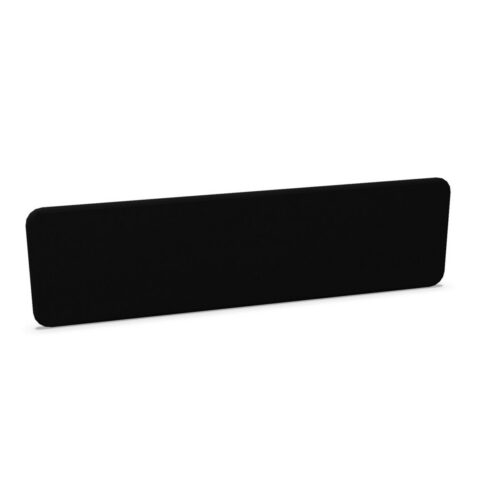
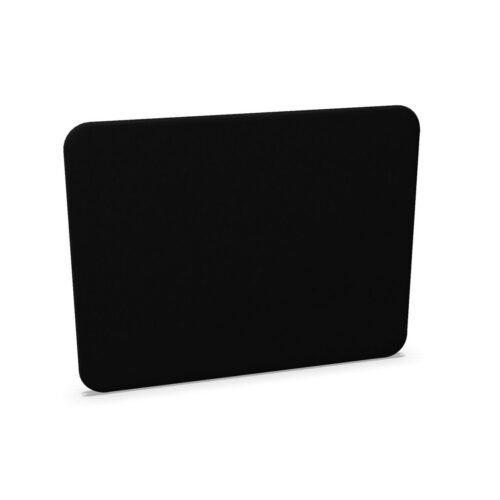
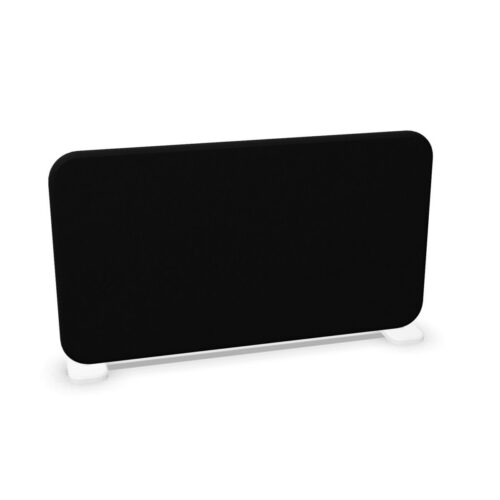
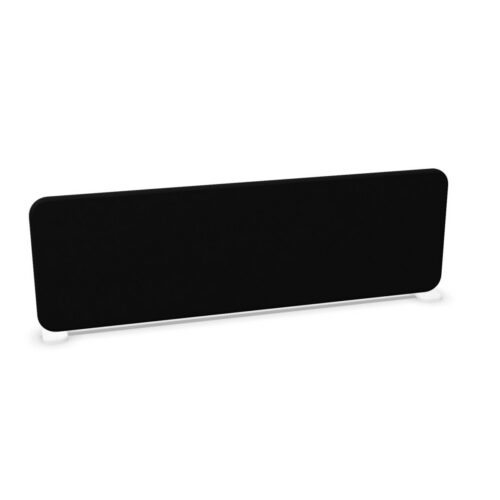
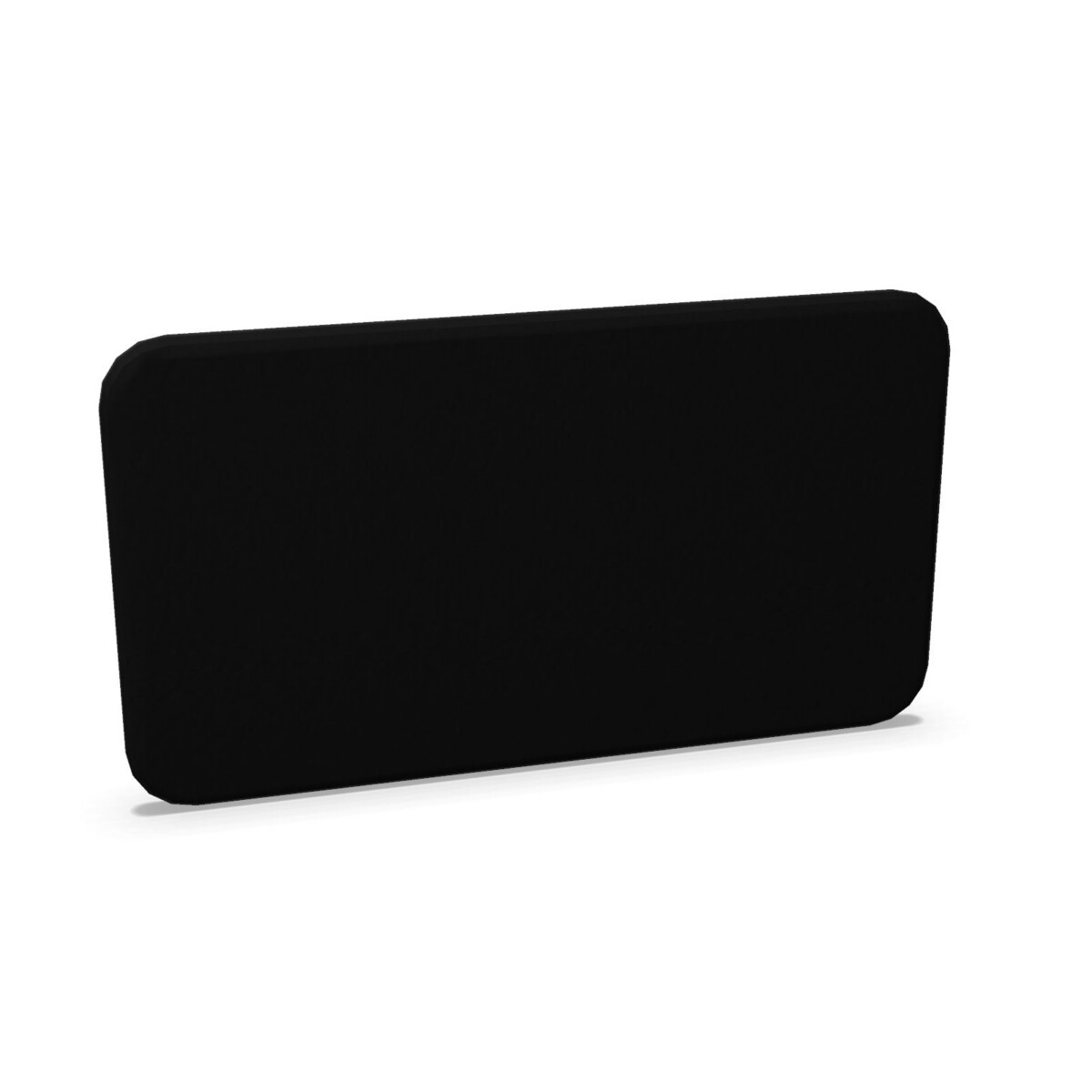
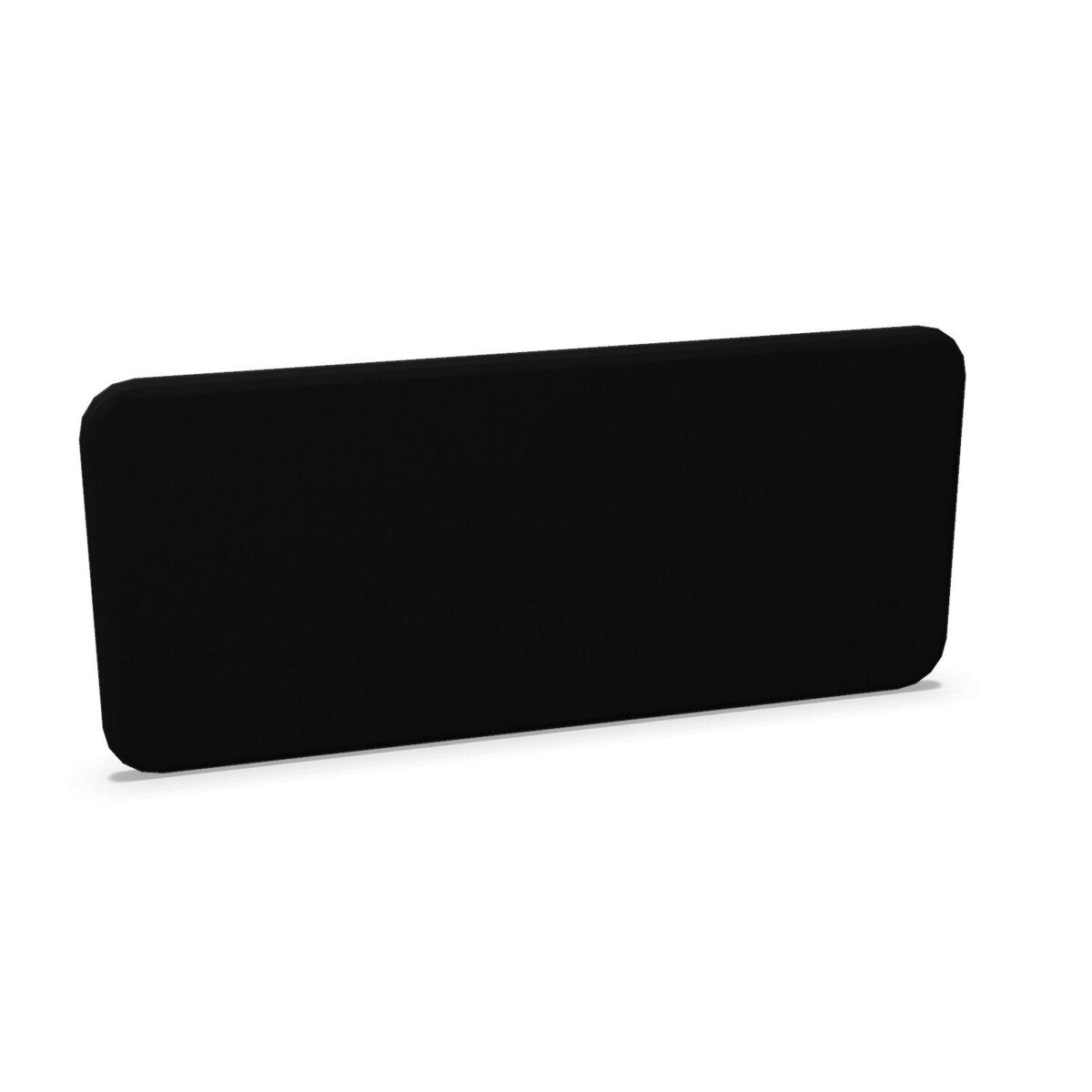
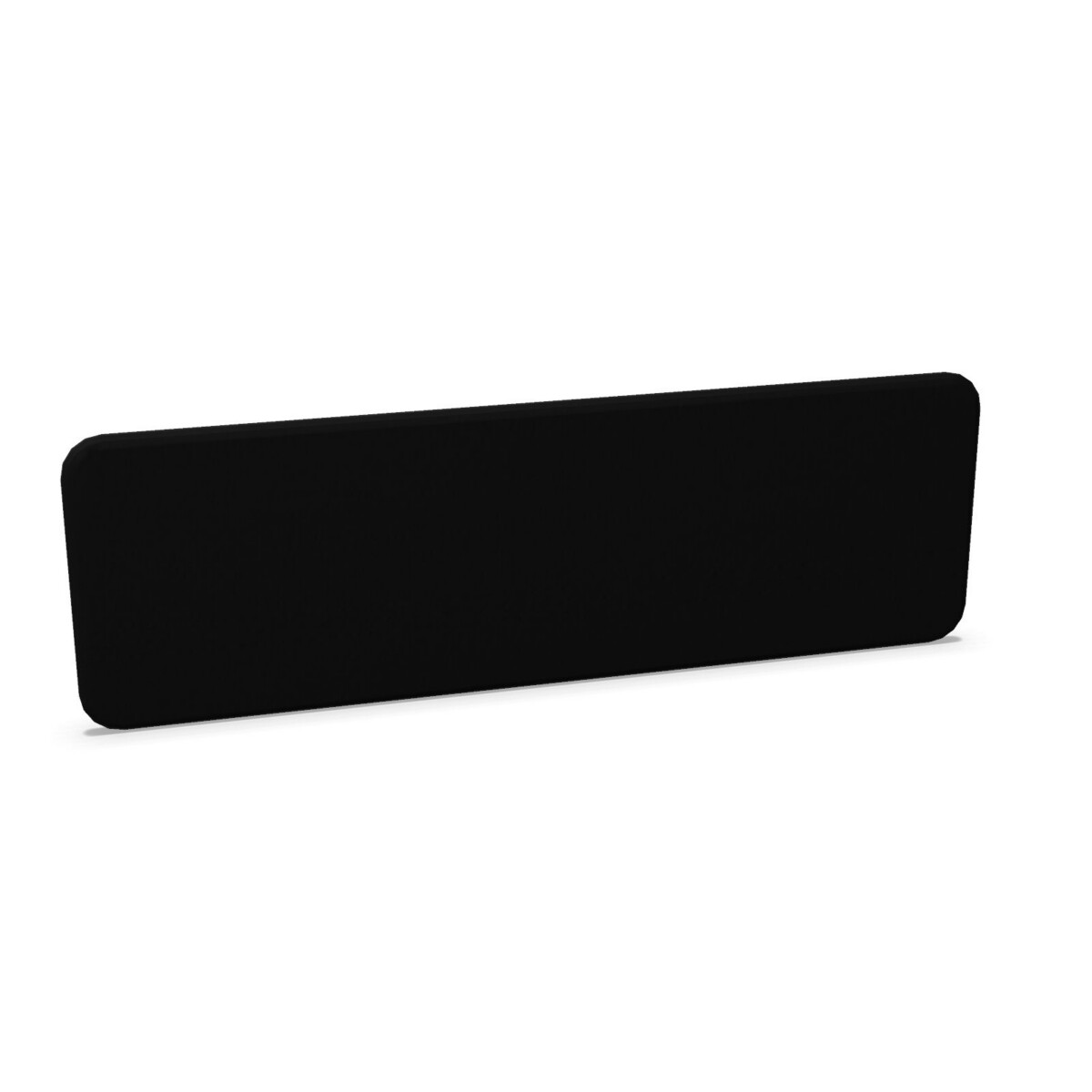
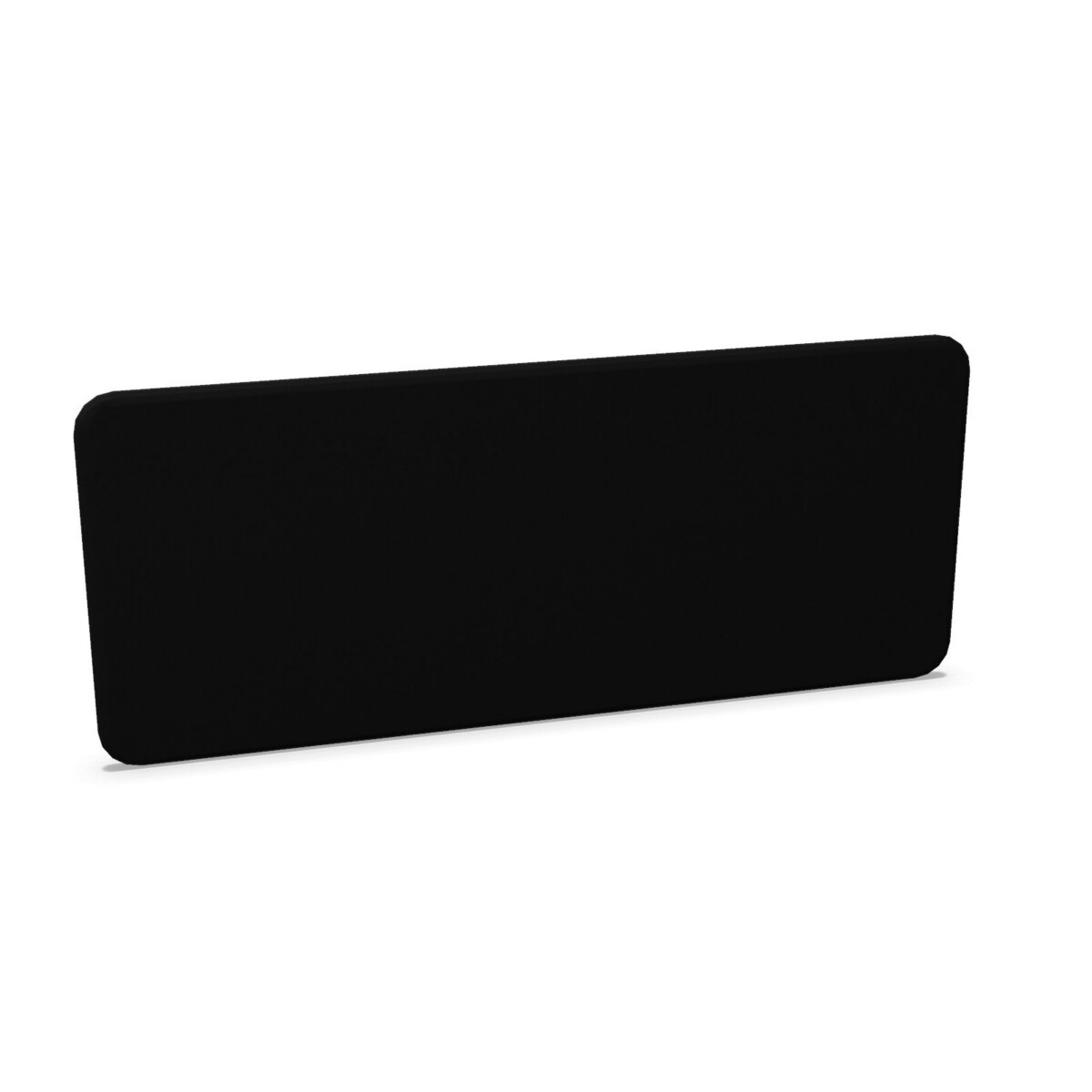
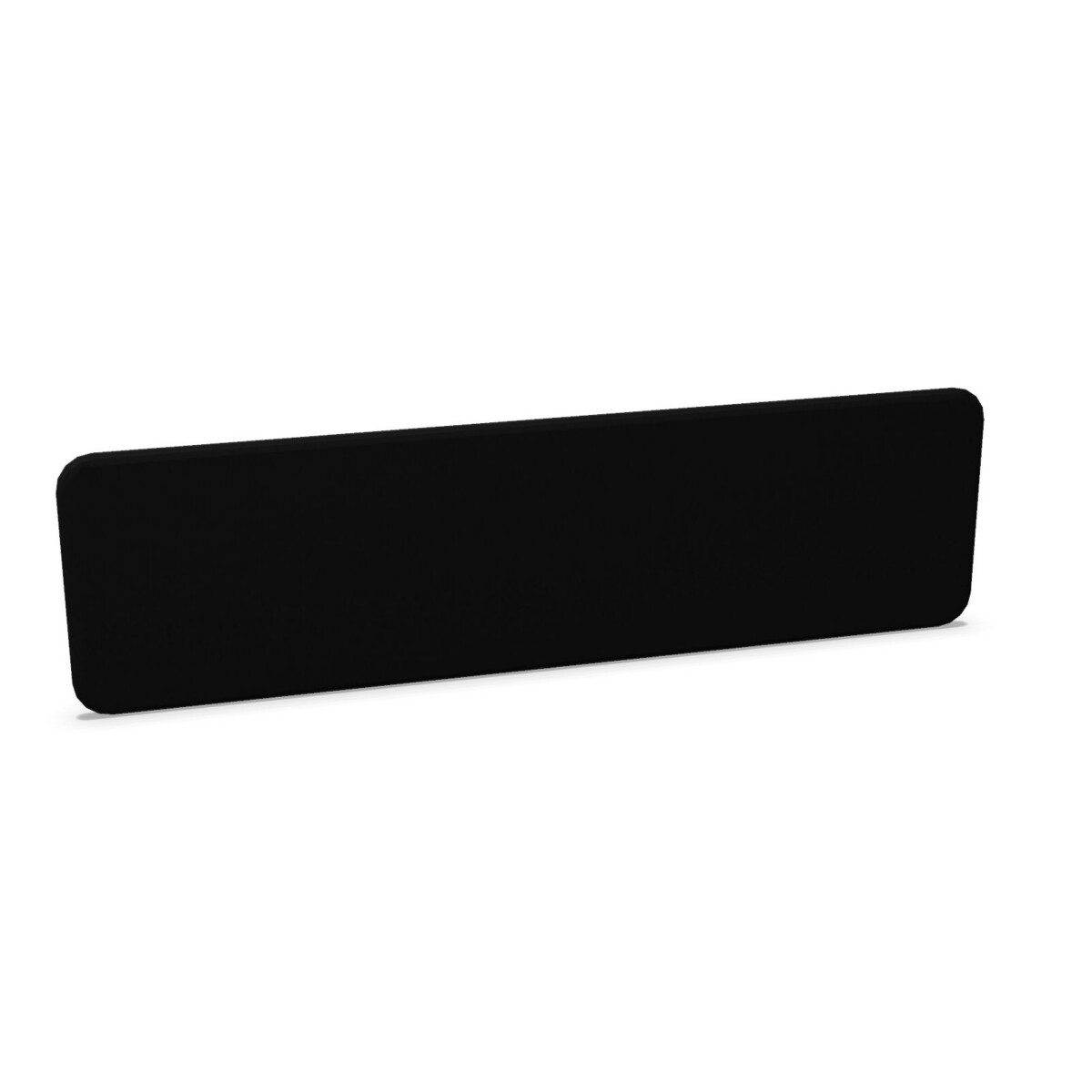
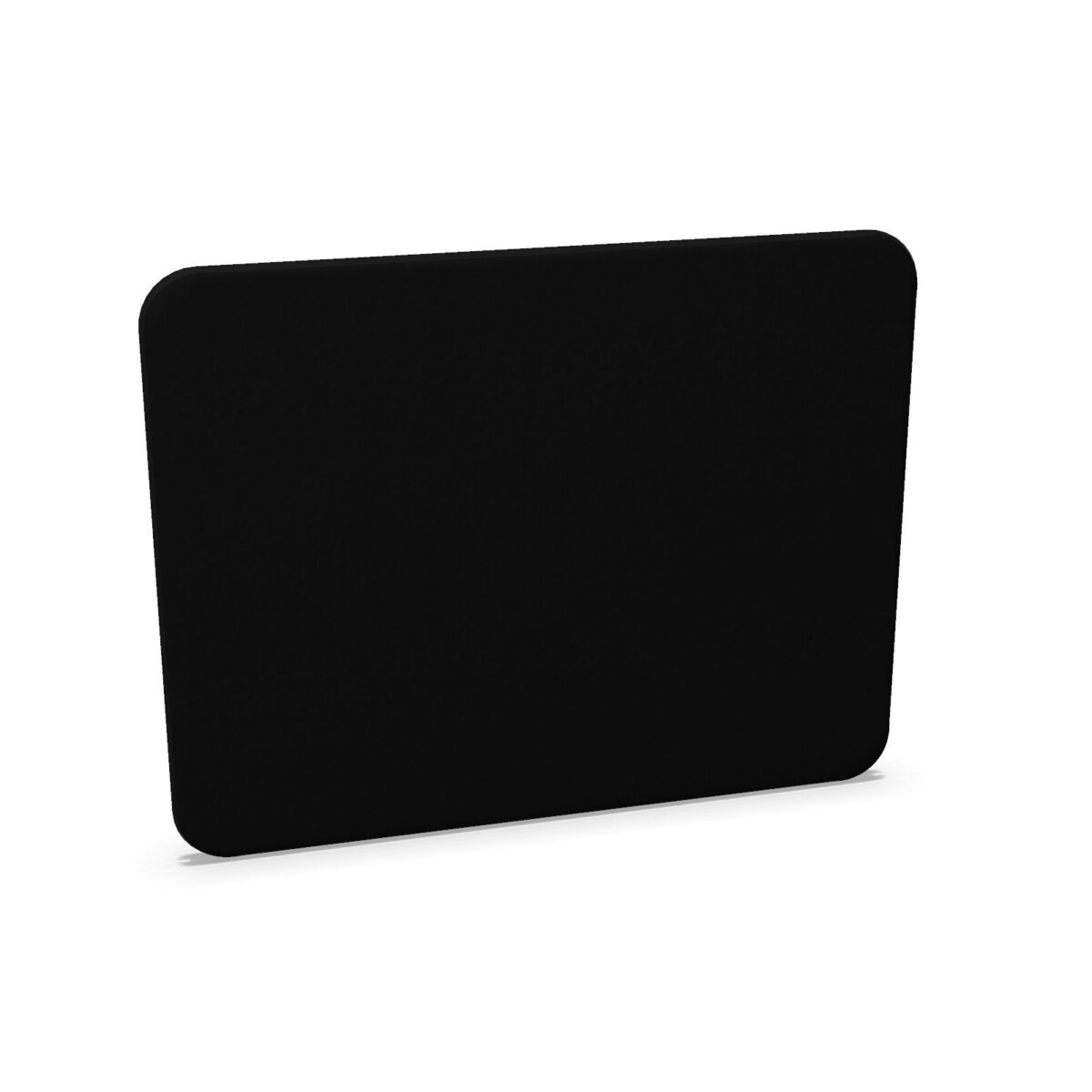
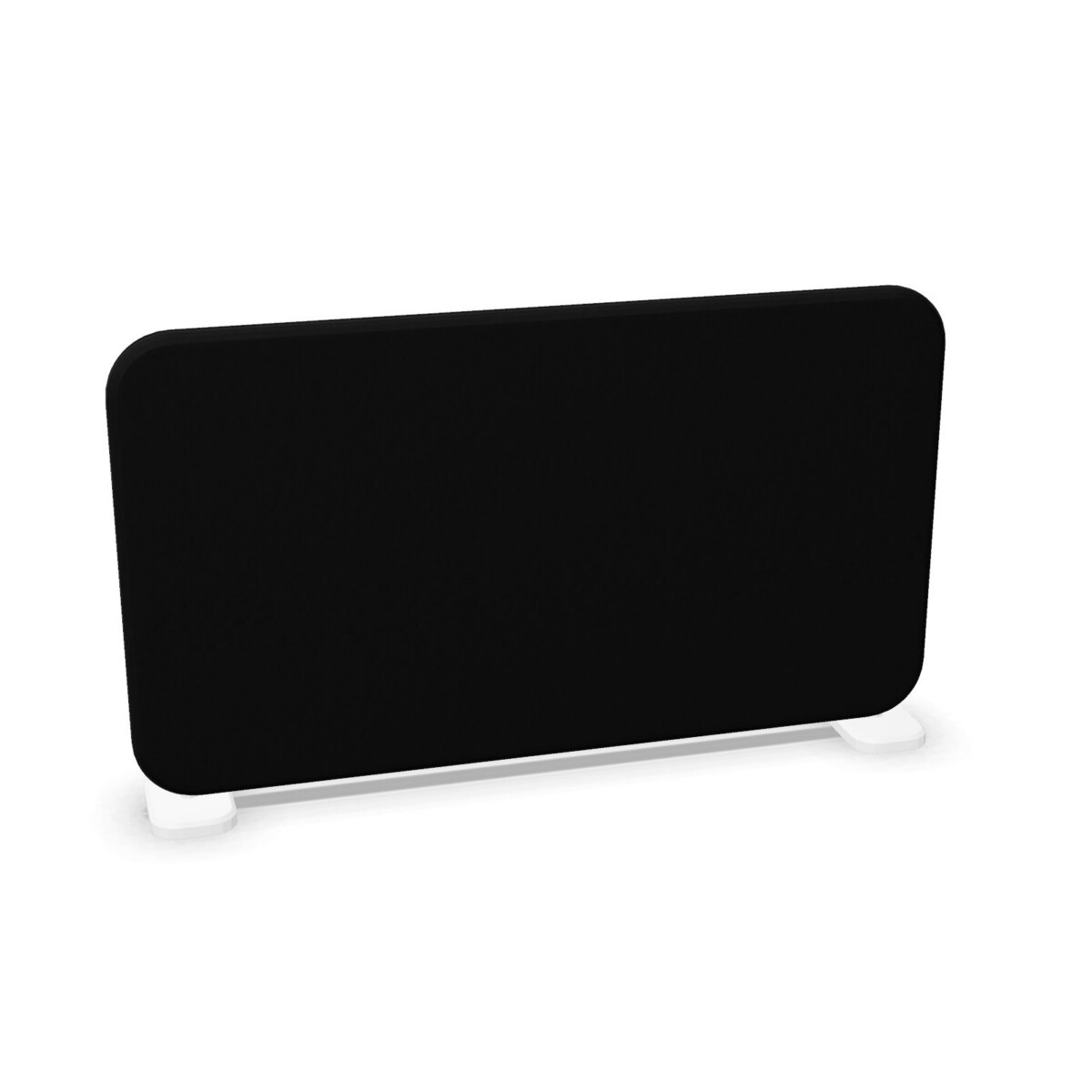
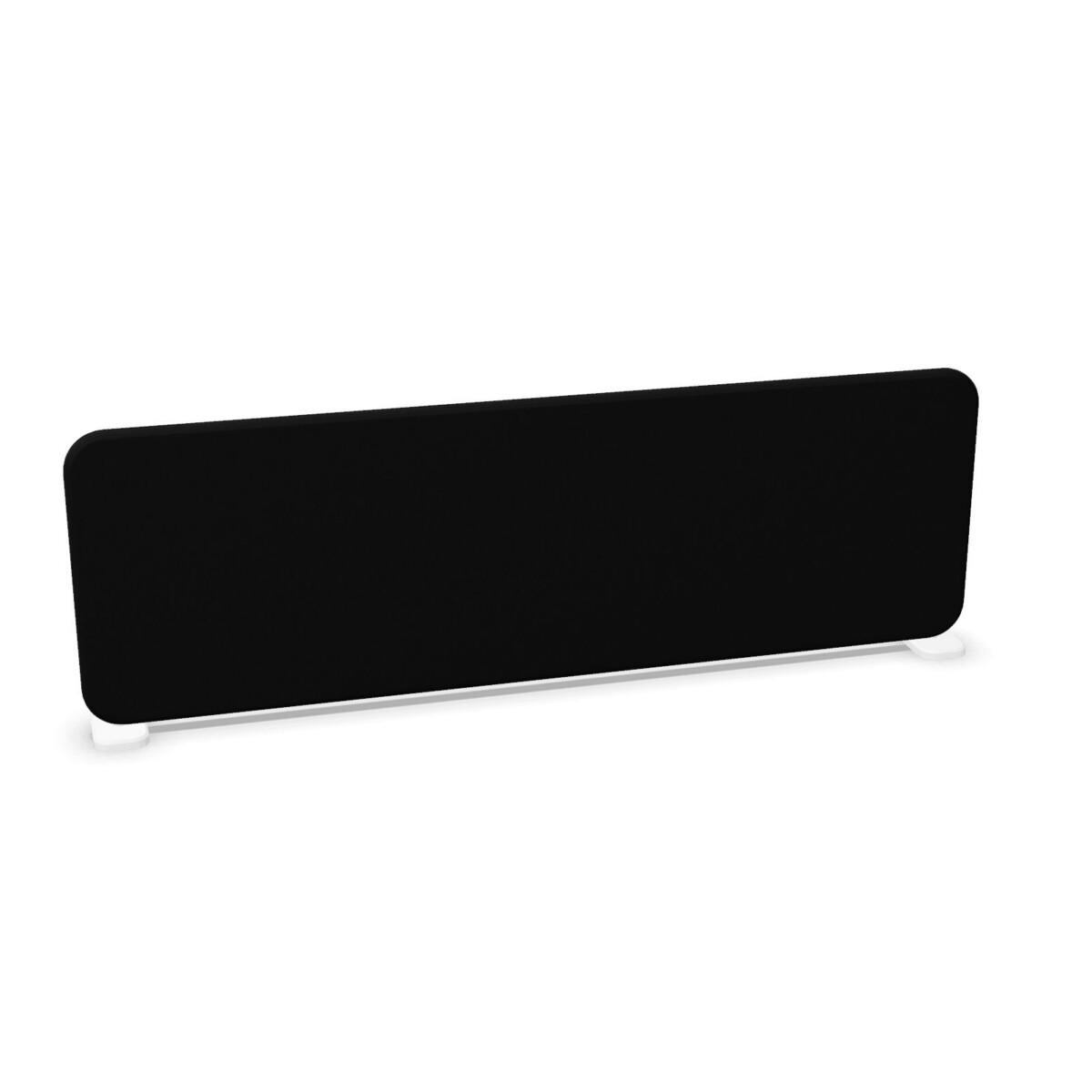
Where Softline desk screens work well
Softline is a practical choice for open-plan offices where desks are arranged in rows, clusters or shared workstations. A screen can help establish a more defined position for concentrated tasks while preserving the flexibility of a collaborative floor plan. The collection can also suit hot-desking areas, team neighbourhoods and project spaces that need a consistent visual treatment across several desks.
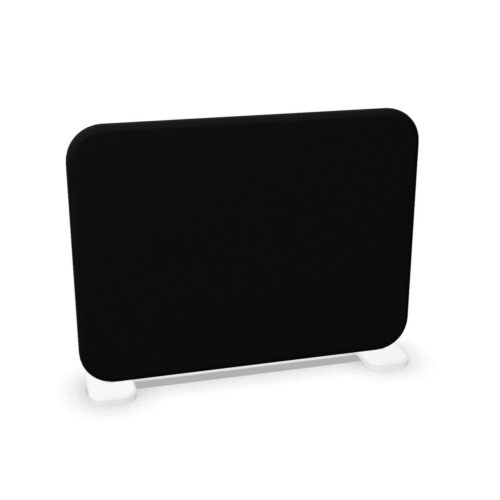
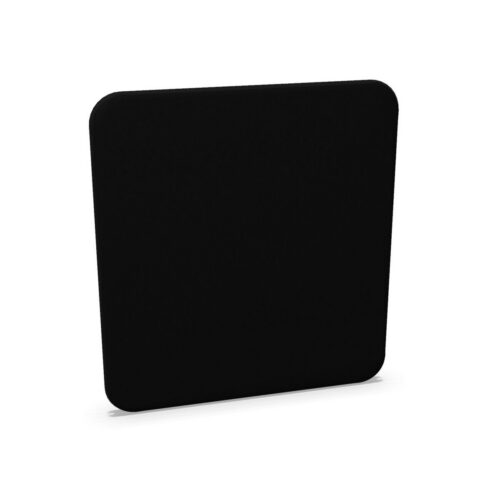
Because the range includes both compact and wider formats, it can be considered for a single workstation or a longer desk arrangement. Circular versions offer a softer outline than a conventional straight panel and may work well where the screen needs to follow a rounded or less linear composition.
How to choose between the models
Start with the desk dimensions
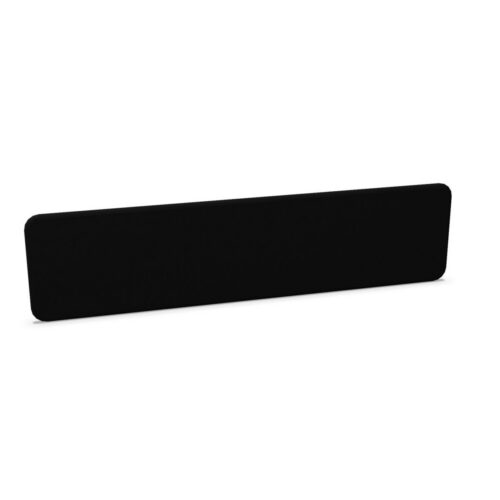
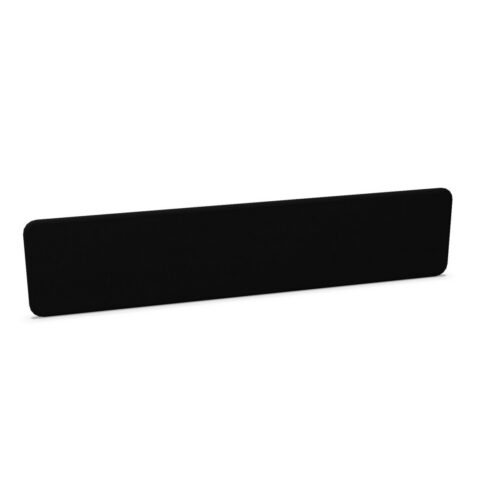
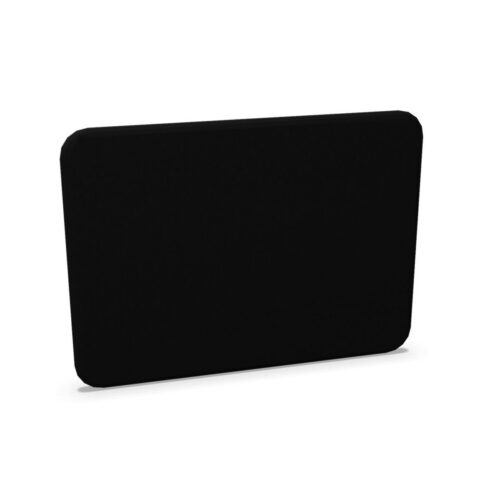
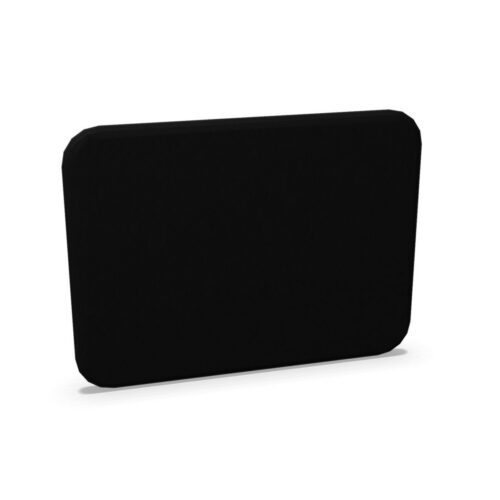
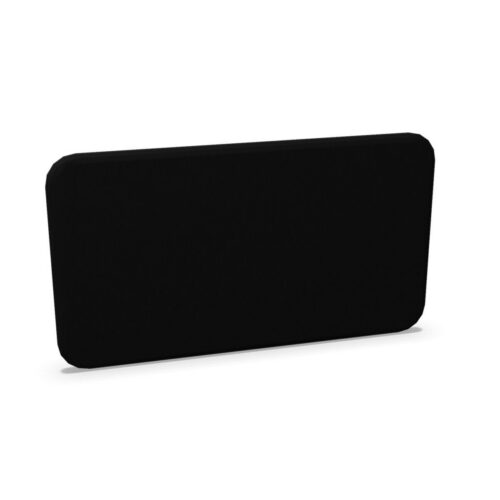
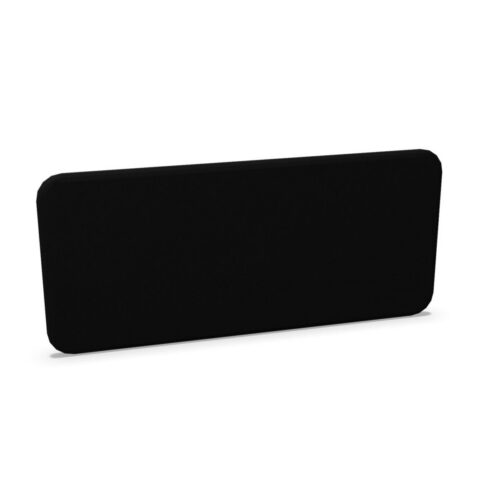
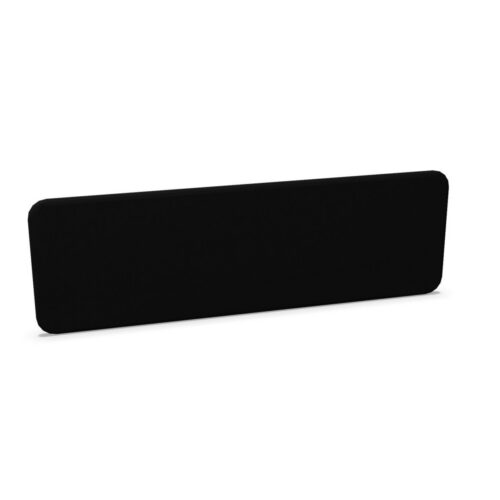
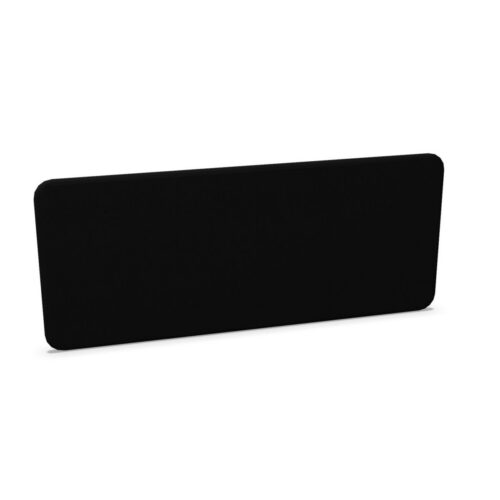
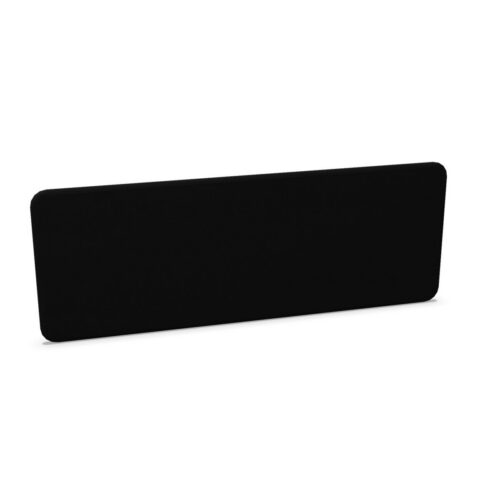
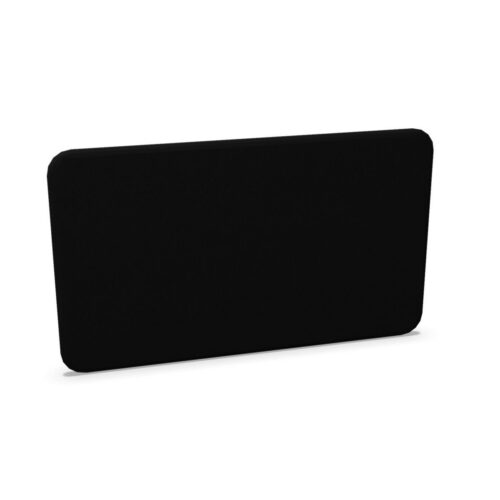
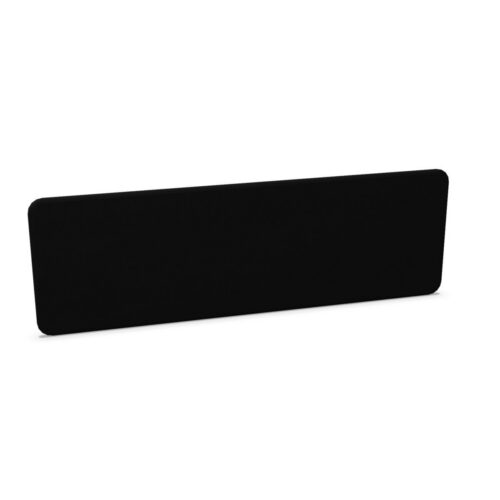
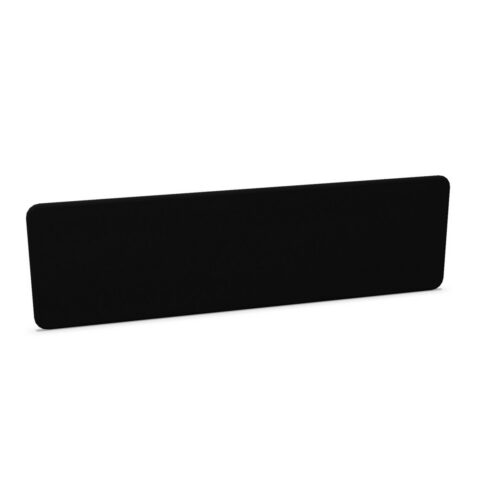
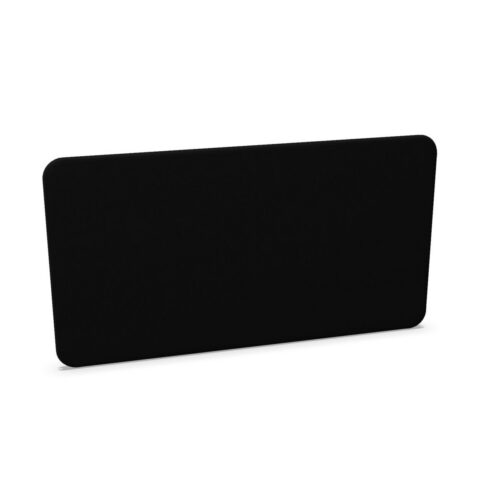
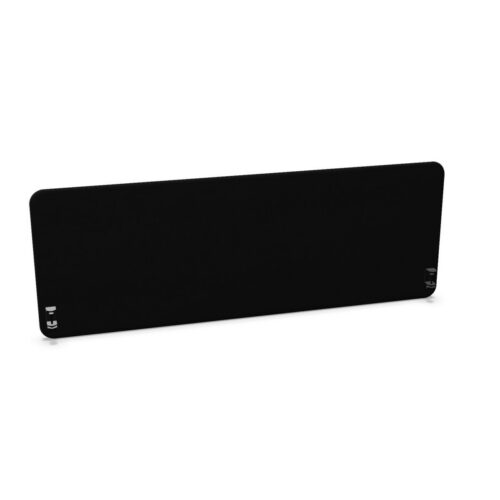
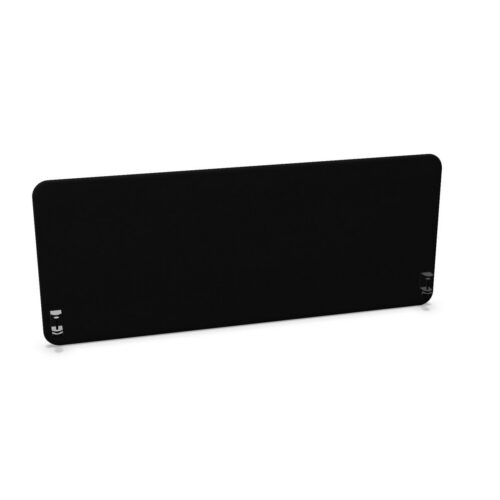
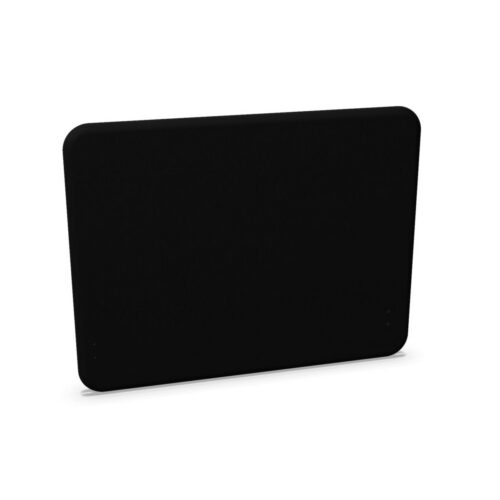
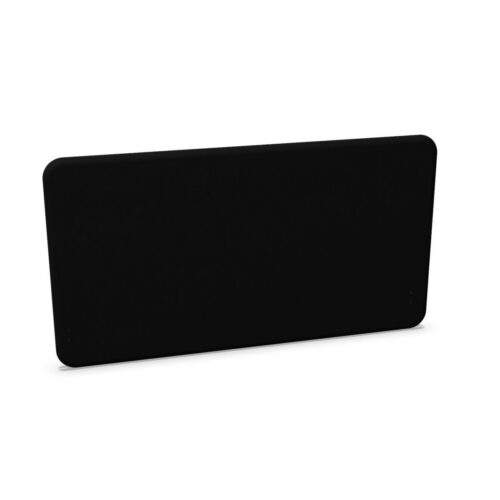
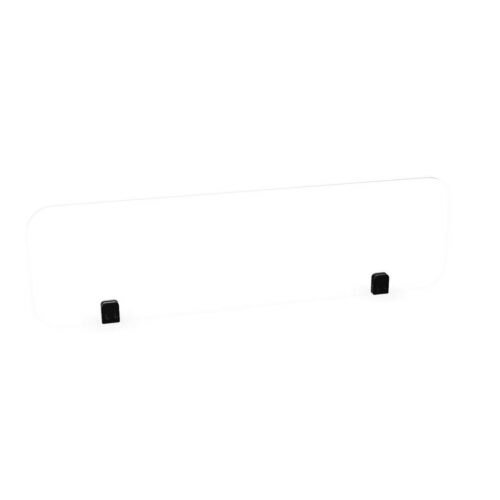
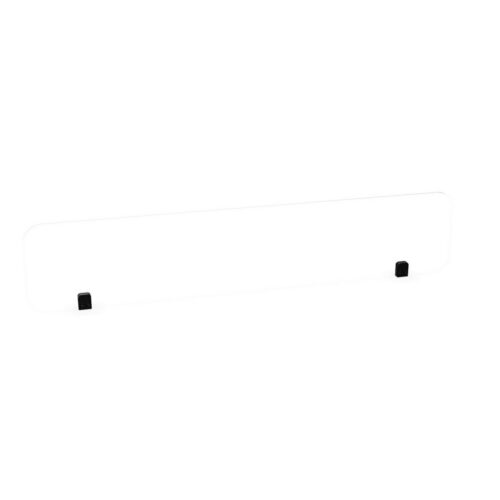
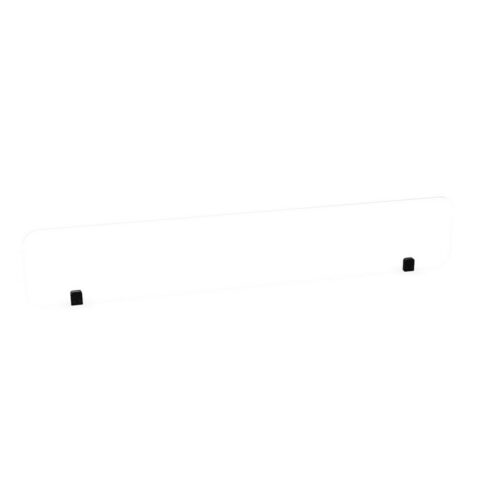
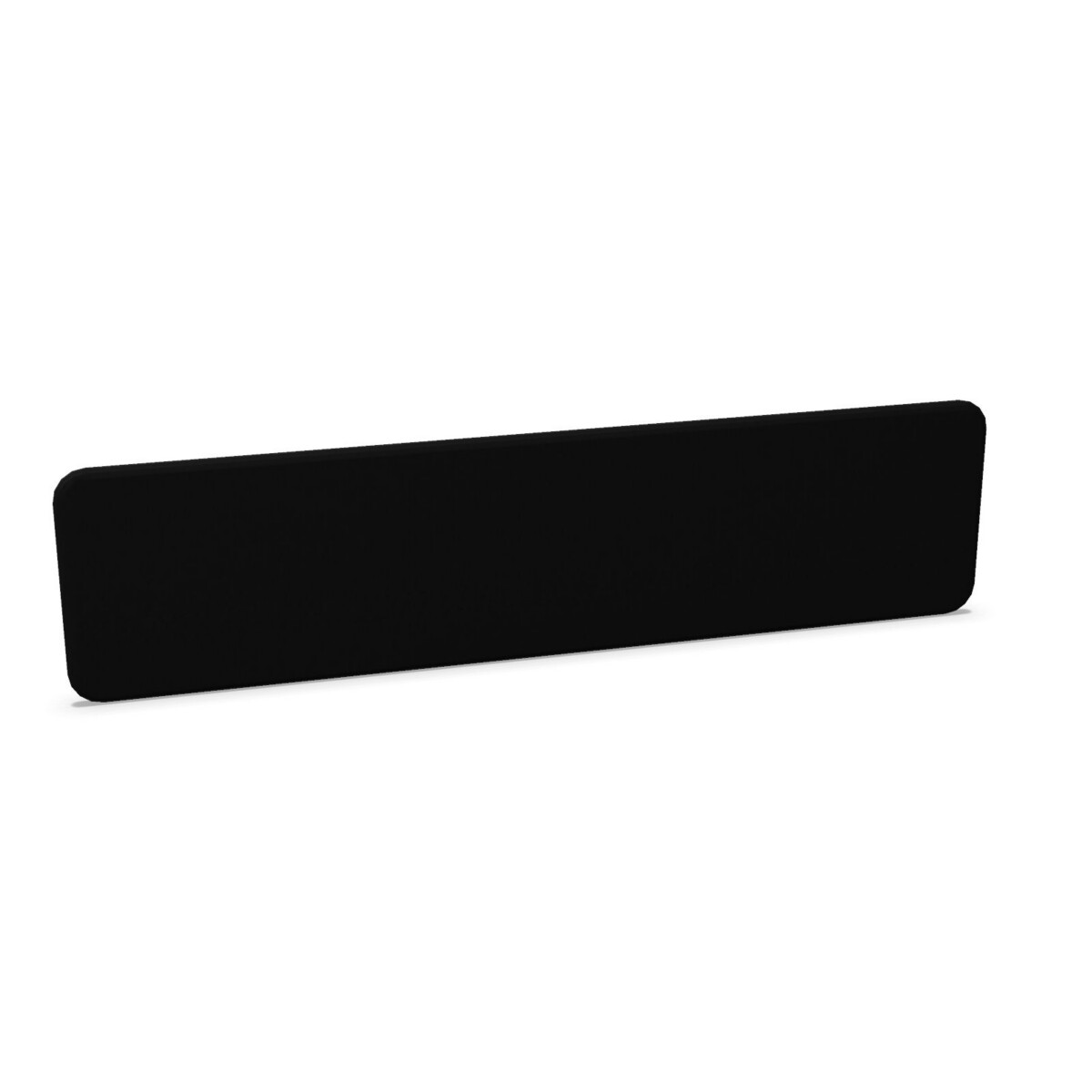
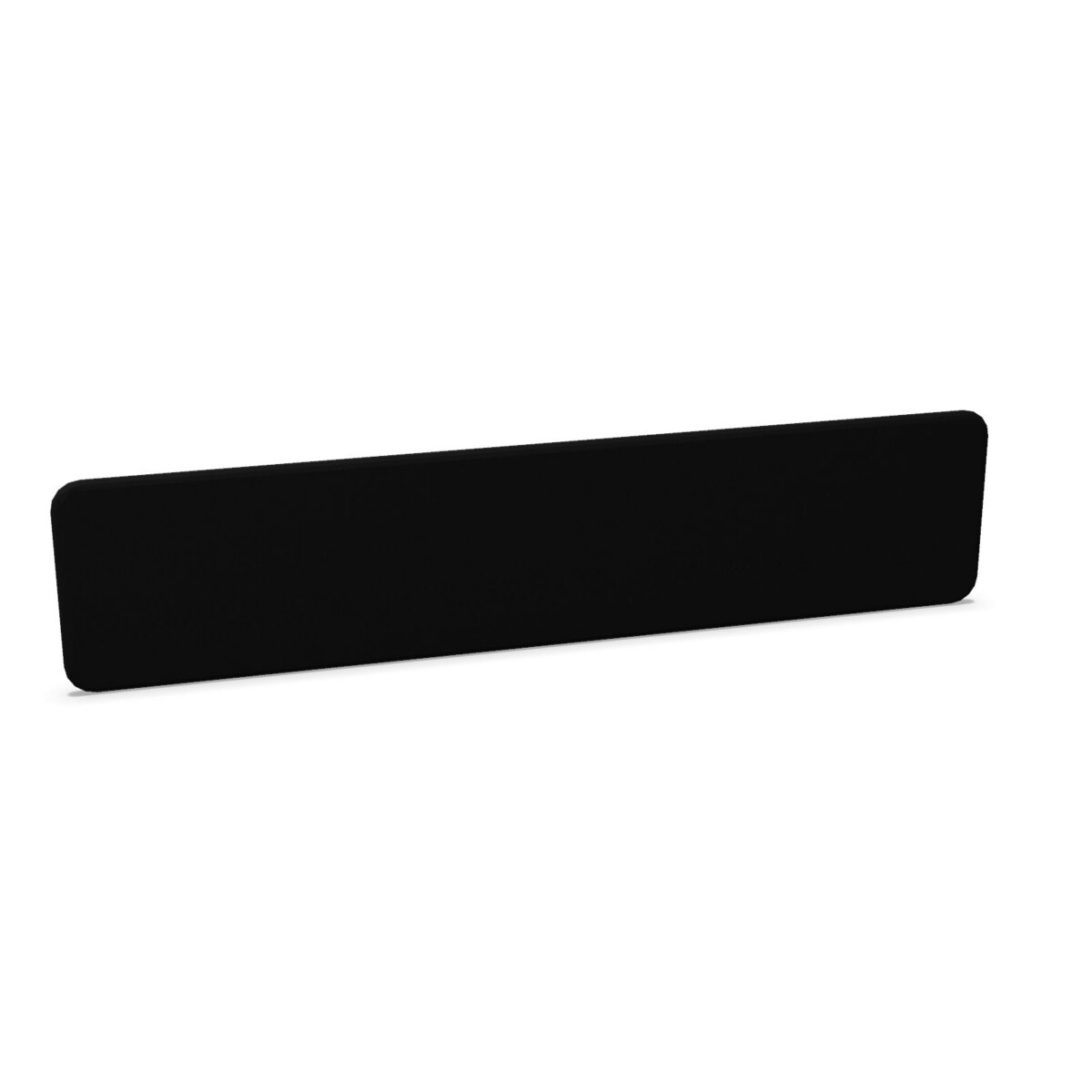
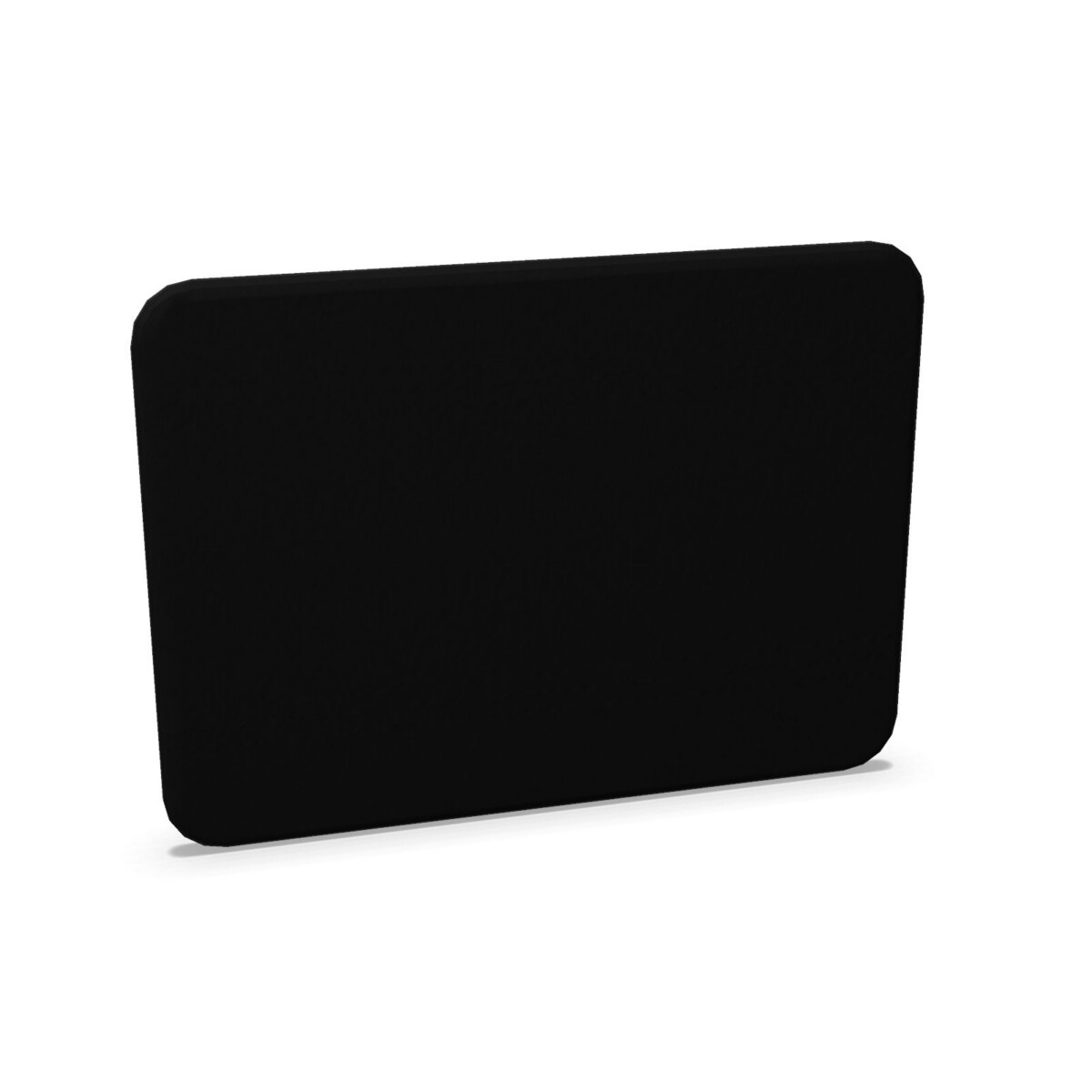
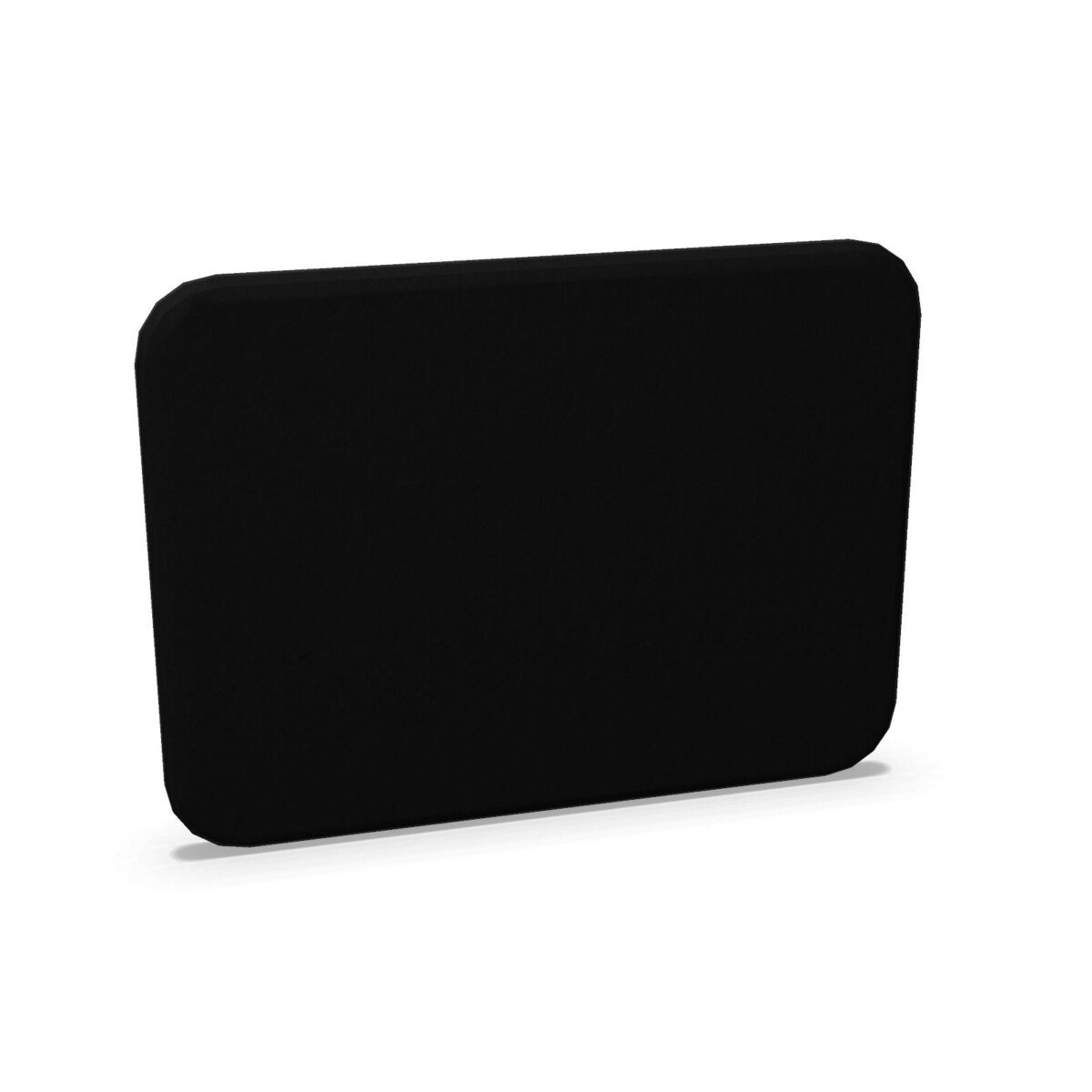
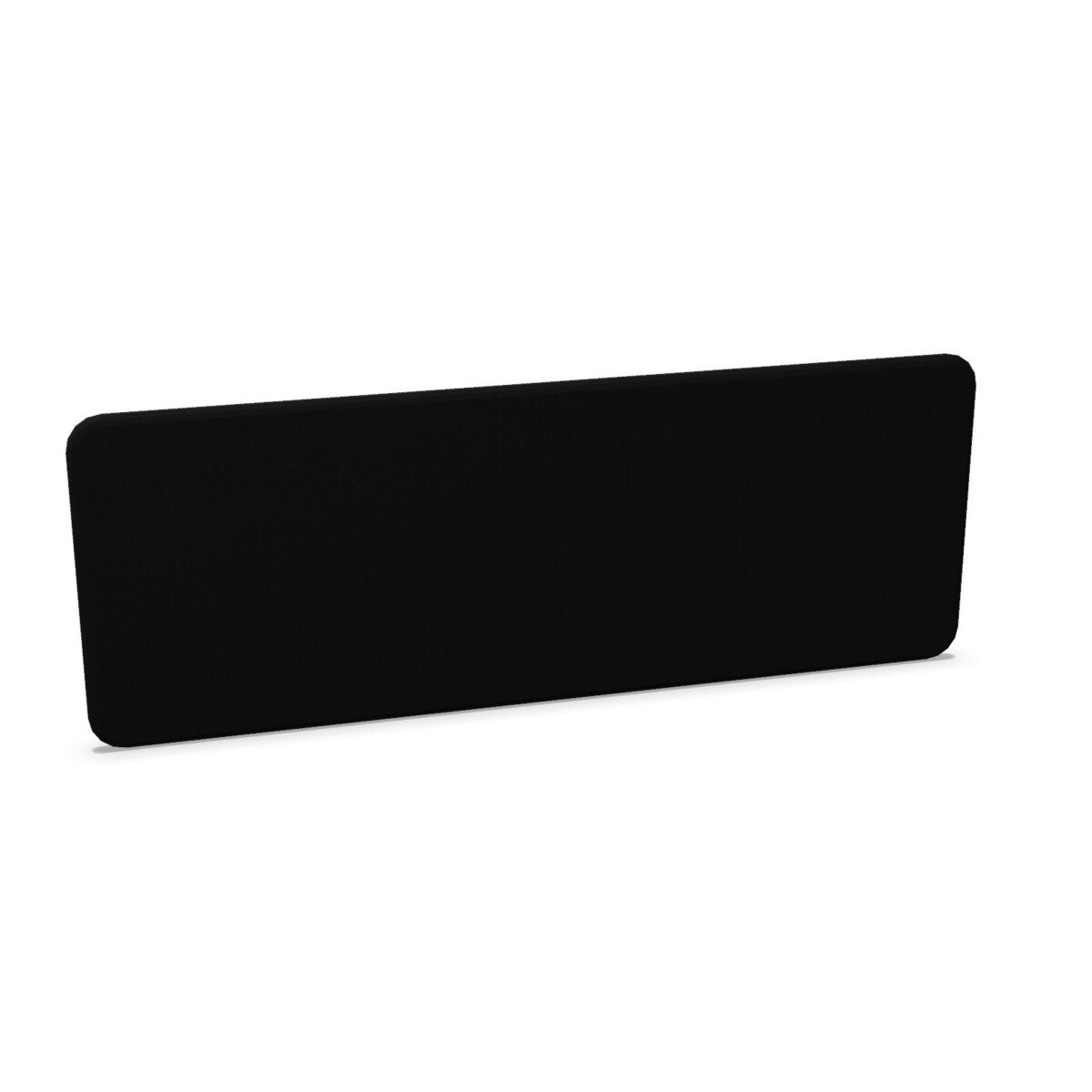
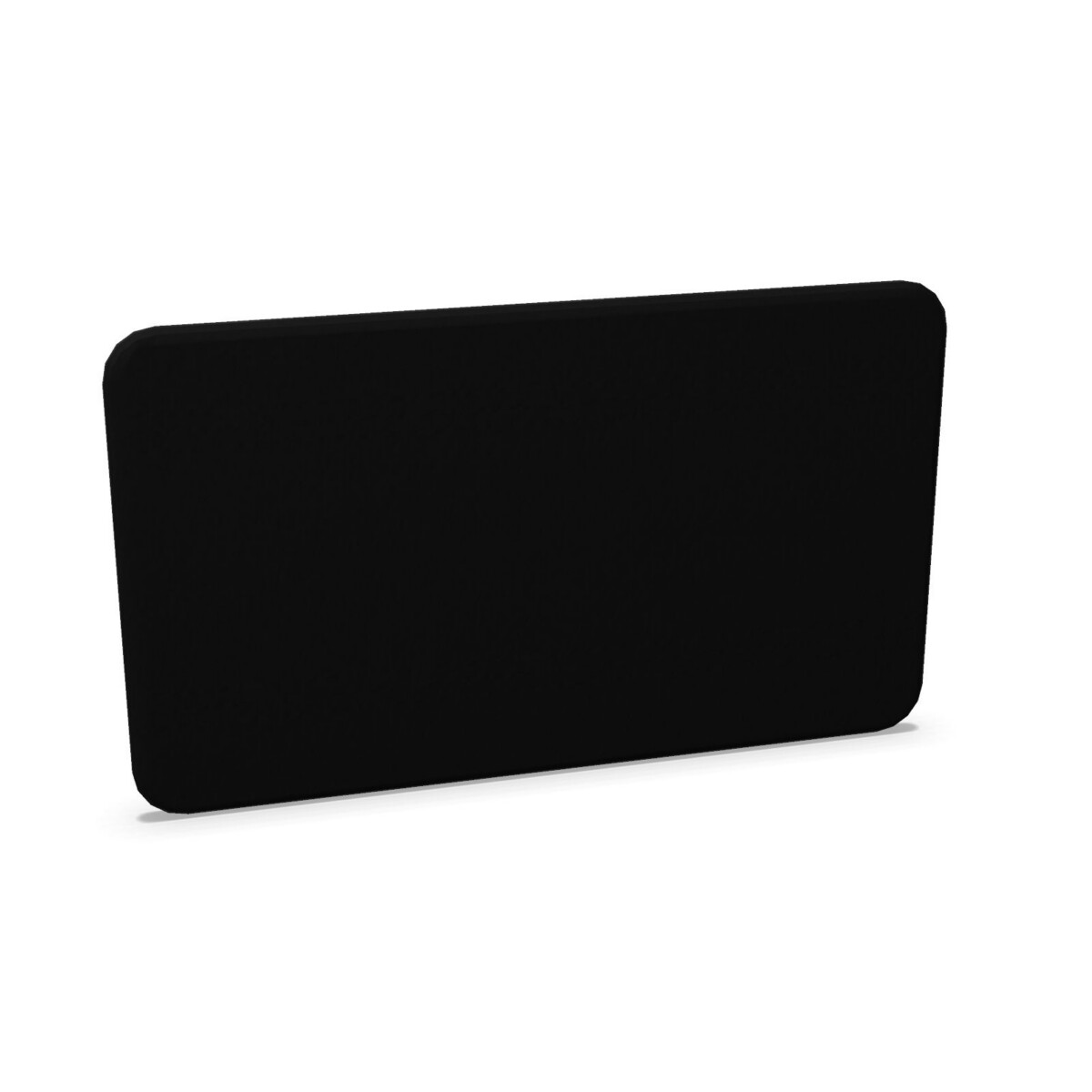
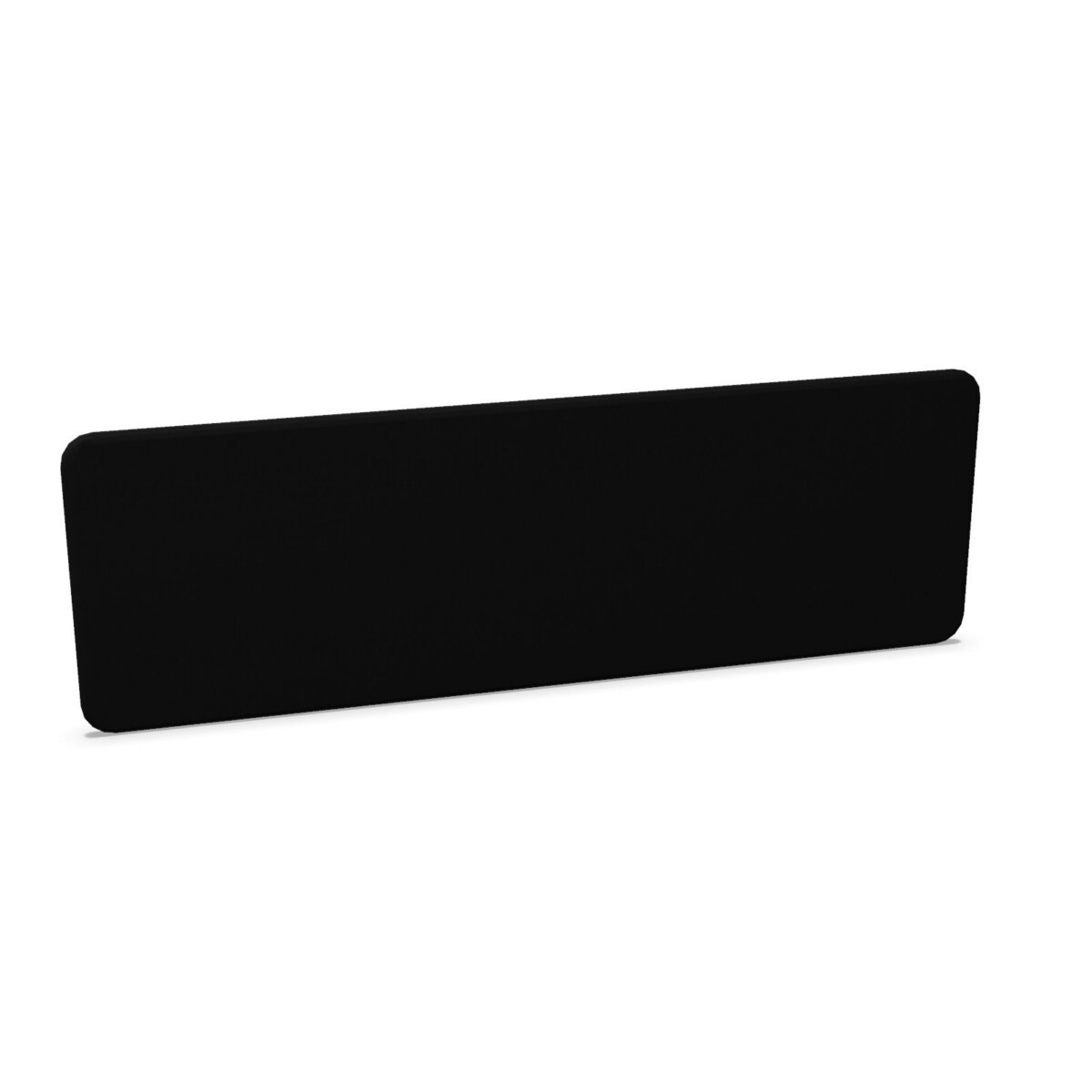
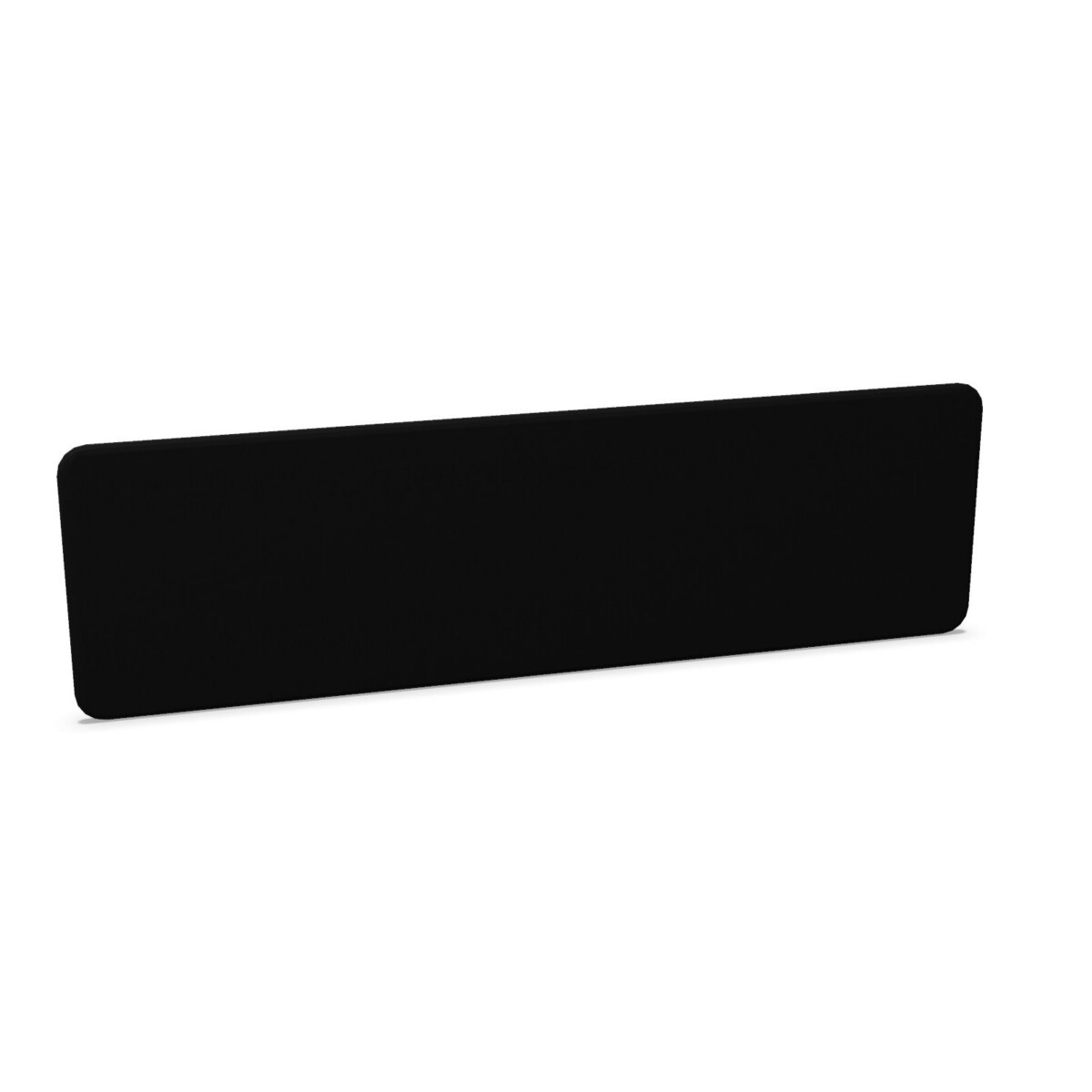
Measure the usable desk width and check how much of the workstation you want the screen to cover. The listed widths range from 60 to 200 cm, while heights are listed at 45 and 59 cm. A 45 cm-high panel may provide a lighter boundary above the desktop, while a 59 cm-high option creates a taller screen presence. Confirm the fit against monitors, accessories and the desk edge before ordering.
Choose the right shape
Most office layouts will call for a straight screen, particularly when desks are arranged side by side or in a row. Circular models are also represented in the Softline group and can introduce a rounded profile to a workstation. Consider the screen outline alongside the desk shape, neighbouring furniture and the amount of visual openness required.
Check the construction and mounting details
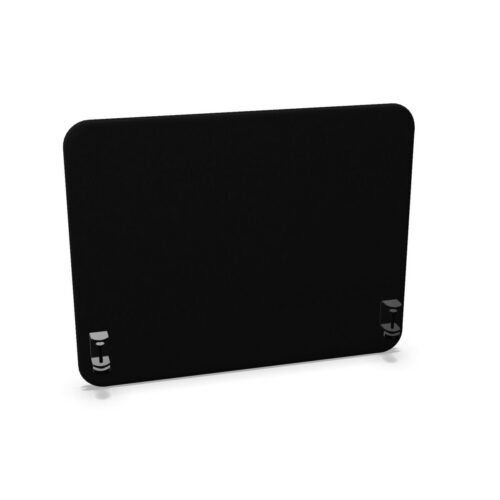
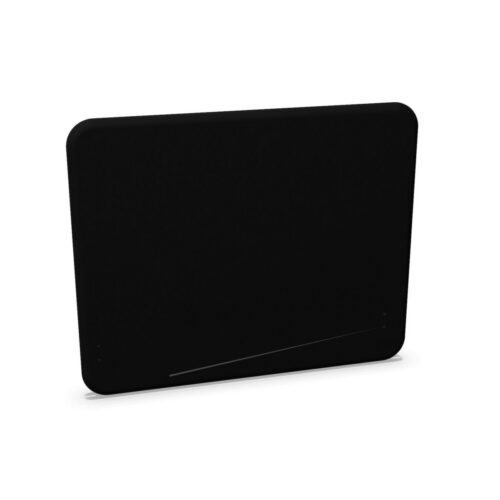
Look for the specifications that matter to your installation. Depending on the model, Softline screens feature a sound-absorbing core, fabric upholstery or a fabric-covered panel, together with aluminium brackets. Some products include separate fittings, so check whether the required mounting components are supplied in the configuration you are considering.
Finish and project planning
Black and grey are listed colour options in the collection. These finishes can be compared with the existing desk frames, task chairs and storage in the office to create either a coordinated or contrasting scheme. Fabric upholstery also makes the screen a visible part of the workstation design, so review the available product information for the exact finish of each model.
For a larger project, compare the same width and height across workstations before standardising. Check the number of desks, the desired screen orientation, the mounting arrangement and whether straight or circular panels are needed. Myntwork offers Abstracta Softline products on a monthly lease, which can support flexible workplace planning. Before proceeding, confirm the selected SKU, measurements, colour, fittings and any available catalogue information for your specification.
Frequently asked questions about Abstracta Desk Screen Softline
What should I measure before choosing an Abstracta Softline desk screen?
Measure the desk width available for the panel and check the clearance above the desktop. Softline options listed in this collection range from 60 to 200 cm wide and from 45 to 59 cm high.
Are Abstracta Softline desk screens straight or circular?
The collection includes both standard above-desk screens and circular options. Choose based on the desk layout, the visual profile you prefer and how the screen will align with adjacent workstations.
Do all Softline models use the same fittings?
No. Product details vary. Models may include aluminium brackets or separate fittings, so check the specifications for the exact SKU to confirm the mounting arrangement.
What colours are available in the Softline desk screen collection?
Black and grey are listed as colour options for the collection. Confirm the exact colour and fabric finish on the individual model before selecting it for a project.
Are Softline desk screens suitable for open-plan offices?
Yes. Their above-desk format is intended for workstation environments where teams want defined desk areas without using full-height partitions. Select the size and shape that match the layout.