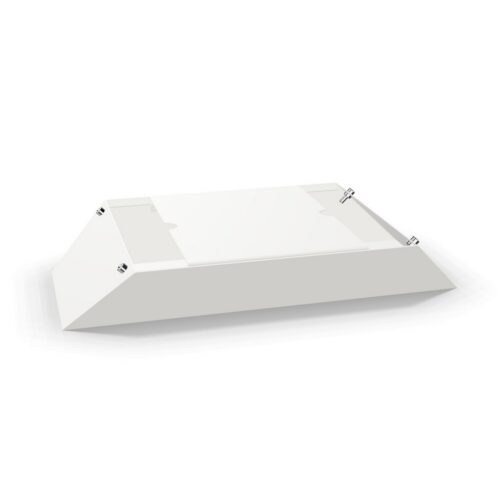
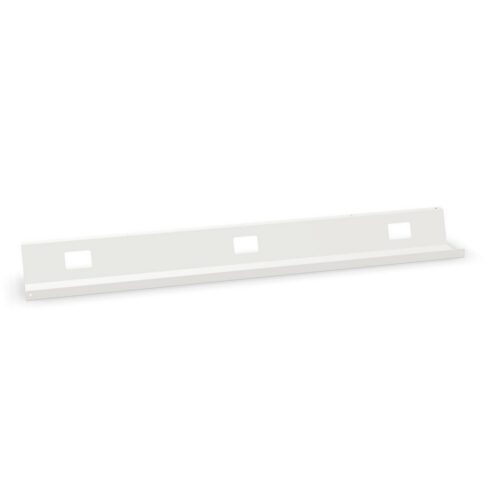
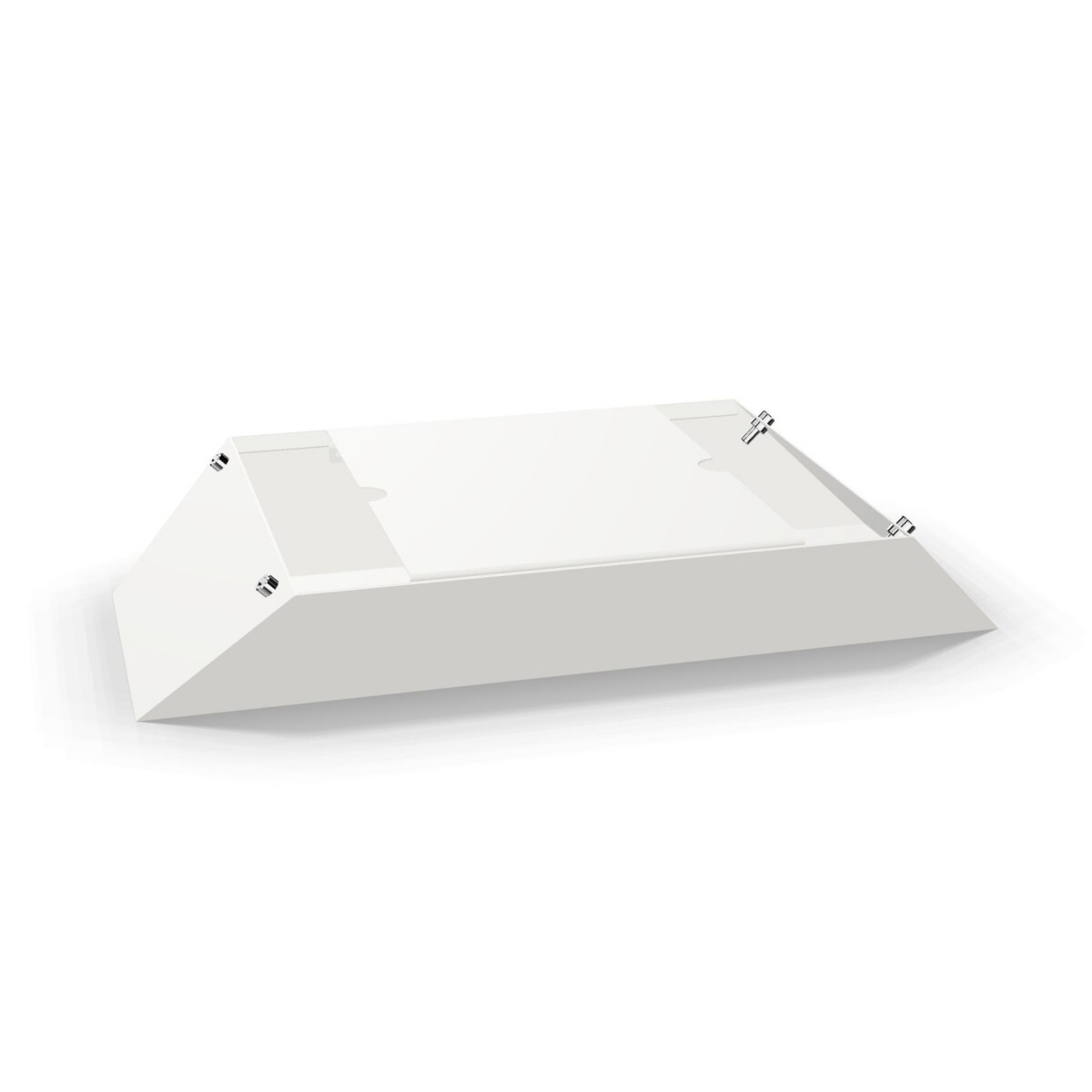
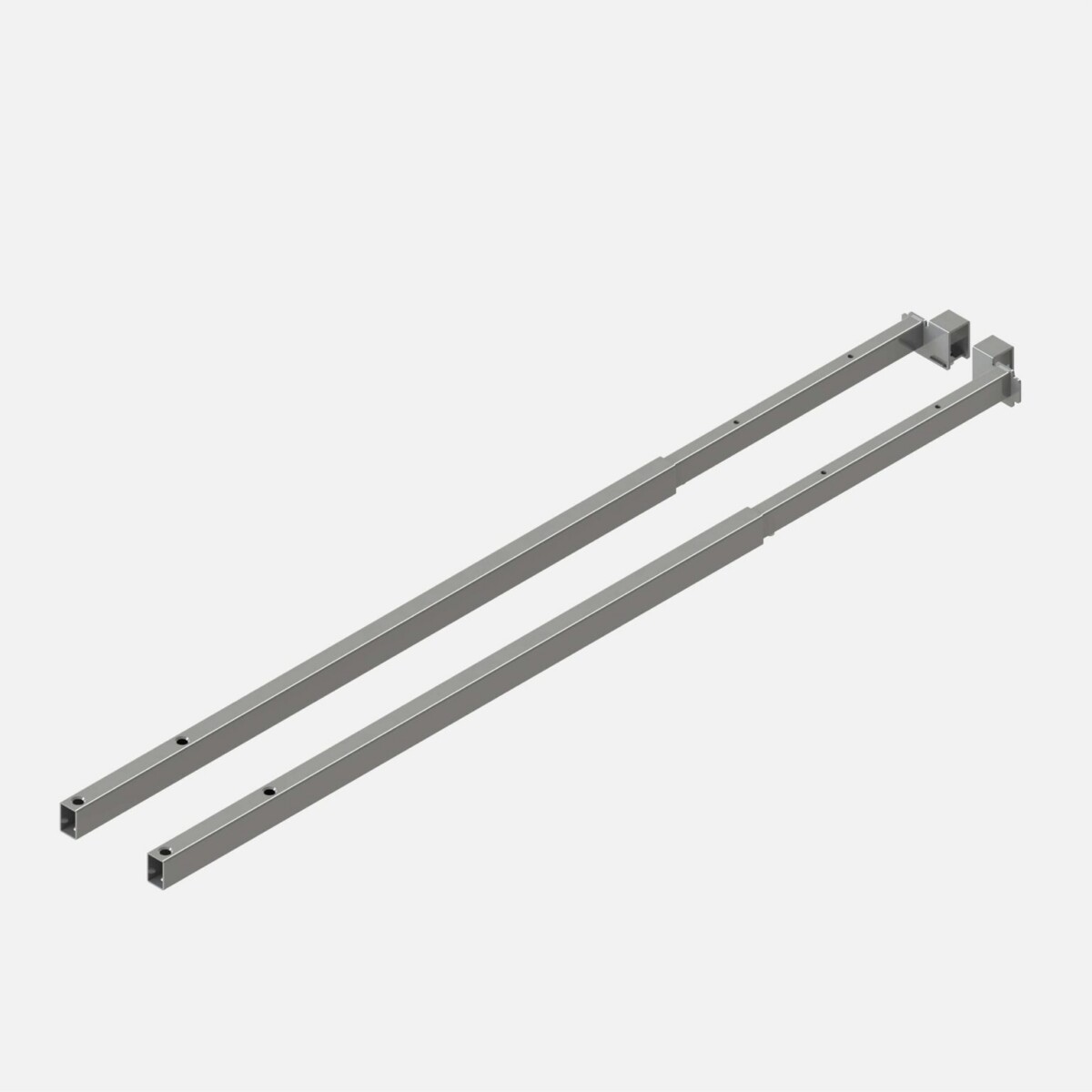
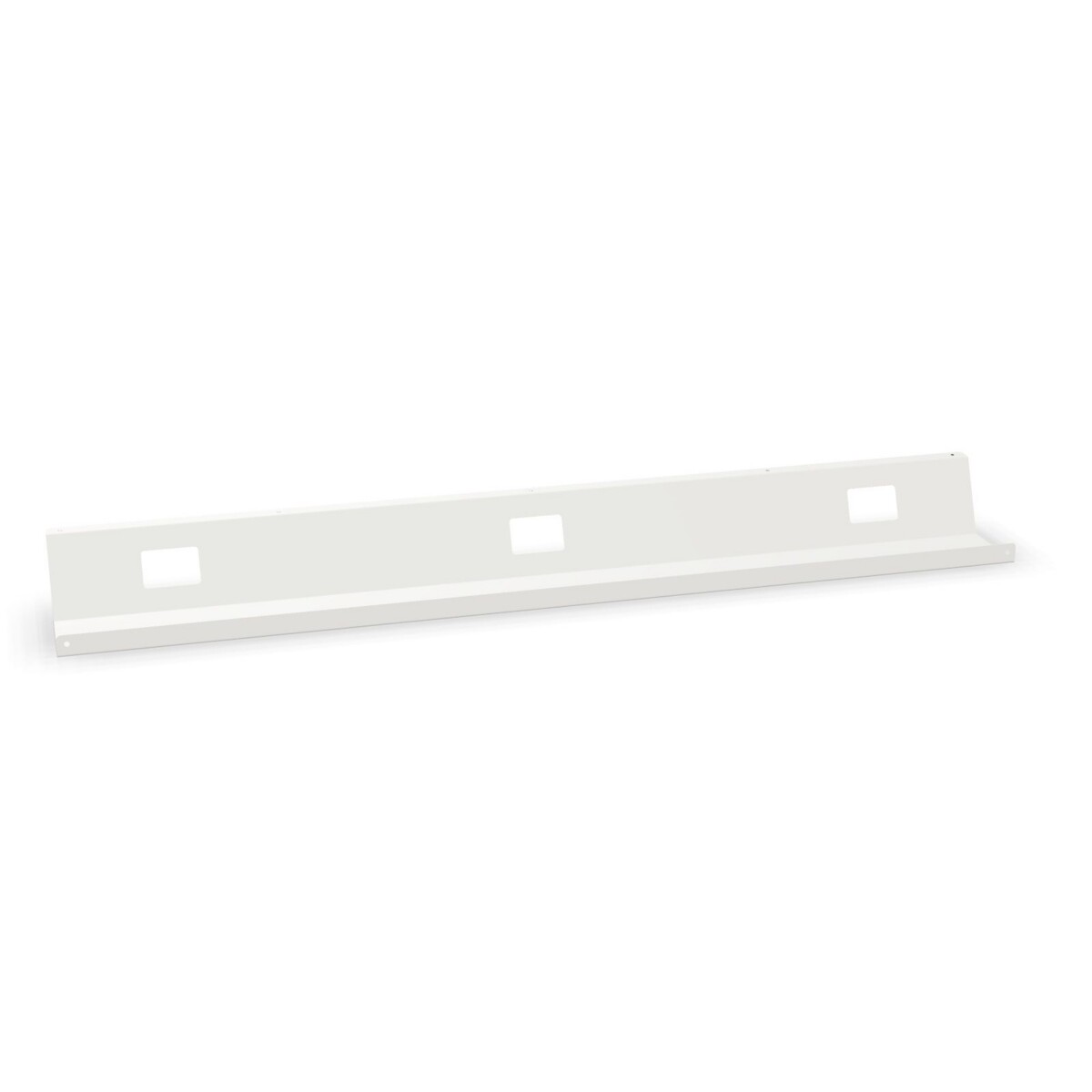
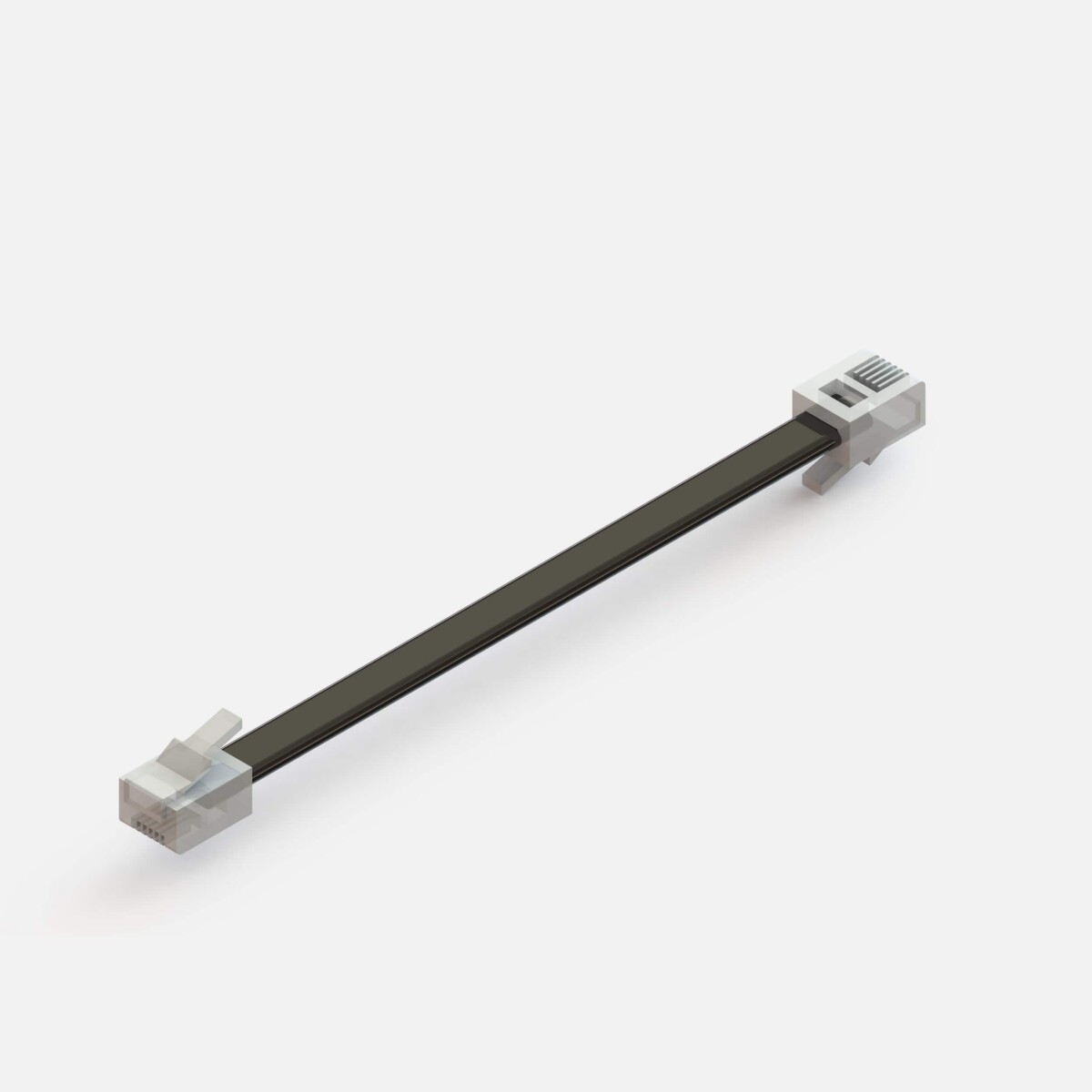
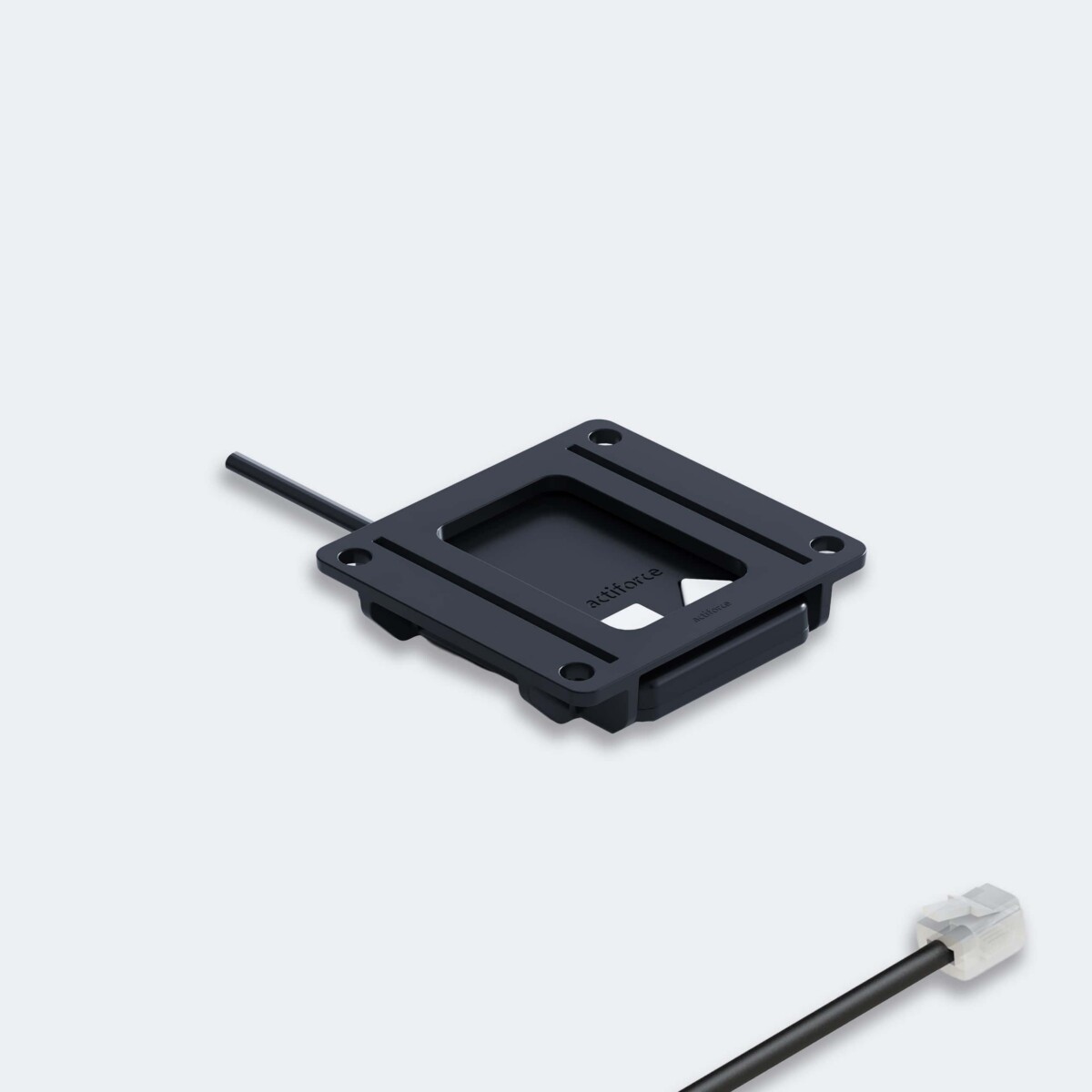
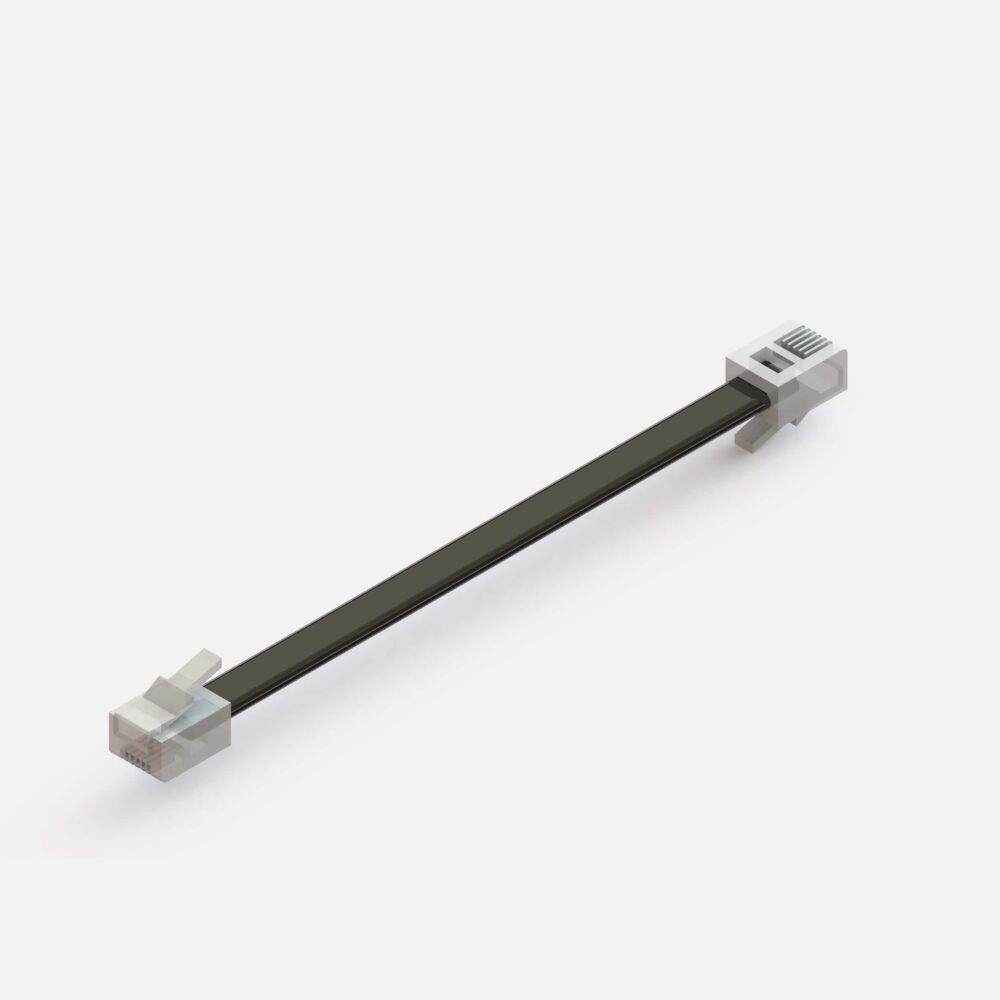
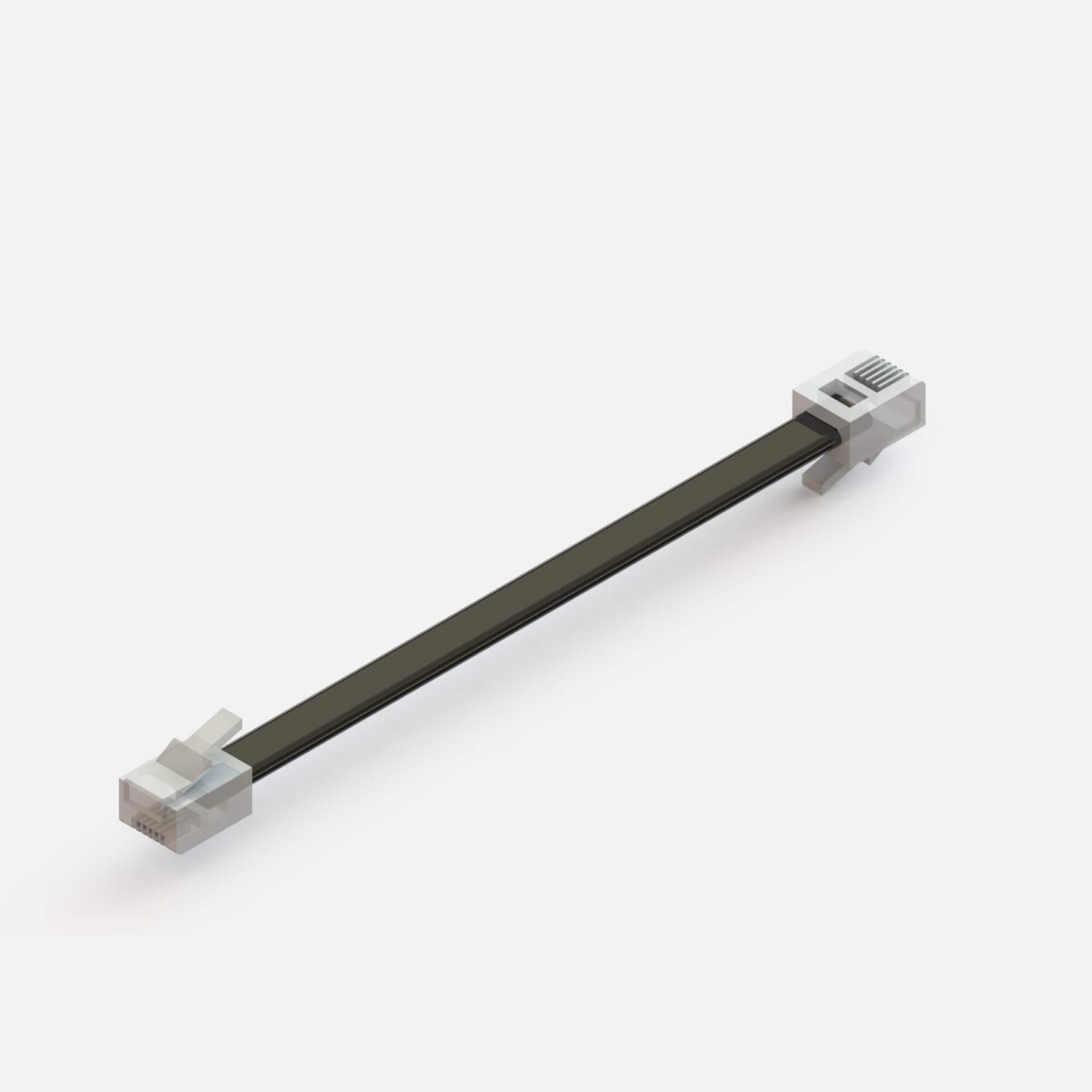
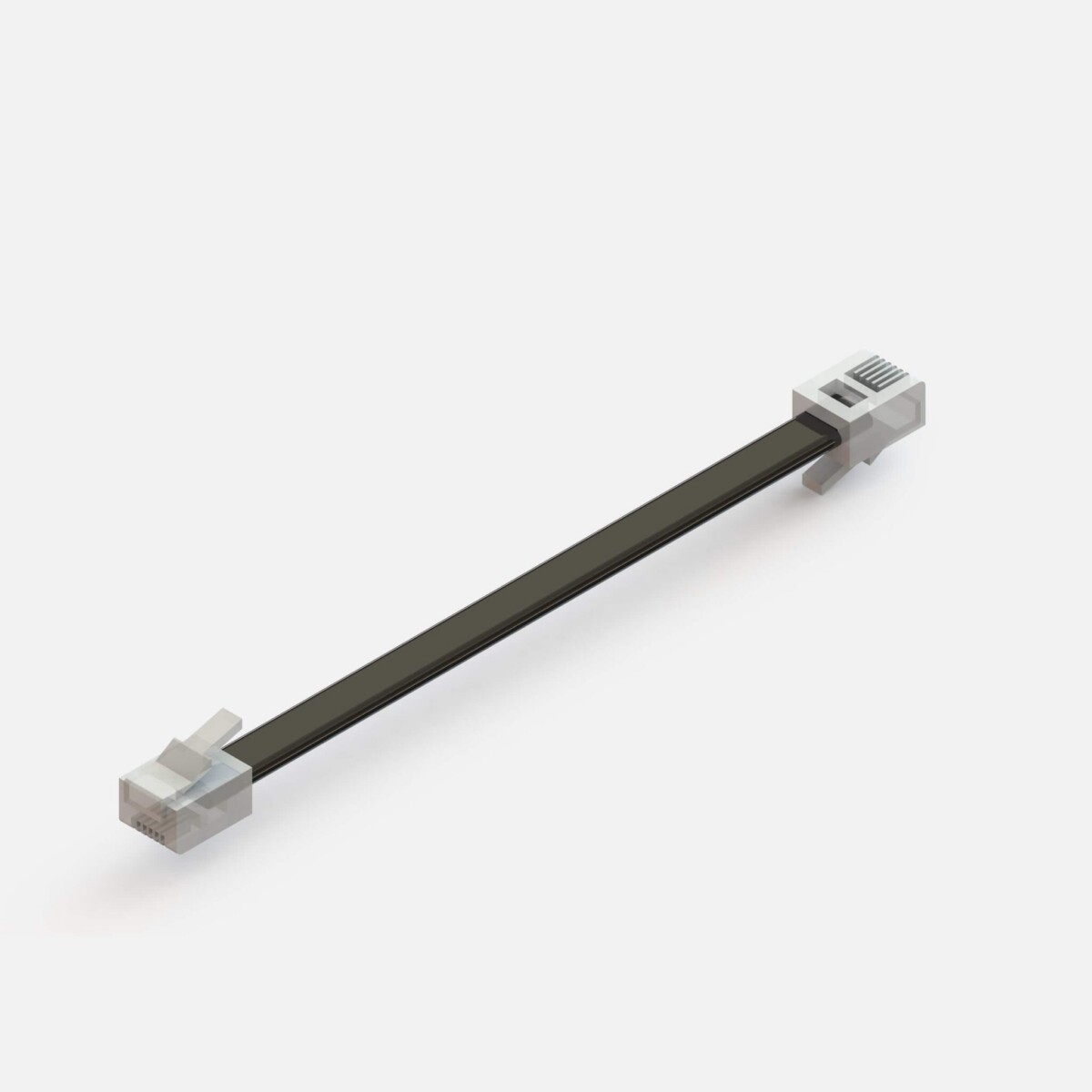
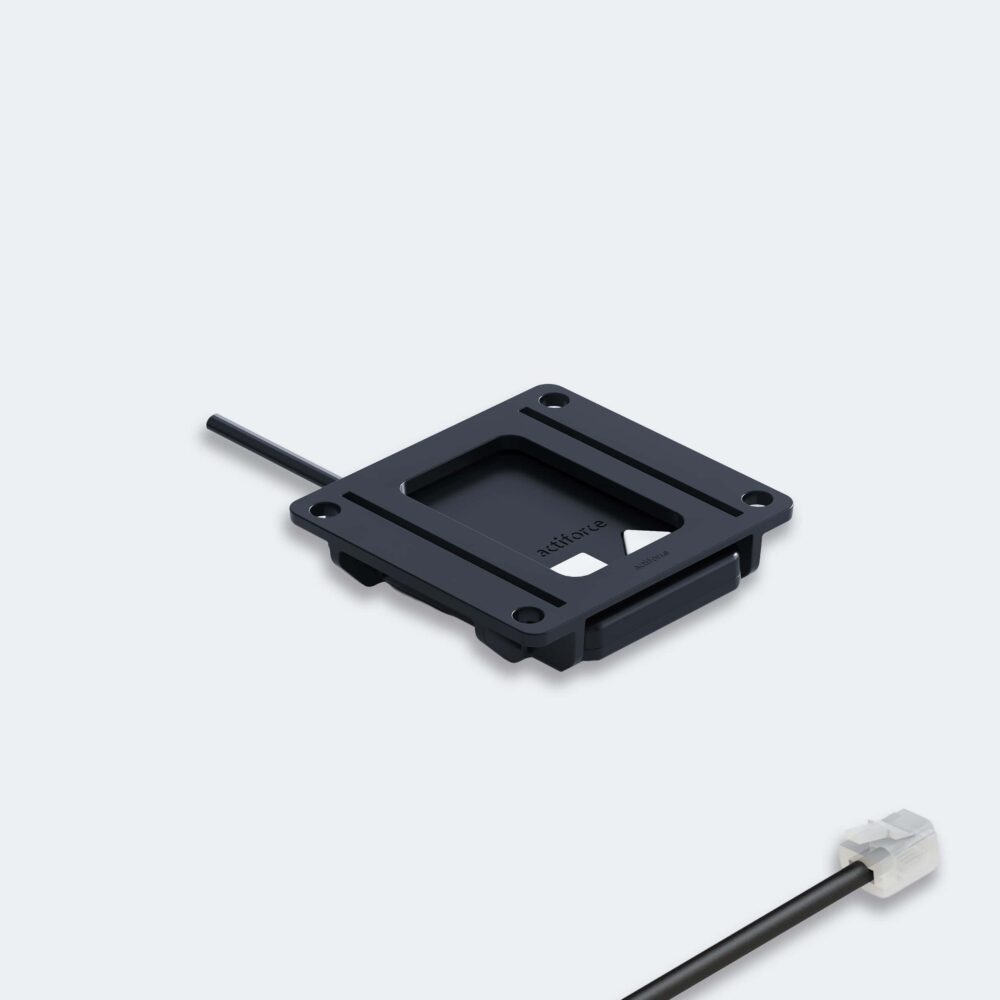
Where Actiforce SLS Cable Trays can be used
This collection is a practical choice for office workstations where cables need to be kept together rather than left loose beneath the desk. It can support individual desks, shared work areas, and workstation layouts that require a cleaner visual finish around power and connectivity points.
The interconnection format is relevant when the cable management needs to relate to a connected workstation arrangement. The fixed format is a straightforward option when the requirement is for a fixed cable tray accessory. Always check the intended workstation configuration and installation requirements before ordering.
How to choose between the SLS models
Start with the tray format
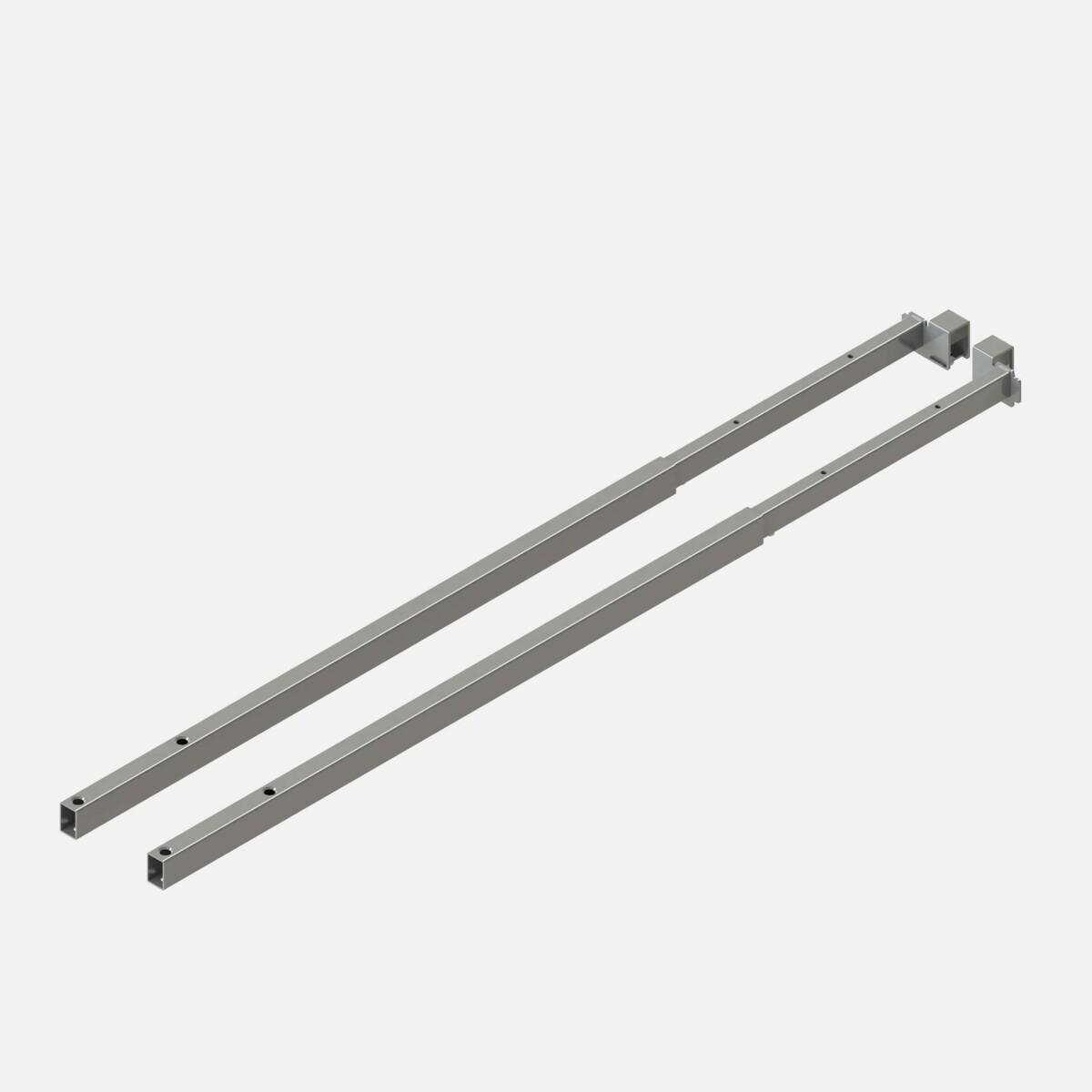
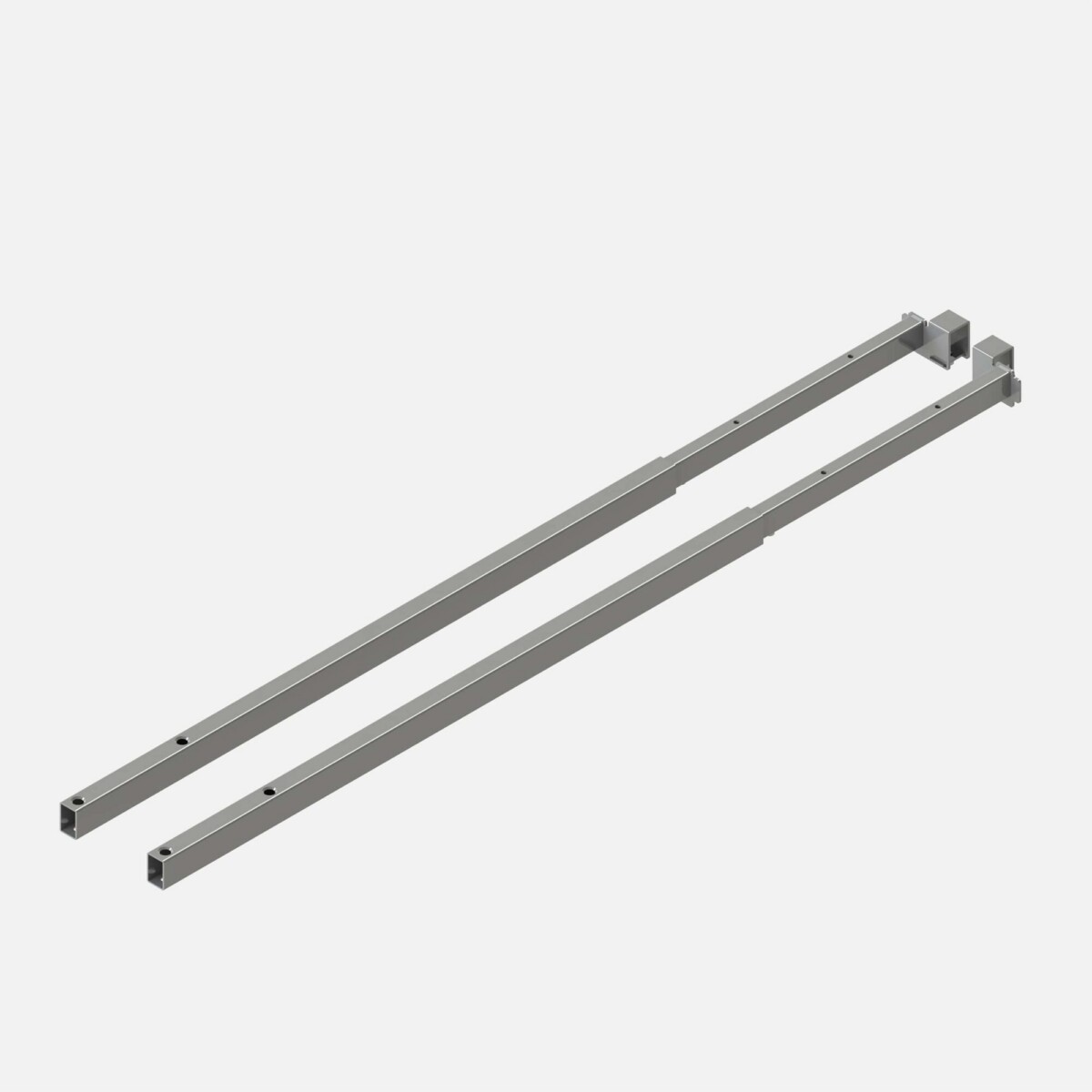
Choose the Fixed Cable Tray when a fixed cable management accessory is the right fit for your setup. Choose the Interconnection Cable Tray when your arrangement calls for the SLS interconnection model. The two products belong to the same family, but they are not interchangeable by default; confirm compatibility with the surrounding workstation structure.
Match the width to the workspace
Widths in the collection are listed from 120 to 200 cm. A 120 cm tray may suit a more compact workstation footprint, while wider options can be considered for broader desk arrangements or setups with more connection points. Use the available desk dimensions and the space beneath the work surface as the starting point, rather than choosing by width alone.
Color and specification checks
Actiforce SLS Cable Trays are listed in Black, Silver, and White across the collection. The interconnection model is specified with a Traffic White finish, while the fixed cable tray is described as available in white, black, or silver. If the tray will be visible, compare the finish with the desk frame and other accessories.
The product data also identifies the collection as circular and lists origin as available on request. These details may be relevant for procurement records or internal sustainability reviews, but should be confirmed for the specific model and order.
What to check before leasing
- Confirm whether you need the fixed or interconnection format.
- Measure the available width and compare it with the 120, 140, 160, 180, or 200 cm options.
- Check the available color or finish for the selected model.
- Verify compatibility with the intended Actiforce SLS workstation arrangement.
- Ask for any model-specific origin or purchasing details needed for your project.
Myntwork offers Actiforce SLS Cable Trays through a monthly leasing approach, helping businesses source workplace accessories as part of a flexible office setup. Review the model information and request the details needed to complete your selection.
Frequently asked questions about Actiforce Cable Tray SLS
What is the difference between the Actiforce SLS Fixed Cable Tray and Interconnection Cable Tray?
The Fixed Cable Tray is listed as a fixed cable management accessory, while the FA-SLS-FG0133 is the SLS Interconnection Cable Tray. Select the format that matches your workstation arrangement and confirm compatibility before ordering.
What widths are available in the Actiforce SLS Cable Tray collection?
The collection includes widths of 120, 140, 160, 180, and 200 cm. The interconnection model is specifically listed with a 120 cm width; check the individual product information for the exact width of the fixed model.
Which colors are available for SLS Cable Trays?
The collection includes Black, Silver, and White. The interconnection model is listed with a Traffic White finish, while the fixed cable tray is described as available in white, black, or silver.
How do I choose the right SLS Cable Tray width?
Measure the workstation area where the tray will be used, then compare that measurement with the available collection widths. Also consider the number of cables and connections to be managed, along with compatibility with the desk structure.
Can Actiforce SLS Cable Trays be leased?
Yes. Myntwork offers these Actiforce SLS Cable Tray products through a monthly leasing approach. Confirm the available terms and model details for your project.