Choosing Alea screens for your office layout
A desk screen can be useful wherever workstations sit close together, including open-plan offices, project areas and shared desks. It helps mark out an individual work zone without requiring a full-height partition. In a team setting, using a consistent screen style can also make separate desk clusters feel coordinated.
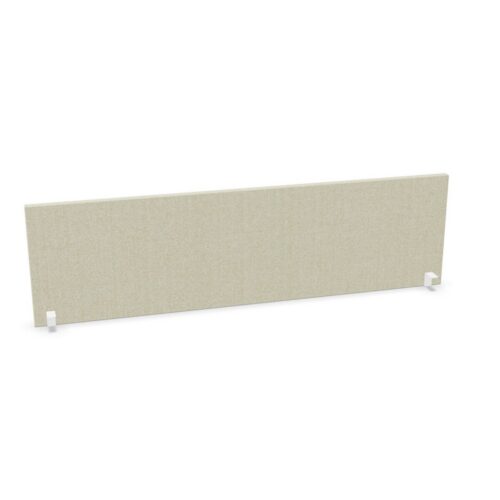
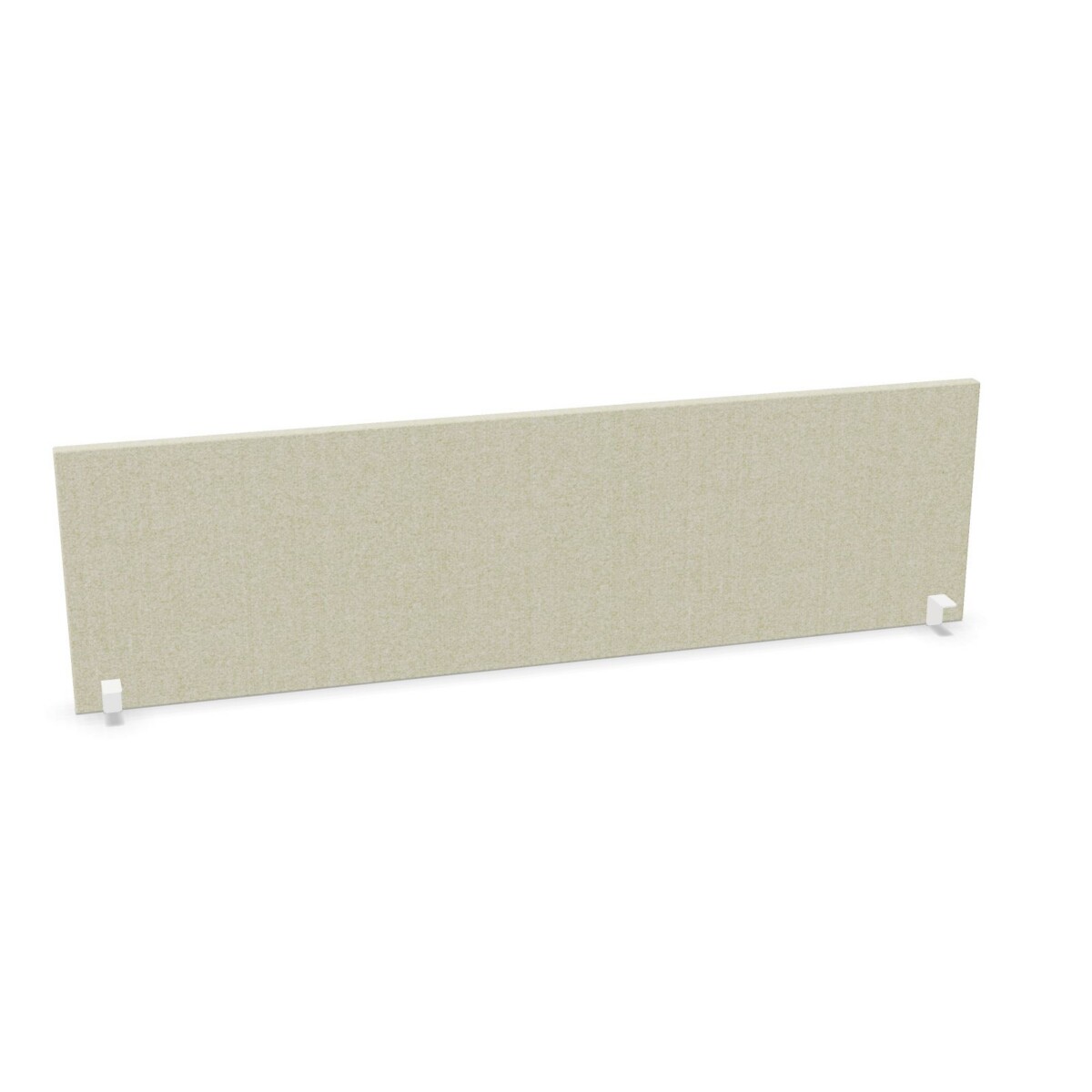
Think about how the desk is used before selecting a material. For a more visually open arrangement, consider the transparent acrylic options. Melamine may suit spaces where a solid-looking finish is preferred, while fabric provides a different surface and appearance. The collection includes listed colors such as white, grey, black, blue and green, among others; confirm the color offered on the specific model rather than assuming every finish is available in every size.
Match screen width and height to the desk
Widths in the collection range from 80 to 200 cm, including options such as 100, 120, 140, 160 and 180 cm. Measure the usable desk width and consider whether the screen should span the full work surface or cover only part of it. If desks vary across a floor, note each workstation measurement before specifying a mix of sizes.
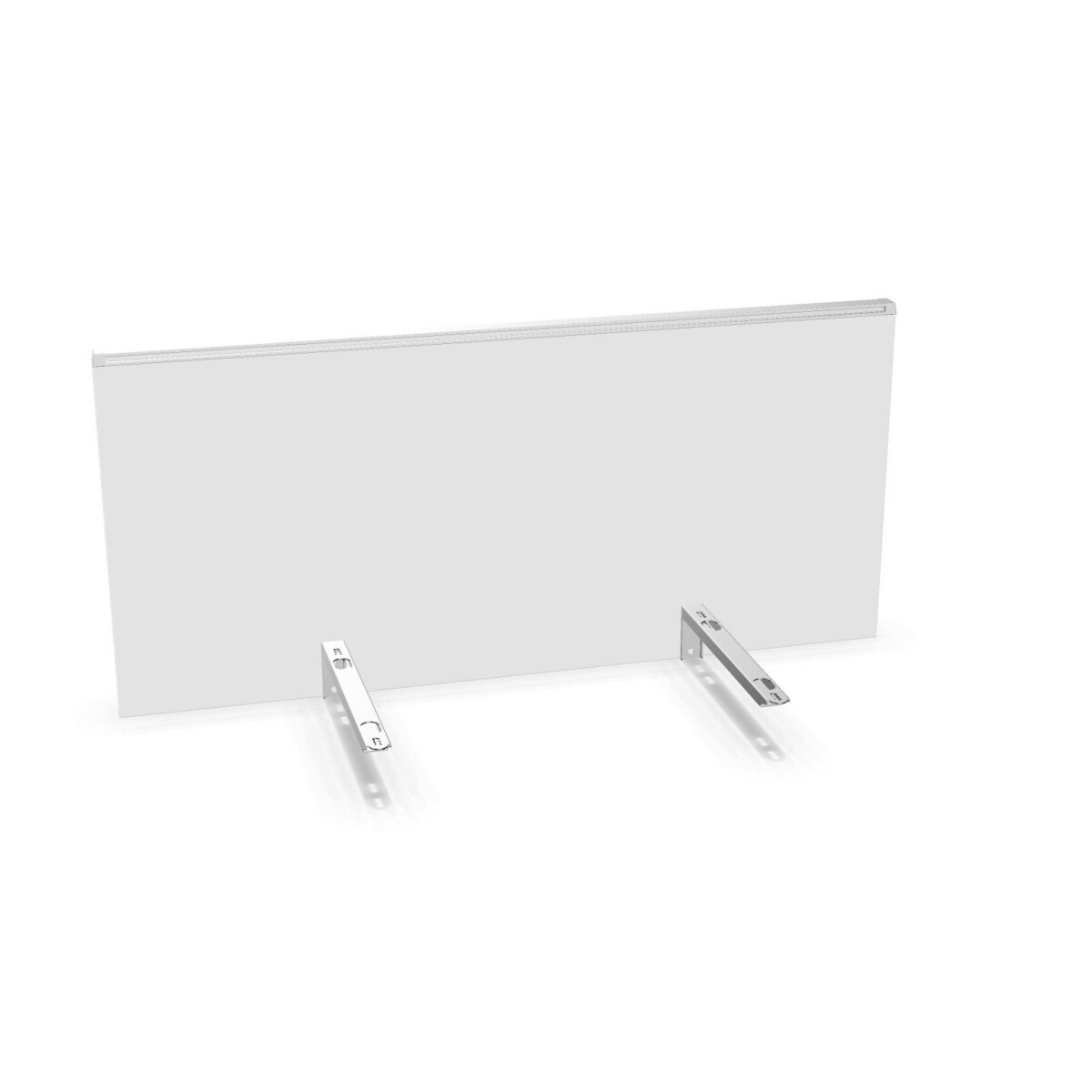
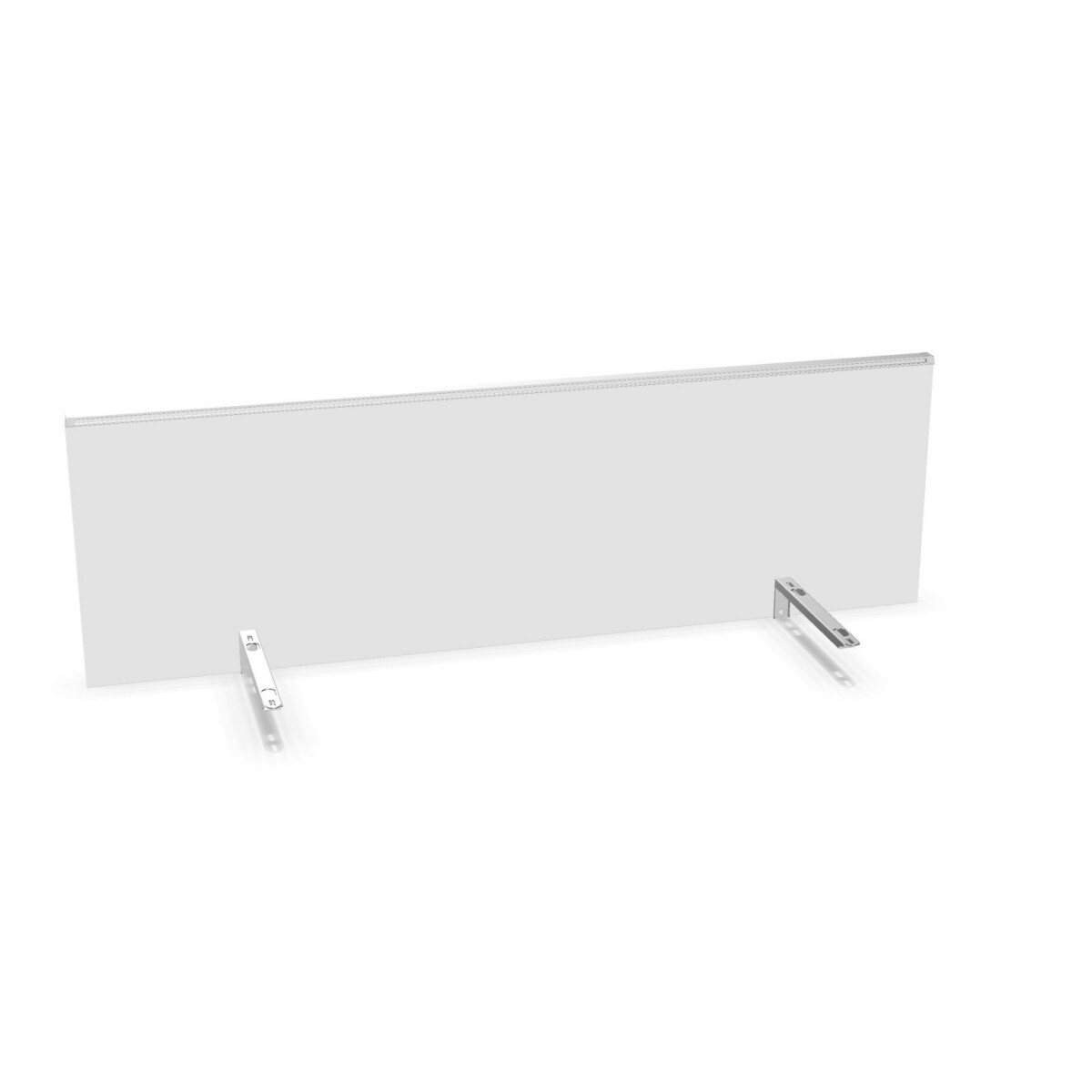
Listed heights are 40 and 44 cm. Compare the selected screen’s complete dimensions with the desk and the way people work at it. The melamine and acrylic examples have different thicknesses, and some listings include brackets. Review each model’s product details for its dimensions and included components, especially when replacing an existing screen or matching screens across a row of desks.
Plan material and finish across teams
For a consistent office scheme, decide whether screens should blend with desk finishes or add a contrasting color. White melamine is listed in multiple widths, while other color choices appear on selected melamine, acrylic and fabric models. If you are furnishing several areas, compare the available model options by material and width so the final selection works both visually and practically.
What to check before selecting
- Measure each desk and compare it with the screen’s listed width, height and depth.
- Choose between melamine, transparent acrylic and fabric based on the desired look and level of visual openness.
- Check the specific color, finish and any listed brackets on the model you are considering.
- Review product details for any information you need to confirm for your installation or workspace plan.
Myntwork offers Alea desk screens on a monthly lease, which can be considered when planning furniture for a new or changing workplace. Compare the collection options against your workstation measurements and team requirements, then review the individual model details before making a selection.
Frequently asked questions about Alea Desk Screen
Which materials are available in the Alea Desk Screen collection?
The collection includes melamine, transparent acrylic and fabric desk screens. The available material depends on the individual model.
What screen widths can I choose from?
Listed widths range from 80 to 200 cm, with several sizes between those endpoints. Check the model details to confirm the exact width.
Are all colors available in every material and size?
No. Color options vary by model. Confirm the finish shown for the specific screen you are considering.
How do I choose between a transparent and solid-looking screen?
Consider how visually open you want the workstation to feel. Transparent acrylic maintains a more open appearance, while melamine and fabric offer different, less transparent finishes.
What dimensions should I check before choosing a screen?
Compare the model’s width, height and depth with your desk and layout. Also check whether the listing specifies brackets or other components.