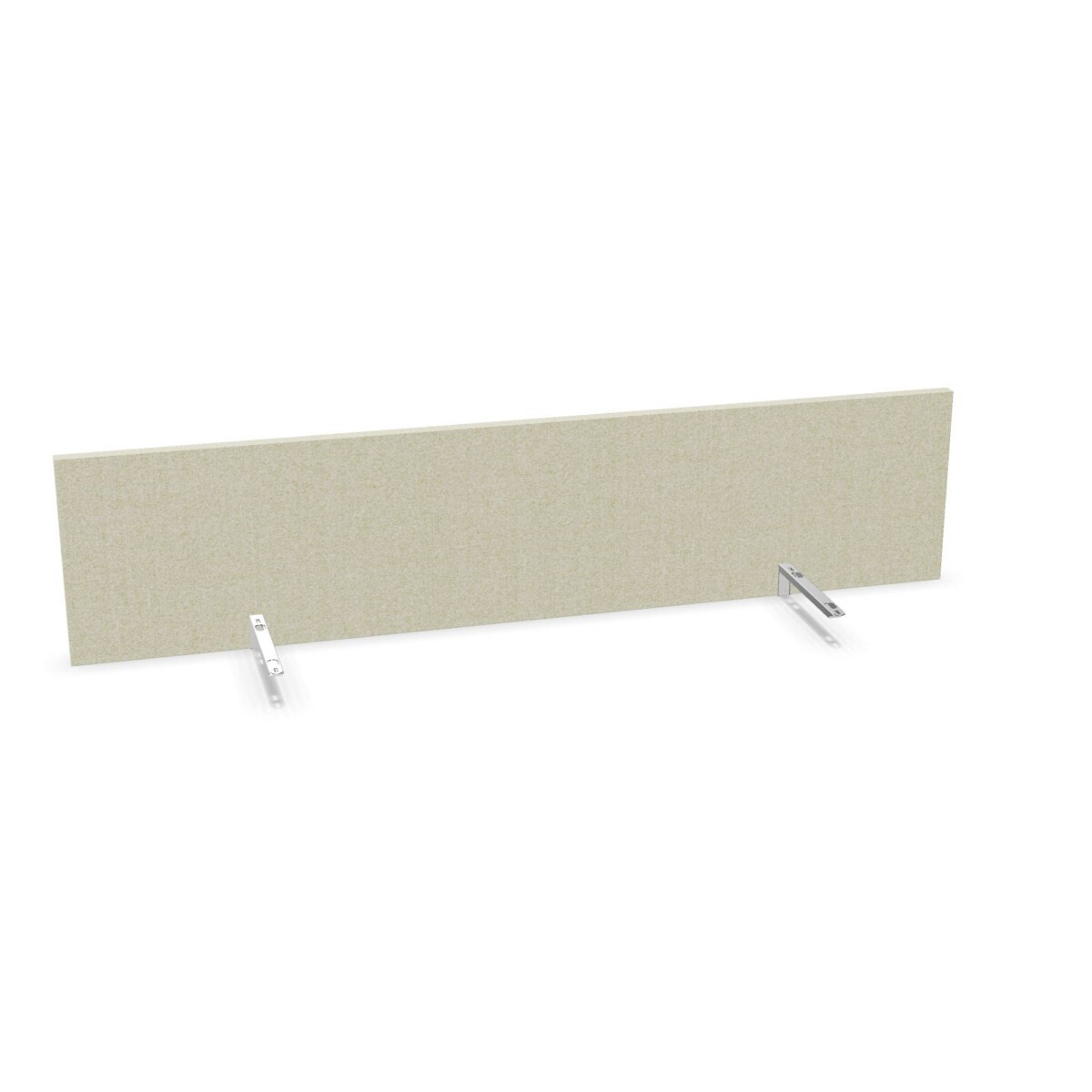
Choosing a screen for your office layout
Start with where the screen will be used. At an individual workstation, a desk screen can help establish a more defined work zone and keep pinned reminders within reach. In a shared office, screens can help distinguish neighboring desk areas while giving teams a consistent look across the room. The acoustic description is part of the product family, but the available information does not specify a sound-reduction rating, so use the product details rather than assuming a particular acoustic result.
Measure the usable width of the desk before choosing. Alea’s listed widths range from 80 to 200 cm, offering options for different desk spans. The listed height is 40 cm. Check that the selected size leaves enough room for monitors, work materials and other equipment, and consider how the screen will sit alongside adjoining desks.
Compare the two models and available finishes
Pinboard core or pincushion sponge
Both options are acoustic fabric desk screens with a sponge-based pinboard surface. The Alea Acoustic Pinboard Core Desk Screen is described as having a pinboard core, while the Alea Acoustic Pinboard Desk Screen is described as having pincushion sponge. Compare the descriptions for the exact model you are considering, particularly if the pinning surface is a key part of your choice. The listed information does not provide a performance comparison between the two.
Color and fabric choices
Beige appears in the descriptions of both models. The collection also lists black, green, grey, blue, brown, orange, red, silver, white, yellow and pink as color options. Check which colors are offered for your selected model and size. When coordinating several workstations, decide whether you want a consistent finish throughout or colors that distinguish teams or areas.
What to check before selecting
- Measure the desk and compare its usable width with the chosen screen size.
- Confirm the model, color and dimensions available for the configuration you need.
- Check that the screen is compatible with your desk setup and any existing equipment.
- For multiple workstations, consider how the sizes and finishes will work together across the space.
Myntwork offers Alea products on a monthly lease, which can be a practical way to furnish a workspace. Review the available model details and your desk requirements before choosing a configuration.
Frequently asked questions about Alea Desk Screen
What is the difference between the two Alea desk screens?
Both are fabric acoustic screens with a sponge-based pinboard surface. The Core model is described as having a pinboard core; the other is described with pincushion sponge.
Which width should I choose?
Measure the usable width of your desk, then compare it with the listed collection widths, which range from 80 to 200 cm. Confirm availability for your chosen model.
What colors are available in the Alea Desk Screen family?
The collection lists beige, black, green, grey, blue, brown, orange, red, silver, white, yellow and pink. Check the specific model for available colors.
Are the screens suitable for shared work areas?
They can be considered for individual desks or shared work areas. Measure each workstation and check the selected screen’s size and compatibility with your desk setup.