How to choose within the Managerial family
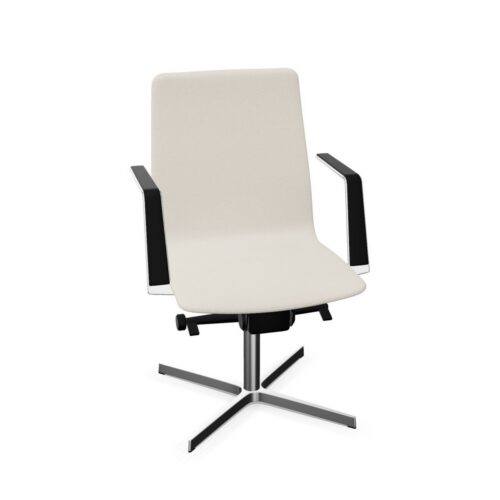
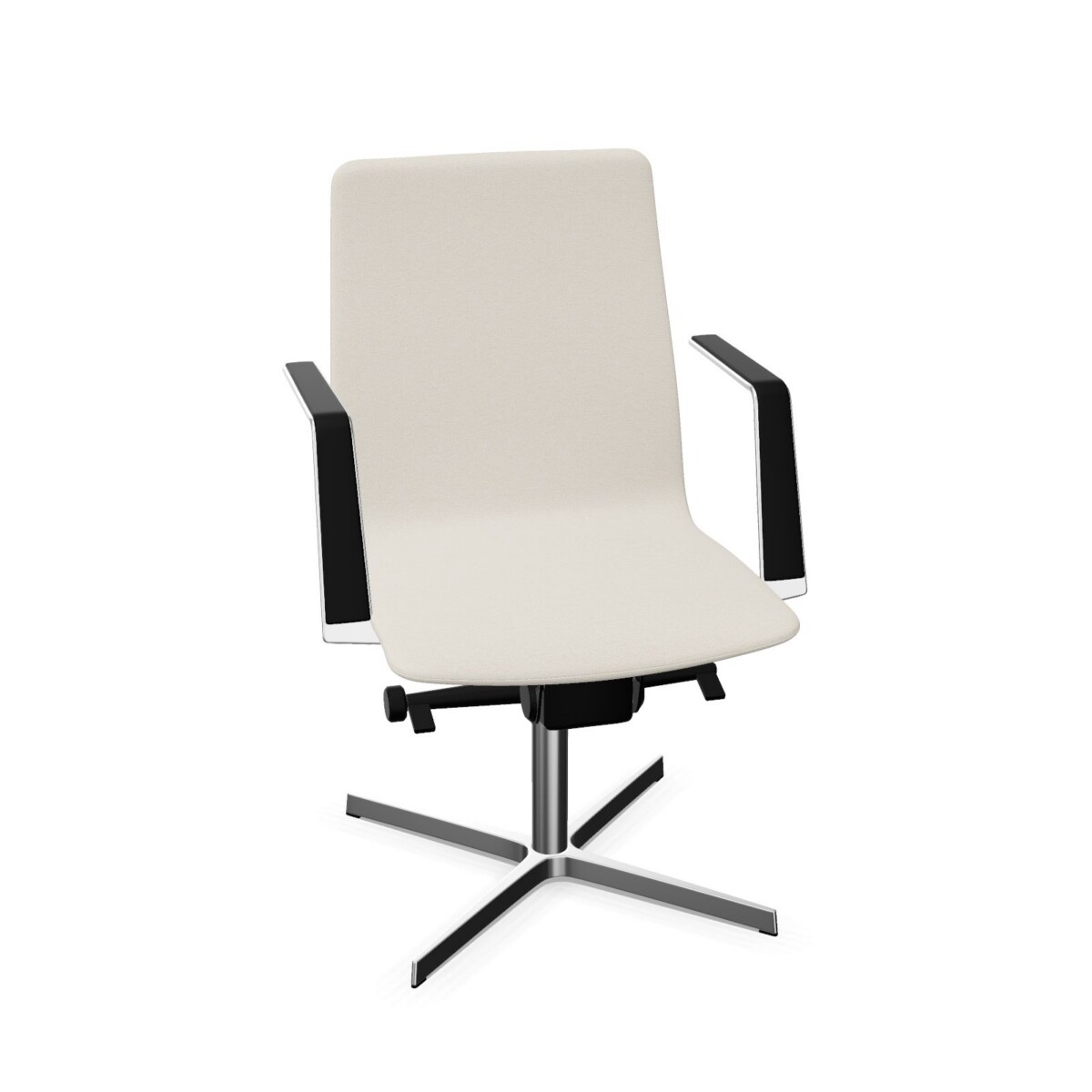
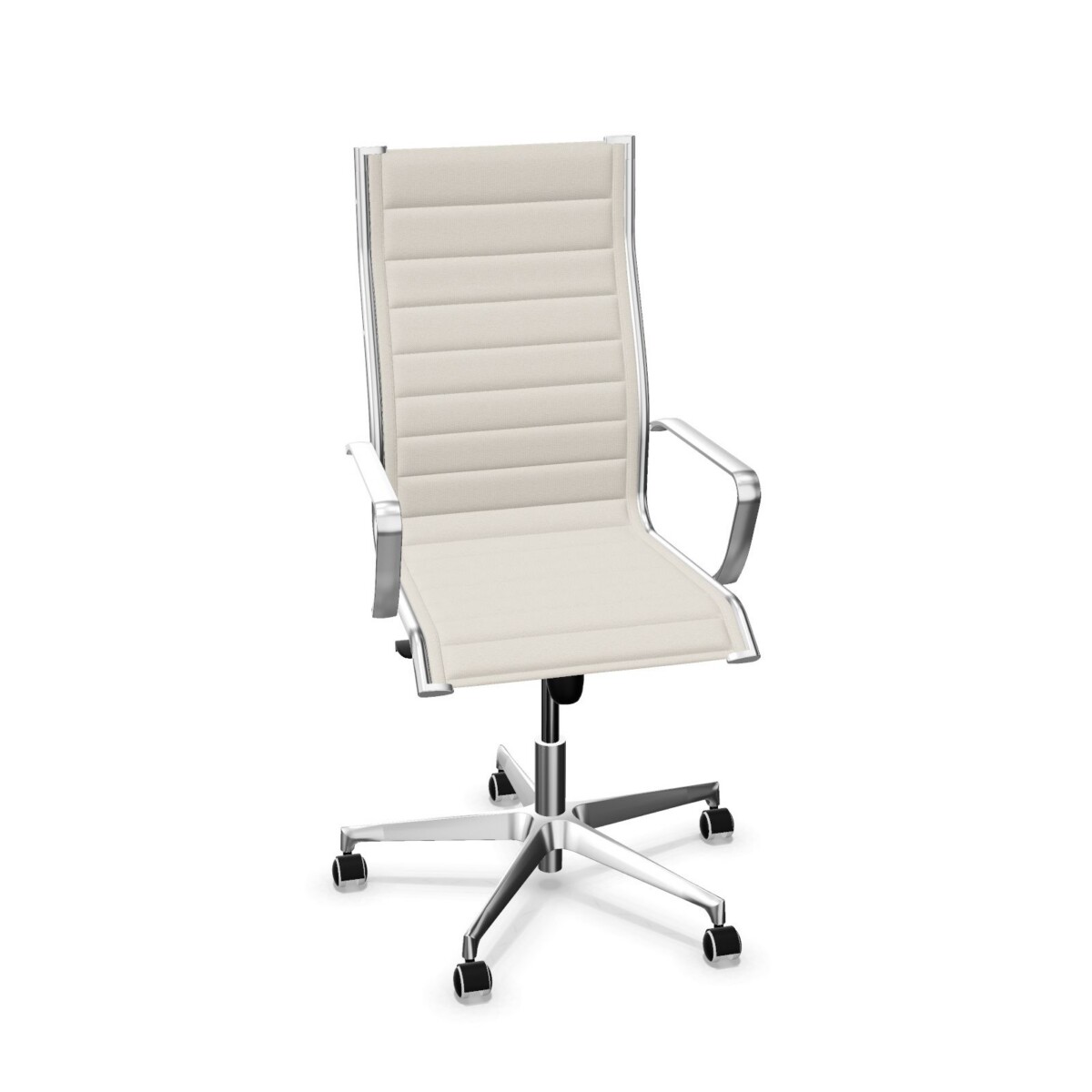
Start with the backrest profile. PM10 and PM30 are the low-backrest choices, while PM50 has a medium fabric backrest. Think about the look and level of back coverage that makes sense for the workstation, and whether you want the same profile throughout a room or different options for different users. The family information does not establish that one profile is right for every task, so consider your workplace requirements when making the selection.
Compare armrests and base details
Armrest details differ by model. PM10 lists one-dimensional armrests, PM50 lists 1D armrests, and PM30 specifies nylon armrests without the same adjustment detail. If armrests are important to your setup, compare the individual chair information and verify the exact configuration rather than treating the family as a single specification.
All three listed models have a five-star nylon base, and the PM10 and PM50 descriptions specify a matte black finish. PM50 additionally lists 50 mm castors. These are useful distinctions when matching a chair to the look or practical requirements of a space; the supplied family details do not state castor specifications for the other two models.
Match the chair to the workplace
For a group of similar desks, selecting one model across the area can help keep the seating consistent. For mixed workstations, compare the low and medium backrest options and the stated armrest details before deciding whether to use one configuration or a combination. For a small office or a single replacement chair, start with the user’s preferred backrest profile and then check the model-specific features.
The synchronous mechanism is shared across the three chairs, making it a common point of comparison for this collection. Other adjustments should not be assumed: check the selected model’s full product information for the functions and dimensions relevant to your desk and user. The family facts do not specify a headrest or lumbar support for each chair.
What to check before selecting
Confirm the backrest style, armrest configuration and any castor or base details you need. If you are furnishing several workstations, check whether you want one consistent model or a mix, and verify the exact specification for every selected chair. Myntwork offers these Alea products on a monthly lease, which can be considered when planning an office furniture requirement.
Frequently asked questions about Alea Executive Chair
What is the main difference between the Alea Managerial models?
The clearest difference is backrest height: PM10 and PM30 have low backrests, while PM50 has a medium fabric backrest. Armrest details also differ, and PM50 specifically lists 50 mm castors.
Do all three Managerial chairs have a synchronous mechanism?
Yes. The supplied details list a synchronous mechanism for PM10, PM30 and PM50.
Which models list one-dimensional armrests?
PM10 and PM50 list one-dimensional (1D) armrests. PM30 lists nylon armrests, but its supplied description does not specify one-dimensional adjustment.
Which Alea Managerial chair has 50 mm castors?
PM50 is the model whose supplied description specifies 50 mm castors. Castor dimensions are not stated for PM10 or PM30 in the family details.
Can I combine different models in one office?
You can compare the low-backrest PM10 and PM30 with the medium-backrest PM50 when planning a mixed setup. Check each model's full details to confirm its exact configuration and suitability for your workstations.