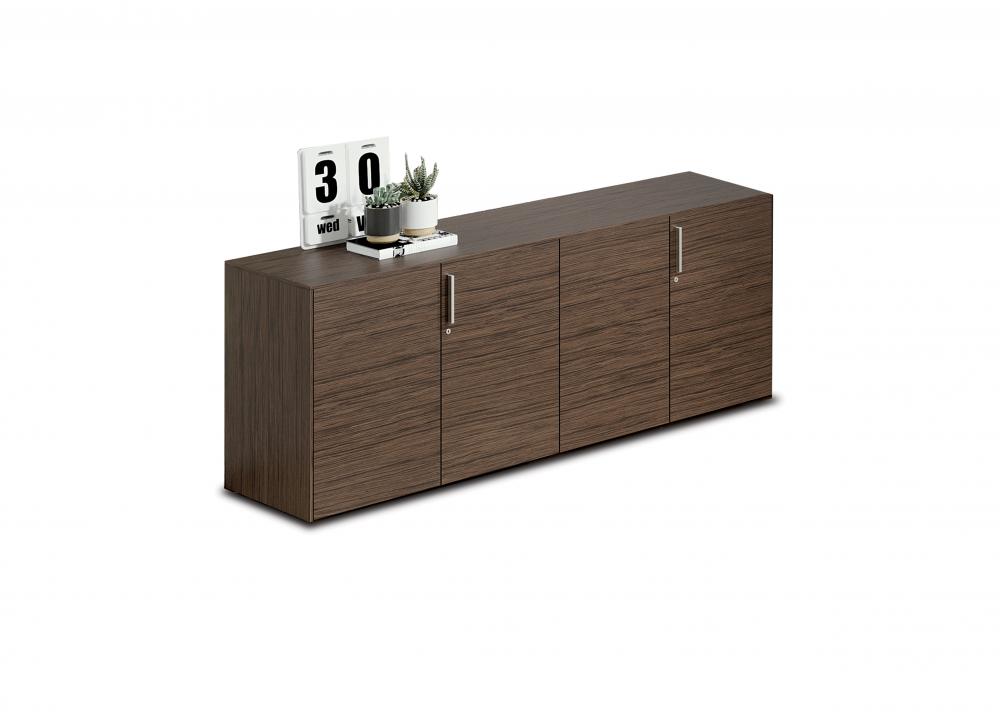
Choosing the right Alea cabinet for your space
Start by listing what the cabinet needs to hold. Three-shelf models can help separate smaller supplies or keep items grouped by use. A model without shelves may suit larger objects or a storage plan that does not require built-in divisions. The listed models do not include hanging folder frames, so choose another storage format if your filing needs depend on suspended folders.
Next, consider where people will access the cabinet. In a shared office, a cylinder lock can help keep stored items secured. Check who needs access and whether the cabinet’s door can open fully without obstructing a walkway, desk or nearby furniture. The left-opening descriptions can help narrow the choice, but confirm the specific hinge or opening direction in the model details rather than assuming all doors open alike.
Compare construction and dimensions
The family includes more than one construction description. Framed-door options use an aluminium frame, with one listed as having an acrylic door. Other models are described as melamine cabinets, and one specifies melamine shelving. These distinctions can help you coordinate a cabinet with existing furniture or select the door and interior arrangement that suits your everyday use.
Dimensions vary across the collection. Measure the available floor area and the height clearance, including any space needed to open the door. Then compare those measurements with the specifications for the exact model. Do not rely on a family-level size to decide whether a particular cabinet will fit.
Check the model details before selecting
- Storage layout: Confirm whether the model has three shelves or no shelves, and whether that arrangement suits the items you plan to keep inside.
- Door style: Check whether you want an aluminium-framed door, an acrylic door, or a model described as melamine.
- Access: Review the stated opening direction and consider the clearance around the cabinet.
- Fit and finish: Verify the dimensions and available color or finish for the selected model, as options can differ across products.
When comparing the Alea models, use the individual product specifications to confirm these details rather than treating every feature as common to the whole family. Myntwork offers these products on a monthly lease, giving businesses another way to plan workplace furniture costs. Once you have identified the right configuration, check the selected model’s details and leasing information before proceeding.
Frequently asked questions about Alea Storage Cabinet
Which Alea Storage Cabinet models have shelves?
The family includes models listed with three shelves and a framed-door model listed without shelves. Check the individual product details to confirm the configuration.
Do the Alea cabinets have locks?
The listed models specify a cylinder lock. Review the selected model’s product information to confirm its included features.
Are all Alea cabinet doors the same?
No. The collection includes aluminium-framed door options, including one described with an acrylic door, as well as melamine cabinet options. Opening direction also varies by model.
How do I choose the right cabinet size?
Measure the space available, including clearance for the door to open, then compare it with the dimensions listed for the exact model. Sizes differ across the family.
Can I use these cabinets for hanging files?
The collection attributes indicate that hanging folder frames are not included. Check the selected model’s details if you need a specific filing setup.