Plan storage around the way your team works
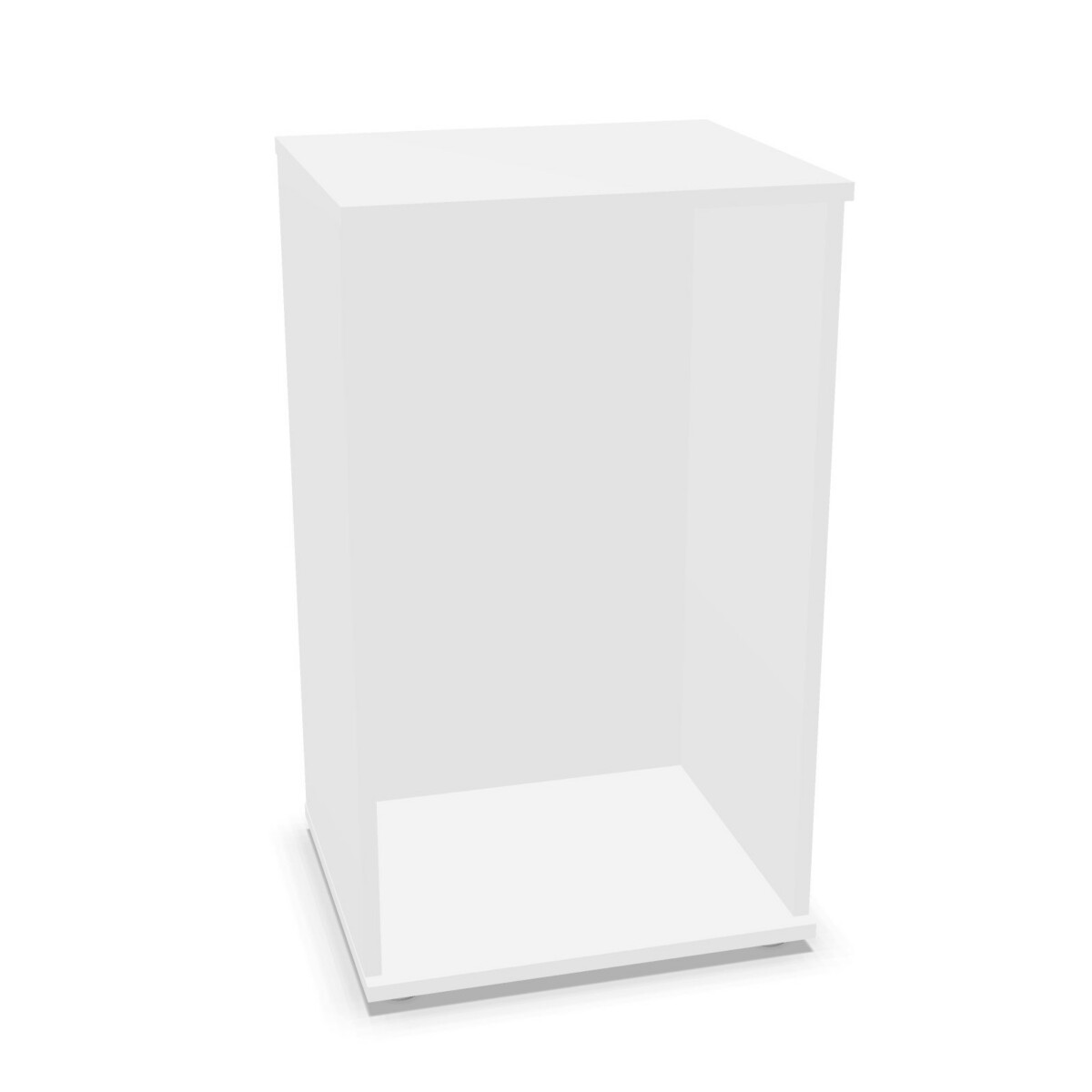
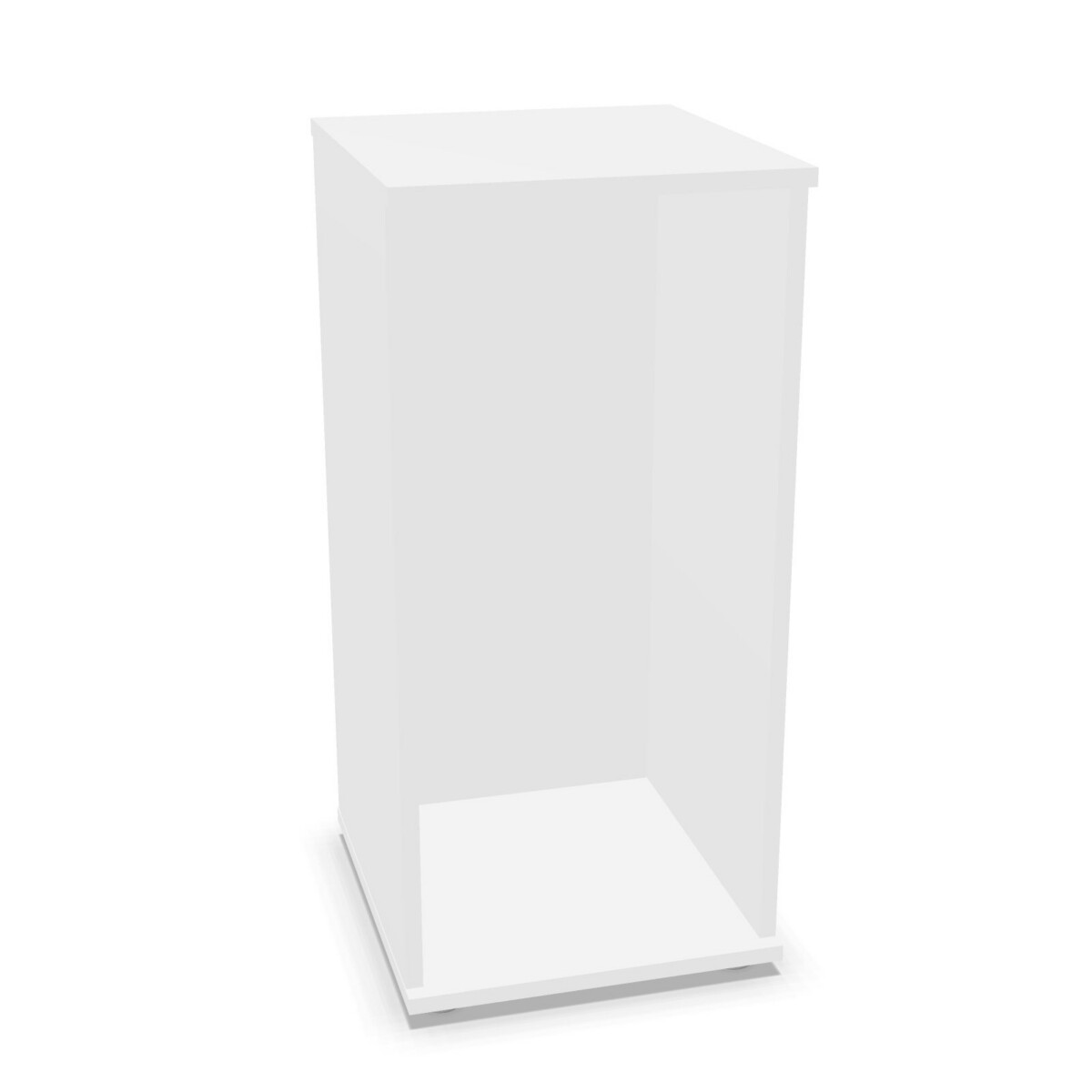
Start by identifying what the cabinet will hold and where it will sit. A cabinet for shared stationery or supplies may need a different shelf layout from one used to keep documents and personal work materials together. For a team area, consider whether more than one cabinet will help separate supplies by project or department. The Alea family includes multiple models, so you can compare the listed configurations rather than treating every cabinet as interchangeable.
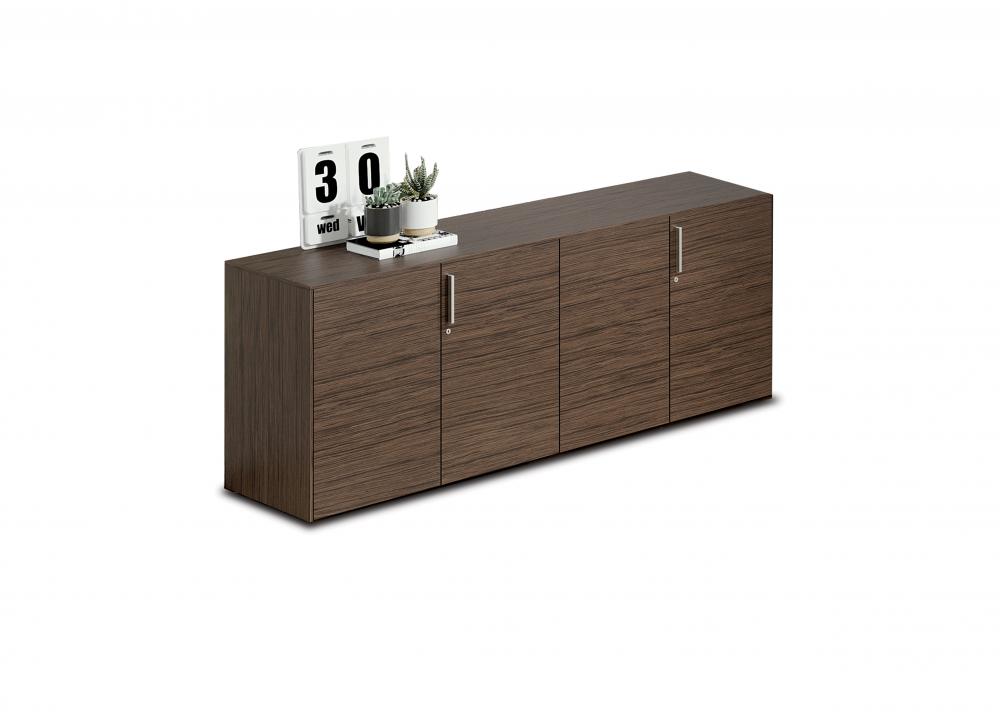
These are door-fronted cabinets, which can help keep stored items out of immediate view. The collection information specifies no hanging file frames, so do not assume that a model is ready for suspended files. If hanging-file storage is essential, check the product details or consider a different cabinet type.
How to choose between Alea models
Choose the door construction
Melamine-door models make up most of the listed range. Their descriptions vary: some specify a melamine body or back, and some identify a white melamine body. Other models have aluminium-framed doors. Decide which construction suits your workspace, then verify the full material description on the model you are considering rather than assuming every part has the same finish.
Check the shelf layout and capacity
Compare the number of shelves shown for each cabinet with the items you plan to store. The listings include different shelf arrangements, including one-shelf and three-shelf examples, as well as other configurations across the family. Think about the size and quantity of your supplies, and how you want to group them. Use the individual product specifications to confirm shelf count and cabinet dimensions before settling on a model.
Review locking and finish details
Many of the melamine-door cabinets list a cylinder lock. If locking storage matters for your workplace, confirm that the specific model you select includes one. Body and back details also differ between listings, so check those alongside the door description. Where finish or colour choices are presented for a product, use that model’s available options to coordinate with the rest of the office.
What to check before selecting
Measure the intended location and compare it with the dimensions in the product listing, allowing for the space needed to open the doors and access the contents. Confirm the shelf arrangement, materials and lock details for your chosen model, especially when matching several cabinets. If a feature is not stated in the listing, do not assume it is included.
Myntwork offers Alea storage cabinets on a monthly lease, giving businesses a way to consider workplace storage as part of their furniture plans. Compare the available models and their stated specifications to identify the right configuration for your space and storage needs.
Frequently asked questions about Alea Storage Cabinet
What is the difference between the Alea cabinet models?
Models vary by door construction, cabinet body or back description, shelf arrangement and stated features. Compare the individual listings to see which configuration matches your needs.
Do Alea storage cabinets have shelves?
Shelf configurations vary across the family. Listings include different shelf counts, so check the selected model’s specifications to confirm the number of shelves.
Are the Alea cabinets available with a lock?
Many listed melamine-door models specify a cylinder lock. Check the details for your chosen cabinet to confirm whether a lock is included.
Can I use an Alea cabinet for hanging files?
The family information specifies no hanging file frames. These cabinets are therefore not described as fitted for suspended files.
What should I measure before choosing a cabinet?
Measure the available floor space and check the product listing’s dimensions. Allow room to open the doors and confirm the cabinet’s shelf layout and materials.