Choosing a screen for your desk layout
Start with the purpose of the screen. If your priority is to establish a visual boundary between adjacent work positions, consider how much of the desk span you want to cover and how the screen will sit within the wider workstation arrangement. A longer screen may suit a broader surface, while a shorter width can be more appropriate when the work area is compact or only part of the desk needs defining.
The Alea family includes widths from 120 to 200 cm. Measure the usable width of the desk and account for nearby panels, monitor arms or other equipment that could affect placement. Do not assume that every model is available in every width; check the listed dimensions for the specific option you are considering.
Choose the model details that fit
Profile and mounting
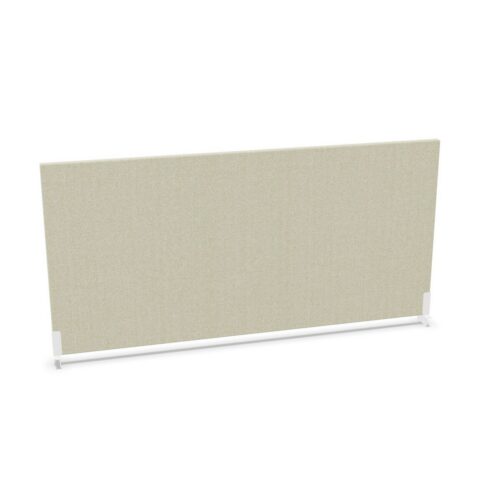
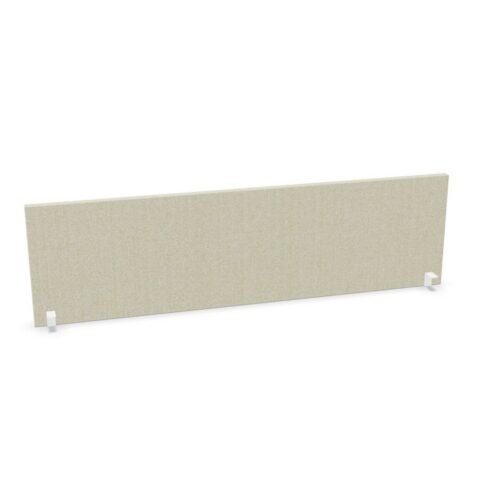
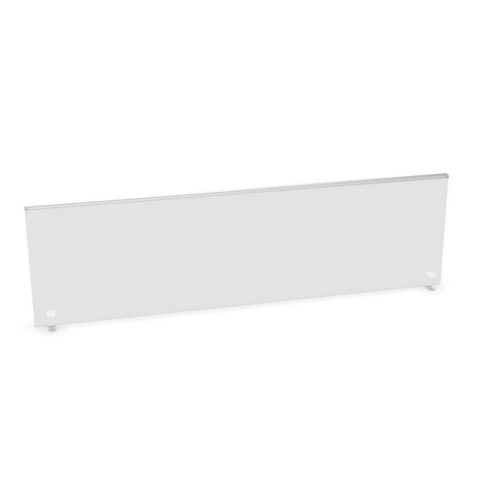
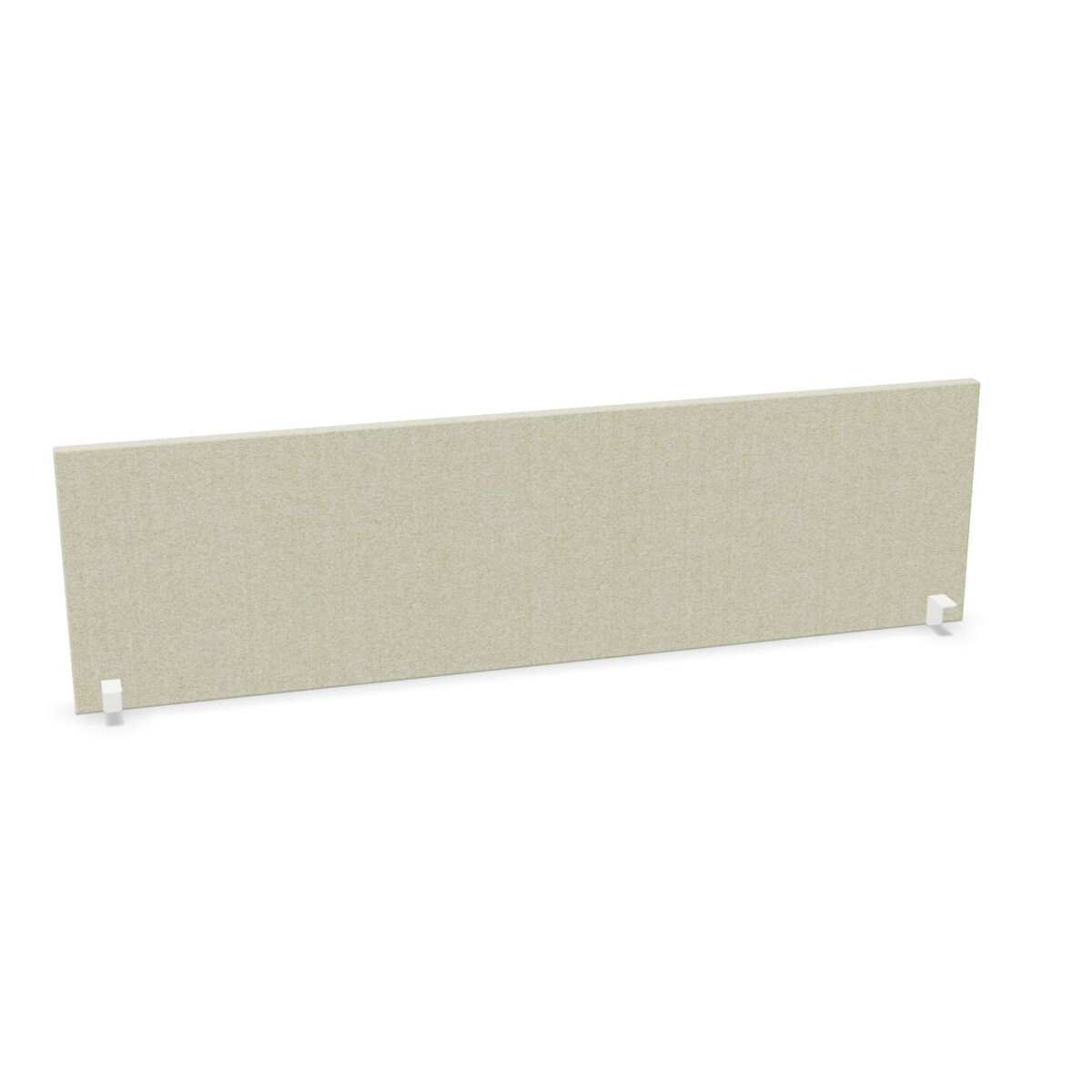
Choose between the standard desk-mounted screen, the version with brackets, and the boiserie-profile design based on the appearance and mounting arrangement you need. The boiserie-profile options provide a distinct profile, while the bracketed model has white screen and bracket finishes listed. Review the product details to confirm the mounting components and finish associated with your selected model.
Finish and material
The screens are described as melamine, with listed color options including beige, black, green, grey, blue, brown, orange, silver, white and yellow. Color availability can differ by model, so use the individual option details rather than assuming every finish applies across the full collection. If a coordinated office scheme matters, compare the screen finish with your desk and surrounding furniture.
One member is described as an acoustic desk-mounted screen. Treat that as a model-specific detail: if acoustic properties are part of your requirements, verify the information for the exact screen rather than extending it to the other melamine options.
What to check before selecting
- Measure the desk and compare it with the listed screen width and height.
- Confirm that the chosen mounting style is suitable for your desk setup.
- Check the exact color, profile and bracket finish listed for the selected model.
- Review model-specific information if acoustic properties are important.
These checks can help narrow the range to a screen that suits both the workstation dimensions and the intended look. Myntwork offers Alea products on a monthly lease, giving businesses a leasing option to consider when planning workplace furniture.
Frequently asked questions about Alea Vik Desk Screen
What types of desk screen are included in the Alea family?
The collection includes standard desk-mounted screens, a model with brackets and boiserie-profile screens. Compare the individual listings for their specific finish and mounting details.
What widths are available?
The family lists widths from 120 to 200 cm. Availability can vary by model, so confirm the dimensions shown for the option you plan to select.
Which colors can I choose from?
Listed family colors include beige, black, green, grey, blue, brown, orange, silver, white and yellow. Not every color is necessarily offered for every model.
Are all Alea desk screens acoustic?
No. One listed member is described as an acoustic screen. Check the details of the specific model if acoustic properties are important to your choice.
How do I decide between the mounting options?
Compare the standard desk-mounted, bracketed and boiserie-profile options against your desk setup and preferred appearance. Confirm the mounting details for the selected model before ordering.