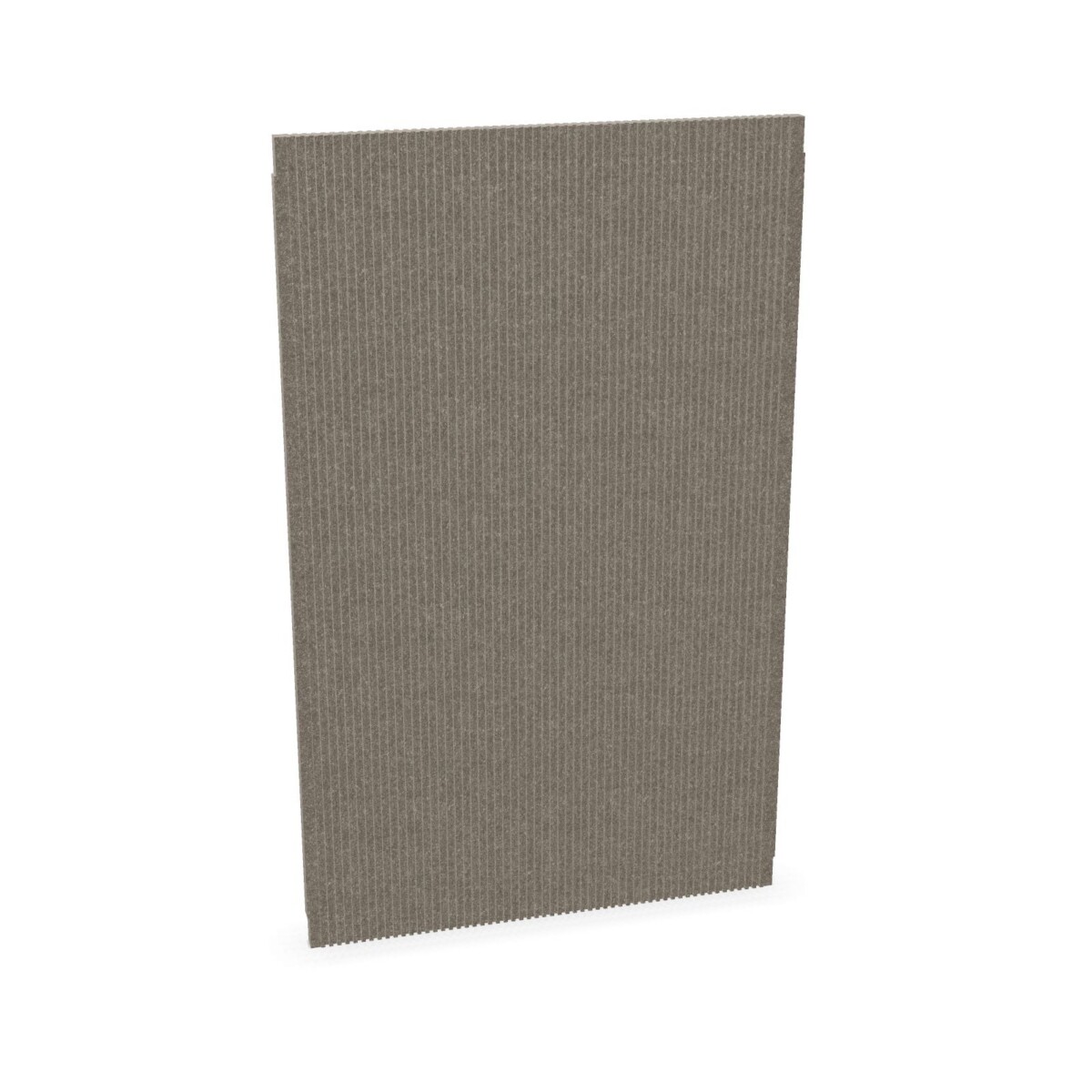
Choosing an Extend panel for your workspace
Start with where you want the panel to sit. Extend desk screens are designed for workstation use and may suit offices arranging individual desks within a shared room. Wall panels provide a wall-mounted alternative, while the collection also includes a ceiling-mounted panel in grey Felt 2. The right placement depends on your furniture plan, the available surfaces and how the space is used.
For a desk-based setup, compare the available screen models and their product details before deciding. For a meeting area, open office or other shared zone, consider whether a wall or ceiling format is more appropriate for the layout. These panels are acoustic products, but the collection information does not specify a particular level of sound reduction or room-performance result. If you need to meet a specific acoustic requirement, confirm that the selected model is suitable for it.
How to compare the models
Choose the format first
Use the product name and listing details to distinguish desk screens from wall panels and the ceiling-mounted option. The collection includes desk and wall models labelled 400 or 1000. Treat these as model identifiers and check the product specifications for exact dimensions, fit and installation requirements. Do not assume that options available for one format are also offered in another.
Then consider color and material details
Felt is a defining feature of the Extend range. Listed colors across the collection include grey, green, beige, blue and black, with the exact choice depending on the model. If you are coordinating panels with desks, partitions or a broader office palette, compare the individual listings rather than relying on a family-wide color assumption. The ceiling-mounted model is identified as Felt 2 in grey; check its listing for further material and mounting information.
What to check before selecting
- Placement: Confirm whether the model is a desk screen, wall panel or ceiling-mounted panel.
- Fit: Review the listed dimensions and mounting or installation details against your workspace plan.
- Finish: Verify the color and felt details for the exact model you intend to use.
- Product attributes: Some listings identify circular status, and origin information may be available on request. Check the relevant product details for the specific item.
For a larger office project, it can help to map panel locations and colors before selecting models, especially when combining formats. Myntwork offers apto plus Extend products on a monthly lease, giving businesses a leasing option to consider alongside their workspace requirements. Review the individual listings or contact Myntwork to confirm product-specific details before making a selection.
Frequently asked questions about apto plus Acoustic panel Extend
What formats are included in the apto plus Extend collection?
The collection includes felt desk screens, wall panels and a ceiling-mounted acoustic panel. Check each product listing for the exact format and its installation details.
How do I choose between an Extend desk screen and a wall panel?
Choose based on where you want the panel in your layout: desk screens are workstation options, while wall panels are intended for wall placement. Compare dimensions and fitting details for the specific model.
What colors are available in the Extend family?
The collection includes grey, green, beige, blue and black options, but the available colors vary by model and format. Confirm the color on the individual product listing.
What do the 400 and 1000 labels mean?
They appear in the names of models in the Extend range. Use them to distinguish listings, and consult the individual product information for exact dimensions and specifications.
Are all Extend panels identified as circular?
Circular status is indicated in collection listings, but check the individual product details to confirm the attribute for the particular panel you are considering.