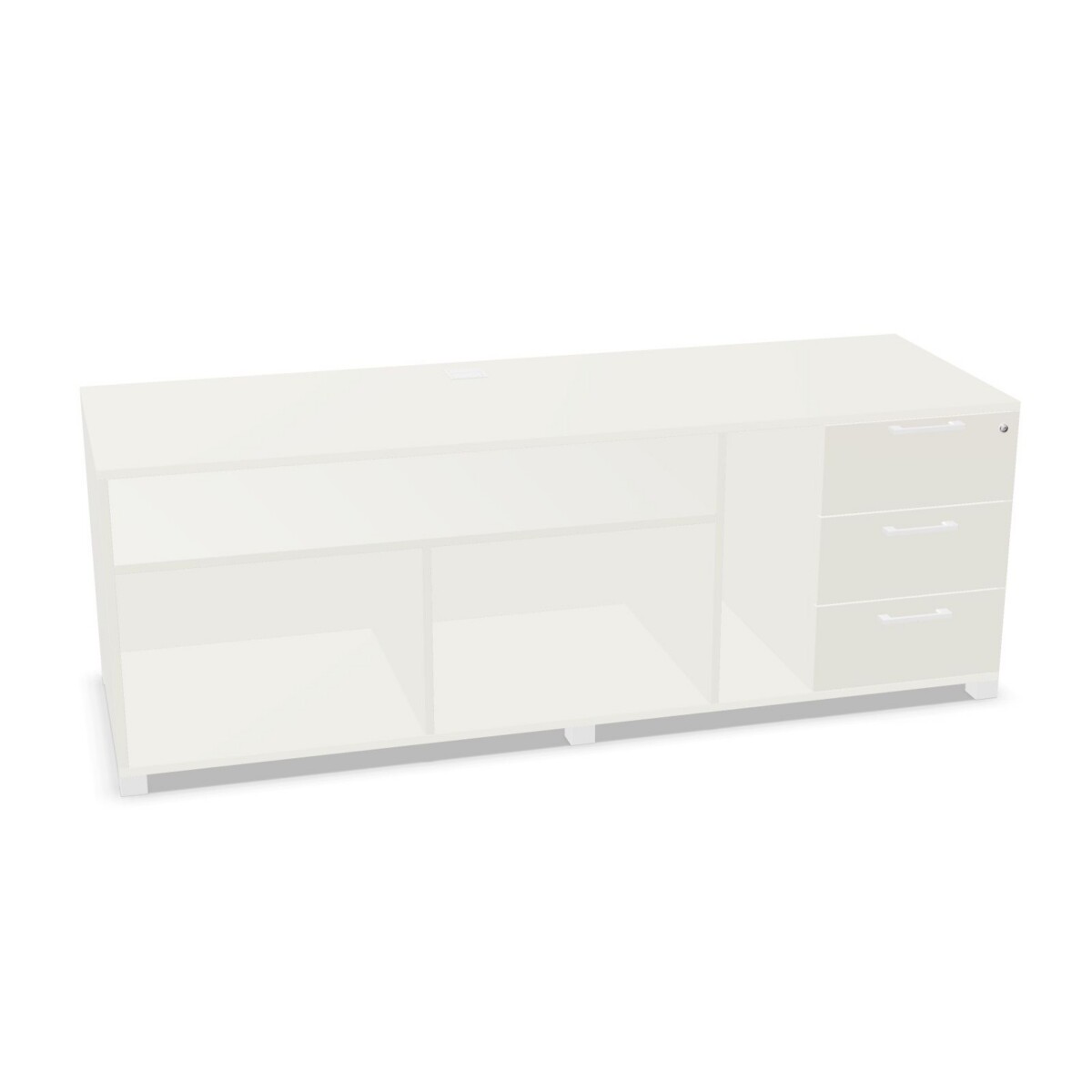
How to choose a Multi-Line side unit
Start with the role the unit will play at the workstation. If computer equipment needs a defined place, decide whether a holder or an enclosed compartment is more suitable for your setup. The CO18D and CP18S listings specify CPU compartments, with CP18S described as having an enlarged compartment. The LC18D and CD18S specify a CPU holder. Check the product details for the chosen configuration to make sure its arrangement works with the equipment you intend to use.
Next, consider the side orientation. CO18D and LC18D are listed as right-side units; CD18S and CP18S are listed as left-side units. Confirm which side should sit next to the desk or other furniture, allowing for how people approach the workstation and access drawers or open storage. The distinction is especially useful when planning multiple workstations or placing units in a consistent row.
Match the storage layout to daily use
All four models have three drawers, giving the family a consistent base for storing office essentials. The open compartments provide quick-access storage, while the LC18D listing specifically identifies four open compartments. If the exact number or location of compartments matters for files, devices or shared supplies, compare the individual model descriptions before choosing. The collection is listed without hanging folder frames, so do not select it on the assumption that it includes a filing-frame system.
Check dimensions, finish and features
Use the listed dimensions—180 cm wide, 60 cm deep and 65 cm high—to check the available floor area and how the unit will sit beside nearby furniture. Measure the route into the office as well as the intended position, and allow room to open drawers and reach the compartments. The listed color options are beige, green, grey, blue, brown, white and wood; confirm the available finish for the specific configuration you are considering.
A cylinder lock is listed for the collection. If locking is important for the items you plan to store, verify how that feature applies to the selected model. The family is also listed as having no acoustic feature, which may matter when planning storage in a space where sound management is a separate requirement.
Plan the next step
Before choosing, compare CPU arrangement, left- or right-side orientation, open-compartment layout and finish alongside your measurements. These checks help narrow the four configurations to one that fits the workstation rather than relying on the family name alone. Myntwork offers Archiutti products on a monthly lease; review the selected configuration and its details as you plan your office furniture.
Frequently asked questions about Archiutti Multi-Line Sideboard
What is the difference between a CPU holder and a CPU compartment?
The family includes models described with either a CPU holder or a CPU compartment. One compartment model is specified as enlarged. Compare the selected model’s details with your equipment and preferred arrangement.
Which Multi-Line side units are left-side or right-side?
CO18D and LC18D are listed as right-side configurations. CD18S and CP18S are listed as left-side configurations. Check which orientation suits the position beside your workstation.
Do all four side units have the same number of open compartments?
No count is given for every model. LC18D specifically lists four open compartments, while the other descriptions refer to open compartments without specifying a number.
What should I check before choosing a finish?
The collection lists beige, green, grey, blue, brown, white and wood color options. Confirm which finish is available for the particular configuration you plan to select.
Are hanging file frames included in this collection?
The collection is listed as having no hanging folder frames. If your filing system requires frames, check that requirement before choosing a Multi-Line side unit.