How to use Bralco GLT desk screens
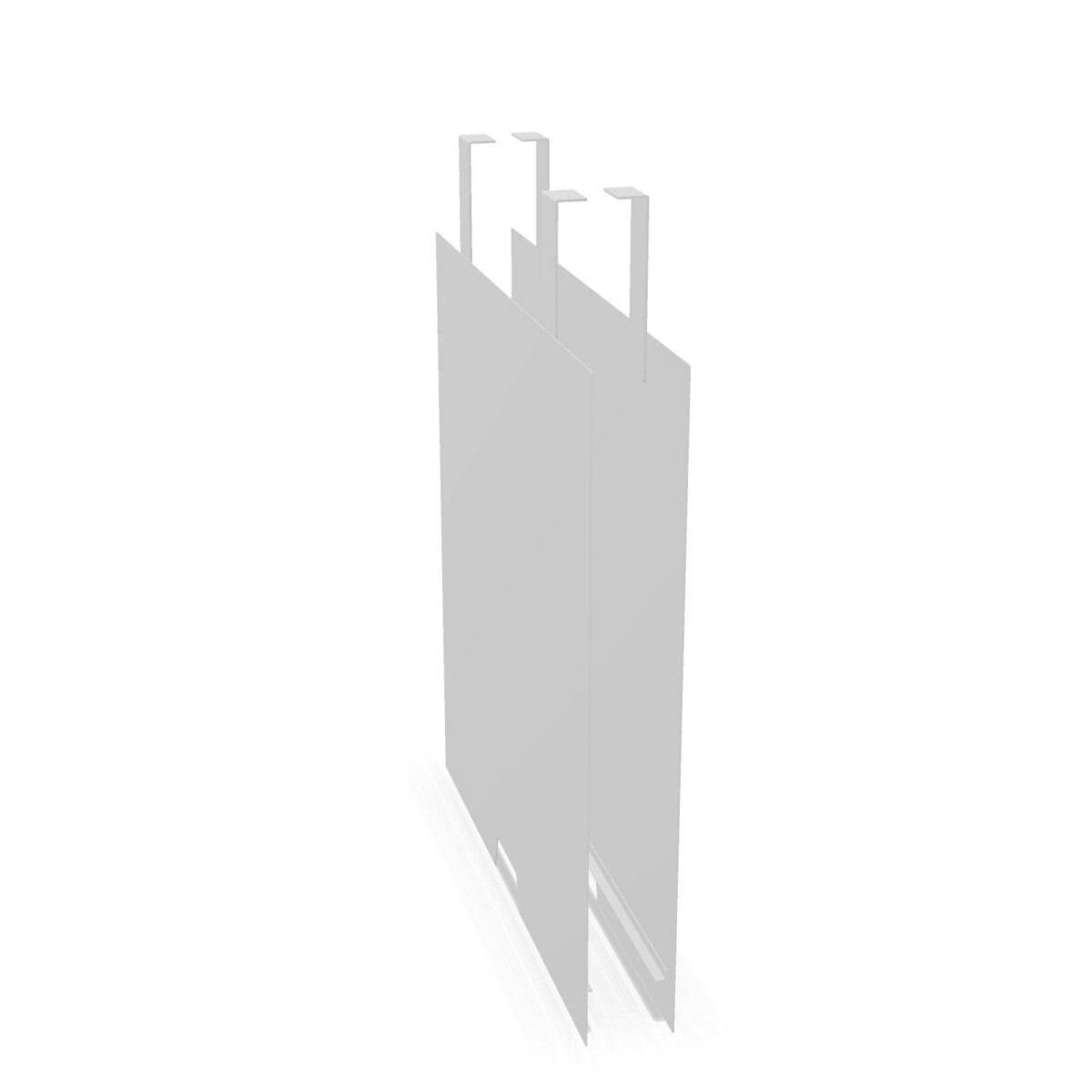
GLT desk screens can help organise open-plan offices, shared workstations and project areas where people need a more defined place to work. Bracket-mounted versions are suited to desks where the screen can be attached as part of the workstation setup. They can be considered when a consistent, integrated appearance is important across a run of desks.
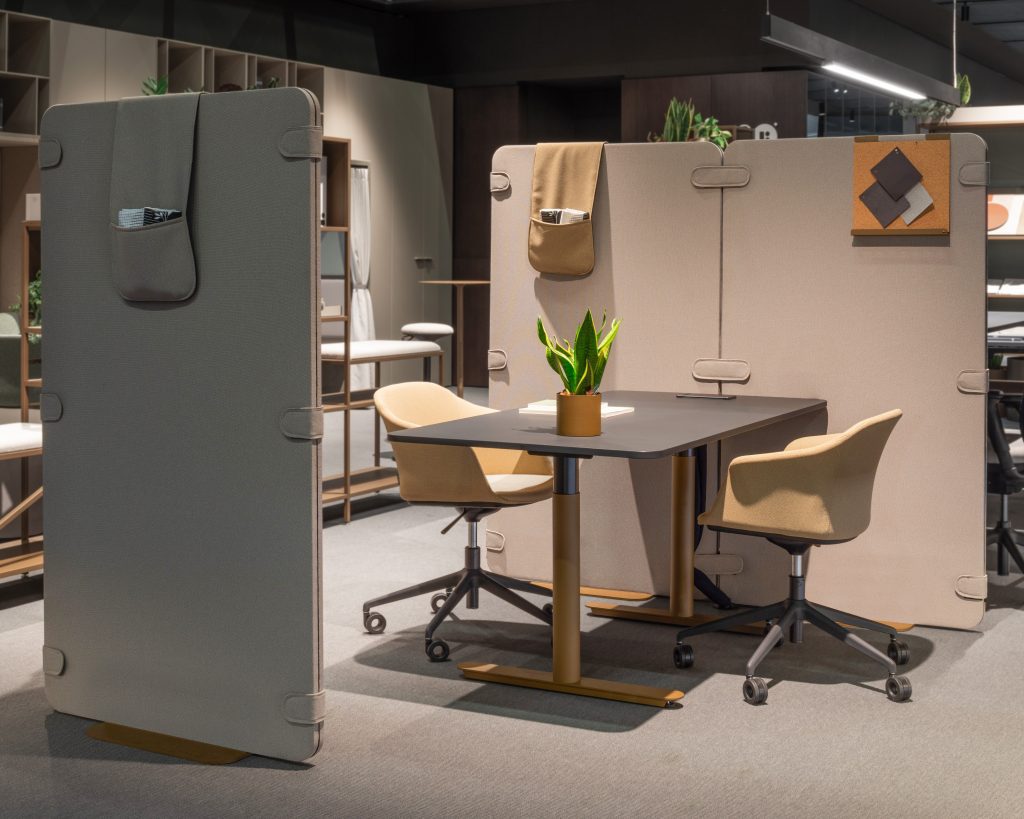
The freestanding aluminium-frame option is useful when the screen needs to stand independently rather than rely on a desk bracket. This can be relevant for flexible layouts, temporary arrangements or spaces where furniture is repositioned. Confirm the intended position and the available floor or desktop space before selecting this type.
Choosing between the GLT models
Start with the mounting method
First decide whether the screen should attach to the desk or stand independently. The GLT desktop model and the WH1 acoustic model are bracket-mounted, while the ZFH model is freestanding. This is usually the most important distinction because it affects installation planning and how easily the workstation can be changed later.
Then compare finishes and construction
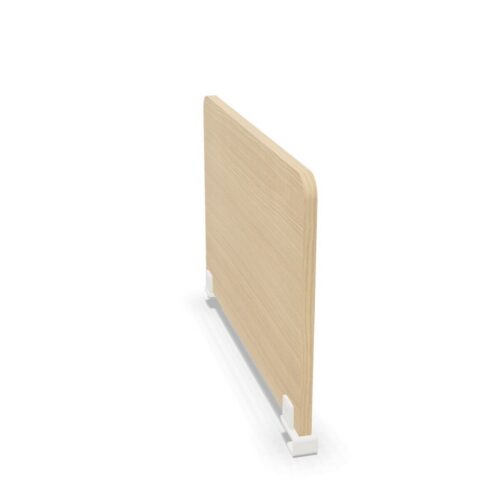
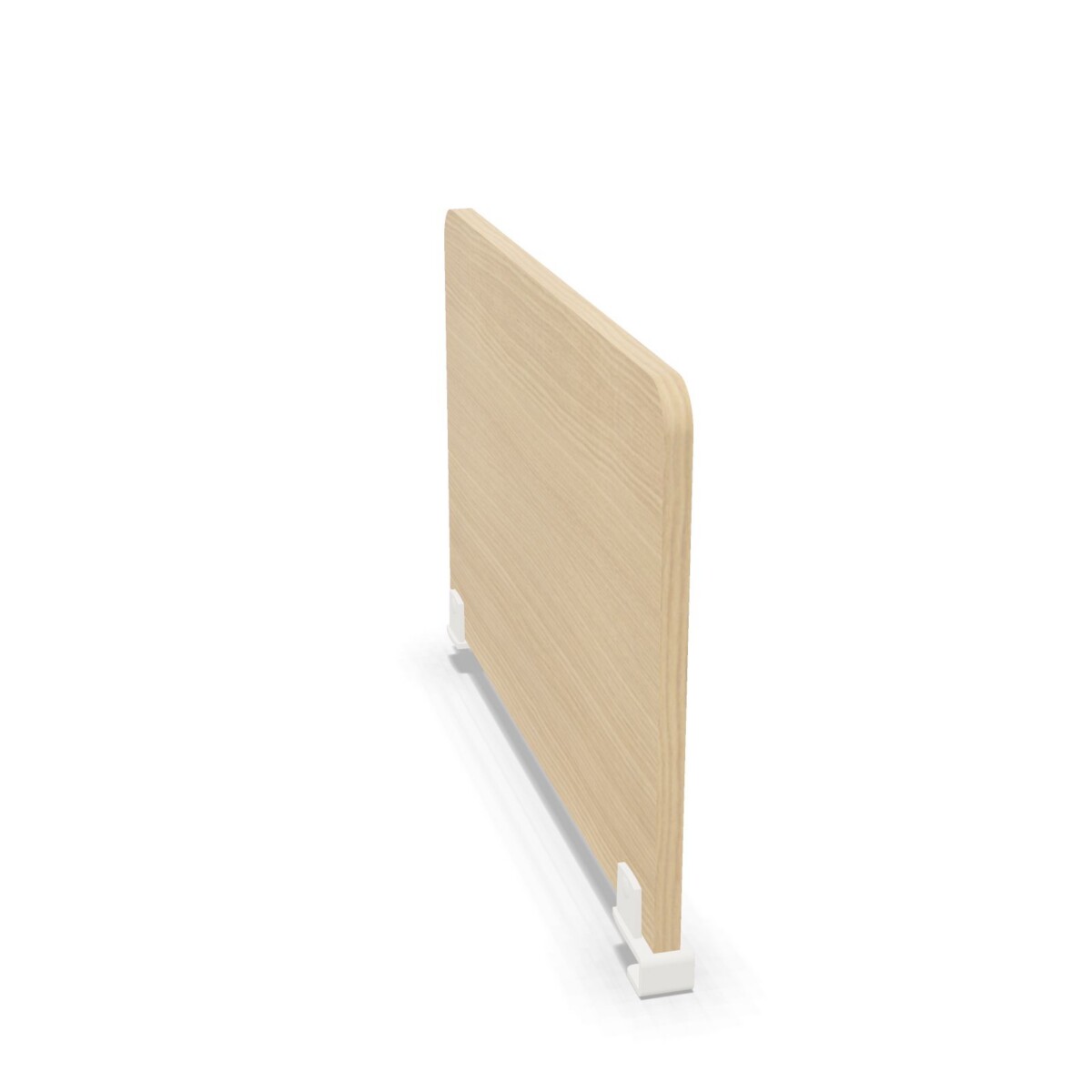
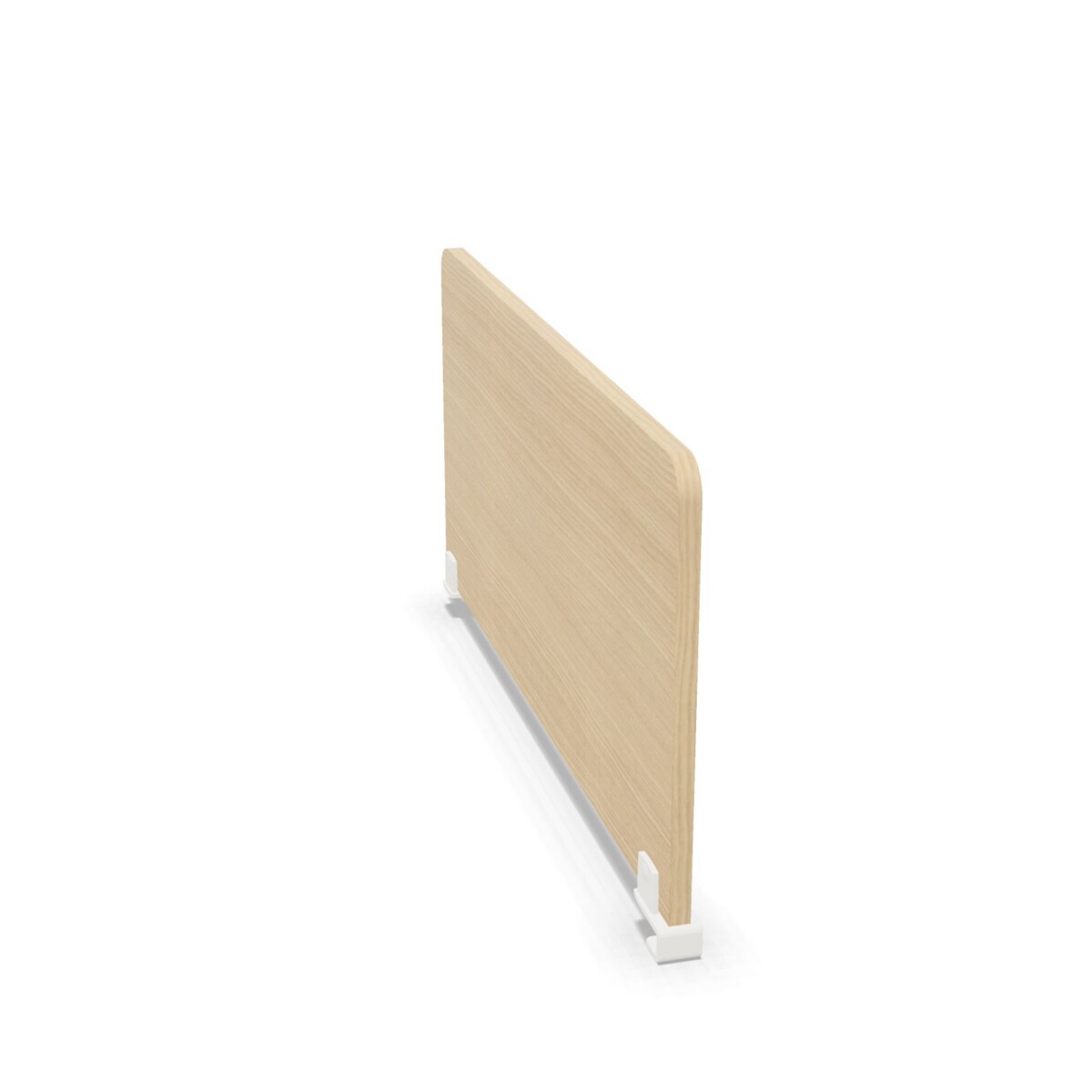
For a furniture finish that coordinates with a desk, consider the melamine options, including the natural oak melamine finish available on the WH1 model. The ZFH model has an epoxy-painted aluminium frame and polycarbonate components, giving it a different visual and structural approach. White painted metal brackets are used on the bracket-mounted examples in this collection.
Check dimensions and colour requirements
Review whether a 60 cm or 80 cm width is more suitable for the desk and the level of separation required. Colour availability includes beige, black, grey, brown, red, white, green, pink and silver, but the precise combination of colour, width and model should be confirmed before ordering.
What to confirm before specifying
- Measure the desk or intended floor position and compare it with the selected screen width.
- Confirm whether a bracket-mounted or freestanding installation matches the workstation plan.
- Check the required finish, frame and component details for the chosen model.
- Verify the available colour and any options associated with the selected width.
- Ask for origin and warranty information if these details are required for your project.
Myntwork offers Bralco GLT desk screens on a monthly lease, making the collection worth considering when your office furniture plan needs a more flexible procurement approach. The next step is to compare the individual models and confirm the combination of mounting method, finish, width and colour that fits your workspace.
Frequently asked questions about Bralco Desk Screen GLT
What is the main difference between the Bralco GLT desk screens?
The main difference is the installation approach and construction. The desktop and WH1 models are bracket-mounted, while the ZFH model is freestanding with an epoxy-painted aluminium frame and polycarbonate components.
Should I choose a bracket-mounted or freestanding GLT screen?
Choose a bracket-mounted model when the screen should form part of the desk setup. Choose the freestanding model when independent placement or easier layout changes are more important. Check the workstation plan and installation conditions before deciding.
What widths are available in the GLT collection?
The collection includes 60 cm and 80 cm width options. Compare the selected width with the desk dimensions, workstation spacing and the amount of separation needed.
Which finishes and materials appear in the GLT range?
The collection includes melamine finishes, including a natural oak melamine option, white painted metal brackets, and a freestanding design with an epoxy-painted aluminium frame and polycarbonate components.
Can I choose different colours for a GLT desk screen?
The available colour range includes beige, black, grey, brown, red, white, green, pink and silver. Confirm the exact colour availability for the model and width you are considering.