Choose a CrossBox for the way the space will be used
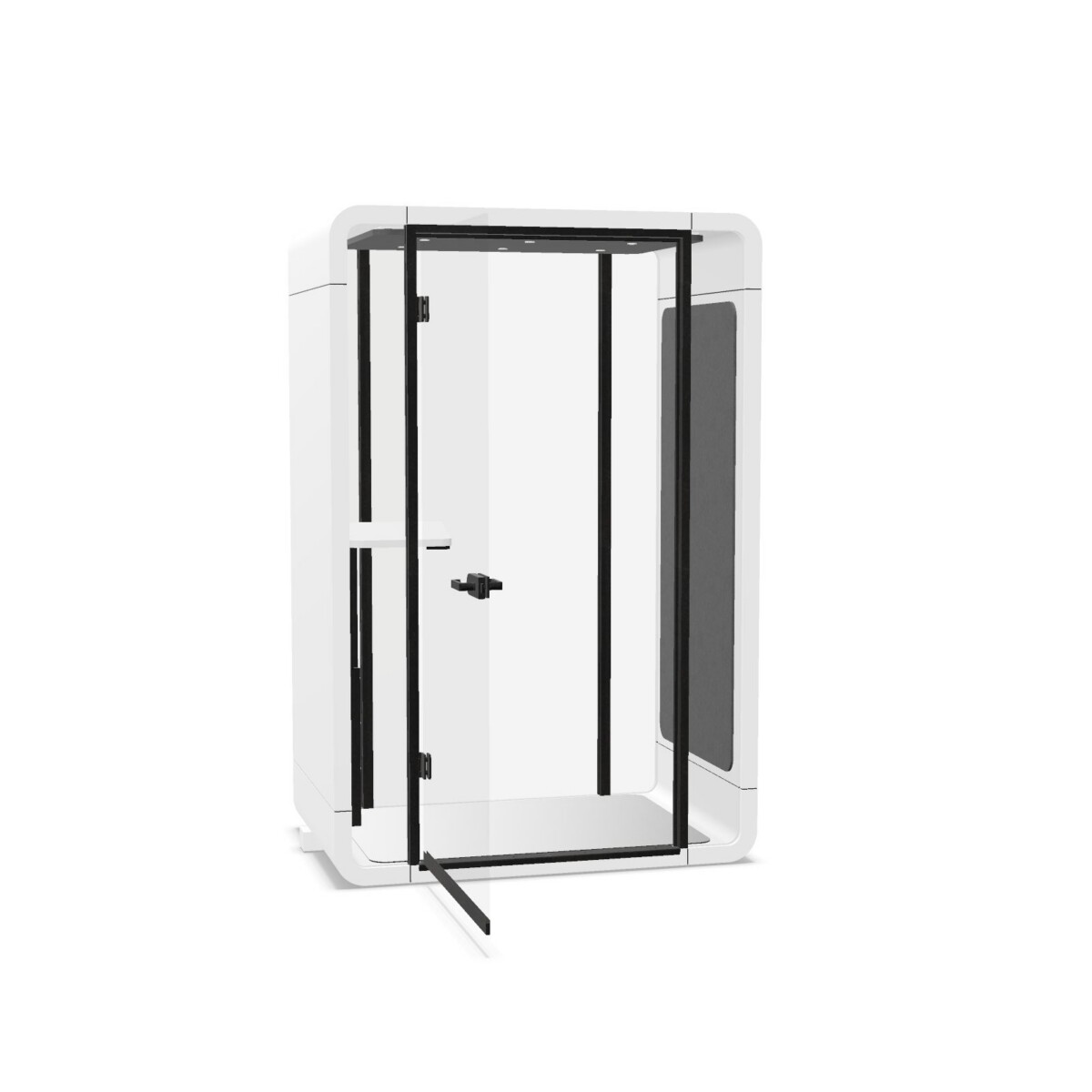
Begin with the intended activity. For individual calls, consider the configurable Crossbox Phone Booth, which has a height-adjustable shelf and glass at the front and rear. Its listed German electrical connection is a model-specific detail to review against your workplace requirements.
For conversations involving several people, compare the meeting configurations. The M1 meeting version includes a fixed-mounted table and two seating elements. The M2 meeting version is listed with a fixed trapezoid table and two benches, along with glass panels and gray NeoTex surfaces. If you want an enclosed room without those furnishings, the M1 room-in-room model is the empty option, with ESG glass front and back.
Compare size, glazing and connections
Check the room designation
The product names identify M1 as B2300, T1000 and H2300, and M2 as B2300, T2000 and H2300. Use the specific model information to confirm the footprint that suits your floor plan, circulation space and intended placement. The room sizes are not identical across the family, so do not assume the dimensions shown for one CrossBox apply to another.
Confirm model-specific details
Glass descriptions differ across the listings: the empty M1 room and the M2 glass-front version specify ESG glass front and back, while the phone booth specifies glass front and rear. The M2 glass-front meeting version also lists a left-side power connection. Check connection location and included furniture before deciding where the room can sit and how people will use it.
Review finishes and plan the next step
Color information for the collection lists black, green, grey, blue, brown, red, silver, white, wood and transparent. Availability and application may depend on the particular model or finish, so consult the CEKA PRO colors and materials information rather than assuming every listed color is offered on every configuration. A catalogue is also available for reviewing the collection.
Before selecting a CrossBox, note how many people need to use it, whether you need an empty room or included table and seating, and where the electrical connection should be. Then verify the chosen model’s dimensions, glass details and finish information. Myntwork offers these CEKA PRO products on a monthly lease, providing a way to consider the collection for a workplace without treating the choice as a single one-size-fits-all product.
Frequently asked questions about CEKA PRO Acoustic Room CrossBox
Which CrossBox model is intended for individual calls?
The Crossbox Phone Booth is the collection's phone-booth option. It is configurable and lists a height-adjustable shelf, glass front and rear, and a German electrical connection.
What is the difference between the M1 room and M1 meeting version?
The M1 room-in-room model is described as an empty room with ESG glass front and back. The M1 meeting version adds a fixed-mounted table and two seating elements.
How do the M1 and M2 meeting layouts differ?
The M1 meeting version includes a fixed-mounted table and two seating elements. The M2 meeting version lists a fixed trapezoid table and two benches, plus glass panels and gray NeoTex surfaces.
Do all CrossBox models have the same size and power connection?
No. The M1 and M2 product names carry different depth designations, and power details are model-specific. For example, the phone booth lists a German electrical connection, while the M2 glass-front meeting room lists a left-side power connection. Confirm the details for the exact configuration.
Can I choose the same color or finish for every model?
The collection lists a range of colors, but the facts do not confirm that every color is available on every model. Check the model details and CEKA PRO colors and materials information before choosing.