Choose the extension by where it connects
Start by identifying the side or end of the main desk where you want extra surface. A side extension is intended to sit beside a straight desk, while a rear-mounted element extends the work area from the back. For a corner arrangement, compare the corner and angled shapes with the available space and the direction of approach. A linkable design makes the elements suitable for connected layouts, but the exact connection and orientation should be checked for the selected model.
Match the shape to the work area
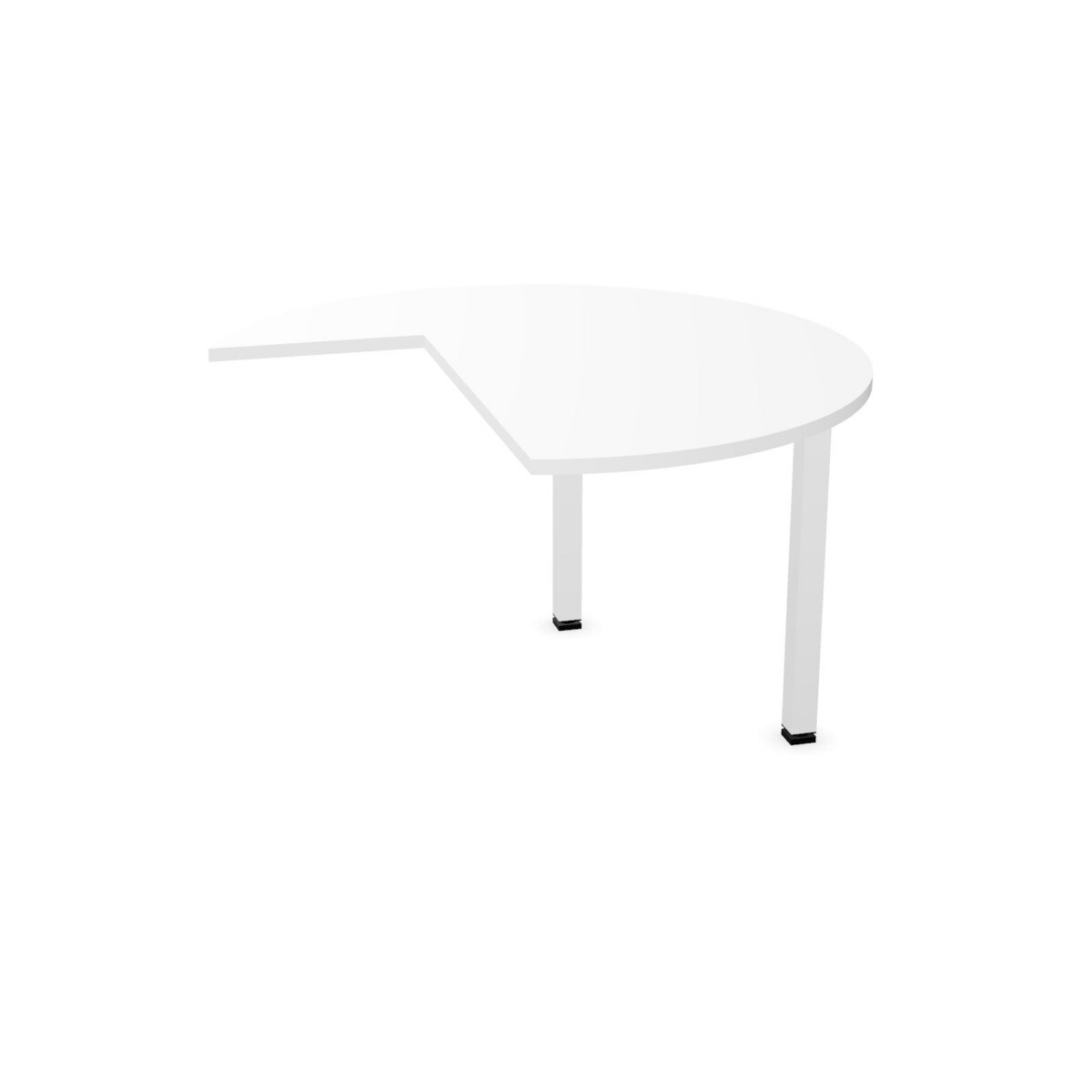
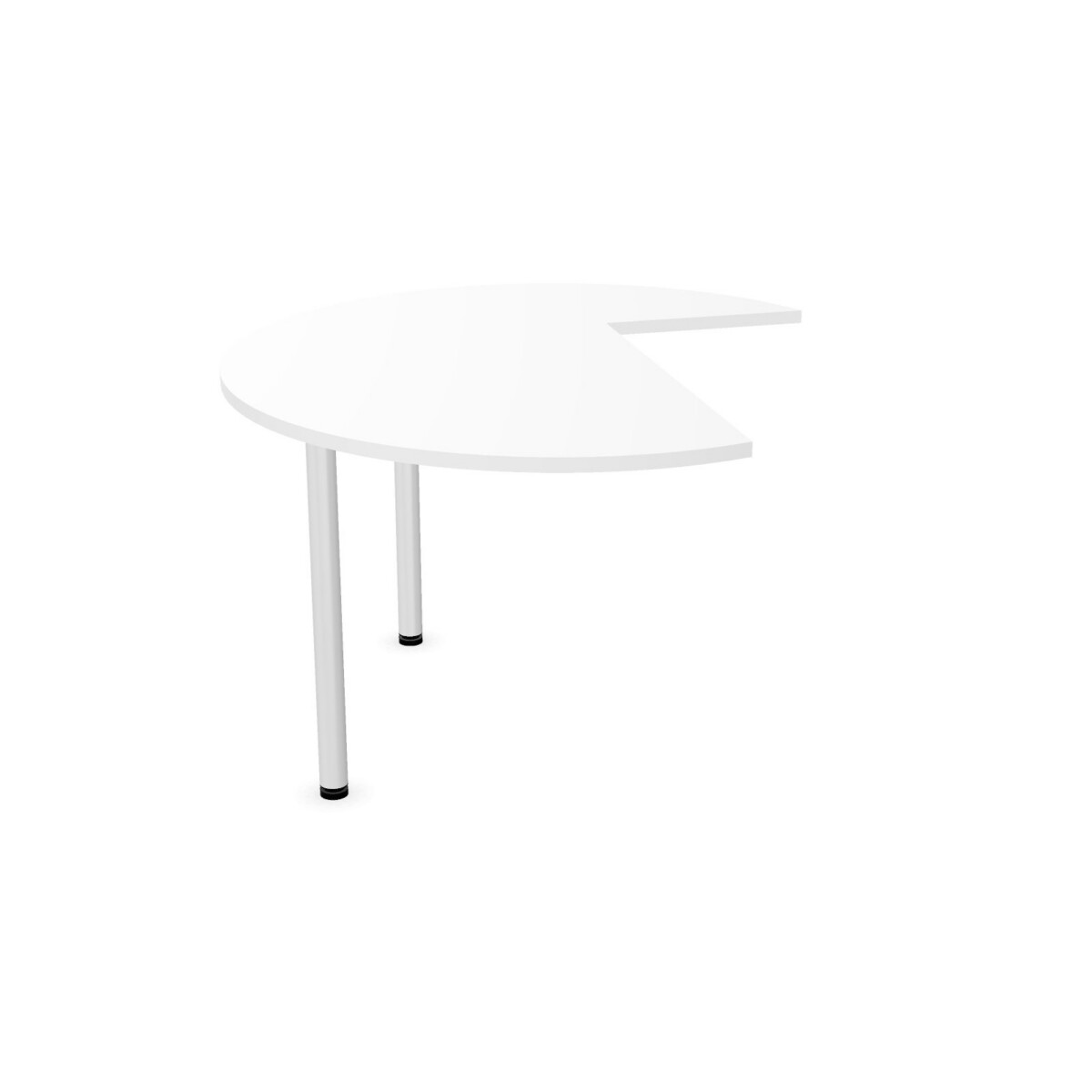
The CenFormX range includes several distinct footprints. A 4-circle-top element offers a curved corner profile; the linking 90-degree angled model is another corner option. The right-hand 135-degree extension is specifically oriented, so it is important to confirm that it suits the desk position. For a more direct extension, consider the rectangular rear-mounted element or one of the side extensions, including the rounded-sided option.
Think about the usable surface and the movement around the workstation, not just the outline of the top. Check the product listing for the element’s dimensions and attachment direction, then compare that information with the existing desk and the room plan.
Check adjustment and support details
Height adjustment is available on some CenFormX extensions, while other models are listed as non-adjustable. If matching the height to a desk is important, verify the selected model’s adjustment information rather than assuming it applies across the collection. Support details also differ: listings describe steel bases with configurations such as a square-foot leg, a support foot or one support leg. Choose according to the intended position and the support arrangement shown for that element.
Review finishes and cable-tray information
The tops are melamine and the bases are steel. Available surface colors across the family include beige, black, blue, brown, grey, white, green, red and wood; base colors include black, silver and white. Not every finish is necessarily offered on every model, so confirm the choices on the specific listing.
Some elements are suitable for a cable tray, but suitability does not mean a tray is included. The collection data indicates that inclusion varies. If cable management is part of the setup, check both whether the selected element supports a tray and whether one is supplied.
Confirm the details before specifying
Before choosing, verify the shape, left- or right-hand orientation, connection position, adjustment status, support configuration, finish and cable-tray details. These checks help ensure the extension works with the desk and the intended layout. Myntwork offers CEKA PRO CenFormX products on a monthly lease, giving businesses a leasing option when planning workstation furniture.
Frequently asked questions about CEKA PRO Desk Extension Element CenFormX
How do I choose between a side extension and a corner extension?
Choose based on where the added surface will connect and the footprint that fits the workstation. The family includes side extensions for straight desks as well as several corner and angled shapes. Check the specific model details and layout before selecting.
Are the CenFormX extensions height-adjustable?
Some models are listed as adjustable and others as non-adjustable. Adjustment is not a feature to assume across the collection, so confirm it on the individual product listing.
Do the extensions come with a cable tray?
Cable-tray suitability and inclusion vary by model. Check the selected listing to see whether it can be used with a tray and whether a tray is included.
What materials and finishes are available in this family?
The listed extensions have melamine tops and steel bases. Surface and base color options vary by model, so review the finish choices on the product you are considering.
How can I make sure a right-hand or left-hand model will fit?
Compare the stated orientation with the position of the main desk and the direction you want the extension to project. Check the model name and listing details before specifying it.