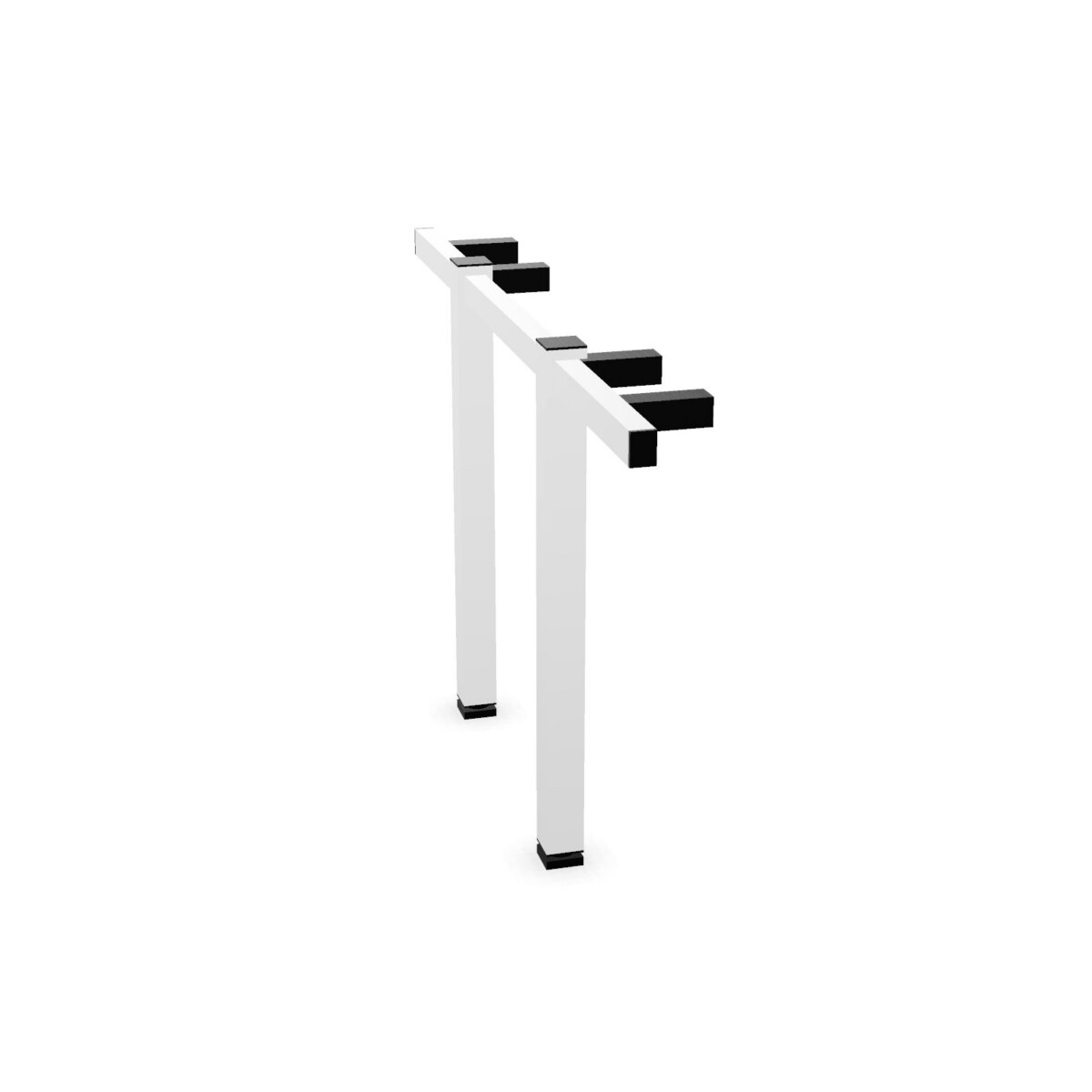
Choose by workstation position
Start with where the component will sit. An end panel or end section is intended for a desk end, while a linking side section or linking end is relevant when configuring linked desks. If the frame needs to connect to another desk, prioritise a model explicitly identified as linkable. The family includes both linkable and non-linkable options, so verify this attribute on the particular model rather than applying it to the whole range.
Next, check how the frame side will meet the desk and surrounding furniture. The collection includes straight-leg designs, panel-leg options, round-foot and square-foot styles. These distinctions can affect the visual appearance and the way the base sits within a workstation layout. Confirm the selected frame component is appropriate for the desk configuration you are assembling.
Match depth, finish and practical requirements
Check the listed dimensions
Depths represented in the collection are 80, 120, 140 and 160 cm. These are options across the family, not a guarantee that every model comes in every depth. Compare the dimensions of the intended desk and its frame before selecting a side panel. Some end-panel variants are specified with an 80 cm depth and a 25 mm panel thickness; use the individual model information when those measurements matter to your setup.
Select a base style and colour
Steel is the listed base material, and black, silver and white are the base colours shown across the collection. Colour choice can help coordinate the frame with other office furniture, but confirm that your preferred colour is available for the specific style and depth. If an adjustable option is important, check that the selected model is marked adjustable rather than assuming adjustment applies to every component.
What to check before arranging your desks
Before choosing, make a short list of the workstation position, required depth, desired foot or leg style, colour and whether the side needs to link to another desk. Also check compatibility with the other frame parts and desk components in your planned configuration. The collection is marked suitable for a cable tray, but the side panels do not include a tray; confirm the separate cable-management parts you need.
Myntwork offers CEKA PRO CenFormX products on a monthly lease. Once you have identified a suitable configuration, review the individual product details and confirm the required components for your workspace plan.
Frequently asked questions about CEKA PRO Desk frame side panel CenFormX
How do I choose between an end panel and a linking side panel?
Choose according to the side panel’s position in your layout. End-panel options are for desk ends, while linking sections are intended for linking configurations. Confirm that the specific model is marked linkable if you need to connect desks.
Are all CEKA PRO CenFormX side panels adjustable?
No. The family includes adjustable options, but adjustment is not listed for every member. Check the adjustable attribute on the individual model before selecting it.
What depths and base colours are available?
The collection lists depths of 80, 120, 140 and 160 cm, and base colours of black, silver and white. Availability depends on the model, so check the chosen product’s details for its exact options.
Do the side panels include a cable tray?
No cable tray is listed as included. The family is marked suitable for a cable tray, so check which separate tray and other cable-management components are needed for your desk setup.
What foot and leg styles can I compare?
The family includes straight-leg and panel-leg descriptions, plus round-foot and square-foot variants. Compare the individual model details to confirm which style matches your preferred appearance and workstation arrangement.