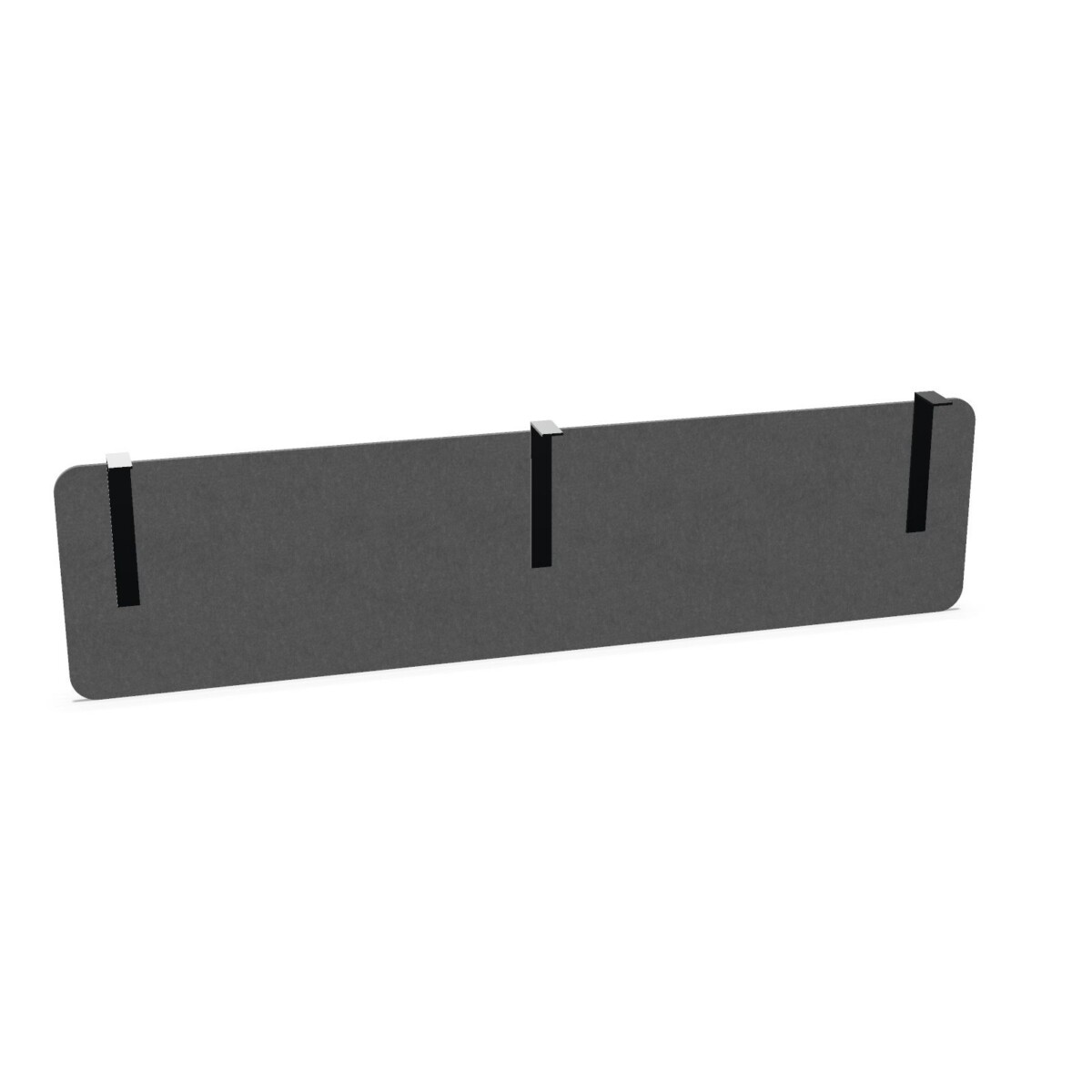
Choosing the right Vitalform desk screen
Start with the desk rather than the finish. Measure the width of the desk area where the panel will be mounted, and compare it with the available screen widths. The collection attributes list sizes from 120 to 200 cm, while specific listed models include 140, 160 and 200 cm widths. Check the selected model’s product details to confirm its exact dimensions before ordering.
Next, verify the mounting arrangement. These Vitalform models are identified as fixed-panel attachment or fixed-panel mounting screens. Make sure that description matches your desk setup, particularly if you are adding a screen to existing furniture. If you are equipping multiple workstations, compare the desk configurations first so the selected widths and mounting approach are consistent where needed.
Choose a surface that suits the office
Material is another practical distinction in this family. The listed options include melamine/HPL and NeoTex. Melamine/HPL examples include Pastel White, while NeoTex examples include grey, blue and green. Use those model details to compare the appearance you want with the furniture already in the room. The broader collection attributes also show a range of colors, but availability can differ by model; check the individual listing rather than assuming every finish comes in every width or material.
Plan for the way the space is used
A modesty panel can help give a workstation a more finished, defined look. Consider how the desk sits in the room, whether the screen will be visible from shared areas, and how its color relates to nearby desks and storage. For a single desk, matching the existing furniture may be the priority. For a team area, a consistent width and finish can help create a coordinated appearance. Choose based on the actual desk layout and the role you want the panel to play, rather than selecting by color alone.
What to check before selecting a model
- Confirm the desk width and compare it with the chosen screen’s listed dimensions.
- Check that fixed-panel mounting is appropriate for the desk configuration.
- Review the specific model’s material, color and finish details.
- For several workstations, compare model specifications to maintain a consistent setup.
CEKA PRO Vitalform desk screens are available through Myntwork on a monthly lease. When comparing options, use the individual product details to confirm fit, mounting and finish for your intended workspace.
Frequently asked questions about CEKA PRO Desk Screen Vitalform
What is the CEKA PRO Vitalform desk screen collection?
It is a family of modesty panels designed for fixed-panel mounting on workplace desks. The collection includes several model variations in materials, widths and finishes.
How do I choose the right screen width?
Measure the desk area where the panel will be mounted, then compare that measurement with the selected model’s listed dimensions. Collection widths range from 120 to 200 cm.
Which materials are available in this family?
Listed models include melamine/HPL and NeoTex options. Check each model’s details for its specific material and available finish.
Are all finishes available in every width?
The supplied model details show different materials and finishes across the range, but do not establish that every finish is offered in every width. Confirm the individual listing before choosing.
What should I confirm about mounting?
The models are described as fixed-panel attachment or fixed-panel mounting screens. Check that this mounting style is compatible with the desk and panel configuration you plan to use.