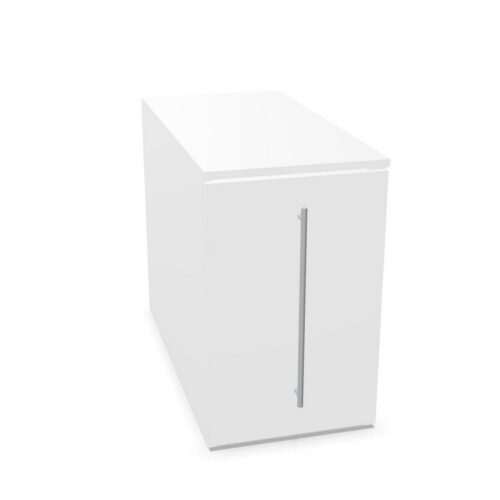
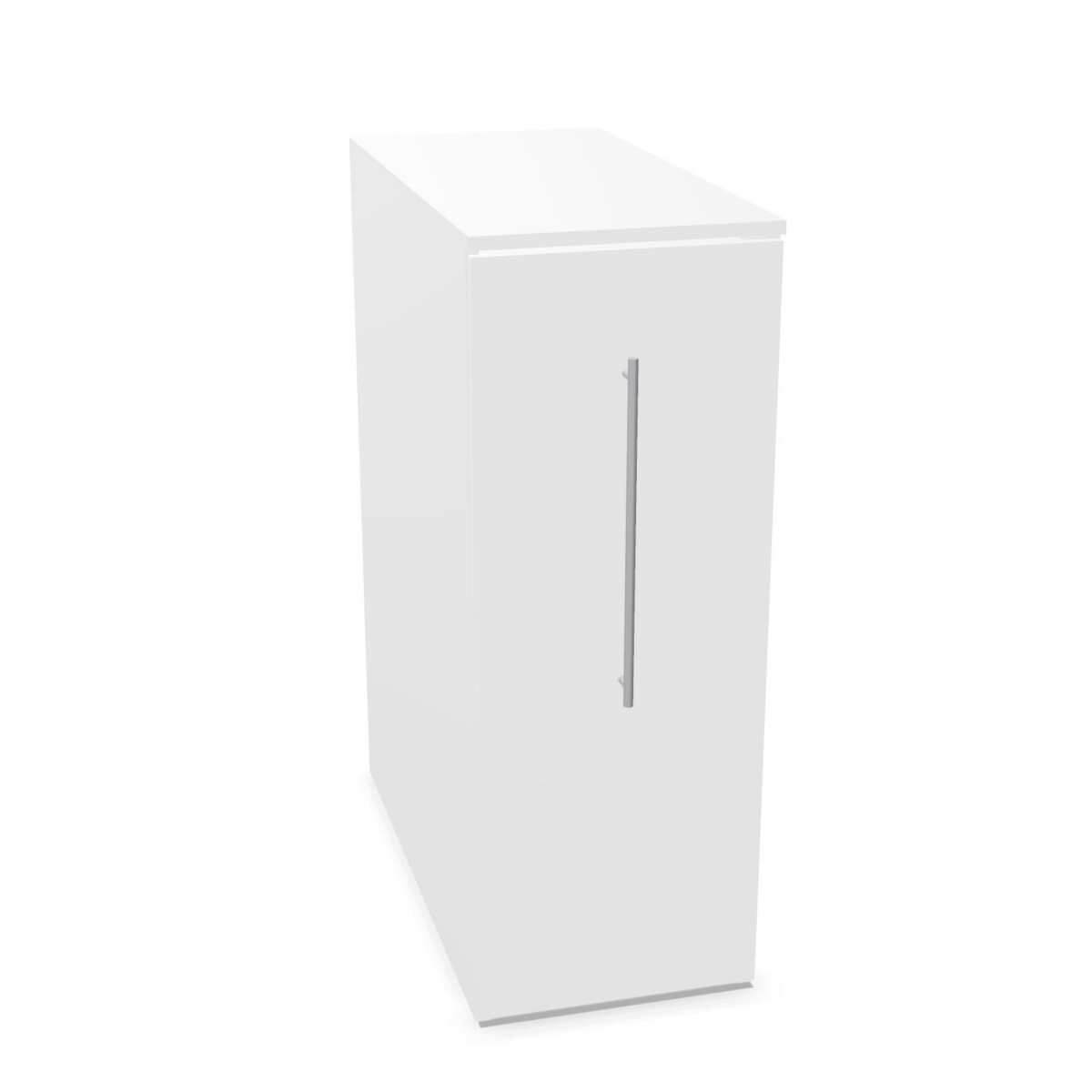
How to choose a MultiTower cabinet
Start with where the cabinet will go. A desk-side model is intended to sit alongside a workstation, while desk-height models offer another format for organizing items at the desk. If the unit is meant to fit on a particular side, look for a left-side or right-side configuration in the model name and confirm the placement in its listing. Do not assume that every configuration has the same internal layout.
Match the depth and storage style
At 44 cm wide, the collection’s models vary in depth: 80, 90 or 100 cm. Measure the available floor area and consider nearby chairs, walkways and desk legs before choosing. A shallower listed depth may suit a tighter footprint; compare the exact dimensions of the models you are considering rather than relying on the family name alone.
For concealed storage, look at models described as rolling-door cabinets. Other listings specify open drawers or an open valuables compartment. Some configurations include a 19 mm top, and the range includes 3OH filing-height options. Check the product details to confirm which of these features are included in your chosen cabinet.
Materials, finishes and practical details
MultiTower cabinets have metal cabinet construction and metal doors where specified. The collection’s listed color choices include beige, black, green, grey, blue, brown, red, silver, white and wood. Because finishes and features may differ between models, use the individual listing to verify the available finish for the configuration you want.
If you need to secure contents, check whether the selected model lists a cylinder lock. For filing, confirm whether it includes a hanging folder frame: the collection includes configurations listed with one frame as well as options with no hanging folder frames. These details can affect whether a cabinet fits your day-to-day workflow.
What to check before selecting
- Confirm the cabinet’s depth and its intended desk-side or desk-height use.
- Check left- or right-side placement where it matters to your layout.
- Review the door style, open compartments and top details for the specific model.
- Verify finish, lock and hanging-file information in the product specifications.
Once you have a configuration in mind, compare its listing with your space and storage needs. Myntwork offers CEKA PRO MultiTower products on a monthly lease, giving businesses a leasing option to consider when equipping an office.
Frequently asked questions about CEKA PRO Storage Cabinet MultiTower
How do I choose between desk-side and desk-height MultiTower cabinets?
Consider where the cabinet will sit and how you want to access it during work. The collection includes both desk-side and desk-height formats; check each model’s description and dimensions to make sure it suits your workstation.
What depths are available in the MultiTower collection?
The listed models are 44 cm wide and have depths of 80, 90 or 100 cm. Confirm the dimensions on the individual listing before planning the cabinet into your office layout.
Are MultiTower cabinets available for left- or right-side placement?
Yes, the collection includes models described for left-side and right-side placement. Check the model name and its product details to select the orientation that fits your desk arrangement.
Do all models have rolling doors and filing frames?
No single layout should be assumed across the range. Listings include rolling-door cabinets and configurations with different open storage; hanging folder frames are also listed as either included or not included. Verify the chosen model’s specifications.
Which finishes can I consider?
Collection-level color options include beige, black, green, grey, blue, brown, red, silver, white and wood. Availability can vary by model, so check the selected listing for its finish options.