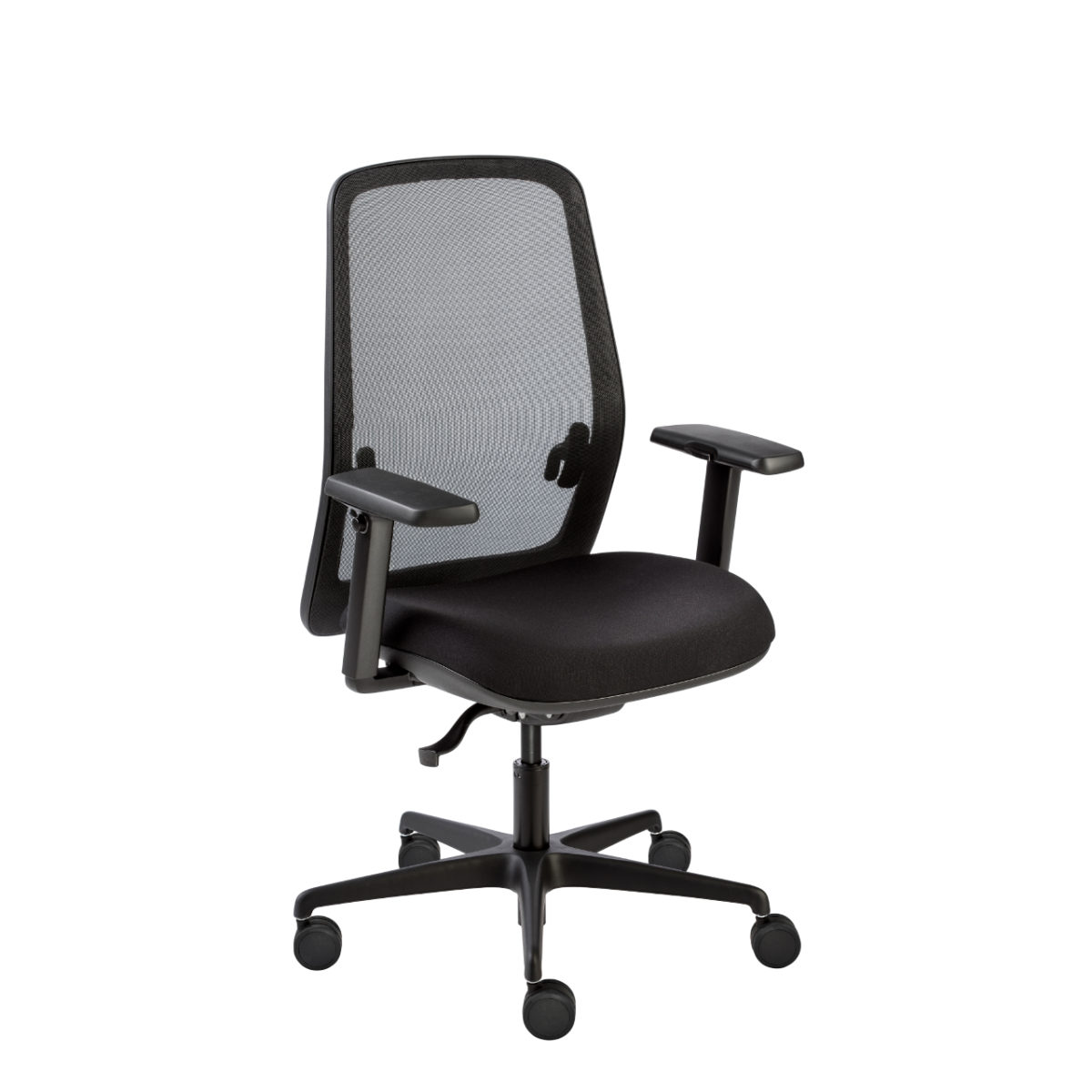
Choosing a Skena chair for your workplace
Begin with where and how the chair will be used. For an assigned workstation, consider the user’s preferences for lumbar support and seat depth. If the chair will be shared, prioritize the adjustments that matter most to the people using it and make sure the listed configuration suits your workplace routine.
For a simpler comparison, first decide whether adjustable lumbar support is needed. The Skena range includes models with adjustable lumbar support, including asymmetric versions, as well as options listed without lumbar support. Next, check whether seat-depth adjustment is important: sliding-seat models provide that feature, while it is not listed for every chair.
Match the details to the user and space
Look at the chair’s back and base style as part of the decision. The collection includes task chairs and swivel designs, with examples such as mesh-back models and flat or conical base designs. Confirm the exact details on the individual product page rather than assuming that a feature carries across the family.
Upholstery choices in the collection include fabric, mesh and PU leather. These can help you coordinate the chair with the look and practical needs of your office, but availability depends on the model. Upholstery colors include options such as black, grey, blue and red, among others. Base materials include aluminum and metal, with multiple listed color options. Check the model listing for the specific finish and material combination you want.
Review the configuration before ordering
Once you have a shortlist, compare the listed mechanism, lumbar support, seat-depth adjustment, upholstery and base for each chair. Check whether the selected model has armrests or a headrest if those details matter to your team; these features vary within the collection. The available product information also lists a two-year warranty for the range, but review the relevant listing for details that apply to your selection.
For a multi-chair project, confirm that each chosen model and finish matches your seating plan before placing an order. Myntwork offers Dileoffice Skena chairs on a monthly lease, which can be considered when planning furniture for a business. Review the individual chair specifications and your workspace requirements to make a confident collection-level choice.
Frequently asked questions about Dileoffice Office Chair Skena
Which Skena chairs have adjustable lumbar support?
The collection includes models with adjustable or asymmetric adjustable lumbar support, as well as models listed without lumbar support. Check each product listing to confirm the support type for the chair you are considering.
Are sliding seats available across the Skena collection?
Sliding seat or seat-depth adjustment is available on selected Skena models, not every chair. Compare the individual specifications if seat depth adjustment is important for your users.
What upholstery can I choose for a Skena chair?
Collection options include fabric, mesh and PU leather, with a range of upholstery colors. The available material and color combinations depend on the model, so verify them on its product listing.
How should I compare the different Skena designs?
Start with lumbar support and seat adjustment, then compare back style, base design, upholstery and any armrest or headrest options you need. Confirm each feature against the individual model details before choosing.