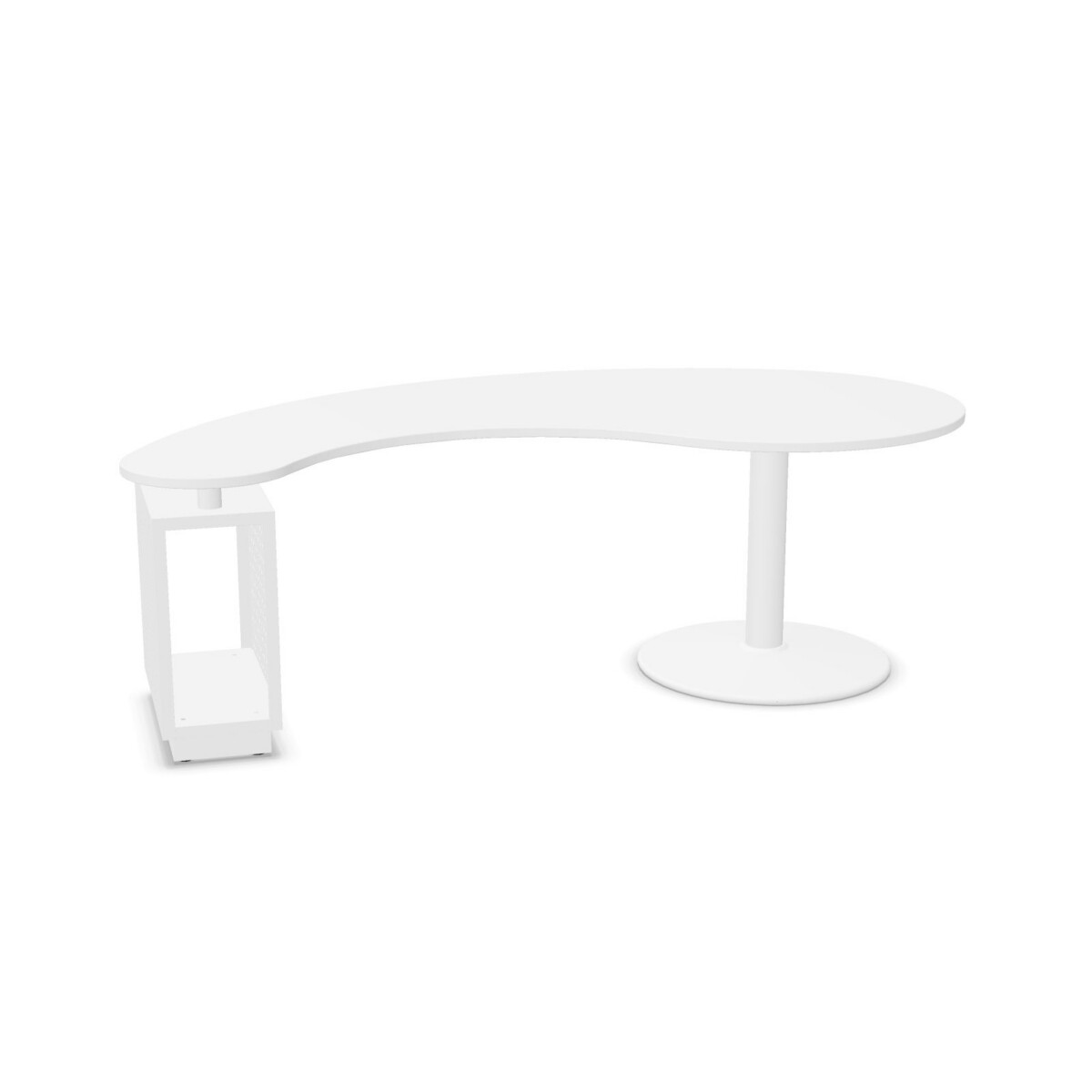
How to choose a Komma workstation
Start with the work area and the number of people who will use it. Komma is listed as a one-person desk family, so it is intended for an individual workstation rather than shared seating. The collection data lists a width of 220 cm and a depth of 110 cm. Treat these as a reference to check against the specific model listing, and measure the room, access route and nearby furniture before settling on a configuration.
Next, decide how the desk needs to support equipment and supplies. If you want a dedicated place for a computer tower, compare the two models identified with a CPU holder: the Kmik-Line Workstation With CPU Desk and the Komma Workstation With Holder Desk. If drawers are more useful for stationery, documents or personal items, consider the K-Line Workstation 3-Drawer, which is listed with a three-drawer pedestal. Check the individual listing for the exact arrangement and included components.
Compare the finish and desk format
All three named models are described with a melamine top and steel column base. The family attributes list a rounded top shape and several surface and base colors, giving you room to coordinate with an existing office scheme. Color availability can vary by model, so verify the actual selection shown for the desk you plan to lease.
Desk format matters too. The family attributes identify straight desks, corner desks, desk islands and sit desks, while the named products are individual workstation models. Use the product details to distinguish the available layout rather than assuming every format comes in every model. Komma desks are marked as non-adjustable, so confirm that a fixed-height workstation is suitable for the intended users.
Check the workspace details before selecting
Consider where cables will run and what equipment the desk must accommodate. The collection is marked as suitable for a cable tray, but a tray is not included according to the supplied specifications. If cable management is important, check what accessories are available separately and how they can be fitted to the chosen desk. The CPU holder option may also be relevant when planning where computer equipment will sit.
Finally, review the selected product’s dimensions, color, storage or holder configuration and warranty information. The collection data states a two-year warranty, but consult the model listing for applicable terms. Myntwork offers FAMO Komma products on a monthly lease, giving businesses a way to consider the desks as part of a workspace plan. Before making a selection, compare each model’s details with the room layout, equipment and storage requirements you have identified.
Frequently asked questions about FAMO Desk Komma
Which FAMO Komma desk is the best fit for a computer tower?
The Kmik-Line Workstation With CPU Desk and the Komma Workstation With Holder Desk are both identified with a CPU holder. Compare their individual listings to confirm the configuration that suits your workspace.
Which Komma model includes drawers?
The K-Line Workstation 3-Drawer is listed with a three-drawer pedestal. Choose it if integrated drawer storage is a priority, and check the product details for the exact arrangement.
Are FAMO Komma desks height adjustable?
No. The collection attributes state that the desks are not adjustable. Consider whether a fixed-height sit-desk setup works for the intended user before selecting a model.
What materials and colors are listed for the Komma family?
The desks are listed with melamine tops and steel bases. Family color attributes include multiple surface and base colors; check the selected model listing to confirm its available combinations.
Does a Komma desk include a cable tray?
The collection is marked as suitable for a cable tray, but the specifications say a tray is not included. Check the selected product details for compatible cable-management options.