Choosing a Flex cabinet for your workspace
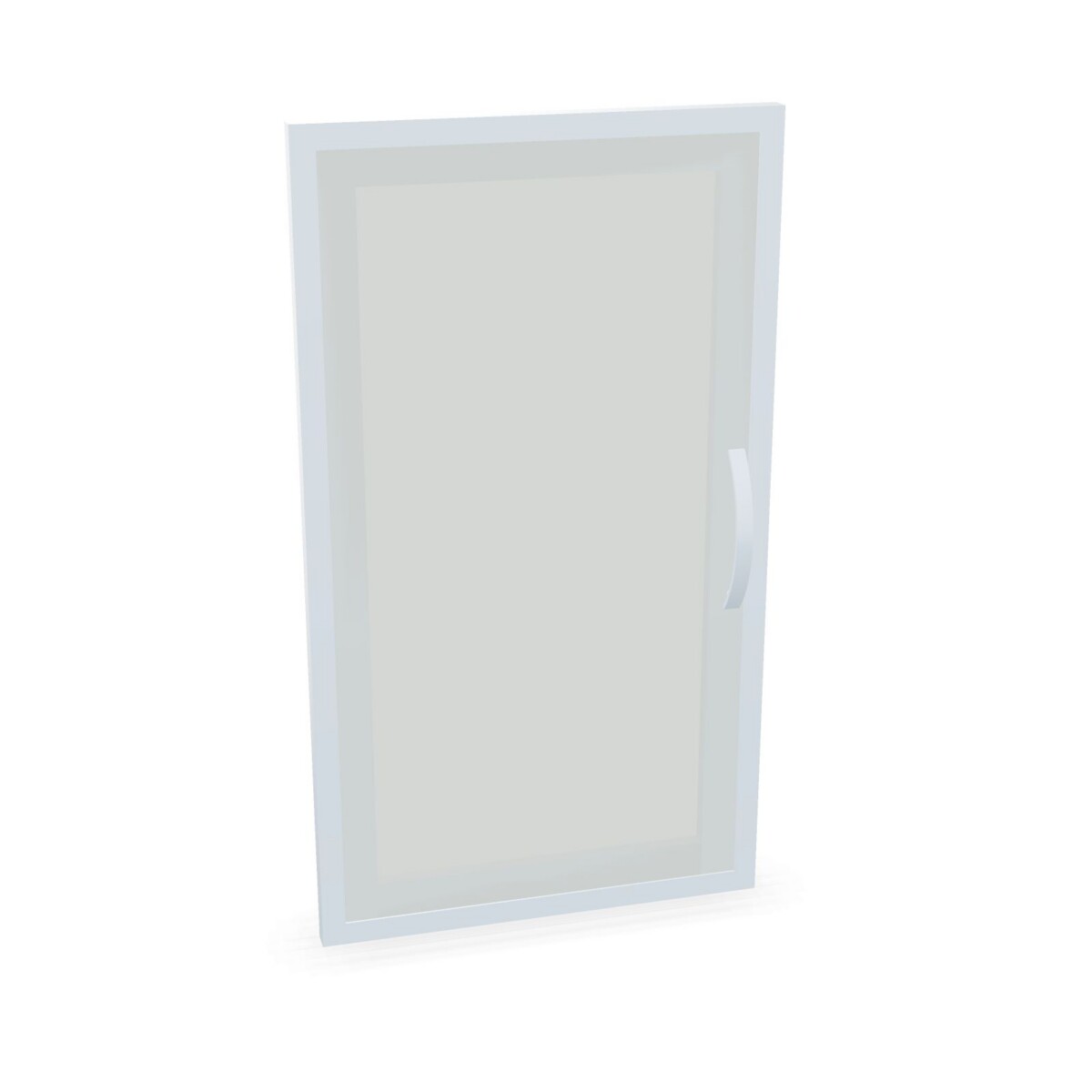
Start with the job the cabinet needs to do. For binders or office records, compare the binder-height format with the storage arrangement your team already uses. If staff need to see stored contents without opening the cabinet, consider the glass-door model. For a setup that may need a different configuration, review the modular cabinet system and its listed dimensions and included components.
Think about who will use the cabinet and where it will stand. A cabinet in a shared print or supply area may need a different access arrangement from one beside an individual desk. Because these are freestanding units, check the intended position, available floor space and access around doors or handles before selecting a model.
Check dimensions, shelves and locking
Compare the width, depth and height shown on each product listing rather than assuming one size applies to the whole Flex family. The collection attributes include more than one width and depth, and the supplied height values vary. Measure the space, including any clearance needed to reach the cabinet comfortably, and confirm that the selected model fits your planned layout.
Shelf information also varies in the collection details, with listings indicating one shelf or no shelves. Check the individual product specification to understand the included arrangement and whether it suits the items you intend to store. A cylinder lock is listed among the family attributes, but confirm the locking detail for your chosen cabinet before relying on it for a particular storage need.
Match the finish and access style
Grey, white and wood are listed color choices for the collection. Compare the available finish on each model with nearby desks and storage, and decide whether a glass door or a more concealed cabinet front better suits the room. The handle direction noted for a particular option can also matter when the cabinet is placed near a wall or another piece of furniture.
What to review before ordering
Before settling on a cabinet, check the model name, dimensions, door and handle arrangement, shelf count, finish and lock information on its product page. These checks help avoid choosing by family name alone when the Flex options have different formats and details. If you are furnishing more than one area, compare requirements room by room instead of assuming the same cabinet will suit every use.
Myntwork offers these Geramöbel Flex products on a monthly lease. Review the available model details and choose the configuration that fits your workspace and storage needs.
Frequently asked questions about Geramöbel Cabinet System Flex
How do the cabinet formats in the Geramöbel Flex family differ?
The collection includes a binder-height cabinet, a glass-door option and a modular cabinet system. Compare the individual listings to see which format and configuration suits your storage task.
Which Flex cabinet should I choose if I want to see stored items?
Consider the glass-door cabinet option if visibility is important. Check its product listing for the specific door and handle details.
Do all Geramöbel Flex cabinets have the same dimensions?
No single set of dimensions applies to the whole family. Compare the width, depth and height shown on the listing for each model with your available space.
Are shelves included with every Flex cabinet?
Shelf information varies in the collection details, which indicate one shelf or no shelves. Confirm the included arrangement on the product listing for your chosen model.
What should I check about locks and handles?
Review the individual listing to confirm the lock type and handle arrangement. A cylinder lock is listed among the collection attributes, and a specific option notes left- or right-hand handle details.