Choosing a ScreenIT screen for your layout
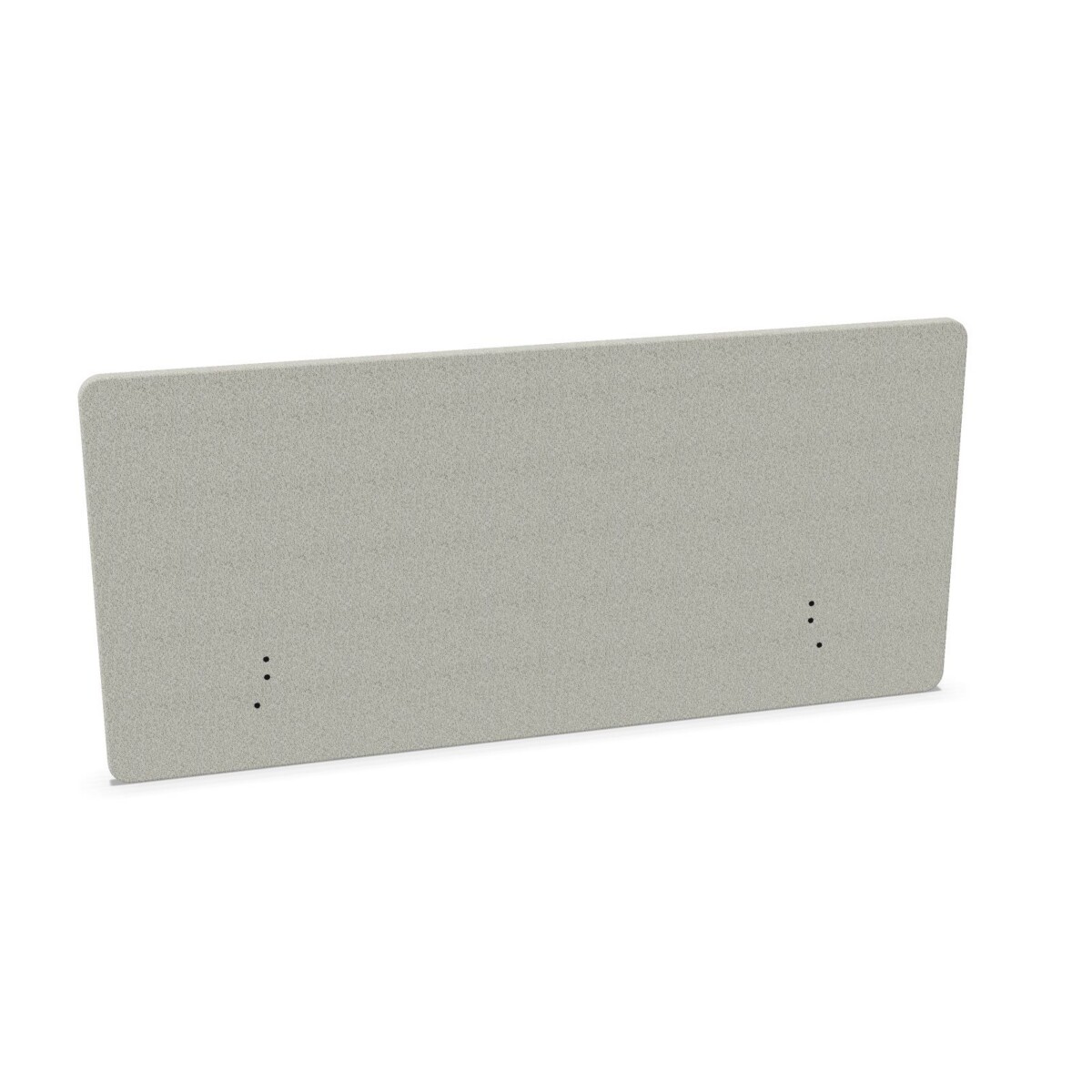
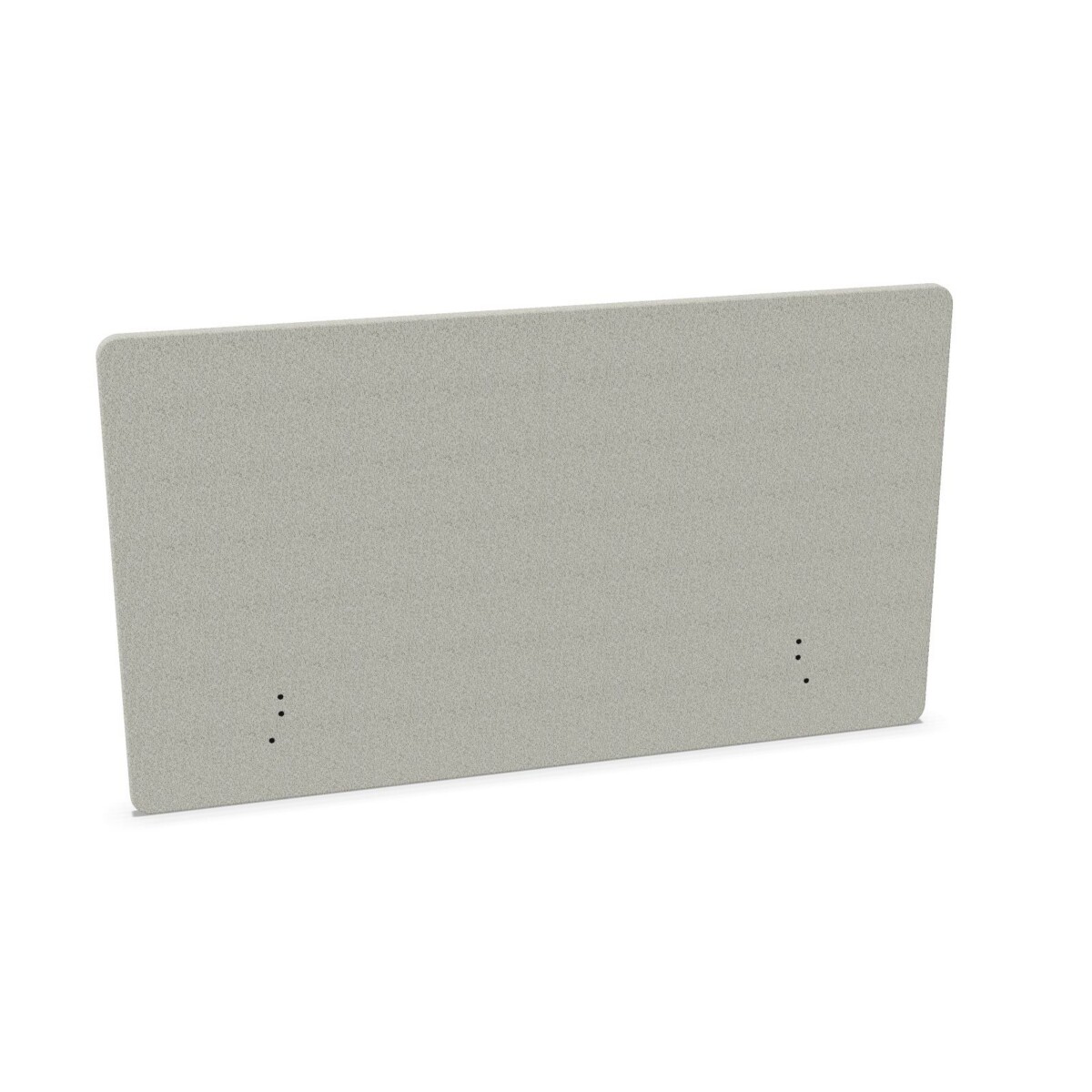
Start with the workstation, not just the screen. Measure the usable desk width and consider where the screen will sit in relation to monitors, accessories and neighboring desks. A narrower model may suit a compact workstation or a partial divider; a wider option can cover more of the desk edge. Make sure the screen dimensions work with the furniture arrangement and the way people use the space.
Height is another practical choice. The collection includes options listed at 65 and 80 cm. Think about whether you want a lower boundary around the work surface or a taller screen, then compare the specific model dimensions. A desk screen can add separation, but it should not be treated as a substitute for a private room or as a guarantee of sound isolation.
Match the model to the desk
Check mounting before selecting
Mounting details differ across the ScreenIT range. Listings describe desk-mounted models and, in some cases, a table bracket or desk clamp. Confirm what is included with the particular size and model, and check that the mounting arrangement is compatible with your desk. If the desk has an unusual edge, built-in accessories or a specific layout, verify fit before making a selection.
Choose a finish for the workspace
Mica fabric is identified on several models, and the collection offers a broad set of listed colors. You can choose a tone that blends with existing furniture or use color to help distinguish zones. Stitched edging is specified on some versions, so check the product details if that finish matters to your selection. Features can vary across the family; use each listing to confirm fabric, dimensions, edge details and mounting.
Plan for teams and changing work areas
For a single workstation, begin with the desk measurements and the level of separation you want. For a shared office, compare the same width and height across workstations where a consistent appearance matters, while allowing for different desk sizes where needed. When planning several screens, make a simple list of desk dimensions, preferred colors and mounting requirements so the selected models can be checked together.
Before choosing, review the individual product information for dimensions and included mounting components. If a specification is unclear, confirm it before finalizing the workspace plan. Myntwork offers these Götessons ScreenIT products on a monthly lease, providing a leasing option for businesses furnishing work areas. Compare the available models and select the configuration that suits your desks and day-to-day setup.
Frequently asked questions about Götessons Design Group Desk Screen ScreenIT
What widths are available in the ScreenIT collection?
The listed widths range from 80 to 200 cm, including 120, 140, 160 and 180 cm options. Availability and other dimensions vary by model, so check the details on the individual listing.
How do I choose between the 65 cm and 80 cm heights?
Consider how much boundary you want around the workstation and compare the screen height with the desk layout. Both heights appear in the collection; confirm which height is offered for the specific width you are considering.
Do all ScreenIT desk screens use the same mounting?
No. Listings describe desk-mounted screens, with mounting details such as a table bracket or desk clamp on some models. Review the chosen model's information to confirm its mounting arrangement and compatibility with your desk.
What colors can I choose from?
Listed colors include beige, black, green, grey, blue, brown, pink, red, silver, white and yellow. The available colors may differ by model, so check the product options before selecting.
Are stitched edges and Mica fabric included on every model?
Mica fabric and stitched edging are identified in some model descriptions, but details can differ across the collection. Check the specific listing to confirm the fabric and finish for the screen you want.