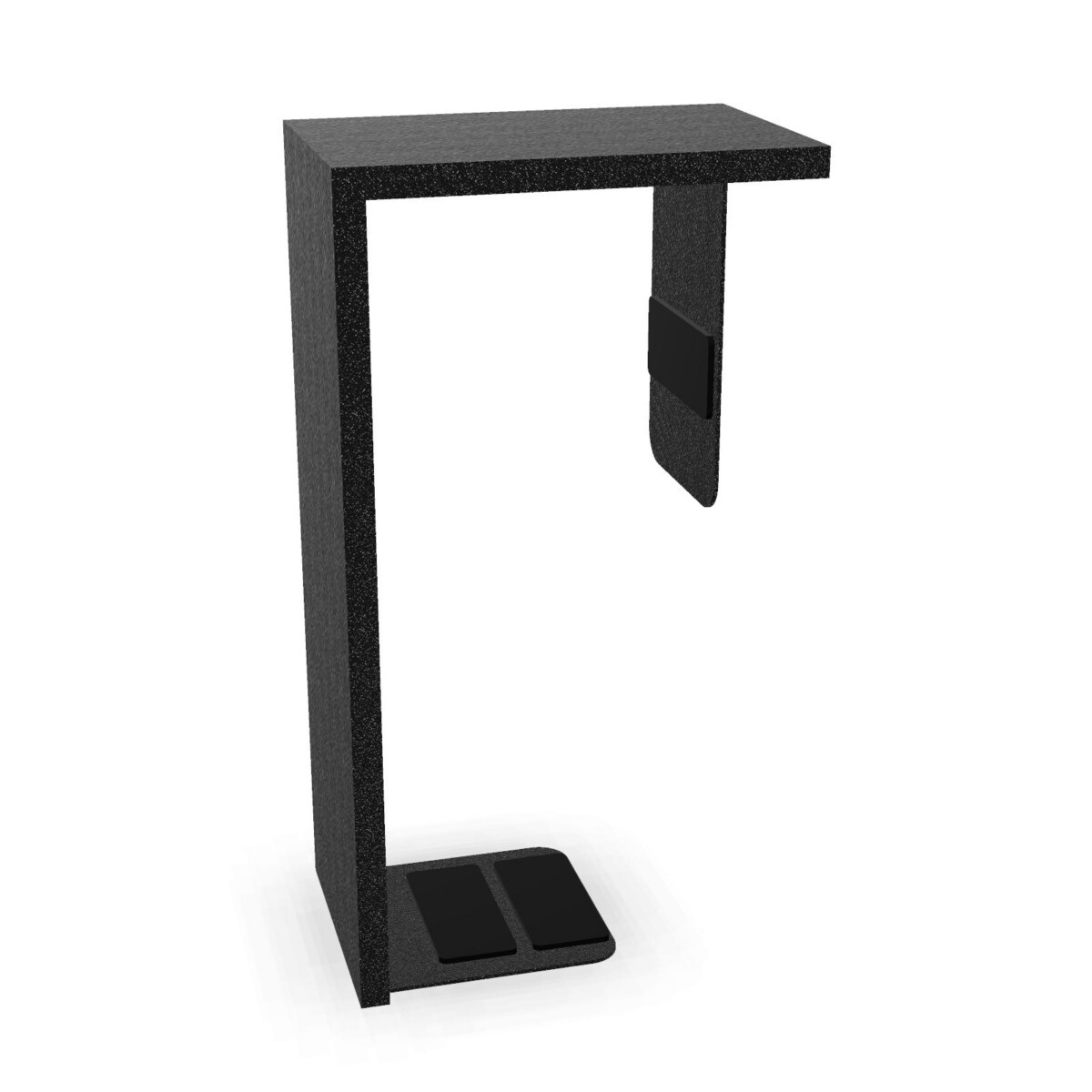
How to choose a gumpo CPU holder
Start with the tabletop rather than the finish. Identify the desk or table where the holder will be installed, then compare its plate type and thickness with the compatibility information for the model you are considering. The black C-form holder is the stated option for variable tabletop thickness. The white model is listed as compatible with standard, E05 and 25 mm-thick plates. For the silver-finish aluminium version, the supplied information does not identify a compatible plate range; confirm suitability for your specific tabletop before ordering.
Next, consider how you want the accessory to look beneath the work surface. The collection offers black, silver and white finishes. Silver is specifically described as aluminium, while the available product details do not identify the material of the black or white models. Avoid treating finish as a guide to fit: the relevant compatibility information is model-specific.
Match the holder to the workspace
For a clear desktop
An under-desk CPU holder can be considered when planning a workstation where the computer unit should sit below the tabletop rather than occupy part of the working surface. Before selecting a model, check the intended location beneath the desk and make sure it suits the arrangement of the workstation. The product information identifies these as under-table mounts but does not state computer-unit dimensions or other capacity details, so verify those requirements separately.
For a coordinated furniture finish
Use the black, silver aluminium or white finish as a visual choice within the workstation scheme. If tabletop compatibility is the priority, narrow the options using the stated plate details first, then choose among models that fit your desk. Do not assume all three holders share the same compatibility just because they have a similar C-form design.
Check installation details before specifying
All three holders are supplied loose. As part of planning, confirm what is needed to mount the selected model to your particular tabletop and whether any additional installation components or preparation are required. The available details do not specify mounting hardware, installation steps or CPU dimensions, so these should be checked against your project requirements rather than assumed.
For a multi-desk fit-out, record the tabletop type and thickness for each workstation and match each one to the relevant model information. This helps prevent a finish-led choice from overlooking a compatibility constraint. Myntwork offers these gumpo products on a monthly lease, which can be considered when planning furniture and accessories for a workplace.
Frequently asked questions about gumpo CPU Holder
What is common to all gumpo CPU holders in this collection?
Each is a C-form holder designed for mounting beneath a tabletop, and each is supplied loose.
How do the black and white models differ in stated tabletop compatibility?
The black model is described as compatible with variable tabletop thickness. The white model is specified for standard, E05 and 25 mm-thick plates.
Which finish options are available?
The collection includes black, silver and white. The silver-finish model is described as aluminium.
Is tabletop compatibility stated for the silver model?
The available product details do not state a tabletop thickness or plate range for the silver model. Check its suitability for your desk before choosing.
What should I check before selecting a model?
Check the tabletop type and thickness, the under-desk installation requirements and whether the holder suits your computer-unit setup. The available details do not specify CPU dimensions or mounting hardware.