Where KERN screens can be used
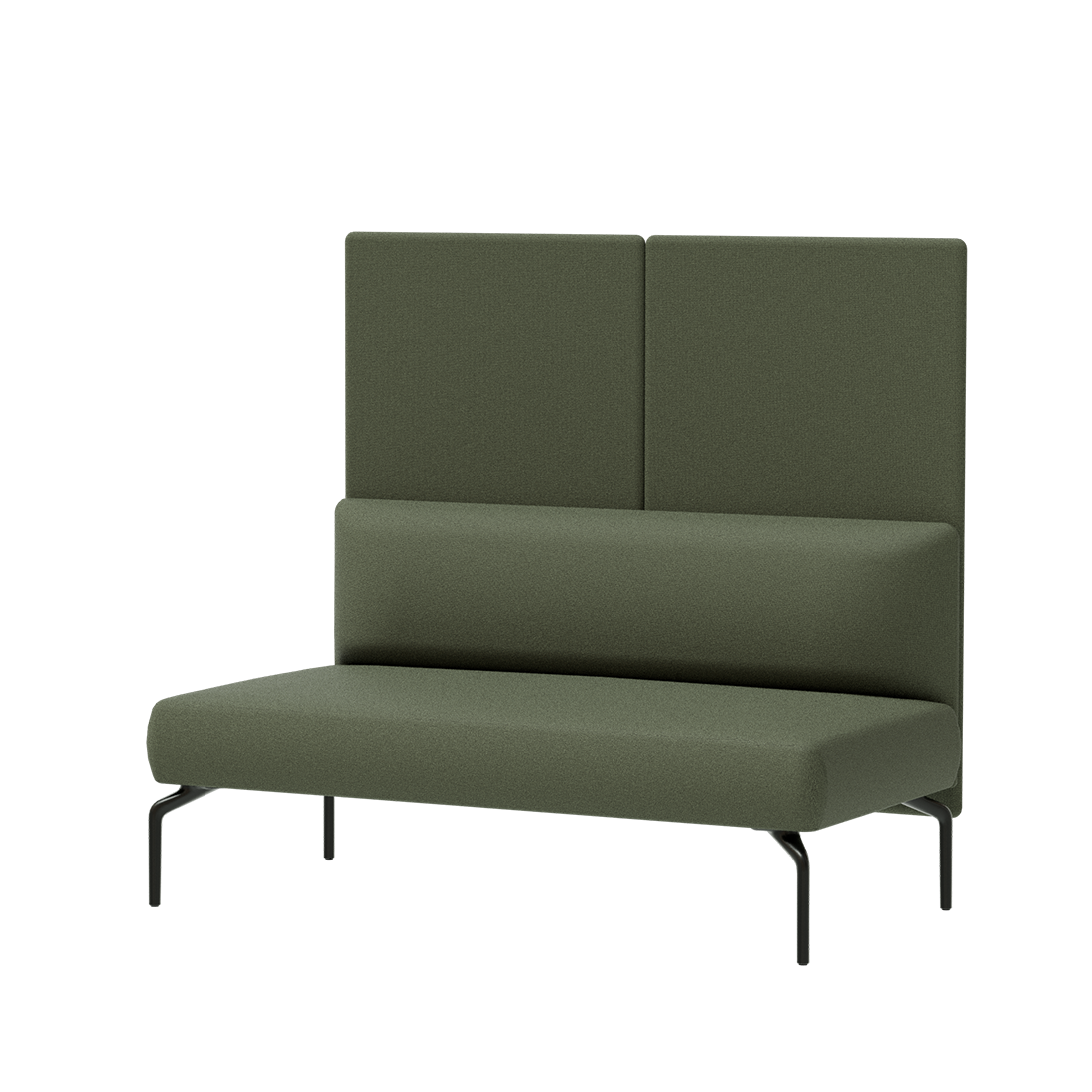
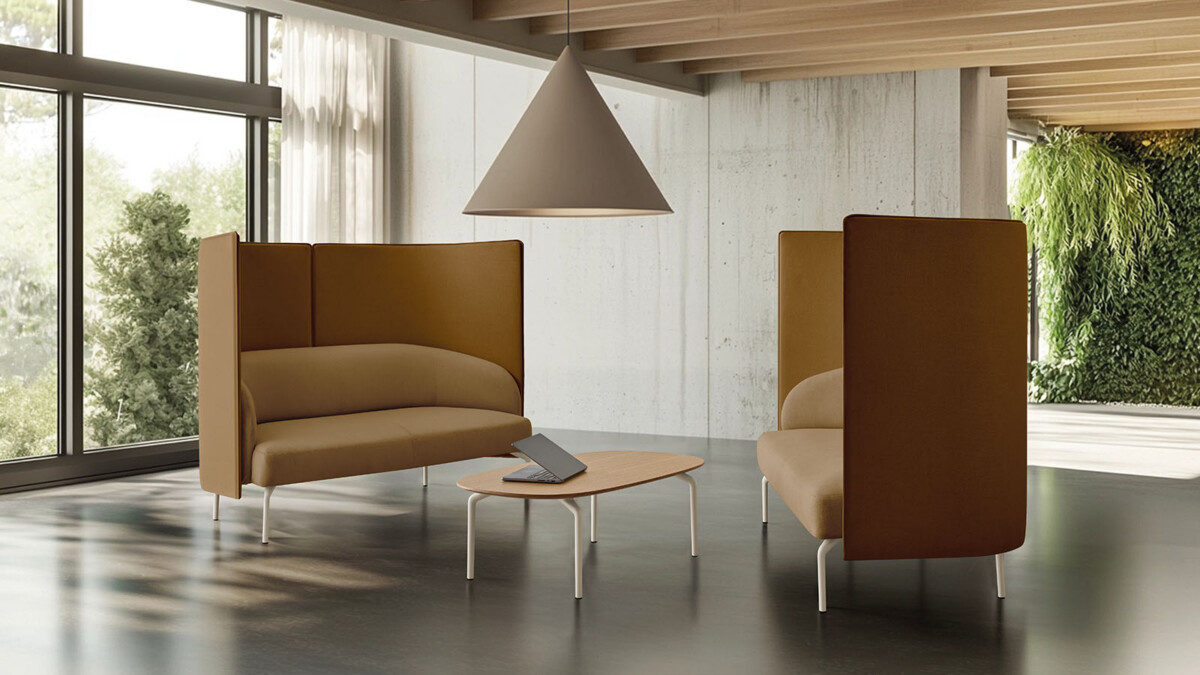
Use the screen options to add a more sheltered feel to seating arranged for conversations, short meetings or individual work. The Meeting Booth screen is the relevant choice when furnishing that KERN setting. For a two-seat arrangement, compare the model for a module with backrest and one left against the screen specified for a two-seat sofa. These are not interchangeable descriptions: the best fit depends on the seating configuration in your plan.
In shared offices, a screen can also help distinguish a meeting spot from nearby circulation or work areas. Consider how people will enter and use the seating, what degree of visual separation the layout needs, and whether the screen placement leaves enough room for comfortable access. Acoustic privacy is the product category, but no specific sound-reduction rating is provided in the available collection details.
How to choose between the models
Start with the KERN configuration
Identify the exact seating piece first, including whether it is a Meeting Booth, a two-seat module with backrest and one left, or a two-seat sofa. Then select the screen named for that configuration. If your seating specification is not clear, confirm compatibility before adding the screen to a project schedule.
Review dimensions and upholstery
Check the model dimensions against the room plan and intended position. The listed 139 cm width and 126 cm height relate to the sofa-mounted screen entry; do not assume they apply to every screen in the family. For upholstery, compare the available color choices with surrounding furniture and finishes. Synergy fabric is named for two options, and the Meeting Booth screen lists an M82 stone frame specification. Verify the exact material and color selection for the model you are considering.
Before specifying or leasing
Confirm the screen, seating configuration, finish and dimensions together so procurement and installation plans refer to the same setup. Collection information lists ANSI/BIFMA X5.4, FSC Certified, circularity and a five-year warranty. Check which details apply to the selected model and configuration when reviewing project documentation; origin is available on request. A dimensions PDF is also listed for the collection and can support planning.
Myntwork offers these Inclass KERN products on a monthly lease. To prepare a request, note the seating model, required screen configuration, preferred upholstery color and any questions about documentation or compatibility. That gives the project team a clear basis for checking the appropriate option.
Frequently asked questions about Inclass Acoustic Privacy Screen KERN
How do I choose the right KERN screen?
Match the screen to the seating configuration first: the Meeting Booth, the two-seat module with backrest and one left, or the two-seat sofa. Confirm compatibility if your seating specification is uncertain.
Are the KERN screens the same size?
The available details list one sofa-mounted screen at 139 cm wide and 126 cm high. Do not apply those dimensions to the other models; check the selected model's dimensions before planning.
What upholstery colors are available?
Collection colors listed include beige, black, green, grey, blue, brown, pink, red and white. Synergy upholstery is specified for two options. Confirm the available finish for your chosen configuration.
Can I lease an Inclass KERN screen through Myntwork?
Myntwork offers these products on a monthly lease. Include the intended seating configuration and screen model when asking about a project.
Which product details should I verify before specifying?
Check seating compatibility, dimensions, upholstery and frame specification for the exact model. Also confirm which listed warranty, certification and standards information applies to your selection.