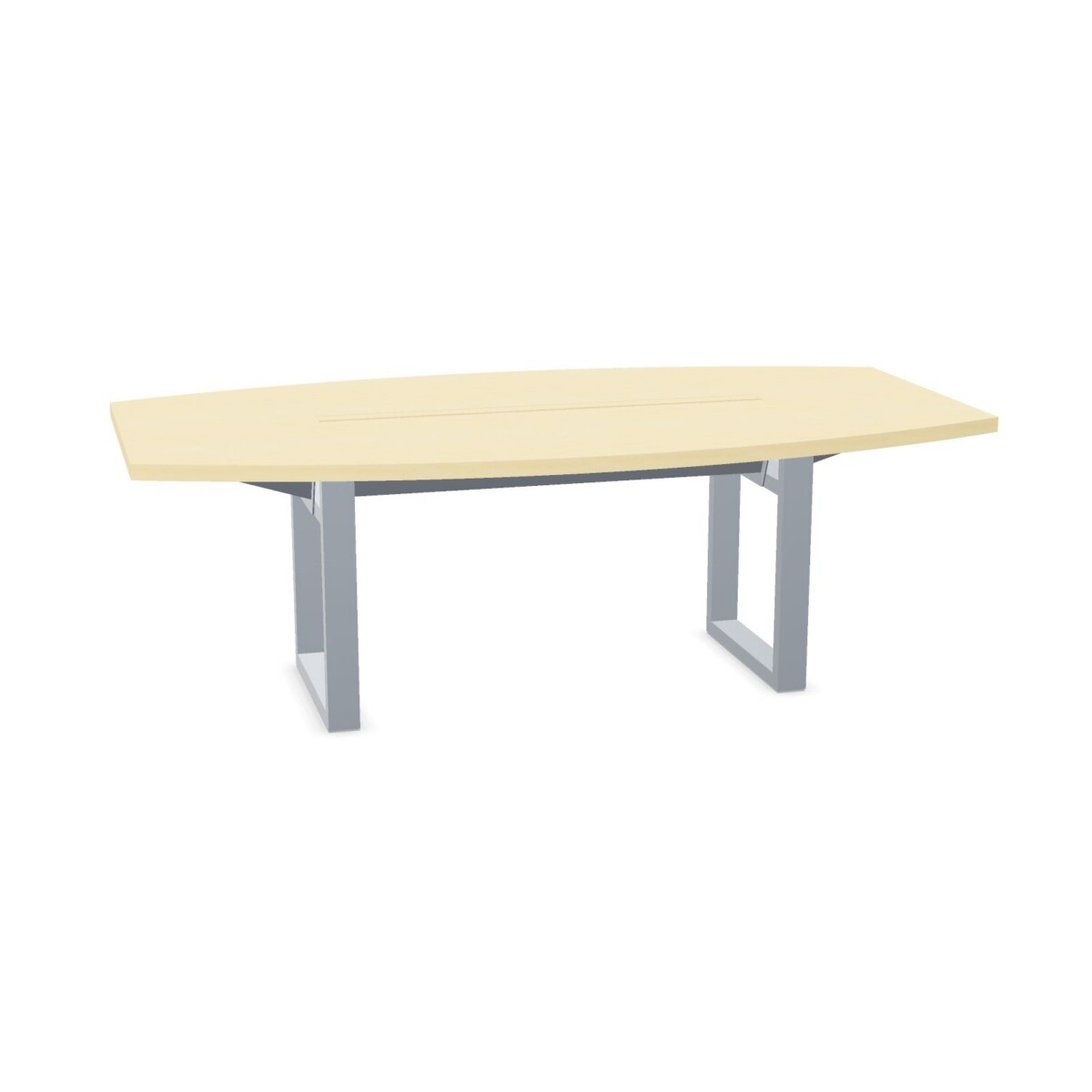
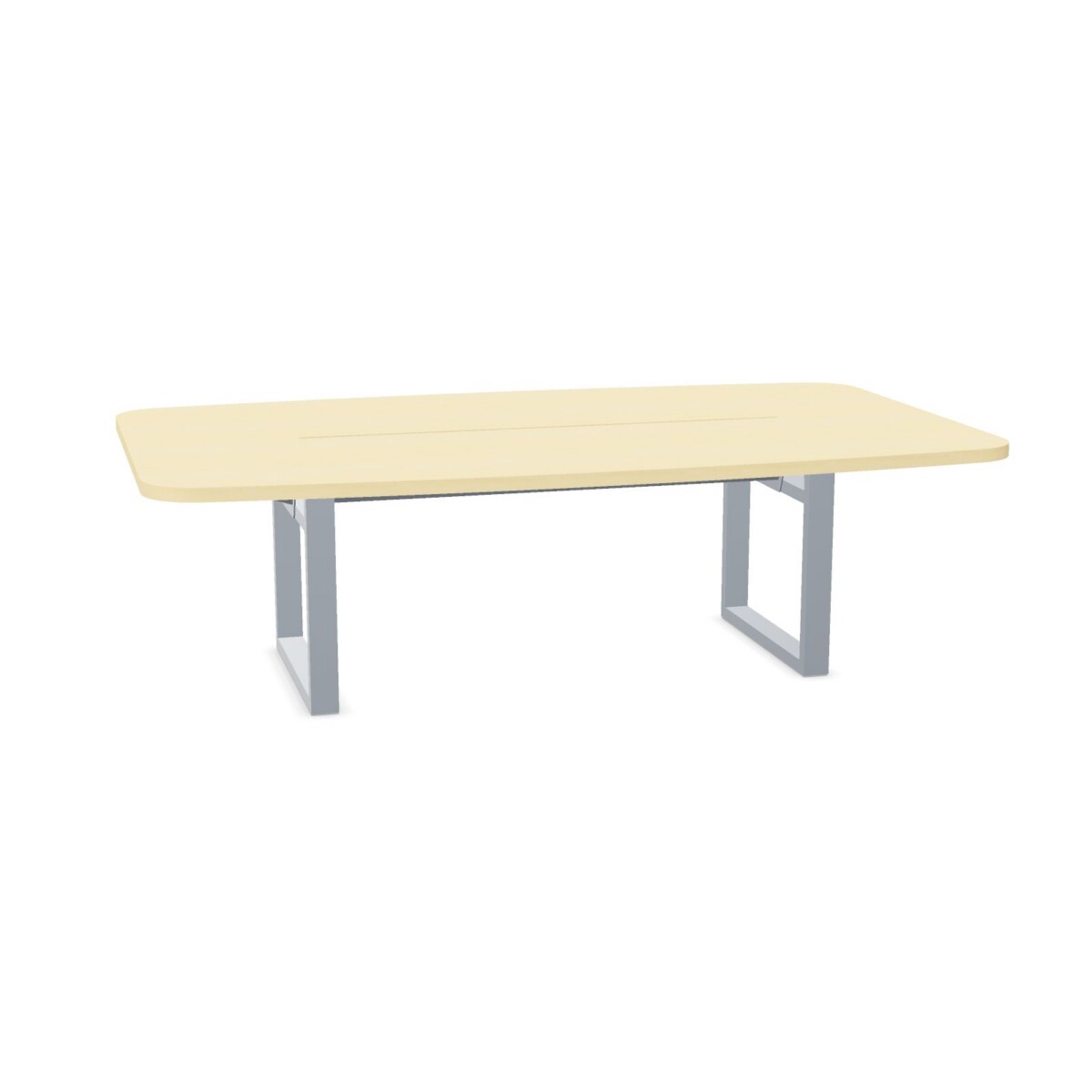
Choosing a Unit table for your space
Begin with the room’s everyday purpose. A four-person Unit table can suit a small meeting room, a team discussion area or a shared project space. For a larger meeting group, the collection also includes an eight-person table. Think about how people enter and move around the room, not only how many seats fit at the tabletop; chairs and clear circulation space affect whether a size works in practice.
Measure the available floor area and compare it with the dimensions shown for each model. Unit sizes in the collection vary, including different widths and depths. Leave enough room for chairs to be pulled out and for people to pass comfortably. If the table will sit near a wall or other furniture, check that its position still allows everyone to use their seat.
How the models differ
Choose by size and frame
Use the listed dimensions and seating information to narrow the range first. Then compare the frame styles available across the family: angled legs, panel legs, straight legs and T-legs. These are useful details to review alongside the room layout and the look you want. The product names also distinguish C and F versions, so check each individual listing rather than assuming that every version shares the same configuration.
Decide whether you need flaps or cable-tray compatibility
Several Unit tables are specified with flaps, while other options are identified by their frame or conference format. If a flap-equipped model suits your meeting setup, confirm the feature on its listing. For rooms where cables need to be routed, look for a model marked as suitable for a cable tray. Suitability does not mean a tray is included, so check what is supplied before planning your installation.
Review materials and finishes
The collection lists HPL, melamine and oak tabletop materials, alongside a broad selection of surface colors and base colors. Options can vary by model, so use the individual product details to confirm the exact material and color available for the table you are considering. A finish that works with existing furniture can help the table sit naturally within the room, while a contrasting base or surface can make it a visual focal point.
What to check before selecting
Confirm the intended seating capacity, exact dimensions, frame style, tabletop material, colors and flap details for your chosen model. If cable management matters, verify both cable-tray compatibility and whether a tray is included. The collection tables are not adjustable and are not linkable, according to the listed attributes, so consider whether a fixed, standalone table fits your plans.
Myntwork offers Inno Unit tables on a monthly lease. Compare the models against your room requirements and review the product details before choosing the configuration that suits your workspace.
Frequently asked questions about INNO INTERIOR In-tensive Unit Meeting Table
How many people can sit at Inno Unit tables?
The collection includes tables listed for four people and an eight-person option. Check the seating information and dimensions on each model, and allow room for chairs and movement around the table.
Do all Inno Unit tables include flaps?
No. Flaps are specified for several models, but not every table is described as having them. Confirm the feature on the individual listing before selecting a model.
Can I add a cable tray to a Unit table?
Some models are marked as suitable for a cable tray. The collection attributes say a cable tray is not included, so check the selected model’s details and plan for a tray separately if needed.
What tabletop materials and colors are available?
The collection lists HPL, melamine and oak tops, plus several surface and base colors. The available combination depends on the model, so verify its product details.
Are Inno Unit tables adjustable or linkable?
The collection attributes list the tables as not adjustable and not linkable. Check the details for your chosen model if these features are important to your workspace.