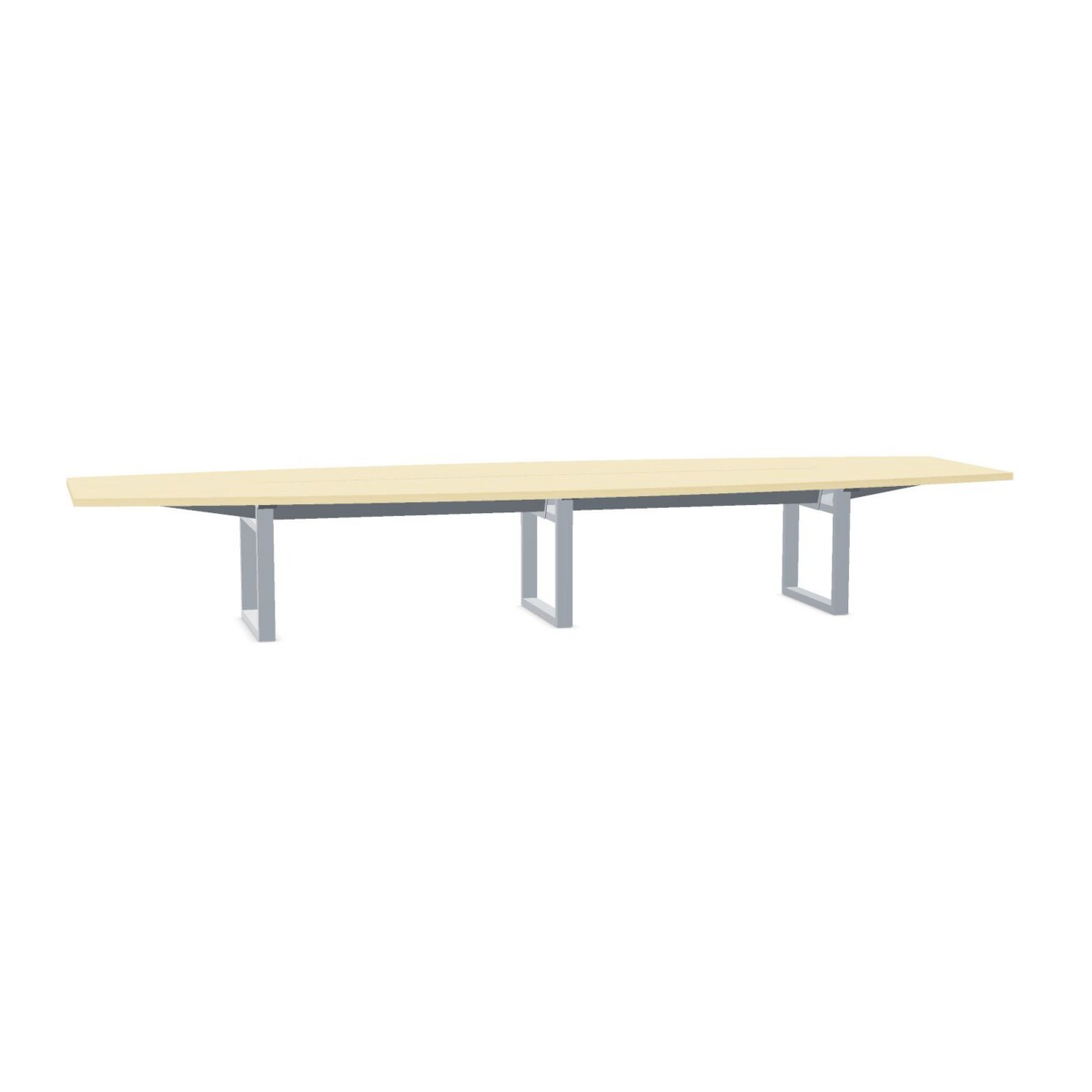
How to choose an Inno C2C table
Start with the people who will regularly use the room. Compare the capacity and dimensions shown for each table with your planned seating arrangement, while allowing enough space for chairs and circulation. The collection includes options listed for 4 and 16 people, but capacity is not the only consideration: a table that fits the headcount should also suit the room and the way meetings are run.
Match the table to the meeting setup
For meetings that use laptops or other connected equipment, look closely at the configurations with cable flaps. Flaps offer access through the tabletop, and some models are compatible with a cable tray. Compatibility does not mean the tray is supplied; the listed products do not include one. If a tray is part of your setup, confirm which components are required and how they fit the selected table before arranging the room.
If your meetings do not need tabletop cable access, compare the C2C conference table options without flaps as well. Consider where power outlets are located and how people will connect devices. Choosing the cable arrangement early can help avoid relying on temporary cables across walkways.
Compare finishes and base styles
The tops are listed as HPL, with surface colors across the family including wood, black, white, grey and other color options. Product descriptions also identify natural-wood or birch-natural appearances on selected tables. Check the specific configuration for its available color rather than assuming every listed finish applies across the collection.
Metal bases are part of the family, with frame styles including angled legs, panel legs, straight legs, T-legs and H-legs in the collection attributes. Use the individual listing to verify the base style on the table you are considering. The base color is another detail worth checking when coordinating the table with existing furniture.
What to check before selecting
- Measure the room and compare it with the dimensions listed for each configuration.
- Confirm the capacity suits your usual meeting group and seating plan.
- Check whether you want cable flaps and whether a compatible tray is needed separately.
- Verify the selected table’s top finish, color and metal frame style.
- Account for the fact that C2C tables are not linkable when planning a multi-table layout.
Once you have narrowed the options, review the selected product details for its exact configuration and the stated two-year warranty. Myntwork offers these products on a monthly lease, which can be considered when planning furniture for a business workspace.
Frequently asked questions about INNO INTERIOR Table C2C
How do I choose the right C2C table size?
Compare the dimensions and stated capacity of each configuration with your room measurements, planned seating and circulation space. The collection includes options listed for 4 and 16 people; verify the details for the specific table you are considering.
Do all Inno C2C tables have cable flaps?
No. The family includes tables with cable flaps as well as conference table options described without them. Check the individual configuration if tabletop access for cables is important to your meeting setup.
Is a cable tray included with a C2C table?
No cable tray is included in the listed configurations. Some tables are suitable for a cable tray, so confirm compatibility and arrange any tray or additional cable-management components separately.
What finishes and base styles are available?
The family is listed with HPL tops and a range of surface colors, including wood tones, alongside metal bases. Frame styles in the collection include angled, panel, straight, T-leg and H-leg designs. Availability varies by configuration, so check the specific product details.
Can C2C tables be linked together?
The collection is listed as not linkable. Plan each table as a standalone unit and check the room layout before selecting more than one.